FamiliarApps logo
InColor™ : Coloring & Drawing

InColor™ : Coloring & Drawing

Advertisement

Screenshots
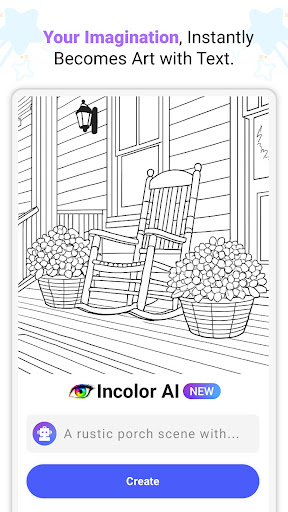
24 images
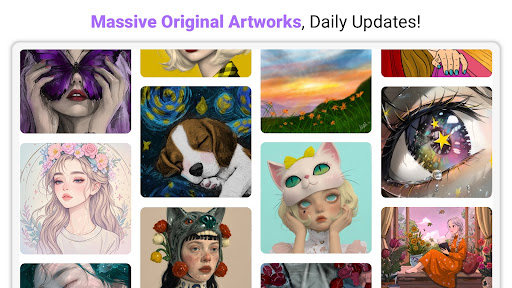
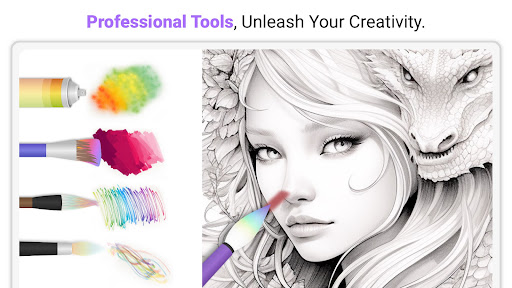
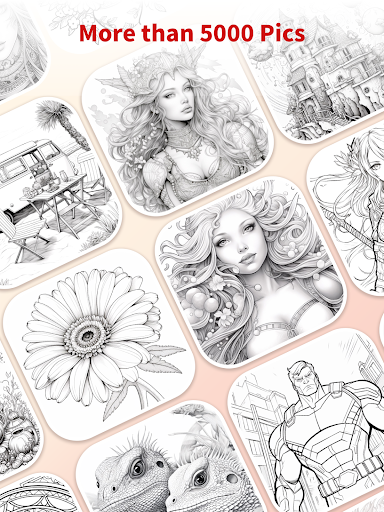
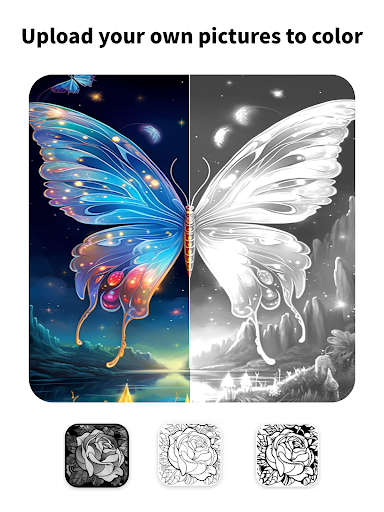
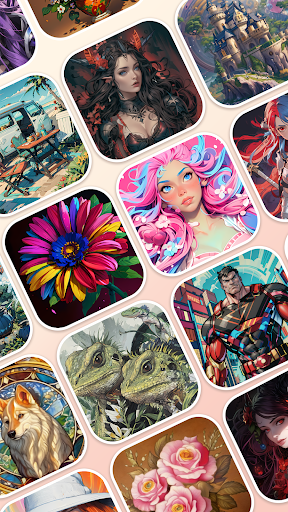
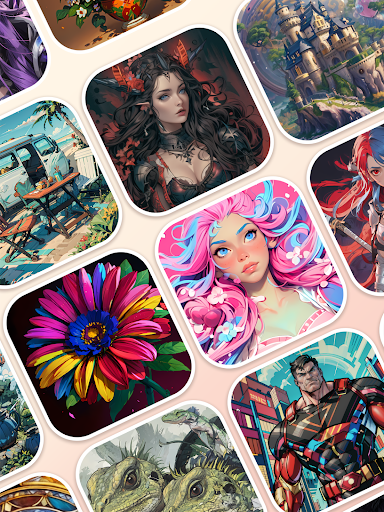
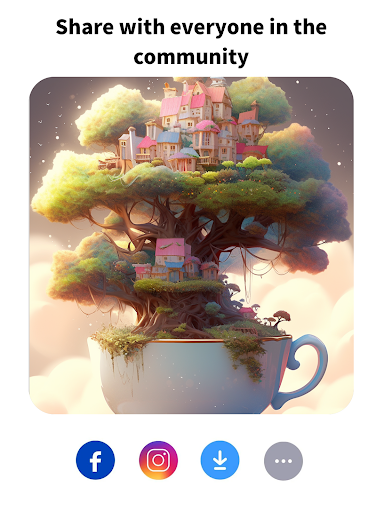
InColor™ : Coloring & Drawing screenshot 1 InColor™ : Coloring & Drawing screenshot 2 InColor™ : Coloring & Drawing screenshot 3 InColor™ : Coloring & Drawing screenshot 4 InColor™ : Coloring & Drawing screenshot 5 InColor™ : Coloring & Drawing screenshot 6 InColor™ : Coloring & Drawing screenshot 7 InColor™ : Coloring & Drawing screenshot 8 InColor™ : Coloring & Drawing screenshot 9 InColor™ : Coloring & Drawing screenshot 10 InColor™ : Coloring & Drawing screenshot 11 InColor™ : Coloring & Drawing screenshot 12 InColor™ : Coloring & Drawing screenshot 13 InColor™ : Coloring & Drawing screenshot 14 InColor™ : Coloring & Drawing screenshot 15 InColor™ : Coloring & Drawing screenshot 16 InColor™ : Coloring & Drawing screenshot 17 InColor™ : Coloring & Drawing screenshot 18 InColor™ : Coloring & Drawing screenshot 19 InColor™ : Coloring & Drawing screenshot 20 InColor™ : Coloring & Drawing screenshot 21 InColor™ : Coloring & Drawing screenshot 22 InColor™ : Coloring & Drawing screenshot 23 InColor™ : Coloring & Drawing screenshot 24

Advertisement

About InColor™ : Coloring & Drawing

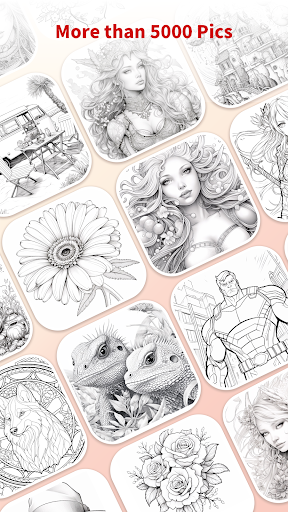
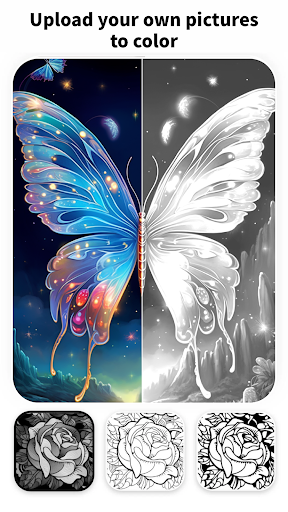
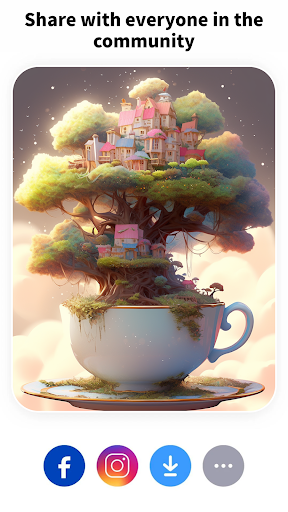
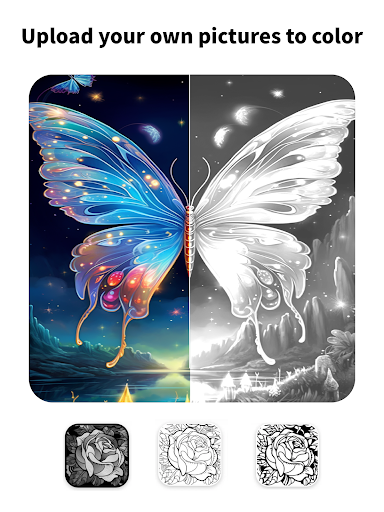
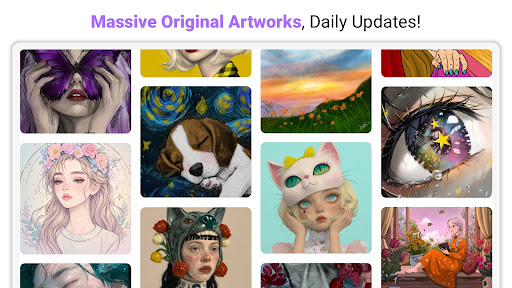
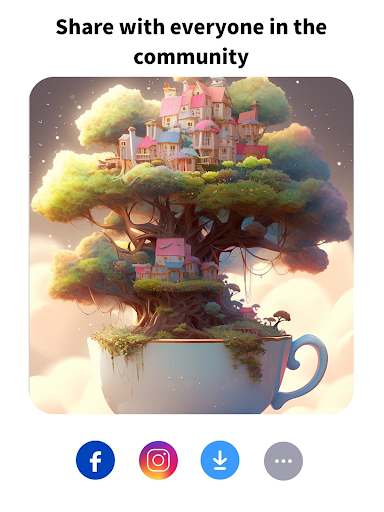
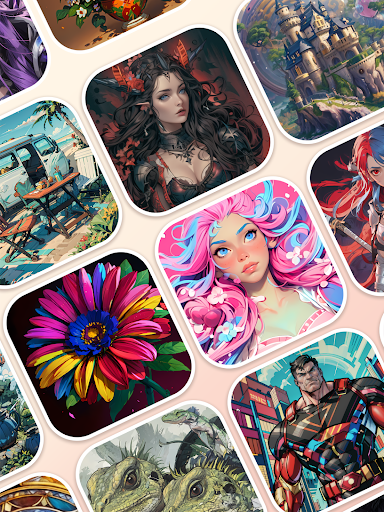
InColor: Coloring & Drawing is actually a particularly interesting entertainment mobile app, which is suitable for those who like to toss colors and draw. It can be used on Android. It is easy to operate and quick to use. Whether you are a novice or a veteran, you can have fun and use your artistic skills. The interface design of this application is quite intuitive and has rich functions. It is very easy to use, and it can make people relax and express themselves. It is indeed quite popular.

Overview

core functions

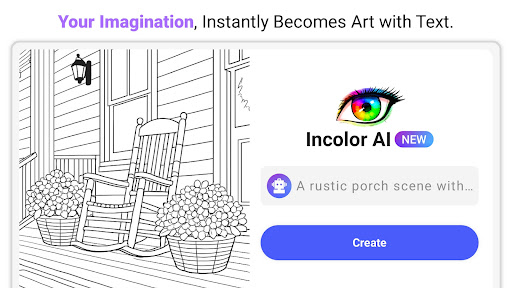
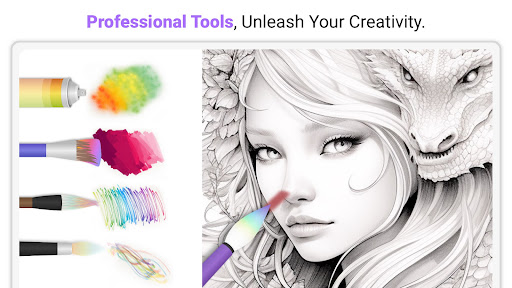
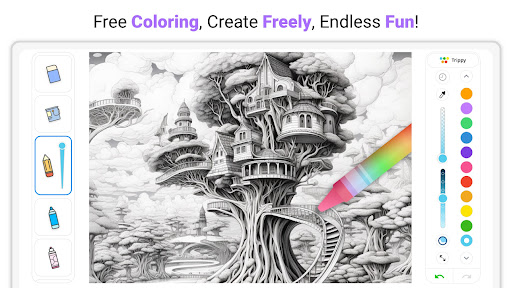
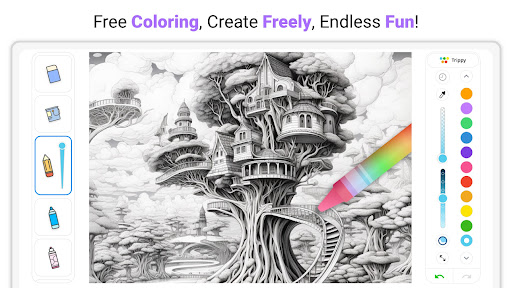
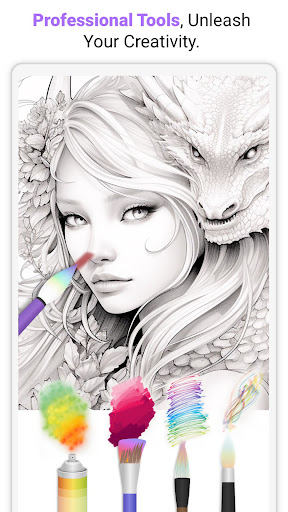
  • This software tool is extremely rich, and there are many tools for drawing and coloring, such as various brushes, pencils, and markers. The details are vividly displayed and it feels particularly enjoyable.
  • The interface is particularly intuitive and easy to use, without fancy operations. All functions can be easily found at the beginning, and the experience is quite smooth.
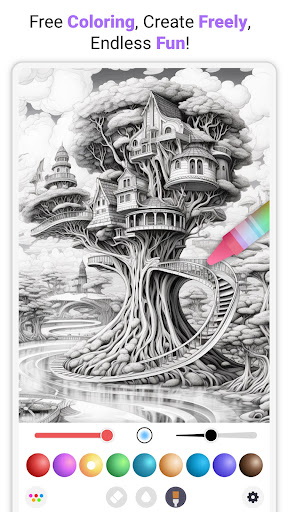
  • The built-in color palette and color mixing effect are quite intimate and help you play with colors. They are suitable for novices and experienced painters, making creation more interesting.
  • Built-in automatic save function, you don't have to worry about losing your work. The whole use process is smooth and unobstructed, and it's a very considerate design.
  • It can also be used offline. When there is no Internet, you can still color and paint at your will. It is really a good helper anytime, anywhere.
  • You can adjust the canvas and layers yourself, and you can handle complex works. The professional-level functions are not bad at all and are definitely enough.
  • Without the worries of advertising, concentrate on creation and become more focused, and the experience is more comfortable. Users feel full of trust and high satisfaction.

Who is suitable for?

This mobile app is especially suitable for children, teenagers and adults who like to draw and color, especially those who like to find some entertainment on Android devices.

Whether you want to relax at home or go out to play, you can also use it to find fun. Whether it is leisure, hobbies, or professional practice, this app is quite suitable. The threshold is low, and everyone can have fun.

Why choose this software

What is quite attractive about this Android app is that it is very user-friendly and has quite comprehensive functions. It is suitable for casual users and can also meet the needs of professional painters.

It is highly stable and smooth to use. It solves some problems such as difficulty in finding tools and poor interfaces. It has become the best software in its kind and is worthy of being the first choice for coloring and painting.

Pros & Cons

Pros

  • Intuitive painting interface
  • Rich color options
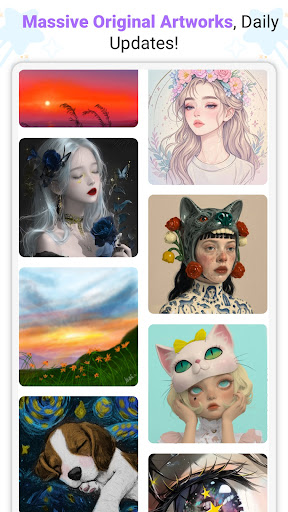
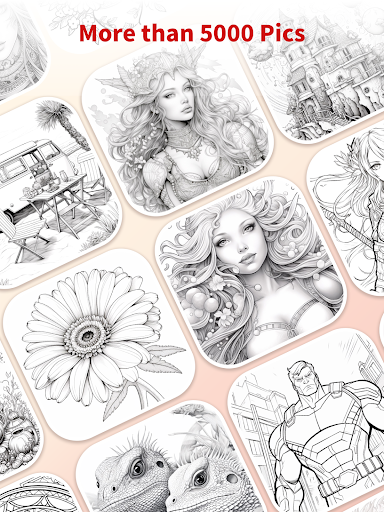
  • Rich templates and pages
  • Customizable drawing tool
  • Save and export functions

Cons

  • Limited offline functionality
  • In-house purchase prices are high
  • Advanced features are not strong enough
  • Old equipment occasionally gets stuck
  • Customized brushes are not rich enough

Advertisement

Download InColor™ : Coloring & Drawing

You are going to be redirected to the official website to finish the download when you click these buttons above.

FAQ

Is InColor: Coloring & Drawing safe to use on my device? +
Of course, InColor is a very reliable and safe mobile app, specially prepared for people who like to color and draw. There is no harmful content in it, and the privacy policy is very strict and suitable for friends of all ages. This app was developed by an experienced and well-regarded team who are quite good at doing these entertainment things. You can explore various functions with confidence, knowing that its security is still quite guaranteed.
How do I install InColor on my Android device? +
It's actually quite easy to install InColor. Just open the Google Play Store, search for the app name, then click the "Install" button, and wait patiently. After installing it, you will find that the interface is super intuitive and you can start your creative journey immediately after opening it. The functions of this app are designed very carefully, and you can enjoy a satisfactory experience without much trouble.
What features does InColor offer for coloring and drawing enthusiasts? +
InColor provides a variety of rich features, such as a variety of coloring pages, drawing tools, and personalized settings. It is especially suitable for painting friends of different ages, with smooth operation and smooth experience. For example, color blending, undo and redo, different brush types, details you can't imagine are taken into account. Turn your mobile phone into a portable studio, where both newcomers and veterans can find fun and be creative.
Can I use InColor without an internet connection? +
Of course! Once InColor is downloaded, it can be used offline, independent of the Internet, anytime, anywhere coloring is not a problem. Especially convenient, go out or when the network is unstable can also enjoy creative. All of its functions can be operated offline, and it can save works directly to mobile phones. This is a good creative artifact that perfectly meets the needs of friends who like DIY.
Does InColor regularly update its app features? +
Absolutely! InColor's development team is very attentive and often pushes updates, which not only makes the application experience better, but also adds new features to make things better and better. This way, you will never feel old or have no new content to play with. Always keep up to date with the latest version, coloring and painting will become more interesting and easier, and security will be guaranteed. Trustworthy entertainment software is worth a try.
Is InColor suitable for children and teenagers? +
Of course, InColor is especially suitable for children, teenagers, and even adults who like art. The interface is super easy to use and you can use it with fun regardless of age. It creates a very safe environment without harmful content, where children can play with peace of mind. Parents can rest assured that their children can use their creativity on this platform without advertising harassment or inappropriate content. It is a truly trustworthy entertainment application.
What makes InColor different from other coloring or drawing apps? +
The reason why InColor is different from others is mainly because it is rich in functions, smooth operation, and pays special attention to user experience. Its small color pages and painting tools are very diverse. Whether you are casual or professional, you can find the right elements. As a comprehensive application solution, it can bring you continuous creative fun, and at the same time it is very trustworthy, safe and reliable. Friends who like to use mobile phones to DIY art must not miss it.
Is there any customer support available if I encounter problems? +
Of course there is! InColor's development team provides dedicated customer service support, and you can contact customer service at any time if you have any questions. Whether it is questions about the use of the app or other suggestions, you can find help through the Help Center or the website. Their support service is timely, ensures you enjoy your use and increases the reliability of the software. For friends who like to color and draw, he is really a trustworthy and good partner.

Customer Reviews

AI
AI Generated Summary
Based on real user feedback
★ 3

InColor™: Coloring & Drawing is praised for its relaxing, creative experience with a wide variety of beautiful images, including anime and manga themes. Users highlight stress relief and soothing effects. Key dimensions: Content & Tools – many enjoy color mixing, opacity, and line boundaries, though recent updates have removed opacity and custom colors for some. Ads & Monetization – ads appear every 30–60 seconds, with many features locked behind payments or a costly subscription. Some users accept ads as a trade-off for quality, while others find the free version unusable. Performance & Updates – the app was once loved, but recent updates introduced bugs, image loss, and sluggishness. Suitability – works for both adults and children, but a few find it outdated. Overall, users appreciate the creative potential but are frustrated by aggressive monetization and post-update decline.

Not Me · 2026-06-21
★ 1
It was different from what I had imagined.
Brett Giddings · 2026-06-20
★ 1
This app is a scam — we bought it for a child with special needs, but when we explained the situation, they refused to issue a refund.
Anastasia Katsarani · 2026-06-14
★ 5
I love this app. This is the best app. Omg Coll.
Ocean clark · 2026-06-13
★ 5
This is probably the best app I have used in a very long time. Anyone who hasn't downloaded it yet should do so—you will experience less stress and less anxiety. That's the truth.
Tara F · 2026-06-12
★ 1
This app was great with color mixing and options. But the recent update introduced constant ads and paywalls. Ads appear every 30 seconds, even interrupting drawing. You must watch ads to use basic features. I cannot recommend this app anymore.

Write a Review

Share your experience with InColor™ : Coloring & Drawing. Submissions are reviewed before publishing.

Rating *
0 / 2000

You Might Also Like

More apps you may want to try next.

Advertisement
5
Please wait...