How To Draw Comics
Advertisement
Screenshots
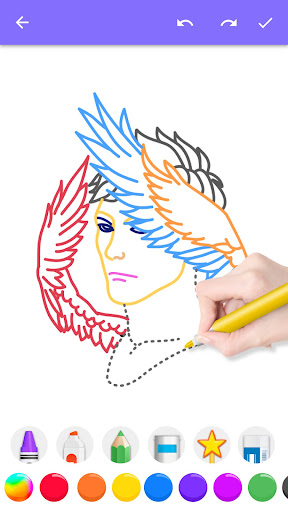
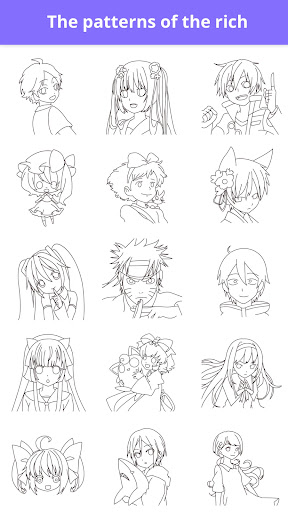

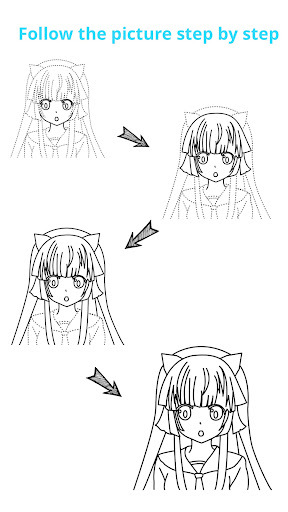
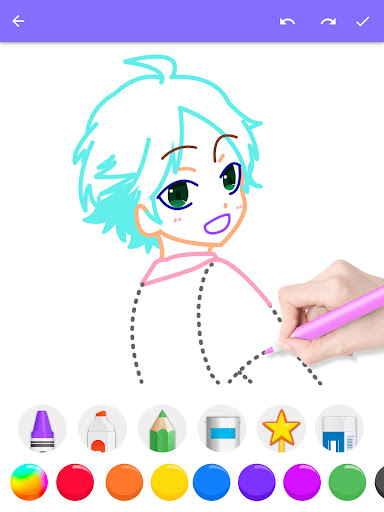
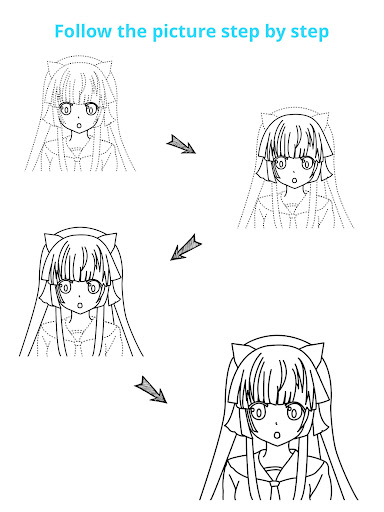
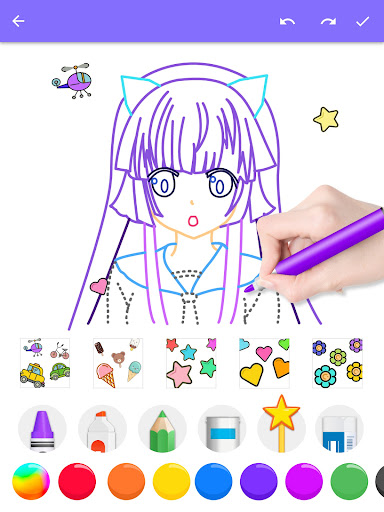
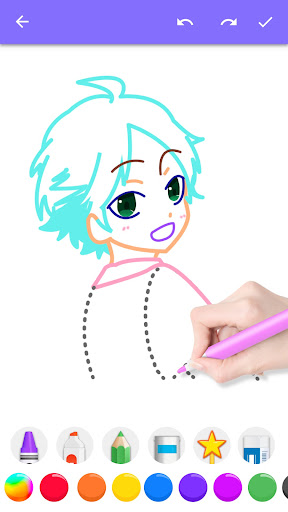
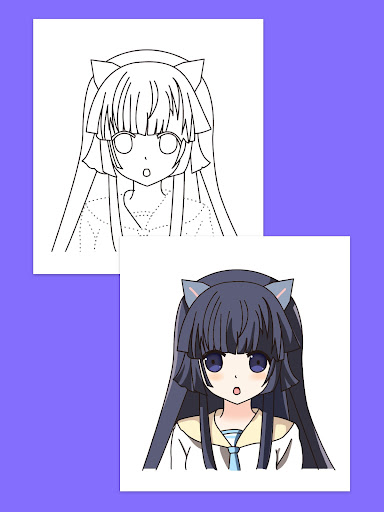
Advertisement
About How To Draw Comics
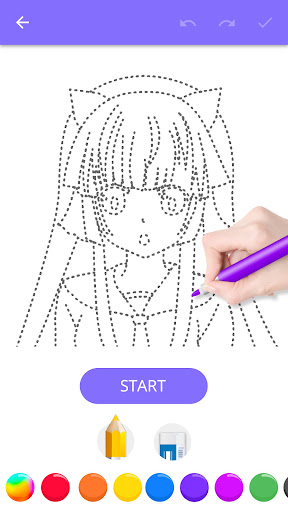
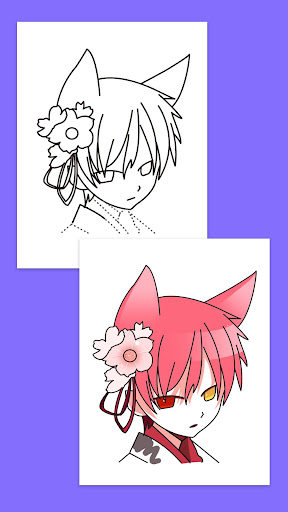
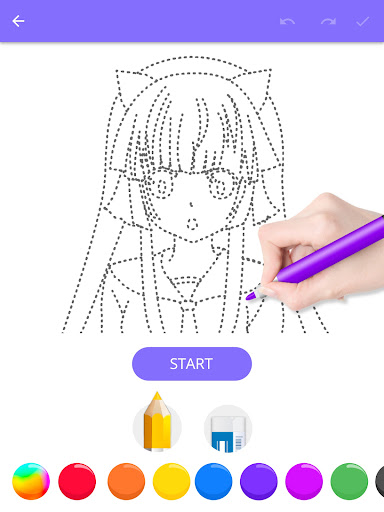
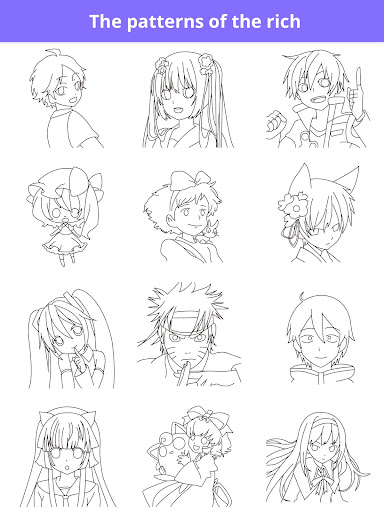
How To Draw Comics is a super intimate Android app especially for those who like to draw and are obsessed with comics. This mobile app not only has detailed step-by-step instructions, but also comes with a variety of interesting tutorials to help you learn how to draw your favorite comic characters. Its interface is simple and intuitive, and its functions are quite comprehensive. Whether you are a novice Xiaobai or an illustrator who already has some basics, you can have fun and create your own wonderful comics.
Overview
core functions
- This software has ultra-detailed teaching that teaches you to learn to draw comics step by step. The operation is simple and clear, and is particularly considerate.
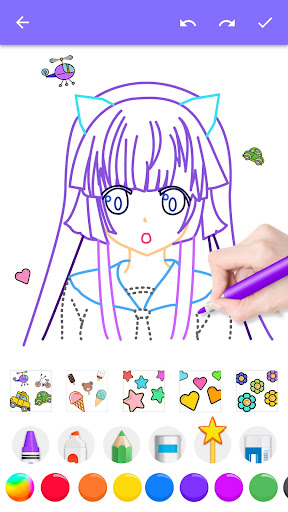
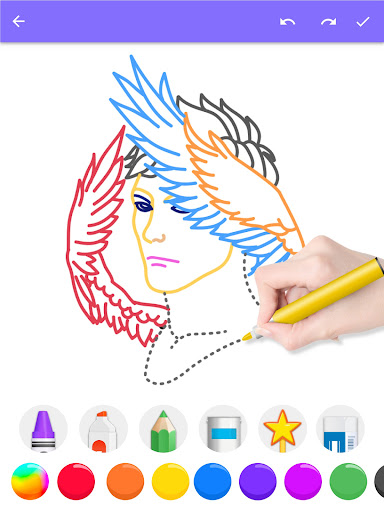
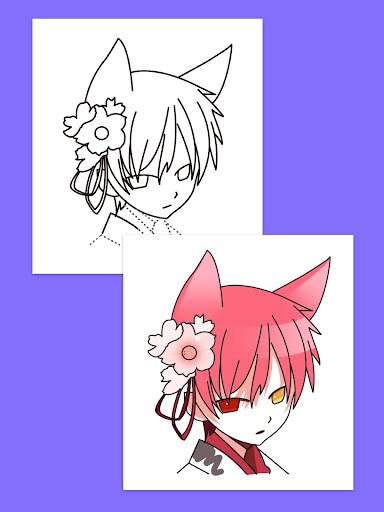
- There are all kinds of painting tools, including pencils, ink, color filling, and multi-layer management to help you play brilliantly and be creative.
- Support offline use, you can paint anytime and anywhere when you want to. You don't have to worry about being disconnected from the Internet. The experience is very smooth.
- The interface is super friendly, making those complex comics simple and understandable, and both beginners and gods can easily master them.
- It will also provide real-time feedback on your work, provide guided exercises, slowly improve your level, and make you feel like you are growing with the software.
- You can customize your brushes and workspace to make your work unique and follow your own pace.
- Compatible with various Android devices, smooth operation, and fall in love with it as soon as you use it. It is a very practical creative assistant.
Who is suitable for?
This mobile phone app is specially prepared for friends, students and various interests who aspire to become cartoonists. No matter how old you are, you can try it to help you improve your painting skills.
Whether at home or on the road, as long as you want to learn painting and create, you can find fun. It is a real help for art learning and supports your creative dreams!
Why choose this software
This Android software is characterized by its comprehensive functions. It can be used smoothly by both beginners and senior painters, and the operating experience is particularly intuitive and smooth.
It pays special attention to the user experience, has practical tools, and can also be operated offline. It is so reliable that you can rest assured. It feels very intimate to use. It can both learn and play comics. It's a good choice!
Top Recommended Alternative

Pros & Cons
Pros
- Intuitive and easy-to-use drawing interface
- Rich tool and brush selection
- Support layers, so there is no pressure to create complex works
- Rich tutorials and community resources
- Multiple export formats for easy sharing
Cons
- Free features are limited
- Occasionally I get stuck and collapse
- Advanced functions are difficult to get started
- File formats are not fully compatible
- Too little interface customization
Advertisement
Download How To Draw Comics

FAQ
Is How To Draw Comics easy to use for beginners?+
Of course, the software How to Draw Comics is actually designed for novices. The step instructions are very detailed and it is not difficult to learn at all. Its interface is super intuitive, giving you slow guidance. It's like chatting with you. The operation is also very simple and super friendly for novices to use.
Manypeople who have used this software find it fun and helpful. As a very popular mobile app, it provides clear guidance and visual assistance. Whether you are drawing comics for the first time or not, you can have the confidence to make your own comics yourself.
Can I learn to draw comics on my Android device using this app?+
Of course, this software is available on Android, which is especially suitable for friends who want to learn to draw comics on their mobile phones. Its functions are quite comprehensive, with painting tutorials, practice questions and some tips to make your experience better.
Asa launcher specifically used for drawing comics, it allows you to practice anytime, anywhere. Many users have given favorable comments, saying that its course arrangement is reasonable and the interface is particularly easy to operate, making people fall in love with it as soon as they use it.
Are the app features suitable for advanced artists too?+
Although this How to Draw Comics is more suitable for novices, in fact, experienced masters can also benefit from it. It has a variety of tutorials and techniques that can help you hone your skills, try some new styles, and enrich your comics creation world.
Thissoftware solution is quite flexible and can help you continue to grow. All kinds of resources are very practical. No matter what your level is, you can find content that suits you and master comics skills that everyone can easily master.
Is the app safe and trustworthy to use?+
Of course, this app for how to draw comics is quite famous in the Google App Store, has a good reputation, and has guaranteed privacy and security. As a trustworthy application, it follows various data protection rules, allowing you to use it with peace of mind and explore various functions with confidence.
Asa very popular comic learning launcher, it has good user reviews, and many people say it is safe to use. You can rely on it to safely improve your painting skills and learn without worries.
Does this app work offline or require an internet connection?+
Many of the functions in this "How to Draw Comics" can be used offline. You can practice drawing without the Internet and watch tutorials. However, some updates or additional content may have to be downloaded online.
Choosingsuch an application-based tool allows you to use it anytime, anywhere, which is particularly convenient. The offline function also means that you don't have to worry about network problems when you study. You can do it anytime and anywhere. Isn't it great?
Is there a compatibility requirement for using this app?+
This Android software is basically compatible with most Android devices on the market and is basically no problem to use. Whether it is a mobile phone or a tablet, it can run smoothly, and the experience is naturally good.
However, before installing, it is best to figure out your system version to ensure compatibility. Overall, this app is quite friendly and can be a good helper for many Android users to improve their comics.
What makes How To Draw Comics stand out among other drawing apps?+
This software can be said to be a good combination of user-friendliness and powerful functions, and is specially designed for comic artists. Its step-by-step tutorials and practical courses can help beginners and take care of experienced painters, supporting a good learning environment.
Moreover, it focuses on comics style, and the content it brings is very targeted and cannot be achieved by ordinary drawing software. As a special starter for comics, everyone trusts it. If you want to advance to the next level in this field, you rely on it.
How does the app support ongoing learning and practice?+
"How to Draw Comics" provides a wealth of tutorials, exercises and tips to ensure that you are constantly improving. Its interface is very intuitive, making it easy and interesting to practice painting skills.
Asa good helper for comic book lovers, it encourages you to practice and constantly push your limits. In the long run, this software will be a good partner for you to continue to improve, accompanying you to gradually become stronger.
Customer Reviews
Users generally praise How To Draw Comics for being fun, easy to follow, and effective for practicing drawing skills, especially among younger audiences. Many highlight its wide range of drawings, stickers, and coloring options, and appreciate the addition of skin tones. However, feedback is mixed on key dimensions: "Ads & Interruptions" – some users find the ad frequency excessive (e.g., multiple ads in a row) and the 'Continue' button obstructive; others enjoy the app without major complaints. "Usability & Features" – while many call it simple and intuitive, a few report it's difficult to use, has few colors, requires internet, and takes up too much space. "Learning Value" – most agree it helps improve skills, but some feel it doesn't explain mistakes or provide enough guidance on errors. Overall, the app is well-liked despite notable drawbacks.
Write a Review
Share your experience with How To Draw Comics. Submissions are reviewed before publishing.
You Might Also Like
More apps you may want to try next.