Home Planner AI: Room Interior
Advertisement
Screenshots
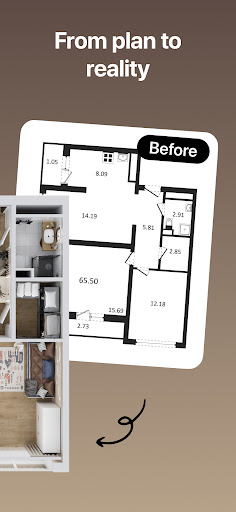
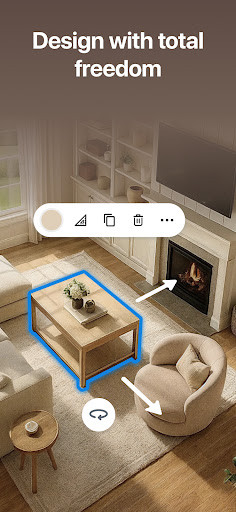
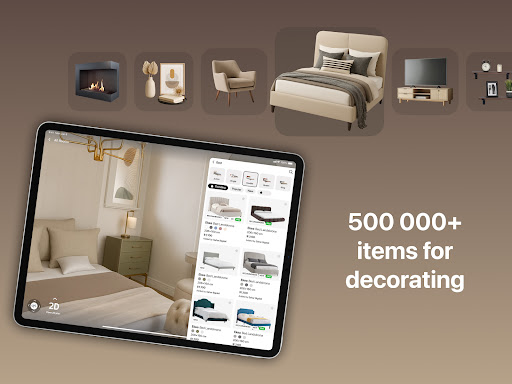

Advertisement
About Home Planner AI: Room Interior
Overview
core feature
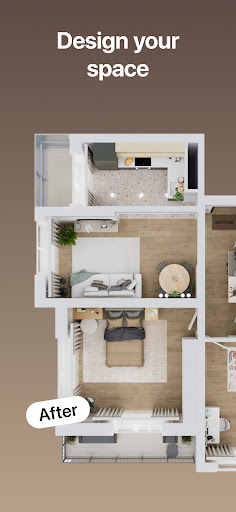
- This application interface is super intuitive, making it particularly easy to design and visualize the room layout without worrying about complex operations.
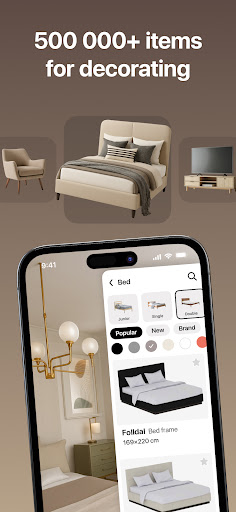
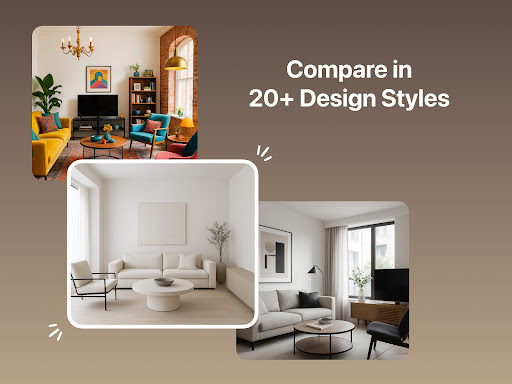
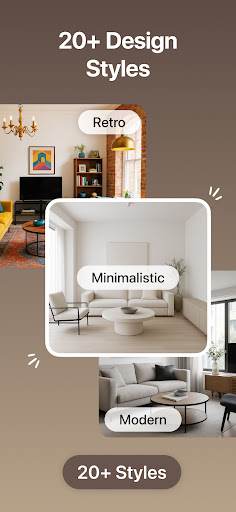
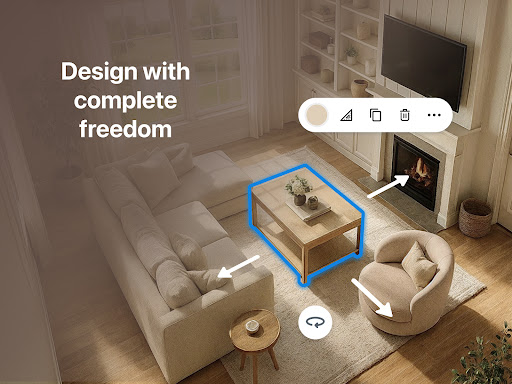
- It has a huge library of furniture, decorations and color schemes that can help you customize the space as you please, and do it any way you want.
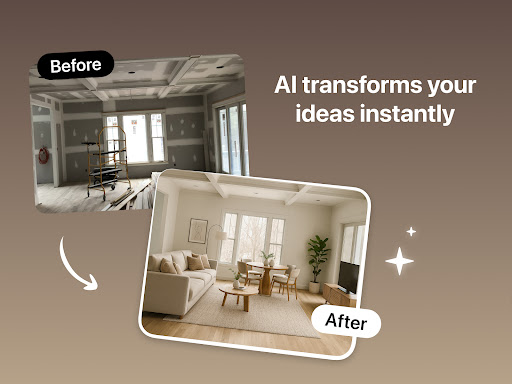
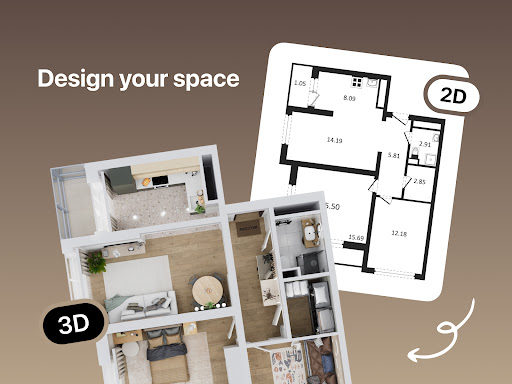
- The real-time 3D preview feature allows you to see the effects of changes at a glance, making the interior planning experience smoother and more intuitive.
- You can save your designs and share them. Working with friends becomes super easy, and the whole process is much smoother.
- Support offline use, and you can design it by yourself no matter where you are, eliminating the trouble caused by poor network.
- This mobile app can also be used as a launcher, allowing you to quickly open various design tools, and you can do everything on the front page.
- There are also detailed tutorials and tips to help you make the most of this APP-based home design solution and easily become a master.
Who is suitable for?
This mobile app is particularly suitable for homeowners, interior design enthusiasts and professional designers who want to plan their spaces more efficiently. The operation is super friendly and you can use it no matter what level you are at, especially on an Android phone.
Whether you are planning to draw a room type map, pick some decorations, or see the decoration effect in advance, this app can help you do it. Whether you are a DIY player or a professional, it can be adjusted according to your needs and project size, which is quite considerate.
Why choose this app
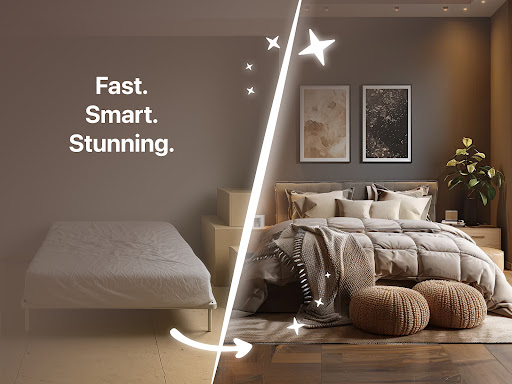
This Android app is particularly eye-catching because it is rich in features and brings a smooth interior design experience. Its visual effects are particularly realistic and there are many customization options. It is definitely the first choice for home decoration and house planning.
Combining friendly interface with stable performance, this APP-based solution helps users avoid some common pitfalls and realize their interior design ideas with more confidence. It can be said that it is a trustworthy and efficient interior design start-up tool!
Top Recommended Alternative

Pros & Cons
Pros
-
intuitive user interface
-
Rich furniture library
-
Real-time 3D effect display
-
Smart budget estimation
-
Universal for multiple devices
Cons
-
The material selection is not rich enough
-
Occasionally rendering is a little slow
-
High-level functional learning curve is steep
-
Limited export formats
-
Gardening and outdoor design functions are more basic
Advertisement
Download Home Planner AI: Room Interior
FAQ
Is Home Planner AI: Room Interior safe to use? Isn't it safe? +
Of course, Home Planner AI: Room Interior is very security-oriented in design. User data and everything are protected by encryption, and there are also methods for security verification. You can safely use this mobile app to do interior design without any worries.
Thedeveloper also follows the formal route of the industry and follows best practices, so it is quite reliable and can be trusted if anyone is suitable for personal or professional design. After all, it is a mature solution, and privacy and data security are all at heart.
How can I get this interior design app on my Android phone? Is it difficult to operate? +
Using Home Planner AI: Room Interior is actually quite simple on Android. At first, you just need to download it from Google Play, register an account or log in with an existing account. The interface design is quite intuitive, and it is not difficult for beginners to get started and basically can understand it.
Afterlogging in, you can try various functions, such as a 3D preview of the room, layout of furniture, etc. The design of this app takes into account the user experience and helps you plan space using Android or a launcher that supports customization, and the results are quite good.
What are the main functions of this Home Planner AI: Room Interior? Is it easy to use? +
Its highlights are probably 3D room previews, customized furniture placement, color matching and real-time editing. It is very convenient to use and can help you easily work out detailed interior design plans. It is very suitable for those who like to move bricks and want to improve their homes by themselves.
Italso allows you to save multiple projects, share designs, and access material libraries for various furniture and decorations. Various functions are stacked together to make your decoration look professional and beautiful, and the experience is great.
Can I use this app on other devices? Or is it only Android available? +
At present, Home Planner AI: Room Interior is mainly available on Android devices and is downloaded and installed directly from Google Play. Only this platform supports it well. Both Android phones and tablets can be used, and the overall experience is quite smooth.
Asfor the iOS version, it has not been launched yet, so friends who want to use Apple may have to wait. However, this Android version is quite comprehensive, meeting the ideas and needs of most users, and can also do a good job in planning home affairs.
Can this app be used as a launcher? Or is it just a specialized design tool? +
In fact, it is just a stand-alone interior design tool, not the type used as a starter. It is mainly to help you visualize your room ideas, plan and layout on Android. It is a very dedicated application that can help you implement your home design ideas into specific effects.
Ifyou like to customize your own mobile phone's homepage, you can consider using other launchers, and then use this design tool as an aid to provide some design inspiration, but it itself cannot replace the launcher.
Are the room layout and design effects in this app accurate? Will it be very dependent on feeling? +
Don't worry about this. The layout preview of Home Planner AI: Room Interior is quite accurate. Relying on its advanced visualization technology, combined with the device's cameras and sensors, it can help you restore a more realistic spatial state. It allows you to see the effect of furniture and decoration in advance, which is quite close to reality.
Many users trust the accuracy of this solution and use it as a professional assistant to design space. They can use it with confidence, the effect is visible, and they have a better understanding.Will this app be difficult for beginners to use? Is it too complicated? +
Not at all! This app is designed very friendly and especially suitable for users who are just starting. It does not have so many complex operations, the interface is simple and clear, and there are also guides and tutorials to help you figure it out step by step. As long as you follow the steps, there is nothing difficult.
Evenif it's your first design, it can be easy to get started and help you make a beautiful and practical room layout without being stressed out, allowing novices to feel fulfilled and plan with confidence.
Will there be an extra charge to use this app, and will the extra content inside cost money? +
The basic functions are quite enough, and the free version can meet most design needs. Some advanced features or content may require in-store purchase or subscription, but most tools are open to users for free. You can also consider upgrading if you feel good using it.
Inthis way, you can experience it first and see if you think it is worth spending more money and investment. It is not stressful, but also able to try out results. It is a reasonable solution.
Customer Reviews
Users generally appreciate the app's ease of use and its value for developing initial design ideas, with many finding the free version sufficient for basic room planning. However, significant frustration centers on the restrictive free version that locks essential features—like changing room dimensions—behind a Pro subscription, making it feel useless for many. The Pro version itself receives mixed feedback: while some find it helpful, others report bugs such as non-functional lighting, lost designs after syncing, and poorly rendered furniture. The AI 'upload a photo' feature is criticized for randomly adding unwanted doors or windows, with users noting free tools perform better. Additionally, issues like slow performance, crashes, and inability to zoom or place objects precisely are common. Overall, the app offers a solid foundation but is hindered by aggressive monetization and incomplete functionality.
Write a Review
Share your experience with Home Planner AI: Room Interior. Submissions are reviewed before publishing.
You Might Also Like
More apps you may want to try next.