Home Design 3D: Draw & Plan
Advertisement
Screenshots
Advertisement
About Home Design 3D: Draw & Plan
Home Design 3D: Draw & Plan is a particularly intimate mobile application. It is very suitable for homeowners or friends who like design. Even if they don't have any professional skills, they can easily draw and imagine their home. Whether you use it on Android or other systems, you can do it. This software is quite functional and helps you realize your dream home step by step. You can play freely whether it is indoors or exterior. The whole experience feels really good, intuitive and interesting. Little fans who like house design must not miss it!
Overview
core feature
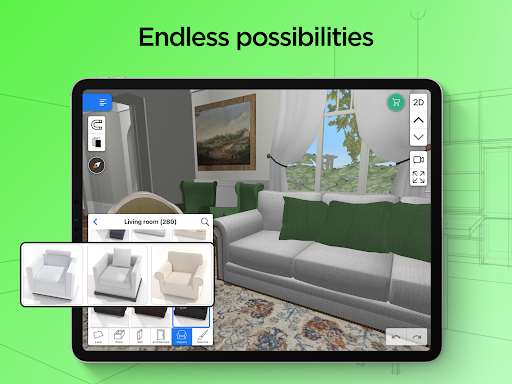
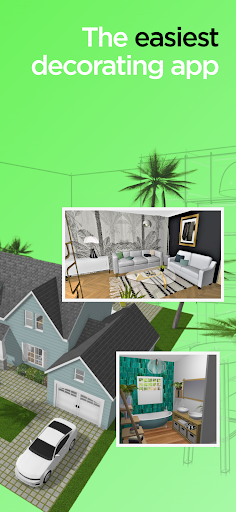
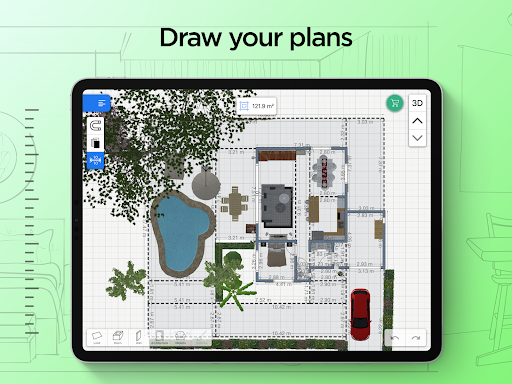
- This software makes a simple and somewhat powerful 3D home improvement function, allowing users to easily design detailed interior layout by themselves. It is really convenient.
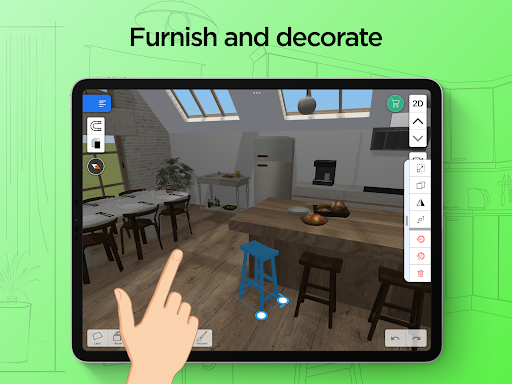
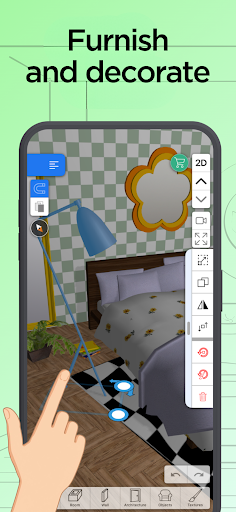
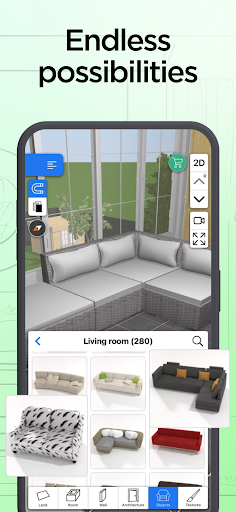
- It is also equipped with an ultra-rich library of furniture and accessories, which can be customized at will, and has many functions, making it a lot of fun to have.
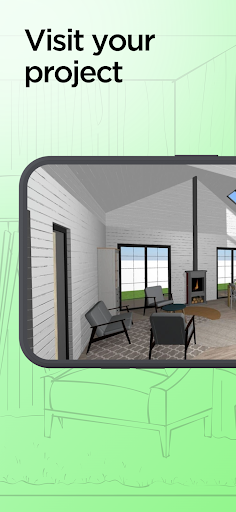
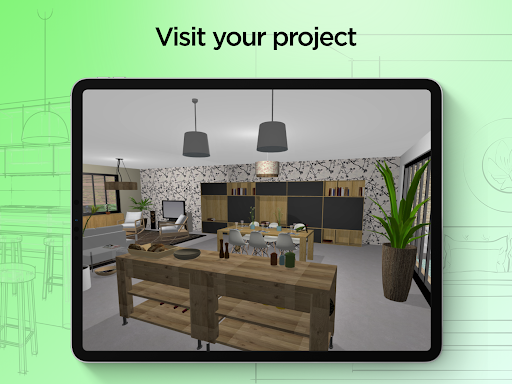
- The operating interface is particularly intuitive and supports real-time editing. You can see the effect while drawing. It's like communicating with a designer on the spot, which is quite interesting.
- Support offline mode, mobile phones can carry out design projects without having to connect to the Internet. This is really practical and friendly to people who often go out.
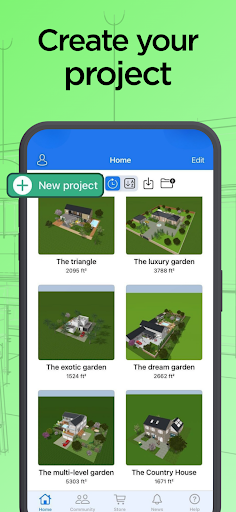
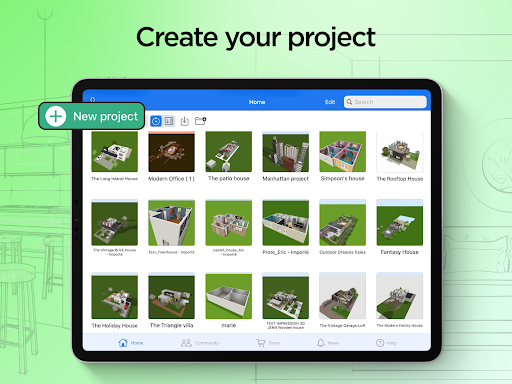
- It also has a very user-friendly project management system that helps you organize different designs in an orderly manner, which is quite considerate.
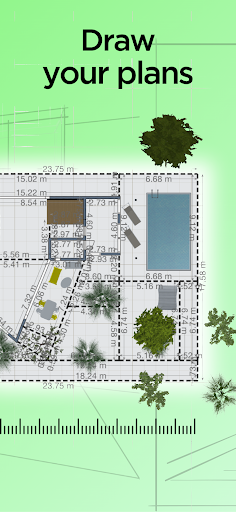
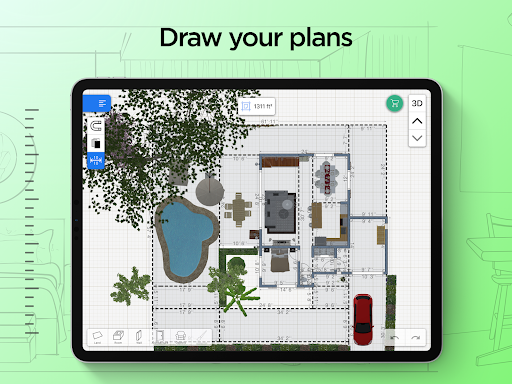
- The built-in measurement tool is quite accurate and helps you make the details more accurate. It is a reliable home improvement assistant.
- This Android app also works seamlessly with your device and runs smoothly. It works well as a starter for home design.
Who is suitable for?
This mobile app is especially suitable for homeowners, interior designers, and even those who like to do their own DIY renovations. It is especially convenient to use. Whether you are a novice or an expert, you can have fun and meet your various needs for decoration and space planning.
Whether you're renovating an old house, designing a new space, or just trying out new ideas, this app can help you achieve it, is simple to operate and practical. Especially for people who want to use their mobile phones to complete complex design processes, it is simply a lifesaver.
Why choose this software
This software integrates many functions to make interior design easy and interesting, and the user experience is also great. It is especially easy to use, helping you easily plan your dream home.
The most exciting thing is its reliability and professionalism. No matter how complex your design is, it can help you do it. Moreover, the operating interface is very intuitive and professional results can be obtained without cumbersome steps. It truly meets users 'needs for accurate, flexible and convenient design, and is almost the best software of its kind.
Top Recommended Alternative

Pros & Cons
Pros
-
Super intuitive interface
-
What a wealth of tools
-
Super rich furniture and material library
-
Real-time 3D preview is awesome
-
Cross-platform operation is too convenient
Cons
-
Free features are quite limited
-
Occasionally I get stuck
-
Advanced functions are a little difficult to learn
-
Export format needs improvement
-
Cloud synchronization is not yet complete
Advertisement
Download Home Design 3D: Draw & Plan
FAQ
Is Home Design 3D: Draw & Plan safe to use on my device? +
In fact, Home Design 3D: Draw & Plan is a very reliable mobile app that can be found on both Android and iOS platforms. Many people said it was safe and reliable after using it, and its performance was quite good. No one reported any major problems.
Itfollows regular security measures and privacy protection policies, so it is relatively safe to use and convenient to make and edit home decoration designs. So far, users and app stores have found no obvious risks or security risks.
Can I use Home Design 3D: Draw & Plan without having to connect to the Internet? +
Of course you can! One of the great things about this software is that it can work offline. Once downloaded and installed, you can operate home designs anytime and anywhere without having to connect to the Internet all the time, which greatly improves the user experience.
Therefore, for friends who are often away, do not have Wi-Fi, or have unstable networks, it is really a practical choice. It is very convenient to design at any time!
What are the main functions of Home Design 3D: Draw & Plan? +
It has quite rich functions, such as intuitive 3D visualization, drag-and-drop operations, and a massive furniture library, which can help you easily design and draw your home space. This is not only a simple design tool, but also like a multi-functional home improvement helper, especially suitable for home enthusiasts who like to toss.
Moreover, things like the customizable room layout and detailed measurement functions make the design more realistic. Whether you are a novice or a veteran, you can enjoy a rich sense of experience and make professional-level renderings.
How does Home Design 3D: Draw & Plan improve my experience? +
This mobile app takes the kind of smooth and intimate experience route. Whether you are a novice or an old player, it can guide you through the design process step by step. The interface is well organized, and various practical functions make drawing and planning simple and interesting.
Withthis tool, you can turn your ideas into 3D effects, which is intuitive and reliable, so that when you renovate or decorate a space, your confidence will be greatly increased and you will feel twice the result with half the effort!
Is Home Design 3D: Draw & Plan suitable for new designers? +
No problem at all! This software is particularly considerate. Taking into account the needs of novices, the interface is designed very simple, and it is also equipped with many tutorials to help friends who are just beginning to come into contact with home decoration relax and dare to give it a try.
Mostusers have reported that this app is very friendly and can be easily started from the beginning, quickly drawing detailed floor plans and renderings, which is accurate, professional, and effortless.
Customer Reviews
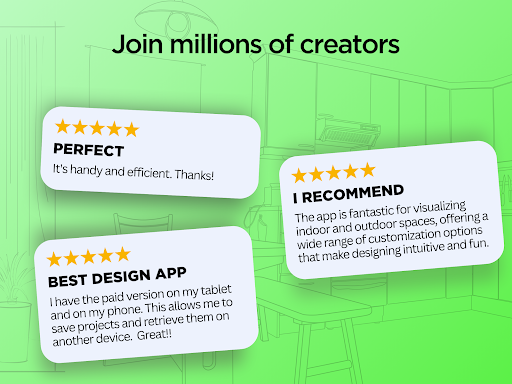
Users widely praise Home Design 3D for its beautiful decoration options, practical planning tools, and intuitive 3D visualization that helps with renovations and room layouts. Many appreciate the Gold version's extensive features, including furniture customization and roof support. However, opinions are divided on key aspects: while some find the free version enjoyable, others criticize the limited free content and high full-version price ($20), with frustration that items free on iPhone are paid on Android. The app’s technical stability receives mixed feedback—many enjoy smooth operation, but others report frequent crashes, unresponsive zoom, and projects being erased without recovery. Measurement precision is another pain point: some users want manual dimension input and adjustable ceiling/roof heights, while others find the existing tools sufficient for basic plans. Cross-device functionality is also contested—paid Android users cannot open projects on other devices, a feature Apple supports. Overall, despite a steep learning curve and paid features, the app is valued for its versatility and visual realism, though reliability and measurement controls need improvement.
Write a Review
Share your experience with Home Design 3D: Draw & Plan. Submissions are reviewed before publishing.
You Might Also Like
More apps you may want to try next.