
HD Camera for Android: XCamera
Advertisement
Screenshots
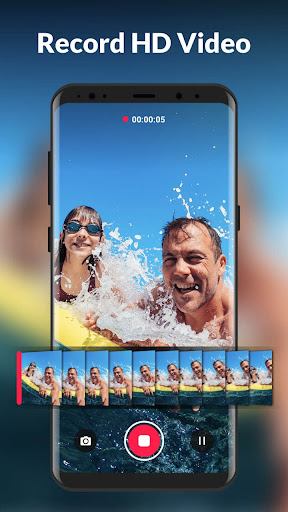
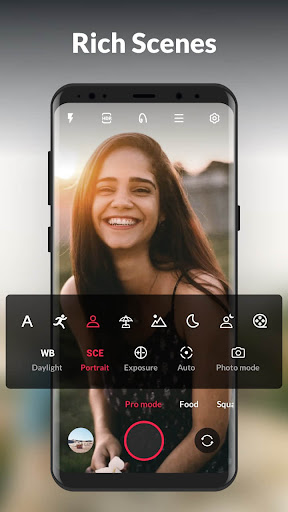
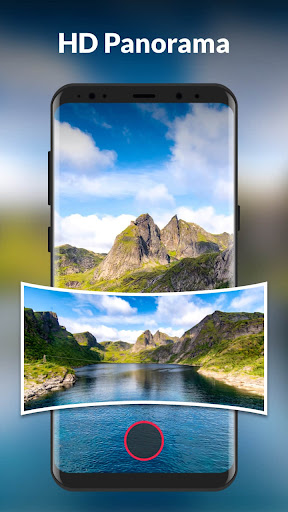
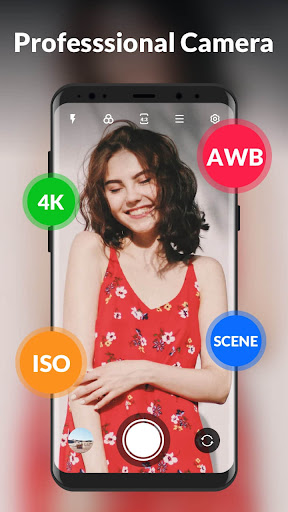
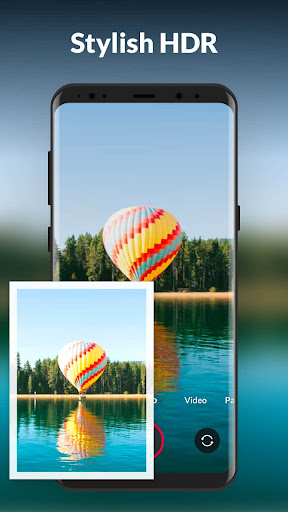
Advertisement
About HD Camera for Android: XCamera
HD Camera for Android: XCamera is a thoughtful mobile app that helps you take better photos on Android devices. It comes with some professional-grade camera features and filters that make it easy for you to take high-quality photos. As a popular launcher app in the photography category, XCamera makes the operation very intuitive, making it easy for both newbies and experienced photographers to take amazing photos. It feels quite smooth!
Overview
core functions
- This app takes great photos and is equipped with advanced HDR and night view modes to significantly improve the quality of your photos.
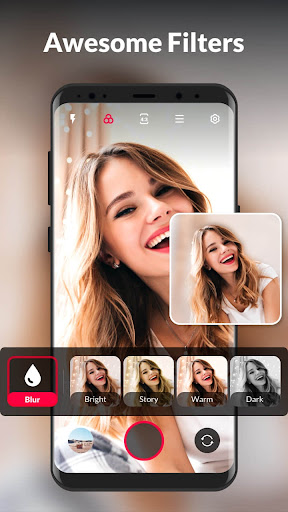
- The interface is super friendly, and you can also customize preset filters to beautify photos with one click, making it worry-free and convenient.
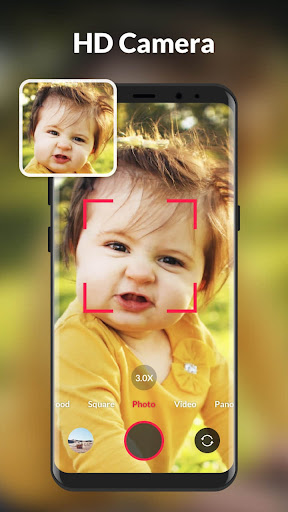
- Support real-time adjustment of exposure and focus, control the senses to be realistic, and make you feel like you are operating like a professional photographer.
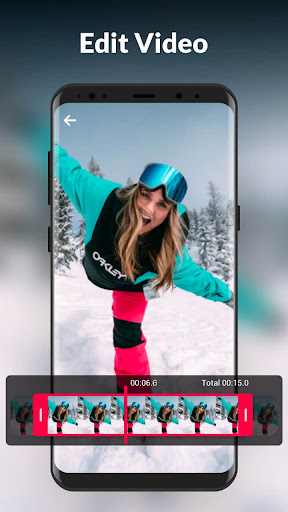
- Built-in editing tools such as cropping, rotation, and color correction can instantly adjust your pictures to the best state.
- It can also be shared directly through social media or the cloud, which is simply too convenient. One-click uploading is that simple.
- Equipped with an automatic backup photo album function, your photos can be stored and sorted properly without worrying about losing them.
- You can also set up a quick launcher to turn on the camera with one click from the mobile phone homepage to capture wonderful moments anytime and anywhere.
Who is suitable for?
This Android app is especially suitable for friends who like to take photos, people who occasionally pick up their mobile phones to take pictures, and users who like to share beautiful pictures using social software. It is especially suitable for those who like simple operations and easy to take beautiful photos.
Whether it's a family gathering, landscape photos, or just a casual photo, this app makes taking photos on your mobile phone more professional and convenient, making it easy for everyone to take amazing works.
Why choose it?
What makes this Android app special is that it combines advanced functions with an intuitive interface, making it easy to use and full of experience. With stable performance and rich editing tools, it is definitely an ideal choice for daily photography.
It uses a trustworthy user experience to help you solve poor photo quality problems and take mobile photography to the next level. This is a smart choice for people who want a camera App that is both simple and powerful!
Top Recommended Alternative
Pros & Cons
Pros
-
The picture quality is really good
-
Super friendly interface
-
may be manually adjusted
-
Support 4K recording
-
The shutter responds so quickly
Cons
-
Device compatibility is not very friendly
-
The interface is a bit messy
-
It consumes a lot of power during recording
-
No built-in editing functions
-
Occasionally errors occur in manual mode
Advertisement
Download HD Camera for Android: XCamera
FAQ
HD Camera for Android: Is XCamera safe to use? +
Of course, HD Camera for Android: XCamera is a very reliable mobile application that still cares about user security issues when developing. It follows some basic security guidelines to ensure that your personal information is protected when downloading and using this Android app.
Remember to download it from official channels, such as the Google Play Store. Don't easily believe strange sources to avoid falling into the trap. This application will also be updated frequently, and its security and user experience are constantly improving, which is quite reassuring.
How can I install HD Camera for Android: XCamera on my mobile phone? +
Installation is actually quite simple because it is easy to find on Google Play. Just search for its name, click on it little by little, and it will be done in a few seconds.
Don't worry about those cumbersome settings. After installation, the interface is designed to be quite intuitive and easy to use. You can take high-quality photos immediately, which is very convenient.
Does XCamera support the latest Android system? +
Of course, it will be updated regularly to adapt to the latest Android versions. In this way, you can be compatible with various devices, your performance can be maintained well, and you don't have to worry about a poor experience.
With this camera app, you can also enjoy the latest taking and editing functions. Use Android's latest technology to upgrade the taking experience once, and the effect is even better.
Can I take professional-level photos with XCamera? +
Although XCamera provides many good filters and supports high-resolution shooting, and can also take beautiful photos, it is mainly designed for daily entertainment and mobile photography enthusiasts, and is more suitable for taking good-looking things at your fingertips.
If you want professional-level photography effects, you may still need special professional camera equipment. After all, mobile applications are still limited. Don't expect to completely replace those professional equipment.
What features does XCamera have that make it stand out among many camera applications? +
This HD Camera for Android: XCamera supports 4K photos, real-time filters, and adjustable focus and exposure. It is quite rich in functions. Even Xiaobai, who is not very good at operating, can easily use it to take good photos.
The interface is quite user-friendly, the operation is smooth, and it is particularly friendly. It is definitely the best choice for finding an application that is simple to use and can help you improve your mobile photography level.
What permissions do I need to grant to use XCamera? +
Well, like most mobile apps, it will ask you to grant permissions to the camera, storage space, and some will also ask for microphone permissions so that you can record videos and so on. These permissions are all necessary to ensure that it works properly.
You can take a look at the permission list before using it to make sure your privacy is fine. In general, developers are quite concerned about user privacy, and design also puts security first.
How can I update HD Camera for Android: XCamera? +
Updates are generally quite convenient. You can do it directly in the Google Play Store and automatically prompt for updates after connecting to the Internet. Regular updates allow you to use the latest features and are safer.
Of course, you can also manually check for updates in the store to make sure you are using the latest version. This ensures that the software runs more stably and the experience is smoother.
Does XCamera protect my privacy or data? +
Of course it will. The team that developed it attaches great importance to user privacy and has taken some data protection measures. It only collects the necessary data to ensure that your personal information will not be misused and complies with Google Play regulations.
You can rest assured with this app that the design itself is very sensitive to privacy and security. It is a trustworthy photography tool that can help you take photos happily and without worries.
Customer Reviews
HD Camera for Android: XCamera is widely praised for its exceptional image quality, delivering sharp details and vibrant colors in various lighting conditions. Users appreciate the intuitive design and smooth performance, with many noting it outperforms standard camera apps like Samsung's. The app opens quickly and provides a reliable photography experience. However, opinions diverge on key features: while most find the video and photo clarity outstanding, some report severe image quality issues, calling it the worst they've seen. Similarly, although the panorama feature is touted as a selling point, several users find it completely unusable. Video recording functionality is generally good, yet a few request the ability to mute audio at start and directly stop recording. Stability is another mixed area: while the app performs reliably for many, Pixel 7 Pro users experience problematic zoom jumps and inadequate stabilization. Additionally, the presence of advertisements is a common complaint, detracting from an otherwise excellent experience. In summary, the app excels in core photography for most devices but has notable inconsistencies in specific features and performance across hardware.
Write a Review
Share your experience with HD Camera for Android: XCamera. Submissions are reviewed before publishing.
You Might Also Like
More apps you may want to try next.




