Gun Simulator: Tough Guns

Gun Simulator: Tough Guns

Wolf Studio Fun GamesSimulationCertified
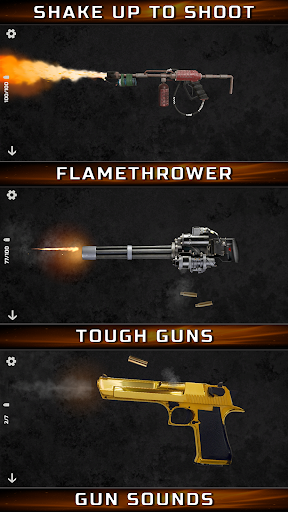
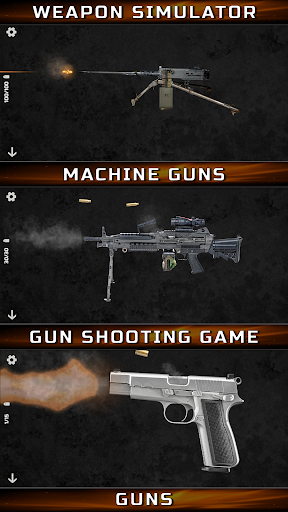
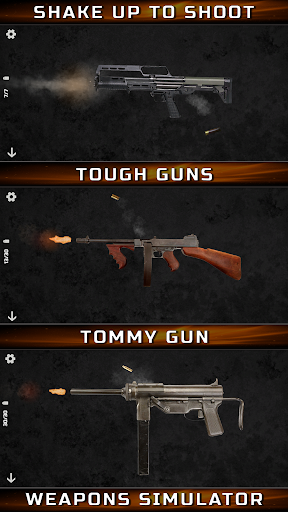
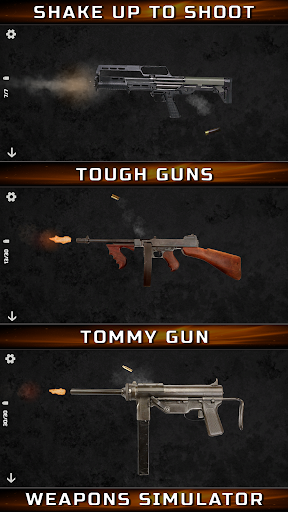
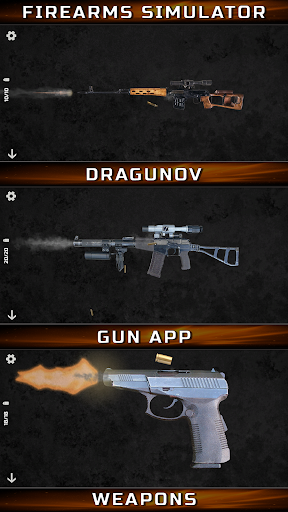
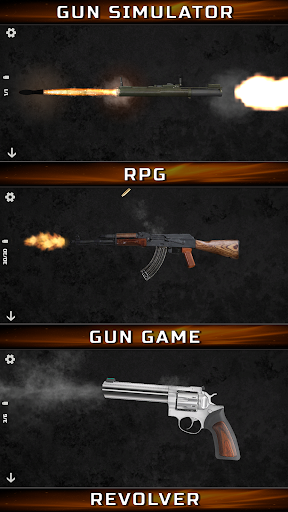
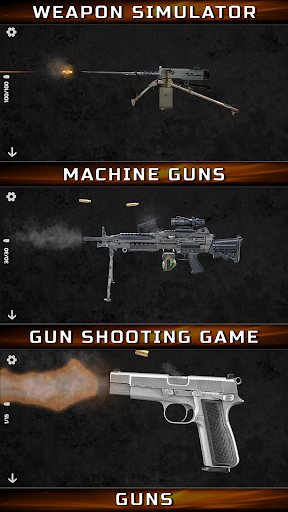
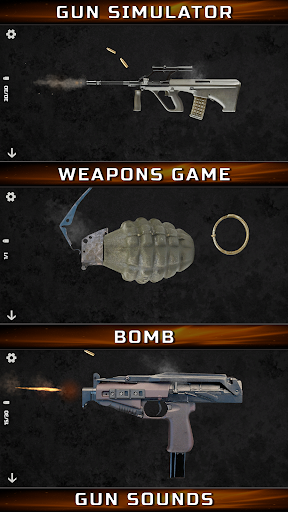
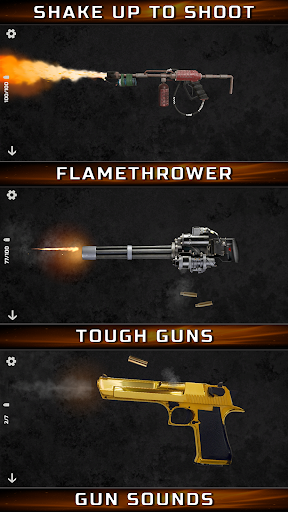
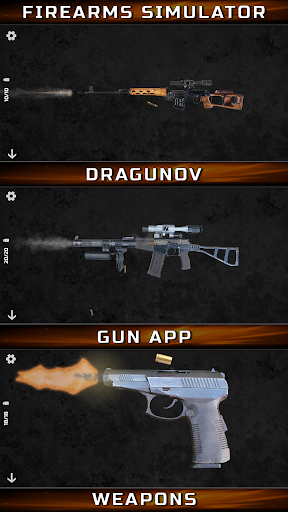
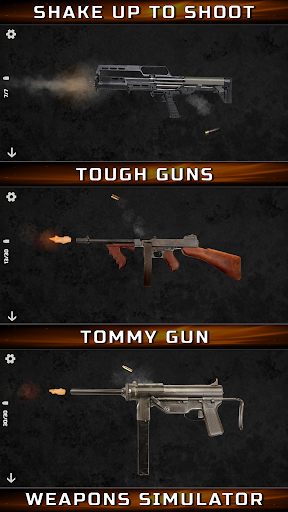
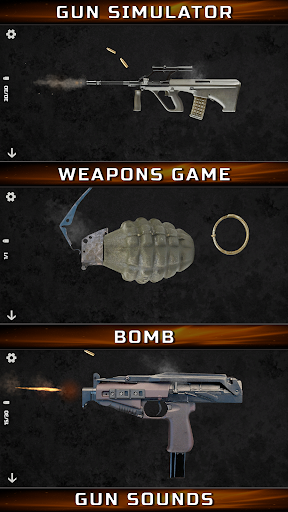
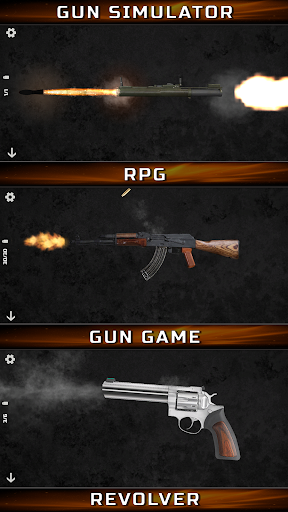
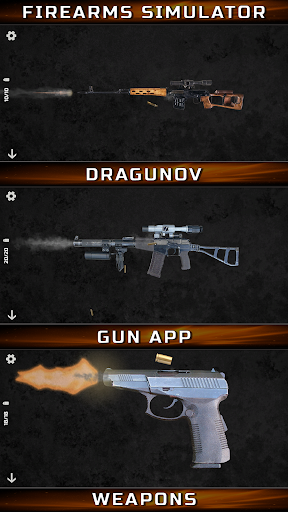
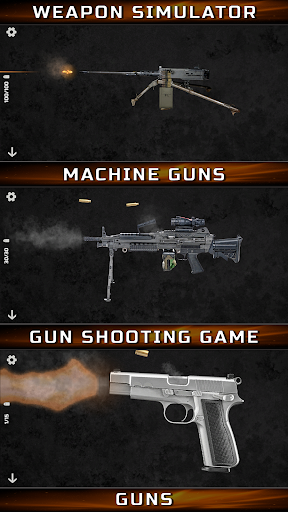
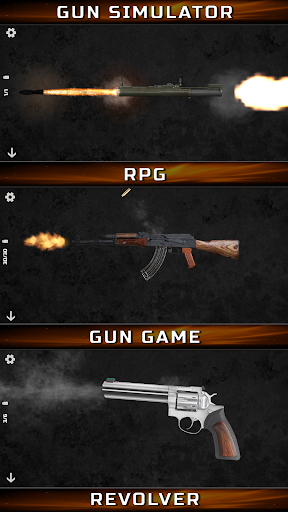
Gun Simulator: Tough Guns, the ultimate gun sound app with realistic effects. Experience powerful weapons and fun gameplay. now for free!

Screenshots

22 images
Gun Simulator: Tough Guns screenshot 1Gun Simulator: Tough Guns screenshot 2Gun Simulator: Tough Guns screenshot 3Gun Simulator: Tough Guns screenshot 4Gun Simulator: Tough Guns screenshot 5Gun Simulator: Tough Guns screenshot 6Gun Simulator: Tough Guns screenshot 7Gun Simulator: Tough Guns screenshot 8Gun Simulator: Tough Guns screenshot 9Gun Simulator: Tough Guns screenshot 10Gun Simulator: Tough Guns screenshot 11Gun Simulator: Tough Guns screenshot 12Gun Simulator: Tough Guns screenshot 13Gun Simulator: Tough Guns screenshot 14Gun Simulator: Tough Guns screenshot 15Gun Simulator: Tough Guns screenshot 16Gun Simulator: Tough Guns screenshot 17Gun Simulator: Tough Guns screenshot 18Gun Simulator: Tough Guns screenshot 19Gun Simulator: Tough Guns screenshot 20Gun Simulator: Tough Guns screenshot 21Gun Simulator: Tough Guns screenshot 22

About Gun Simulator: Tough Guns

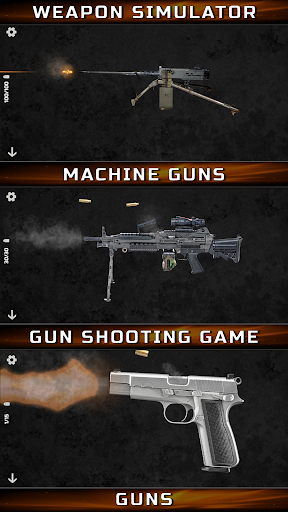
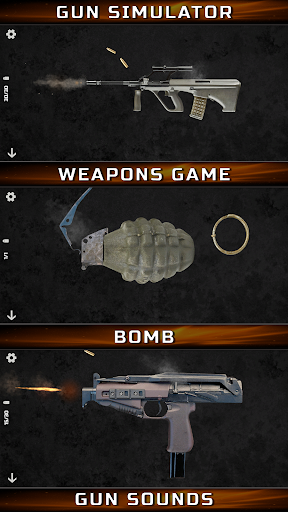
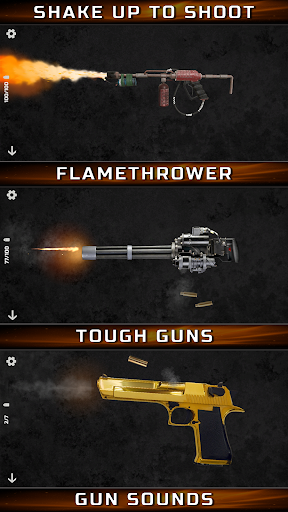
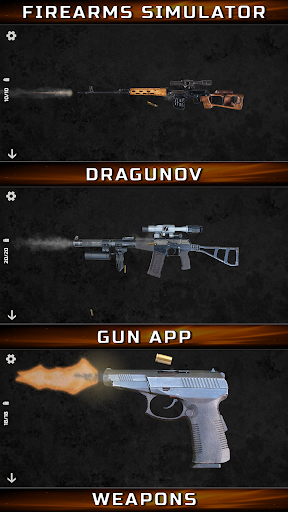
Gun Simulator: Tough Guns is an attractive analog mobile games that can make users feel like they are actually using a gun. It is especially suitable for gun enthusiasts and game fans. It has a variety of weapon models and realistic gunshots to make you more involved in the game. The interface design is quite intuitive, the picture is quite delicate, and the overall experience is quite good. Many people who like simulation games like this one very much and think it can meet the need for high-quality virtual shooting. It is a very popular application.

Overview

core feature

  • High-quality sound effects and realistic gunshots animation can really immerse you in the game and feel the shock and realism.
  • A variety of different gun types, and even customized weapons, bring you a rich experience and full of fun to explore!
  • The operation is super intuitive, the interface is designed very friendly, and the mobile phone plays smoothly and without any obstacles.
  • Various game modes, such as training, shooting range, and challenge level, can be played in any style to ensure that you will not get bored.
  • You can also play offline, and you can experience it smoothly without having to connect to the Internet, and get rid of those troubles that have no signal.
  • Regularly update and add new guns and content to ensure that you feel fresh every time you open it, and the more you play, the more addictive it becomes!

Who is this app suitable for?

For those who like shooting, love games, or are interested in realistic gun simulations, the age is about 12 to 35 years old, this is very suitable!

Especially suitable for those who need to relax, practice, or want to enjoy shooting scenes anytime, anywhere. An Android phone can meet all your needs.

Why choose this app

Because it uses real sound effects and delicate gun models, it allows you to stand out among many simulation games. It is full of experience and shocking!

Simple to operate and rich in functions, it is a reliable choice for gun simulation enthusiasts, allowing you to enjoy professional-level gaming pleasure on your mobile phone!

Top Recommended Alternative
Pros & Cons

Pros

  • Highly simulated weapon customization
  • Rich choice of firearms
  • Simple and intuitive control
  • Rich gameplay modes
  • High-definition and delicate picture

Cons

  • There are few game tutorials
  • Occasionally, the game crashes
  • Certain weapons load slowly
  • The multiplayer model is not rich enough
  • In-house purchase content is biased towards mandatory

Download Gun Simulator: Tough Guns

You are going to be redirected to the official website to finish the download when you click these buttons above.

FAQ

Is Gun Simulator: Tough Guns safe to install and use?+
Of course. Gun Simulator: Tough Guns is a very reliable mobile games. It can be found on the Google Play Store. It is mainly designed for friends who like shooting and simulation games. Developers are very careful in terms of security and update frequently. As an Android app, it regularly pushes updates and security checks. Remember to download through regular channels and keep the security settings on your phone turned on, so that you can play with peace of mind and have a smoother experience.
How do I install Gun Simulator: Tough Guns on my device?+
Installation is actually quite simple. You just need to go to the Google Play Store and click on it to download it. Make sure your equipment meets the requirements before operating it. If you are using an Android phone, you generally don't need to turn on unknown sources, because downloading directly from the store is safe. After installation, this game is quite interesting and is especially suitable for friends who like shooting simulations.
What are the main features of Gun Simulator: Tough Guns?+
There are many realistic gun models in this app, the sound is also very immersive, and the scene settings are quite challenging. The interface is friendly and easy to use, so you don't have to worry about difficulty in operating. The whole game experience is to let you truly feel the pleasure of shooting, and it is safe and virtual. It also supports multiple weapon upgrades, customizable controls, and has many levels, making it very enjoyable to play.
Does Gun Simulator: Tough Guns suit all age groups?+
This software is mainly for more mature teenagers and adults because its content involves shooting. The rating of the game also tends to be for users who like action and simulation themes. If parents let their children play, they'd better read the content first to make sure it suits them. After all, the shooting scenes simulated by this game are relatively realistic, so you have to pay attention to safety when playing and don't get into trouble.
Can I use Gun Simulator: Tough Guns as a launcher app?+
Although the interface of Gun Simulator: Tough Guns is intuitive and easy to operate, it is not a launcher application after all and cannot be used to manage other programs. It is just a game specially used to play shooting simulations. If you want to make your phone's desktop more convenient, you can organize your own shortcuts, but it itself cannot replace the system launcher. You should still focus on the gaming experience.

You Might Also Like

More apps you may want to try next.