FamiliarApps logo
Gruveo - Video Conferencing

Gruveo - Video Conferencing

Advertisement

Screenshots
10 images
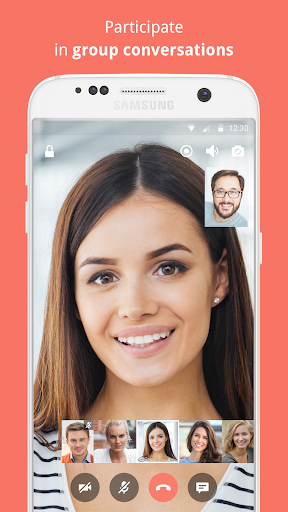
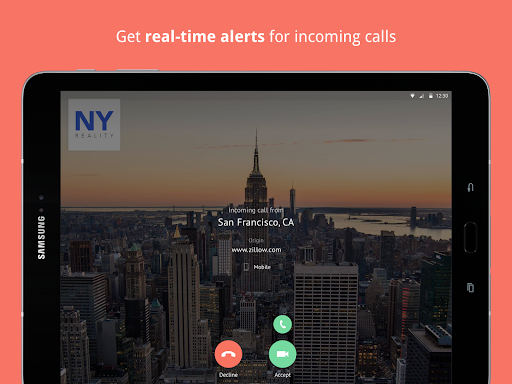
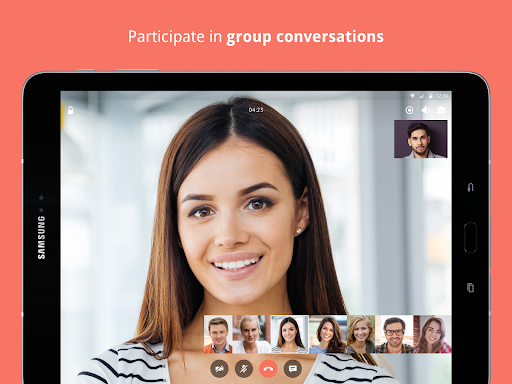
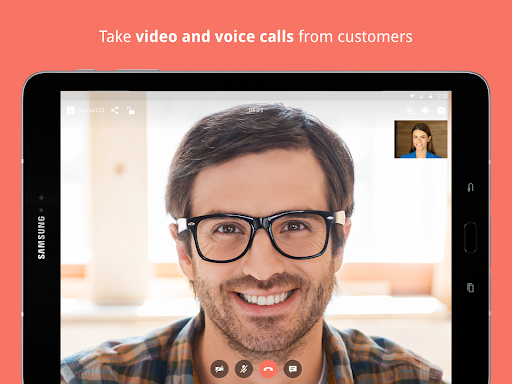
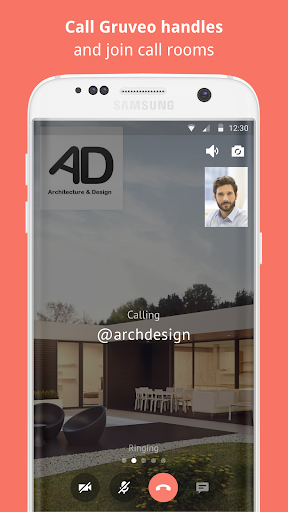
Gruveo - Video Conferencing screenshot 1 Gruveo - Video Conferencing screenshot 2 Gruveo - Video Conferencing screenshot 3 Gruveo - Video Conferencing screenshot 4 Gruveo - Video Conferencing screenshot 5 Gruveo - Video Conferencing screenshot 6 Gruveo - Video Conferencing screenshot 7 Gruveo - Video Conferencing screenshot 8 Gruveo - Video Conferencing screenshot 9 Gruveo - Video Conferencing screenshot 10

Advertisement

About Gruveo - Video Conferencing

Gruveo -Video conferencing is a very reliable mobile application, mainly to make online communication easier. This Android app handles smooth video calls and screen sharing, making it suitable for both work and daily chatting. Its interface is super intuitive and smooth to use, helping you stay connected anytime and anywhere. It's an efficient solution!

Overview

core feature

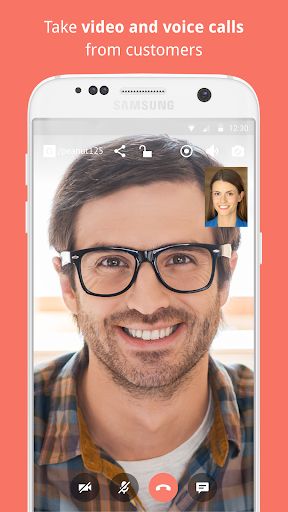
  • The video conferencing of this software is quite good. The sound quality is surprisingly clear, and the picture is also clear and comfortable to watch.
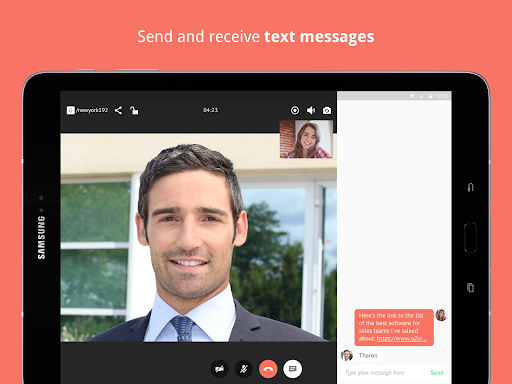
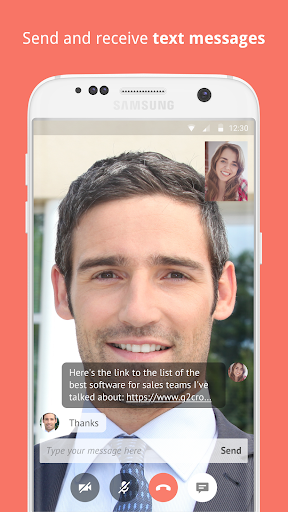
  • Support real-time chat and instant messaging, making it particularly convenient to communicate during meetings without getting stuck.
  • The multi-party calling function is great, allowing a group of people to hold meetings together, which is very suitable for teamwork or remote classes.
  • Easily share screens and send materials, presentations, etc. easily, making meetings more efficient.
  • Calls and messages are encrypted very securely, just like private space, so you can use it with confidence.
  • You can also record meetings, save important content, and watch or share it later. It's very considerate.
  • It is even more convenient as Android software. Most mobile phones can be used and are very flexible.
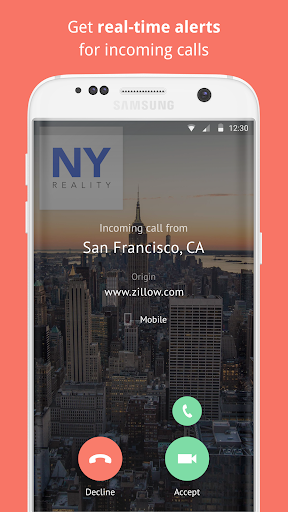
  • Notification reminders and background running functions are also there, making the experience smooth and smooth.

Who is suitable for?

This mobile app is especially suitable for professionals, teachers or remote teams. If you want to find a reliable communication tool, it is the first choice on Android phones. It is suitable for users who need online meetings and instant chat.

Whether you are managing remote work, running online classes, or keeping in touch with customers, this application is flexible. It is perfect for those who require safety, simple operation, and convenient daily communication!

Why choose it?

This software has a great experience and advanced features, making it a reliable choice for meeting videos on the Android platform. Its user-oriented design and security measures are different from ordinary Android software and are quite advantageous.

It provides an efficient, secure, and user-friendly solution that allows you to communicate smoothly anytime, anywhere without delay. This is also the reason why many choose it as their first choice.

Top Recommended Alternative

Pros & Cons

Pros

  • The user interface is friendly
  • High definition video and audio quality
  • End-to-end encryption for guaranteed security
  • No need to register an account for basic use
  • Multi-platform compatibility

Cons

  • Free features are a little short
  • Free version has a limited number of participants
  • Occasional disconnection problem
  • Fewer third-party integrated functions
  • Fewer customization options

Advertisement

Download Gruveo - Video Conferencing

You are going to be redirected to the official website to finish the download when you click these buttons above.

FAQ

How do I log into the Gruveo - Video Conferencing app? +
To log in to Gruveo, a video conferencing app, it's actually very simple. Just open the Android version or iOS version and enter your registered email and password. The whole process is quite smooth. Users can quickly join or initiate video calls, and the experience is quite good. If you are a novice, you can also register directly in the app, which is safe and convenient to operate step by step. This login process is designed quickly and allows you to use all its functions without having to bother, which is really easy.
Is the Gruveo app safe to use on my Android device? +
Well, Gruveo is quite reliable. When it comes to security, it has always attached importance to user privacy and data protection. Whether it's Android or iOS versions, there are often security updates to ensure that your video calls won't be overheard or leaked. With this software, chatting and everything is quite private, and messages are encrypted and trustworthy. Whether it is personal or work, you can use it with confidence.
Can I use Gruveo as a launcher app for my conference calls? +
In fact, Gruveo is not a special launcher, but it is indeed an app that focuses on video conferencing, and it can basically be regarded as the tool you mainly use for meetings. The interface is friendly and easy to use, allowing you to start or join a meeting with a click. It also supports quick entry into meetings, booking calls, and combining it with calendars, making it really suitable for a variety of daily or formal meeting needs.
What are some of the key app features of Gruveo? +
The Gruveo app has rich main functions, such as high-definition video calls, screen sharing, real-time chat, and can also create continuous meeting information links for easy reuse. In this way, many exchanges in life or work have become smoother. The interface design is simple and clear, so you don't have to worry about cumbersome operations when using it. Whether it is Android or iOS devices, you can enjoy these functions without too much trouble.
How does the app experience on Gruveo enhance remote communication? +
Using the Gruveo app is simply a simple and reliable artifact. The video conference is smooth and the voice quality is quite high. No matter what device you use, remote communication can be easily done. This application-based solution makes it particularly easy for everyone to stay connected, even if you use Android or iPhone. The interface is intuitive and the functions are rich, which make your remote communication smoother and of high value.
Are there any compatibility issues with different devices when using Gruveo? +
Basically, Gruveo is compatible with most Android devices and Apple products, has a wide range of experiences, and supports users on different platforms. It is optimized for various screen size and hardware to ensure smooth operation. Although there are occasionally updates pushed to improve compatibility, overall, the design has minimized problems. It is a reliable communication tool with strong applicability.
Does Gruveo offer any additional security features for video conferencing? +
Of course, Gruveo attaches great importance to security. It encrypts video and audio streams to ensure that your communications are not leaked. These security measures let you not have to worry about privacy issues, especially when sensitive information is involved. Regular updates will also enhance security and make users feel more comfortable using the app, whether it is private chats or important meetings at work, you can use the app with confidence.
Can I access Gruveo on multiple devices with the same account? +
Absolutely! You can use one account to log in on multiple devices, whether it's an Android phone or an iPhone, and you can sync your settings and contacts, so you don't have to worry about losing information when switching between different devices. Keep in touch at any time with your tablet or mobile phone. The experience is the same and it is very convenient. The synchronization feature allows you to connect seamlessly and make it super smooth to use.

Customer Reviews

AI
AI Generated Summary
Based on real user feedback
★ 2.8

Gruveo - Video Conferencing receives mixed reviews. Users praise its high-quality video and smooth performance, especially for professional uses like psychotherapy. However, many report critical issues: frequent login failures, unexpected call drops, and device compatibility problems (e.g., black screen on older Android). The app’s paid subscription model draws strong criticism—some find it unfair compared to free alternatives, while a few accept it for reliable service. Additionally, the removal of the shuffle video call feature frustrates users, who want it reintegrated. While some call it the best video conferencing tool, others label it a scam or useless due to persistent bugs and forced payments.

A Google user · 2026-06-15
★ 5
This product works wonderfully for both video conferencing and online chatting, delivering smooth performance and clear communication.
A Google user · 2026-06-13
★ 4
You should increase the number of people in the room; otherwise, everything else is acceptable.
A Google user · 2026-06-10
★ 5
Anthony Doran's email address is 1980@com.
A Google user · 2026-06-10
★ 1
Other apps are more effective to use than this one.
Un usuario de Google · 2026-06-09
★ 4
Very good application

Write a Review

Share your experience with Gruveo - Video Conferencing. Submissions are reviewed before publishing.

Rating *
0 / 2000

You Might Also Like

More apps you may want to try next.

Advertisement
5
Please wait...