GPS Waypoints Navigator | MAPS
Advertisement
Screenshots

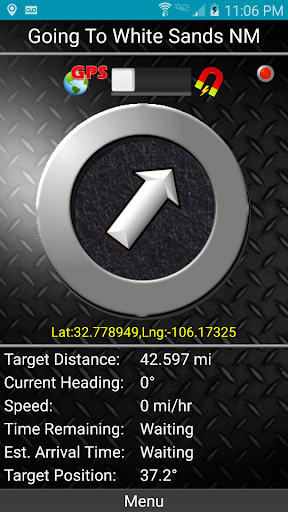
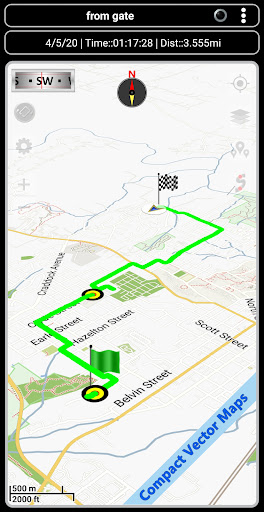

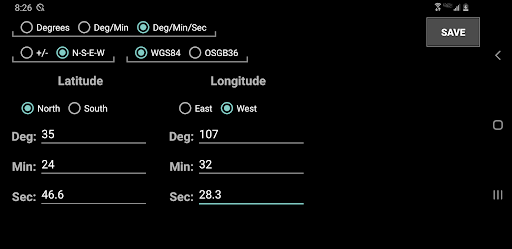
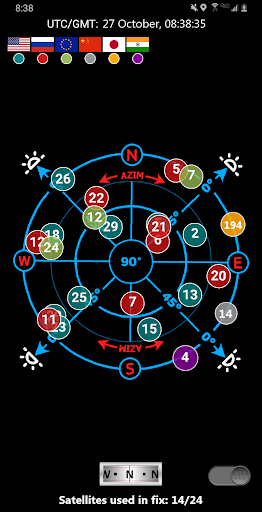
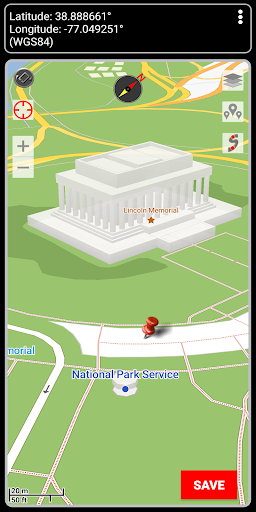
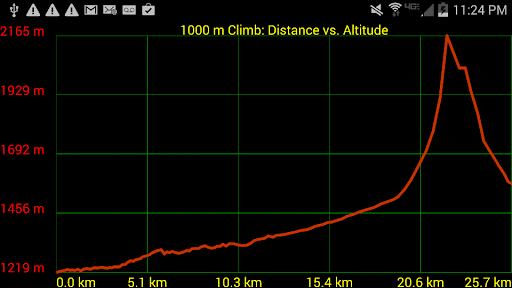
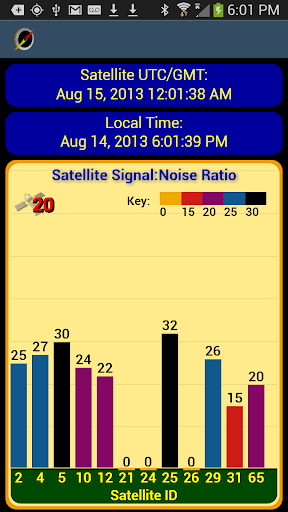
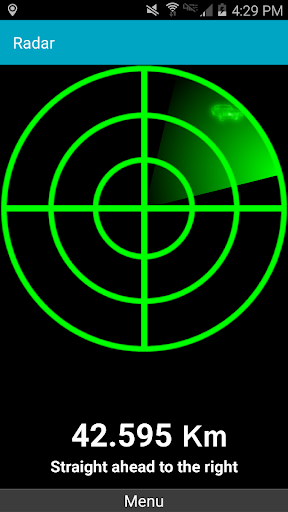
Advertisement
About GPS Waypoints Navigator | MAPS
GPS waypoint navigator| MAPS is a very reliable Android app designed for precise navigation and location management. It can help users mark, store, and easily find previously set waypoints. It is a good helper for outdoor adventure, travel or daily commuting. With it, the operation is very easy and the interface is intimate. Whether it is ordinary users or navigation enthusiasts, it can be used very comfortably and smoothly.
Overview
core functions
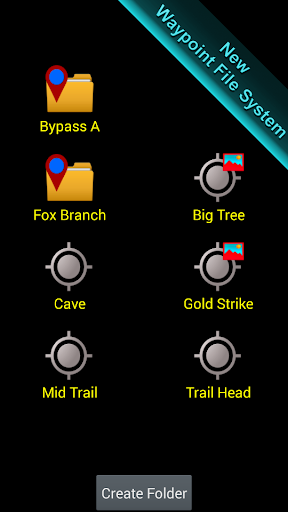
- This app has customizable road points to help you easily find directions, mark your favorite places, and you can find them quickly at any time.
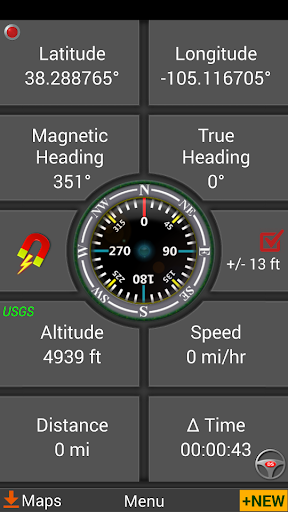
- Real-time GPS tracking ensures accurate location and updated routes at any time, making the whole experience smooth and touching.
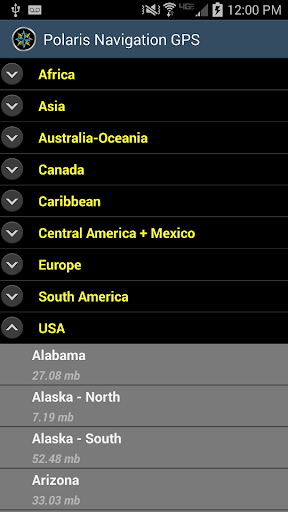
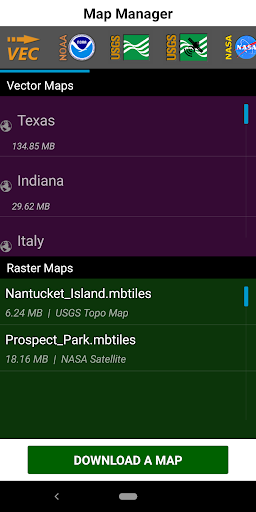
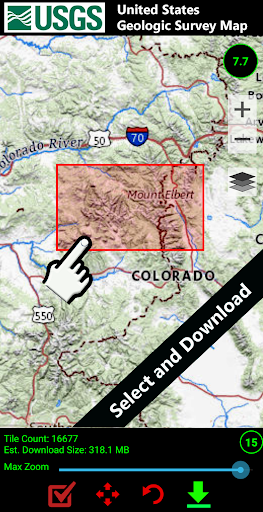
- The offline map function allows you to navigate even without the Internet, which is especially suitable for adventurous guys traveling in remote areas.
- Detailed route planning with turning tips makes it particularly convenient for you to use without worrying about getting lost.
- The interface is particularly intuitive, allowing users to easily organize and manage multiple landmark points without effort.
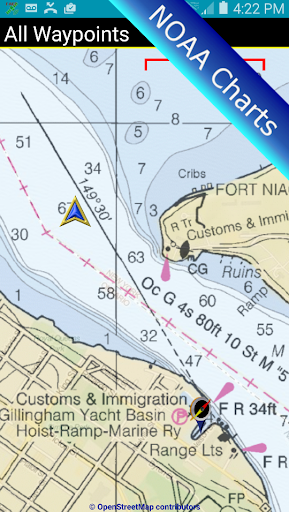
- Supports multiple map types and layers, which is very flexible and can be adjusted according to your needs, making the experience more intimate.
- Seamless cooperation with device positioning services provides more accurate navigation and helps you find the right path.
Who is suitable for using this App?
This mobile app is especially suitable for people who like outdoor sports, travel, and hiking and want to find a reliable navigation tool. Users who like to use it simply and accurately locate it will like it.
Whether you're preparing for a drive, exploring new routes, or handling field surveys, this App-based solution provides all the features you need to accurately find directions and locations in a variety of scenarios.
Why choose this App
The highlight of this Android app is that it combines powerful features with ease of use to make navigation fast and reliable. It can bring trust to users who pursue accurate GPS and landmark management.
To solve common navigation challenges, it offers offline use, real-time updates and rich map options to ensure you can find your way no matter where you are. Its stability and ease of operation make it one of the most popular navigation and travel assistants.
Top Recommended Alternative

Pros & Cons
Pros
- intuitive user interface
- Accurate GPS point marking and path tracking
- Offline map function
- Routes can be customized
- multi-device synchronization
Cons
- Maps of some areas are not detailed enough
- Battery drains quickly after long-term use
- Synchronization occasionally goes wrong
- Advanced functions have a slight learning curve
- The free version has limited functions
Advertisement
Download GPS Waypoints Navigator | MAPS

FAQ
Is the GPS Waypoints Navigator app safe to use?+
Rest assured, this GPS waypoint navigator definitely puts user safety and privacy first. The development team is quite reliable, has taken solid security measures, and will help you protect your information during the navigation process. Downloading through official channels is absolutely reliable and the experience is more secure.
Remember to download it from a regular app store and keep the software up to date so that you can enjoy the latest security protection. The security features of this App can protect your location information and provide reliable navigation. It is quite good for daily use.
Can I install the GPS Waypoints Navigator app on my Android device?+
Of course you can! This navigator is designed for Android users and can be used on Android phones and tablets. Downloading directly on Google Play is safe and convenient, and the operation is simple, and it takes just a few steps.
If this is your first time using this app, it doesn't matter, as long as your device meets basic system requirements. It is a quite all-round launcher that optimizes map and navigation functions specifically for Android users. It is quite practical.
What are the main app features of GPS Waypoints Navigator?+
This App has many useful features, such as marking waypoints, offline maps, GPS tracking, and the ability to customize routes. Whether you're hiking, driving or exploring new places, these features can enhance your experience.
The navigation part is perfectly integrated with your device to give accurate directions and real-time location updates. The interface is quite intuitive, making it convenient to plan itineraries and save important waypoints, and it is also worry-free to find them in the future.
How does the GPS Waypoints Navigator improve navigation compared to other apps?+
Its highlight is that it can manage waypoints in detail and also supports offline maps, so that you don't have to rely on the Internet all the time, and sometimes you can use it even without signal. Its functions focus on convenience and accuracy, which can make your navigation smoother and more reliable.
This App combines the advantages of expert design and is especially suitable for people who like outdoor sports and daily commuting. Its route arrangement is reliable, its interface is friendly, and it is trustworthy. It is a good choice in the navigation software on Android.
Is the GPS Waypoints Navigator app suitable for outdoor activities?+
That's right, this app is particularly suitable for outdoor sports, such as hiking, cycling, camping, etc. It can help you mark waypoints, track routes, and use offline maps, especially in remote locations. It's really reliable.
Many users feel that using it not only increases the sense of security, but also makes it quite convenient. In places where there is no Internet, accurate positioning will give you a sense of confidence and make you a good outdoor navigation partner.
Does the GPS Waypoints Navigator app support offline navigation?+
Full support! The best thing is that it supports offline maps, so you can navigate without having to connect to the Internet. It is very useful for traveling long distances, especially in places with poor signal.
Save the map on your mobile phone. Even if you don't have the Internet, this app will still help you navigate. The design is very thoughtful and its functions can be used smoothly no matter where you are.
How easy is it to use the GPS Waypoints Navigator app for navigation?+
The interface is very intuitive and easy to operate. Whether you are a novice or an old driver, you can easily get started. The design inside is quite clear. It is no problem to find the waypoint and use the map, and it takes almost no time to think.
Whether you are someone who uses navigation often or not, you find the operation simple and the experience smooth. In addition, there are some tutorials, so basically you don't have to worry about using this App, and you will use it smoothly.
Is the GPS Waypoints Navigator app regularly updated and maintained?+
Of course, development teams often push new versions, constantly update new features, and optimize the experience. Only by keeping the software updated can we ensure that it remains a reliable navigation assistant.
They are very attentive to supporting and improving this App, so users can rest assured that it is a trustworthy navigation tool.
Customer Reviews
Users widely praise GPS Waypoints Navigator | MAPS for its robust reliability, rich features, and excellent performance in outdoor activities such as hiking, boating, construction, and surveying. Many highlight its accurate turn-by-turn navigation, realistic GPS simulation, and the value of its one-time fee model with vector/OpenTopo maps. While the app is intuitive and feature-rich, several issues are noted. "Navigation": Most users find it effective and manageable, with some calling it a potential Garmin replacement; however, a few report the app never locks onto GPS satellites even in open areas, forcing refund requests. "Maps & Route Creation": The reference hiking trails and map preview are highly valued, yet some users complain about missing marked trails and imprecise pin-dropping with fingers (stylus helps). "User Experience": The design is straightforward and visually pleasing, but drawbacks include lack of landscape orientation, inability to place waypoints while viewing the map, and missing photo capability. A minority experienced app malfunction after purchase (can't save waypoints). Overall, it's a reliable tool for light to moderate use, especially off-road, though not without occasional technical flaws.
Write a Review
Share your experience with GPS Waypoints Navigator | MAPS. Submissions are reviewed before publishing.
You Might Also Like
More apps you may want to try next.