FamiliarApps logo
Go Fly Drone Camera Controller

Go Fly Drone Camera Controller

Advertisement

Screenshots
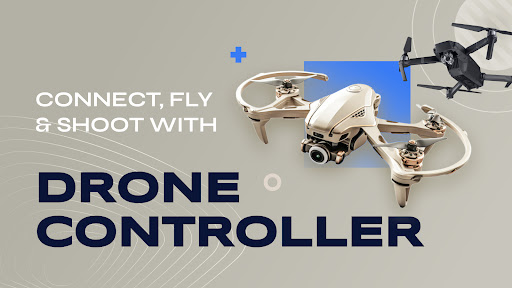
8 images
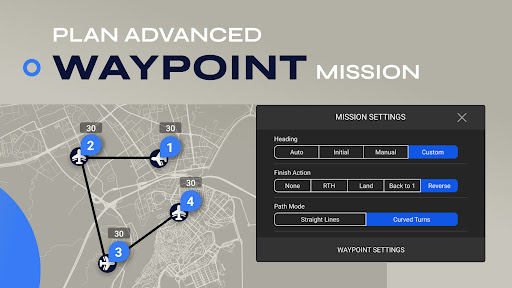
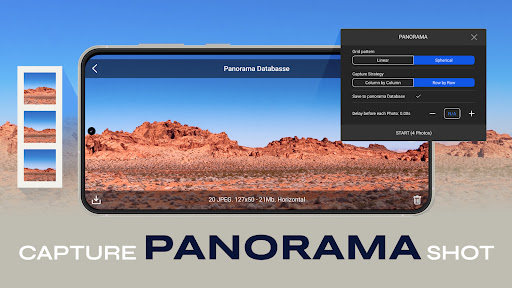
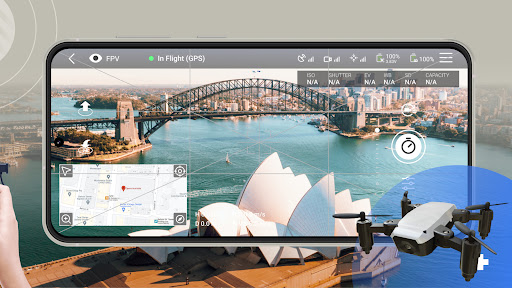
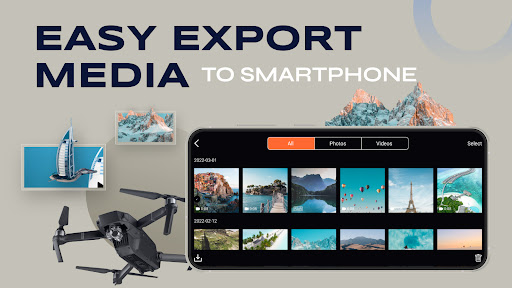
Go Fly Drone Camera Controller screenshot 1 Go Fly Drone Camera Controller screenshot 2 Go Fly Drone Camera Controller screenshot 3 Go Fly Drone Camera Controller screenshot 4 Go Fly Drone Camera Controller screenshot 5 Go Fly Drone Camera Controller screenshot 6 Go Fly Drone Camera Controller screenshot 7 Go Fly Drone Camera Controller screenshot 8

Advertisement

About Go Fly Drone Camera Controller

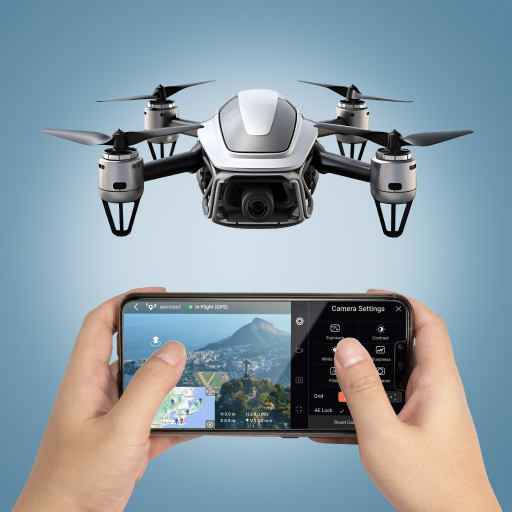
The Go Fly drone camera controller is a very intimate application and is very simple to operate. It is specially designed for friends who want to play with drones. It is quite functional. It not only allows you to easily control the flight, but also adjusts the camera in real time, allowing you to capture wonderful moments at any time, and the navigation is extremely smooth. As an Android app for photography enthusiasts, the interface is designed to be intuitive and very interesting to use. It also makes flying drones simpler and more interesting, and almost everyone can have fun.

Overview

core functions

  • Intuitive operation, you can easily control your drone camera with your mobile phone, upgrade your APP experience, and make everything smooth and smooth.
  • High-definition real-time video broadcast, the picture is clear and stable during flight, visible and accurate, as if it is close at hand.
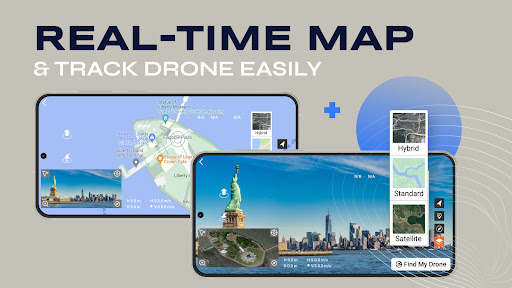
  • Various flight modes, such as GPS-assisted, surround mode, etc., can handle various shooting scenarios without any problem, and the choices are so abundant.
  • The connection is simple, relying on wireless technology to connect quickly with various drone models, eliminating the need for cumbersome steps.
  • Built-in security guarantees, such as automatic return and low power reminders, make you feel more assured and confident.
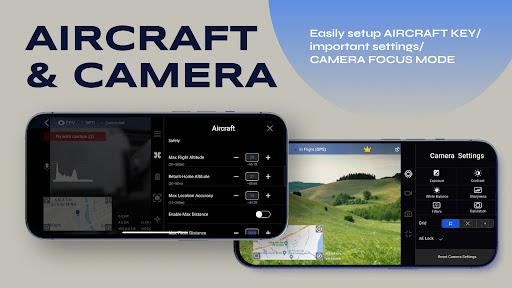
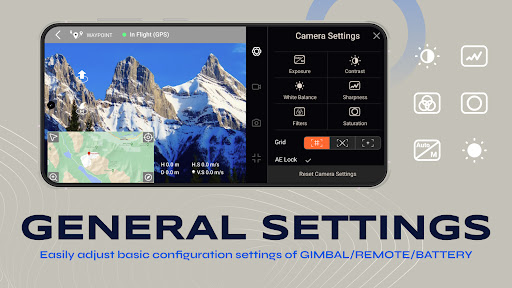
  • Support personalized adjustment, adjust camera parameters at will, and easily get the best picture quality of photos and videos from your mobile phone.
  • It also supports offline mode, so that even if there is no network, basic control functions can be used, and you can still enjoy yourself without the network.

Who is this App suitable for?

This mobile phone app is especially suitable for those who like photography and want to use drones to take beautiful aerial photos. Whether you are a newbie or an experienced enthusiast, you can find a place to use yourself.

Especially for outdoor explorers, professional photographers and content creators, this app is a reliable helper. It can safely and efficiently control drones during travel, activities and even filming, allowing you to have fun and feel at ease.

Why choose this App

The key to why this Android app is so powerful is that its operating interface is super friendly and has comprehensive functions, which can greatly enhance your flight experience. Not only can it be controlled in real time, but it can also intelligently adjust camera settings. It is really convenient and powerful.

Considering the user's trust and performance, it specifically solves common drone control problems and supports multiple models. It is definitely a wise choice to find an efficient and reliable aerial shooting tool.

Top Recommended Alternative
Pros & Cons

Pros

  • intuitive user interface
  • Smooth flight control
  • real-time video transmission
  • Rich camera settings
  • auto-return function

Cons

  • Occasionally unstable connection
  • Battery reminder is not smart enough
  • Crashes on some Android devices
  • There is a slight delay in manual adjustment
  • Limited personalization options

Advertisement

Download Go Fly Drone Camera Controller

You are going to be redirected to the official website to finish the download when you click these buttons above.

FAQ

Is it easy to get started with the Go Fly drone camera controller? +
Yes, the settings of this APP are actually quite simple, and the steps are very clear. Whether you are a veteran or a novice, it will be very smooth to use. Its guidance is also very considerate, helping you fly the drone quickly and safely.
Does this mobile APP support different models of drones? +
Of course! The Go Fly drone camera controller is compatible with a variety of different models of drones and is quite practical for many users. It is also quite rich in functions, such as real-time control, live video, etc., which makes it smooth for you to use across devices.
Is this APP safe and reliable? +
Security has always been the focus of this app. Developers use encrypted connections to ensure that there are no problems with your data and control instructions. Just like using other regular apps, you must remember to download it from official channels, such as Google Play or Apple Store, to be at ease!
Can I set this APP as a launcher or shortcut entry for my phone? +
Although it is mainly an APP that controls drones, it can actually be placed in your launcher or on a quick access menu, making it easier to operate. Especially when you often fly drones, it's quite convenient to use it as a quick entrance.
What are the functions of this App? +
It has comprehensive functions, including real-time video, camera control, flight stability settings, and support for calibrating those operations. It is very friendly to casual players and professional photographers. It has no problem taking beautiful aerial photos. It can be regarded as a one-stop shooting artifact.
Is this Android APP suitable for beginners? +
Of course! The interface is simple, and the tutorial is very practical and very friendly. Its functional design also allows novices to easily learn to control drones, making flying safe and fun. In fact, it can also meet the needs of old drivers, and higher-level functions can satisfy more professional pilots.
Do I need the Internet to use this APP? +
When setting up or upgrading firmware for the first time, you have to connect to the network, but as long as you set it up well, after connecting the drone, most basic operations will not use the network. Bluetooth or Wi-Fi control can be used anytime, anywhere, and the experience is very smooth.
How can I ensure my safety when flying drones with this APP? +
Before flying, you must pay attention to the surrounding environment and keep flying within your line of sight. The APP will also pop up security prompts and calibration tools to help you standardize operations. As long as you abide by local regulations and use these functions reasonably, you will be able to fly safely and happily!

Customer Reviews

AI
AI Generated Summary
Based on real user feedback
★ 1.5

Some users find the app sleek and functional, praising its smooth performance for drone control. However, a significant number of users report that the app is a scam: it falsely claims compatibility with DJI drones, is overloaded with intrusive ads, and forces payment for basic features. While a few describe it as 'great' or 'the best,' many warn that the free version is nearly unusable due to ads, and subscription charges are applied without clear consent. Users also note that the official DJI Fly app is available for free on the DJI website, making this version redundant and deceptive. Overall, opinions are sharply divided between rare positive experiences and widespread accusations of fraud and poor value.

Wes · 2026-06-22
★ 1
The app is overloaded with ads and nearly unusable without a subscription. I definitely won't use it again.
Gulab Gurjar · 2026-06-20
★ 5
The overall experience was very good.
Kellen thompson · 2026-06-17
★ 5
This application is extremely cool and offers a sleek user experience.
CRAZY MACHINE · 2026-06-15
★ 1
The cotton is terrible. You still have to pay for it 😡 to unlock flying.
Ravin Mandal · 2026-06-15
★ 5
The overall quality is unsatisfactory, with multiple defects observed during initial use. Performance falls below acceptable standards.

Write a Review

Share your experience with Go Fly Drone Camera Controller. Submissions are reviewed before publishing.

Rating *
0 / 2000

You Might Also Like

More apps you may want to try next.

Advertisement
5
Please wait...