FamiliarApps logo
Glitter Wallpaper: Theme, Icon

Glitter Wallpaper: Theme, Icon

Advertisement

Screenshots
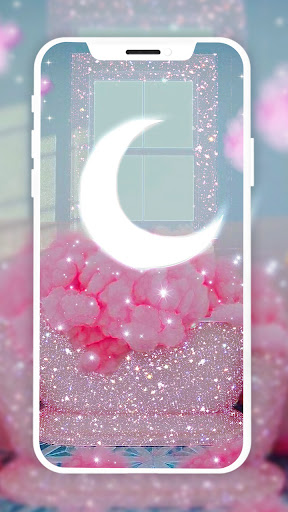
12 images
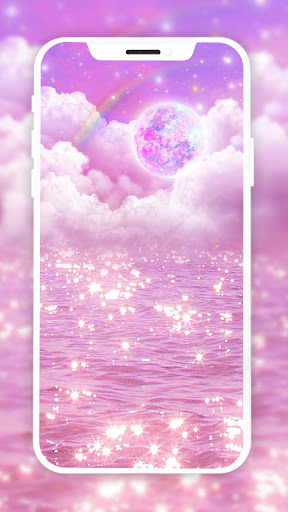
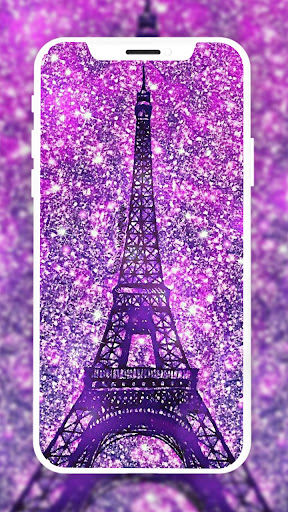
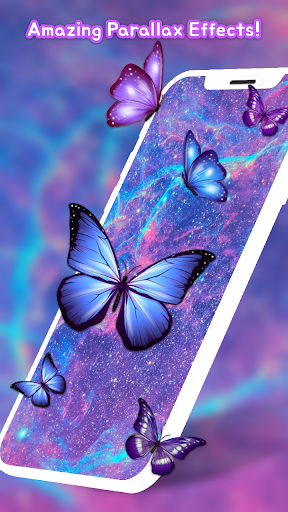
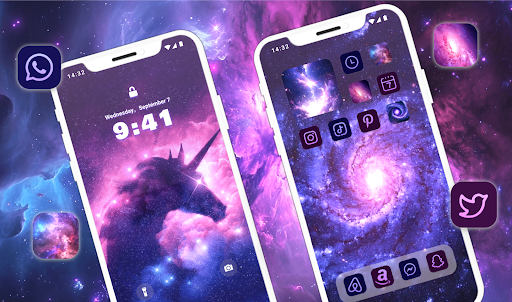
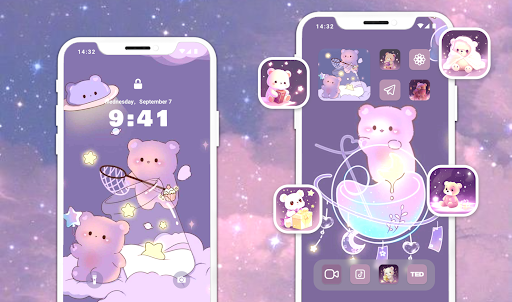
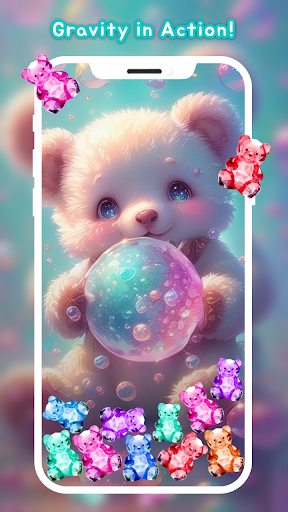
Glitter Wallpaper: Theme, Icon screenshot 1 Glitter Wallpaper: Theme, Icon screenshot 2 Glitter Wallpaper: Theme, Icon screenshot 3 Glitter Wallpaper: Theme, Icon screenshot 4 Glitter Wallpaper: Theme, Icon screenshot 5 Glitter Wallpaper: Theme, Icon screenshot 6 Glitter Wallpaper: Theme, Icon screenshot 7 Glitter Wallpaper: Theme, Icon screenshot 8 Glitter Wallpaper: Theme, Icon screenshot 9 Glitter Wallpaper: Theme, Icon screenshot 10 Glitter Wallpaper: Theme, Icon screenshot 11 Glitter Wallpaper: Theme, Icon screenshot 12

Advertisement

About Glitter Wallpaper: Theme, Icon

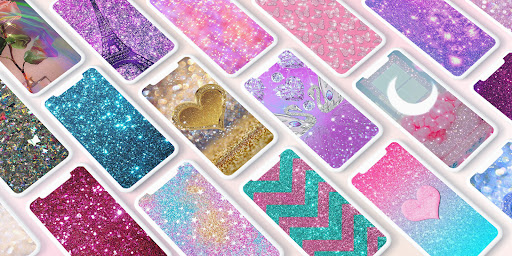
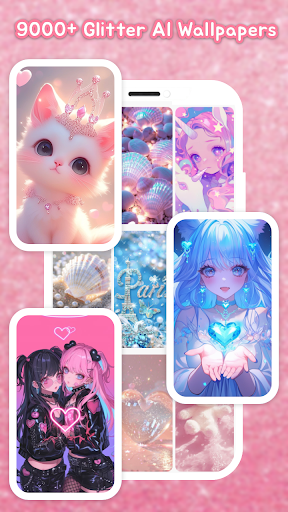
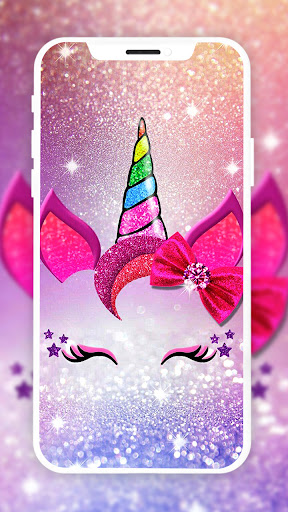
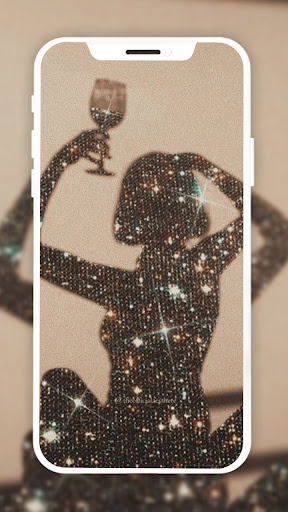
Glitter Wallpaper: Themes and icons are a popular personalized application for Android phones. Users can use it to turn their mobile desktop into cool glitter and diamond-element wallpapers and icons. It's really attractive. To make it more enjoyable for you to use it, it provides a variety of beautiful, high-quality backgrounds and icon packs to make your phone look special and personalized. The operation is also very simple. Anyone can easily do it and create a mobile phone interface that belongs to their own style. It's really a thoughtful design.

Overview

core feature

  • The easy-to-operate custom tool allows you to change icons and themes at will, which suits your style and is particularly considerate.
  • You can also sync the cloud in real time, sync your wallpapers and icons to all devices, get rid of cumbersome operations and keep updated at any time.
  • This app brings an intuitive launcher experience that is particularly smooth to use, making changes in the appearance of the device easy and stress-free.
  • Support offline mode, so you can browse and set wallpapers even if you don't have a network, which is absolutely convenient.
  • It also includes multiple functions such as automatic refreshing wallpaper and customizable icon packs to take your personalization to a higher level.
  • It is specially designed to strengthen personalized design and meet the needs of users who pursue aesthetic beauty and theme style upgrades.

Who is suitable for?

This app is especially suitable for teenagers, young people, or anyone who likes to DIY the look of their own Android devices. People who like cool, eye-catching wallpapers and icons can try them out if they want to make their phones more personalized.

If you're looking for a tool that can skin your phone and create an overall theme, this launcher is definitely worth using. It is very suitable for mobile phone users who want simple operation and amazing results. Everything can be done with easy changes!

Why choose this app?

The reason why this Android app is special is that it is not only rich in functions, but also simple to operate, which particularly suits the individual needs of users. With it, the mobile phone becomes more beautiful and convenient, and the experience is great.

Compared with other similar programs, its most powerful feature is that it provides high-quality images and a variety of customization options, fully covering your various needs for aesthetic upgrades. Want a stylish and easy-to-use starter? This is definitely a reliable first choice!

Top Recommended Alternative

Pros & Cons

Pros

  • Themes and icons with great visuals
  • Super simple personalization
  • High-definition pictures, super clear display
  • Change new themes often, never boring
  • Friendly interface and stress-free use

Cons

  • Too little free content
  • There's a problem with power consumption
  • It takes up a lot of space
  • Not much icon customization
  • Occasionally stuck while browsing

Advertisement

Download Glitter Wallpaper: Theme, Icon

You are going to be redirected to the official website to finish the download when you click these buttons above.

FAQ

Is Glitter Wallpaper: Theme, Icon safe to use on my device? +
Well, overall, Glitter Wallpaper: Theme, Icon is a pretty reliable application. It comes from a reputable developer, and the permissions are regular, so you can basically use it with confidence. If you want to decorate your desktop, don't worry too much about what will happen. However, safety comes first, and it is best to download it from the official app store, such as Google Play. Reading user comments and checking permissions can help you better protect your personal privacy and avoid encountering unreliable applications.
How do I install Glitter Wallpaper: Theme, Icon on my Android device? +
Installing this initiator is actually not complicated at all. Just click on the link in Google Play, click Install, and wait until it is installed. This app is optimized for Android devices, so the operation is smooth and convenient. After installation, it will also have a guided tutorial to help you adjust the wallpaper, icons, and themes. It is quite considerate. Even if you are new to peeling or personalization, it can be done easily and feels smooth.
Does Glitter Wallpaper: Theme, Icon support the latest Android versions? +
Of course, this app is updated frequently to ensure compatibility with the latest Android systems. Developers have been working hard to make different models of mobile phones work smoothly. If you encounter any problems, go to Google Play to see if there are updates, which can usually solve most compatibility issues. This way you can enjoy all the functions it brings without worry.
Can I customize my icons and wallpapers with Glitter Wallpaper: Theme, Icon? +
Of course! This popular launcher offers a wealth of personalization options. You can easily change wallpapers, icons, and theme styles, which really makes you feel that this is a customized experience that belongs to you. The operation is also very simple, the interface is friendly, and anyone can easily get started. A variety of distinctive themes and high-quality wallpapers can turn your mobile phone into a unique colored canvas that reflects your personality.
Is Glitter Wallpaper: Theme, Icon free to use, and are there in-app purchases? +
Yes, many of the features of this app are free and are very friendly for people who like to mess with their desktops. However, there are also some additional content, such as more wallpapers, themes or icons, that may require an additional fee. These additives can enrich your DIY, but the basic functions are enough, and you can have a good personalized experience without spending money. Don't forget to read the application introduction carefully to figure out which ones are free and which ones require payment to avoid misunderstandings.

Customer Reviews

AI
AI Generated Summary
Based on real user feedback
★ 4.5

Users overwhelmingly praise Glitter Wallpaper: Theme, Icon for its stunning, high-quality wallpapers and stylish themes, calling it 'the best app' for personalization and noting 'beautiful colors' and 'amazing designs.' Key strengths include visual appeal and ease of use—many love that wallpapers are accessible after just one ad. However, ad frequency is a major pain point: while some users find the single-ad unlock reasonable, others complain that 'every click triggers an advertisement' and consider it excessive, suggesting an ad-free experience would be better. A few users also note limitations in accessing all content they want. Overall, the app delivers a visually delightful experience, though the ad volume may deter those seeking uninterrupted use.

Monica castañeda · 2026-06-16
★ 5
This is very 2
Ssali Younga · 2026-06-16
★ 5
Experience the finest wallpapers with this app! 😘🥰😍
Milagros Chesman · 2026-06-15
★ 5
Excellent app with beautiful colors. I highly recommend it.
Prem Kumar · 2026-06-15
★ 1
An app designed to capture and maintain user interest through interactive and compelling features.
Jackson Manzanares · 2026-06-14
★ 5
You are good to share with.

Write a Review

Share your experience with Glitter Wallpaper: Theme, Icon. Submissions are reviewed before publishing.

Rating *
0 / 2000

You Might Also Like

More apps you may want to try next.

Advertisement
5
Please wait...