
GIF Maker, GIF Editor
Advertisement
Screenshots
Advertisement
About GIF Maker, GIF Editor
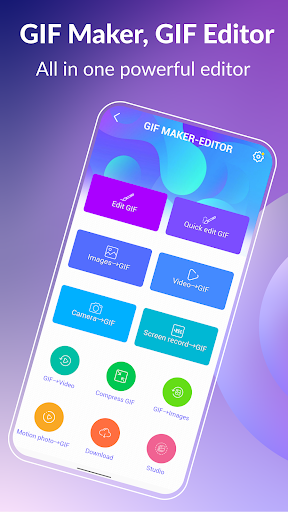
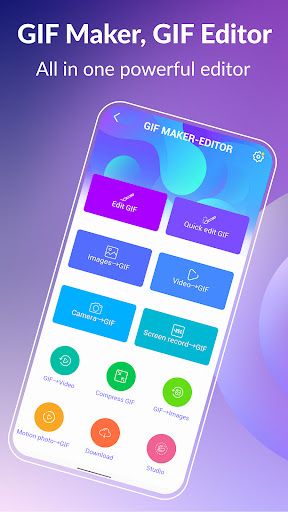
GIF Maker, GIF Editor is a mobile application that is so easy to use! It can help you easily create and edit a variety of cool dynamic GIFs, which is super convenient to operate. As a super intimate Android app, whether you are a novice or a veteran, you can find the features that suit you. The interface is quite friendly, the tools are smooth to use, and the experience is really good. This software provides many practical solutions for people who want to add animation to social media, demos or personal projects, and I can't help but want to try out all kinds of cool techniques!
Overview
core feature
- The easy-to-understand interface allows you to create and edit GIF quickly. It is really suitable for novices and experienced editing enthusiasts.
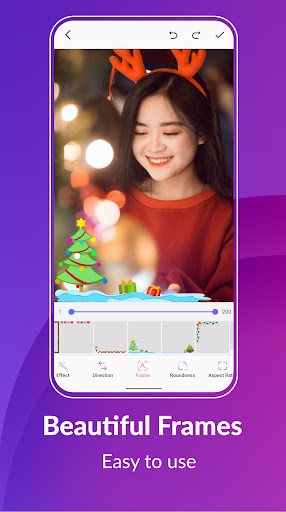
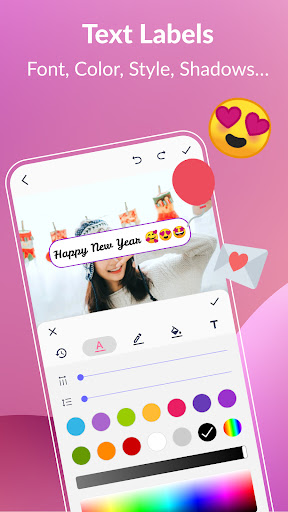
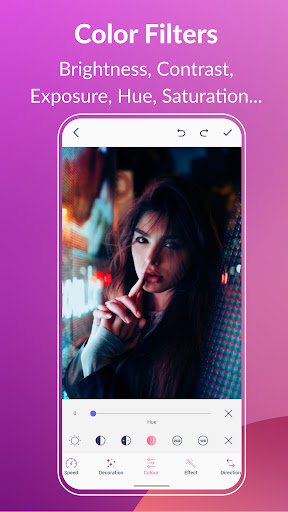
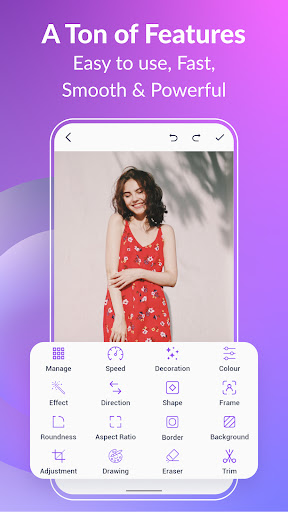
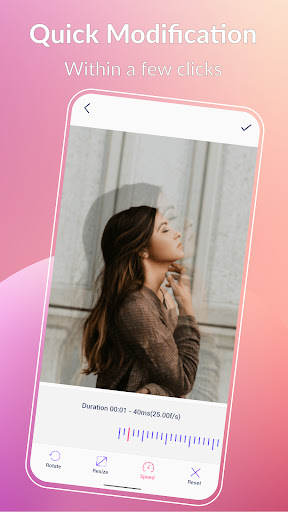
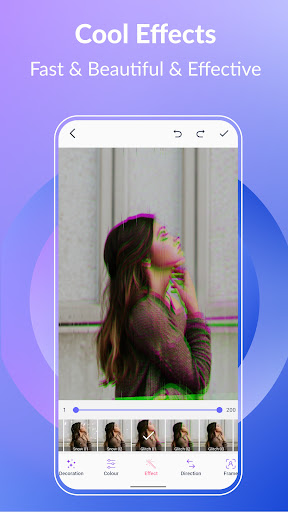
- There are all kinds of functions in place, such as cropping, resizing, adding text, and using filters to make your GIFs more colorful, just like putting magic on them.
- You can also preview it in real time, and you can see the effect immediately after you modify it. There is no blockage at all during editing, and the experience is smooth and enjoyable.
- The batch processing function allows you to make multiple GIFs at the same time, saving time and effort, and you feel that all the cumbersome things can be done at once.
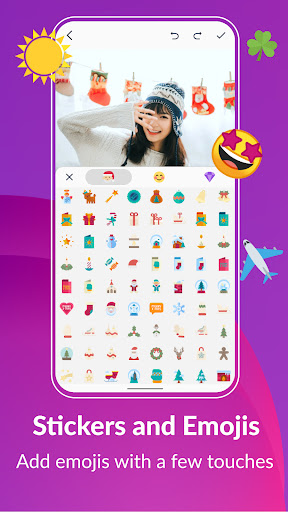
- It comes with a lot of customizable stickers and effects, which is not boring to play with, but also allows you to use your creativity and make GIF more interesting.
- Export high-quality options that allow you to save GIFs of various resolutions, whether you want to share on social media or professional works, are perfect.
- Support offline mode, you can operate it without using the Internet, and you can play it wherever you go. It is super convenient.
Who is this app suitable for?
This mobile app is particularly suitable for photography enthusiasts, social media content creators, and ordinary users who like to do fun GIFs. People of all ages can use it and find it simple and powerful to operate, so they can edit whatever they want on Android devices.
If you want to find a software platform to quickly create eye-catching visual effects, this Android app is definitely a good choice. It can easily produce, edit and share animated GIFs, whether it is for private entertainment or professional needs.
Why choose this app?
This application is quite functional and can bring a smooth experience and make GIF production super simple and interesting. It focuses on high-quality editing tools and has a different flavor compared with other launchers and editors.
Combining user-friendly design and powerful capabilities, this Android app helps you solve many editing problems. Whether you are a novice or a veteran, you can find a place for it, which is both reliable and easy to use.
Top Recommended Alternative
Pros & Cons
Pros
-
The operation is intuitive and the interface is so friendly that you can't help but want to touch it yourself
-
There are all kinds of editing tools that allow you to use it freely
-
Support high-quality GIF output
-
The processing speed is surprisingly fast
-
Updated frequently, the functions become more and more powerful
Cons
-
Not many options for file import
-
Free version has watermarks
-
Occasionally crash on old equipment
-
There are fewer advanced editing functions
-
Limited export formats
Advertisement
Download GIF Maker, GIF Editor
FAQ
How do I install GIF Maker, GIF Editor on my Android device? +
Is GIF Maker, GIF Editor safe to use? +
Can I use GIF Maker, GIF Editor without an internet connection? +
Do I need an account to use this app? +
What are some key features of GIF Maker, GIF Editor? +
Is GIF Maker, GIF Editor compatible with all Android versions? +
How can I troubleshoot if the app crashes or has issues? +
Can I share my GIF creations directly from the app? +
Customer Reviews
Users widely praise GIF Maker, GIF Editor for its ease of use, quick GIF creation from images or videos, and free, ad-lite experience. Key strengths include intuitive interface, versatile format support, and satisfying results. However, some limitations exist: while many find the tool straightforward and fun, others report missing features like multi-image selection, text input, or brightness/contrast editing. Regarding ads, some users deem them fair and minimal, yet others find them stressful. Stability is generally good, though occasional export errors force restarts. Overall, it effectively accomplishes its stated purpose for most users, with a minority wishing for more advanced editing and sharing options.
Write a Review
Share your experience with GIF Maker, GIF Editor. Submissions are reviewed before publishing.
You Might Also Like
More apps you may want to try next.




