Geotab Drive
Advertisement
Screenshots
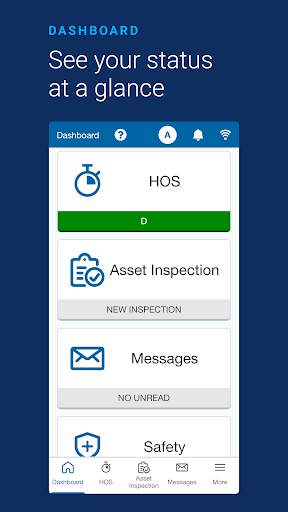
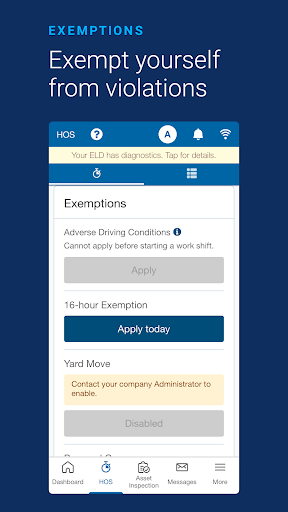
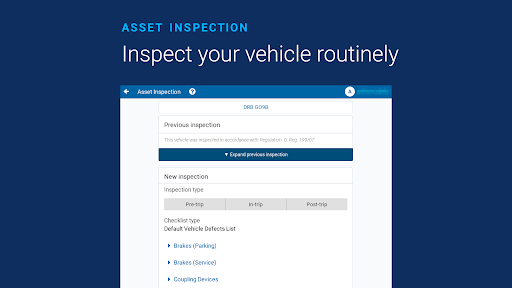
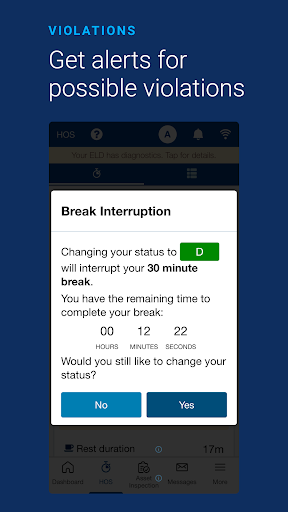
Advertisement
About Geotab Drive
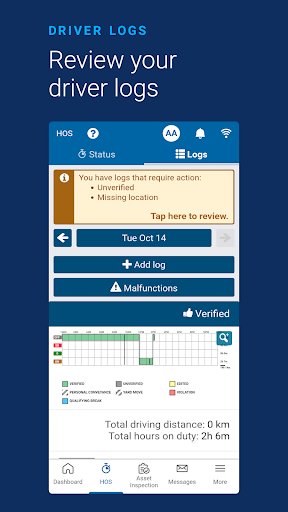
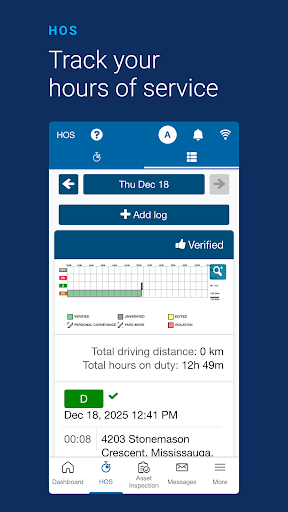
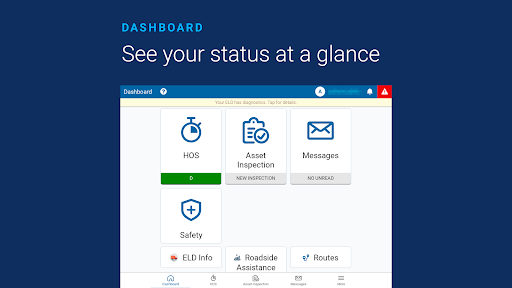
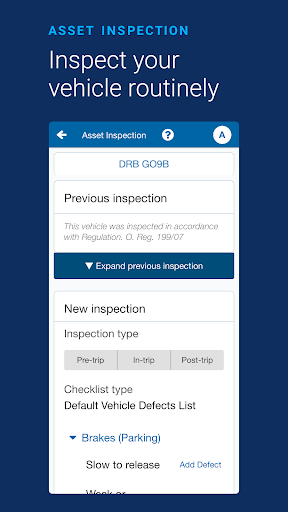
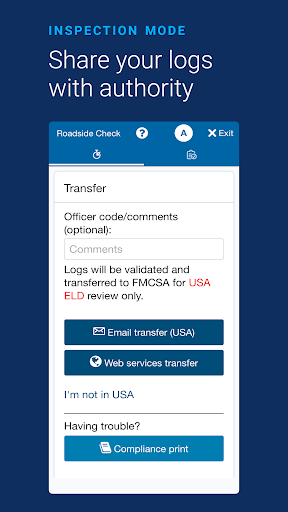
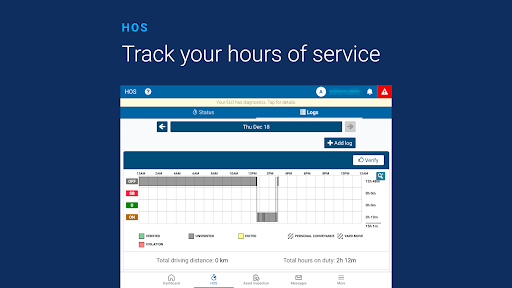
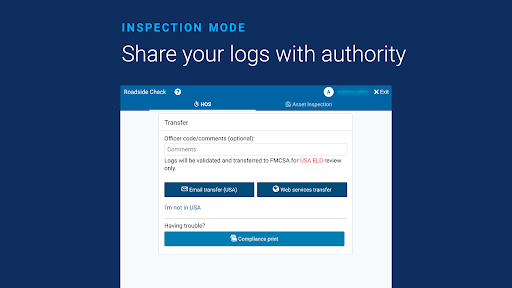
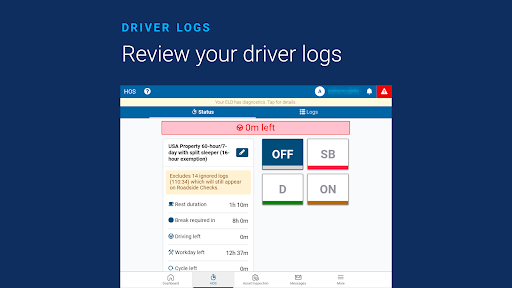
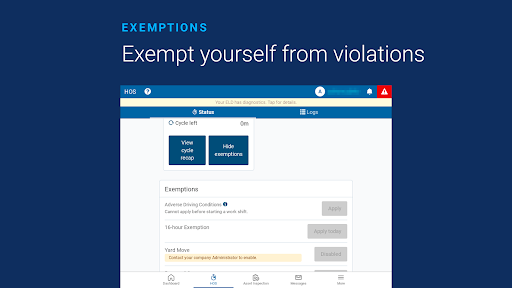
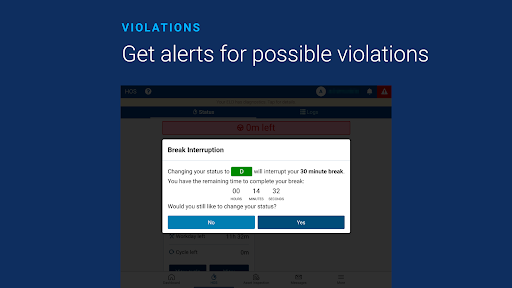
Geotab Drive is really reliable and easy to use. It is a mobile application specially designed for fleet management and vehicle tracking. As an Android application, its interface is quite intuitive and easy to use, making it easier for drivers and team owners to master real-time information, itinerary records and vehicle details. This application-based solution is a huge help, making daily operations easier and making driving safer.
Overview
Geotab Drive is quite reliable and easy to use. It is a mobile application specially designed for fleet management and vehicle tracking. As an Android software, it has an intuitive interface and can help drivers and team owners use it more smoothly. It is easy to use and can provide data, driving records and itinerary details in real time. This application-based solution really makes daily things a lot simpler and ensures safety and efficiency on the road.
Top Recommended Alternative

Pros & Cons
Pros
- Real-time GPS tracking
- Driving behavior monitoring
- compliance management
- user-friendly interface
- comprehensive report
Cons
- Limited customization options
- Limited offline functions
- fast power consumption
- It's hard for beginners to get started
- Integration with other systems is not smooth
Advertisement
Download Geotab Drive

FAQ
Is Geotab Drive a safe app to use for fleet management?+
How do I install or login to the Geotab Drive Android app?+
What are the main app features of Geotab Drive?+
Does Geotab Drive work offline or only online?+
Is Geotab Drive suitable for fleet managers and drivers alike?+
Customer Reviews
Users appreciate Geotab Drive for meeting basic work needs, especially after updates that improved speed and registration management. However, key issues persist across multiple dimensions. "Login & Stability": Many report login failures and random logouts during driving, while some find it stable after reinstall. "Performance & Speed": Despite some praising recent speed improvements, others describe slow logins (5-min verification) and sluggish log editing, calling it slower than paper. "Connectivity & GPS": Frequent GPS disconnections and failure to operate without cellular signal frustrate users, though a few note acceptable performance with strong signal. "Feature Completeness": The app misses essential features like Personal Conveyance exemption, and pre-trip inspections require logging in before on-duty status, contradicting workflow expectations. Mileage miscalculations and status changes without input also reported. "Update Quality": Some celebrate updates fixing performance, but others claim each version introduces new bugs and instability. In summary, while functional for some, persistent bugs and missing features hinder reliability for professional use.
Write a Review
Share your experience with Geotab Drive. Submissions are reviewed before publishing.
You Might Also Like
More apps you may want to try next.