

Gaming Mode - Game Booster PRO
Advertisement
Screenshots
Advertisement
About Gaming Mode - Game Booster PRO
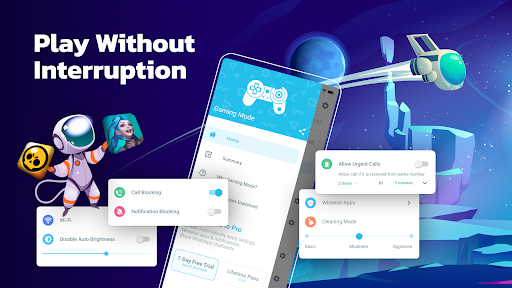
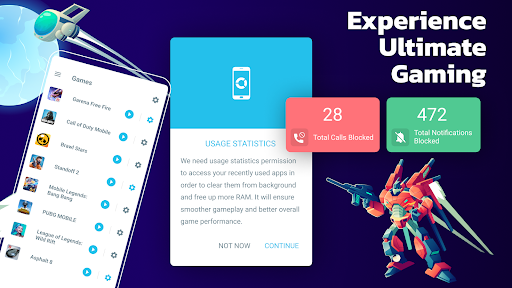
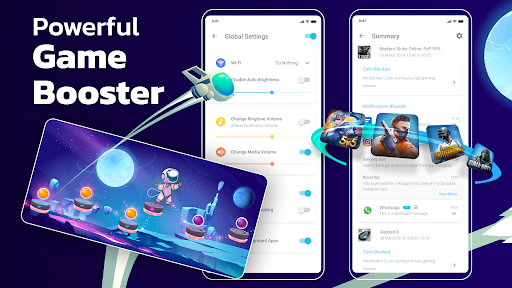
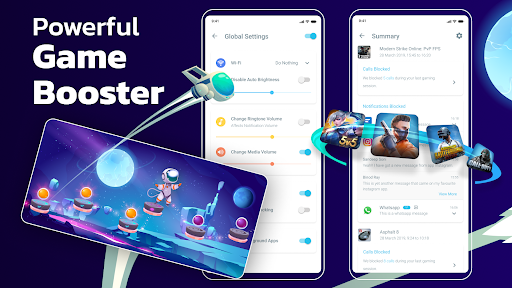
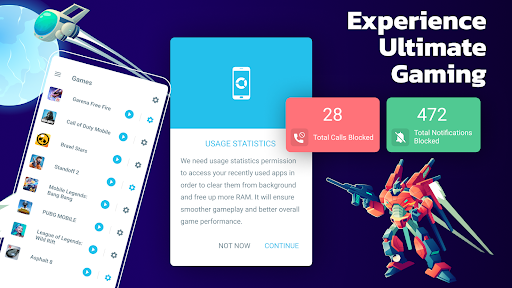
Gaming Mode - Game Booster PRO is a powerful thing. It is a multi-functional mobile application specifically designed to enhance your Android gaming experience. It has various functions that can help you slow down stuck, free up your phone's resources, and make the game run smoother. As a special starter, it can also help players achieve more sensitive reaction speeds. It is a practical solution, especially suitable for players who love games and want to immerse themselves in a better experience.
Overview
core functions
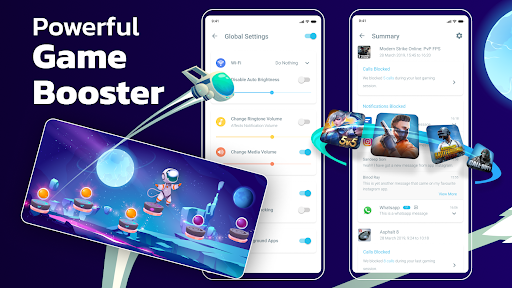
- Smart game accelerators optimize device resources and make games run smoother.
- A one-click acceleration button will help you free up a lot of memory and CPU in a few seconds, and the gaming experience will be immediately improved.
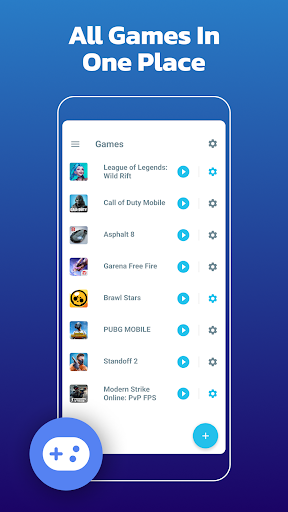
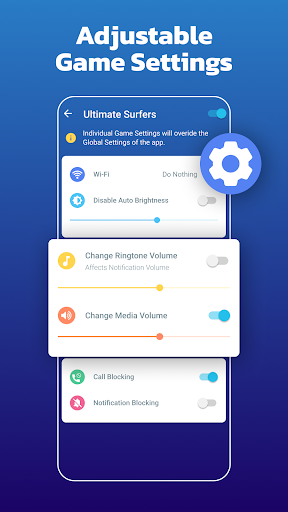
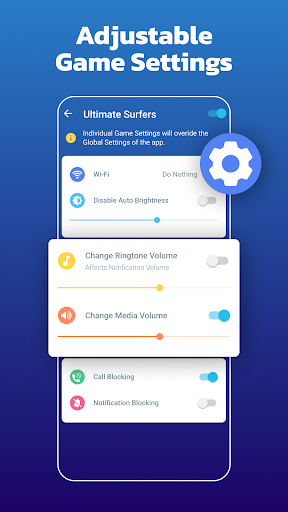
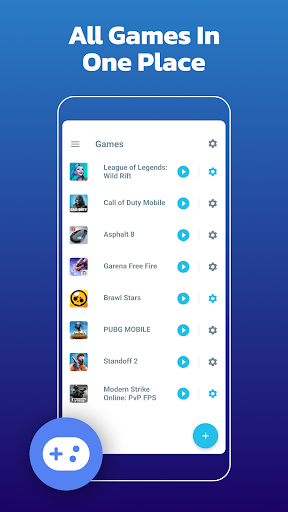
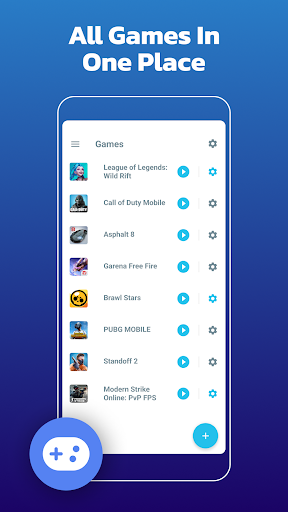
- You can customize the game files, adjust different settings for each game, and adjust how you play it according to your mood.
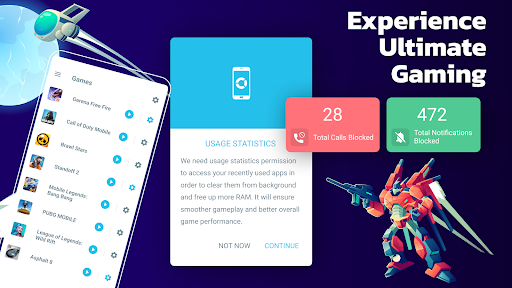
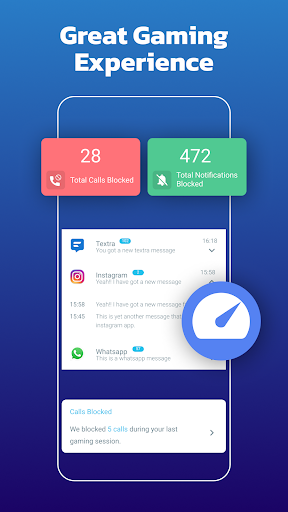
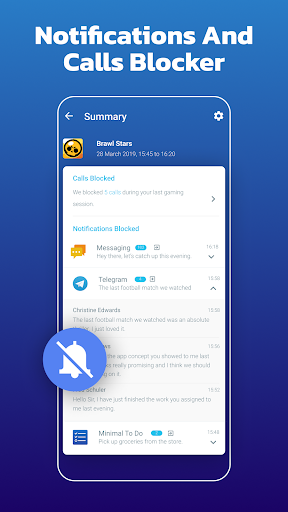
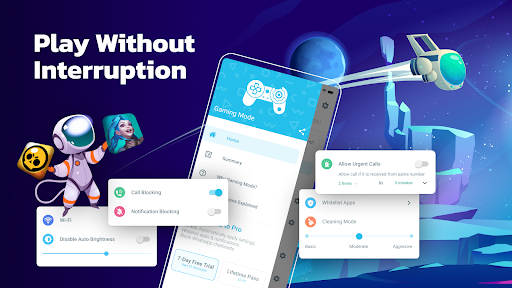
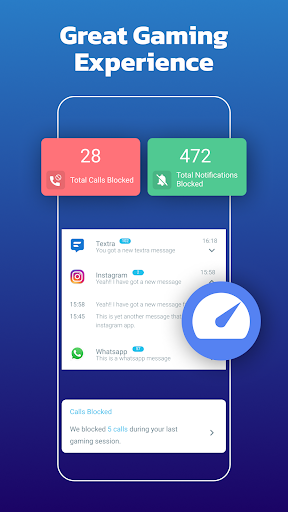
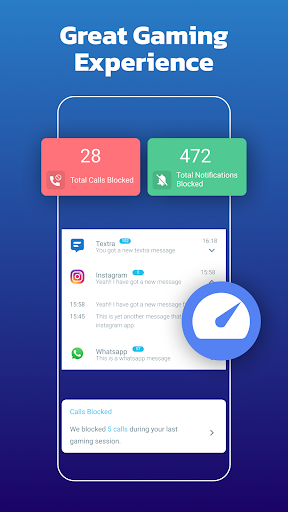
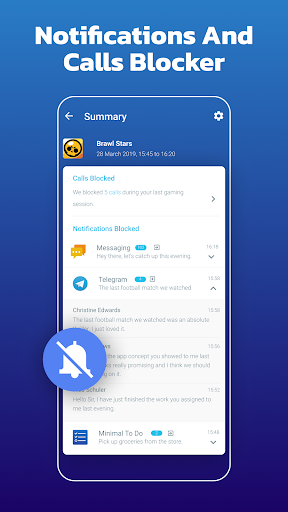
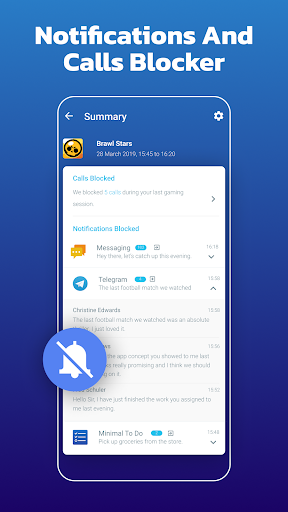
- The game pop-up notification blocker helps you reduce various interruptions and concentrate on enjoying the ad-free happy time.
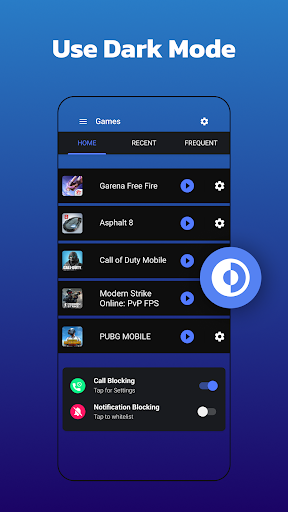
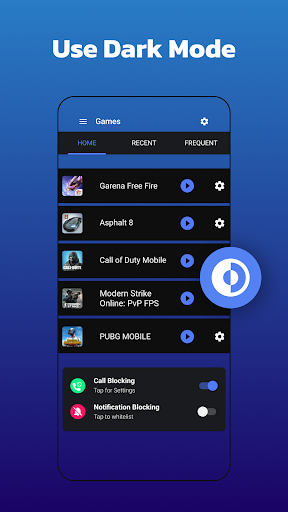
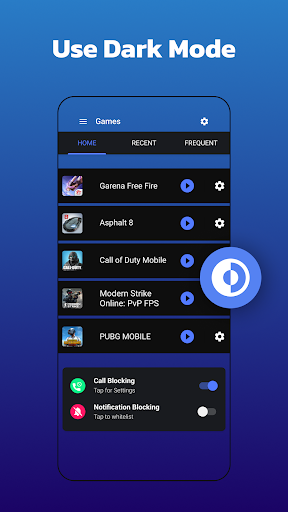
- Launchers with bright and dark themes help your phone look cooler and make it easier to use.
- Real-time network optimization solves delays and jams, allowing you to have a smooth sailing in online battles.
- Power-saving mode extends mobile phone life and is not afraid of dropping the chain when completing long-term games.
- The interface is super friendly, and whether you are a novice or an old player, you can easily control various functions.
Who is suitable for?
This mobile app is especially suitable for casual gamers, technology enthusiasts or users who are too busy to maximize the performance of their Android phones. It is for those who want simple and effective ways to improve the gaming experience and device responsiveness.
Whether you are a mobile game fan who is pursuing a smoother gaming experience or a user who often uses multiple energy-intensive applications, this launcher is a good choice that can help you improve your device performance and make you happier using it.
Why choose this?
The most special thing about this Android app is that it combines powerful functions with easy operation. It can help you steadily improve the efficiency of games and daily tasks without making it complicated and cumbersome. Its application-centered solution makes performance improvement easy and intuitive.
Choosing it means you're investing in a great tool that can really help you optimize your equipment, reduce congestion, and provide a personalized experience, which is a smart move compared to the bunch of fancy apps on the market.
Top Recommended Alternative

Pros & Cons
Pros
-
Improve the gaming experience
-
One-click optimization
-
background process management
-
personalization
-
simple operation
Cons
-
Poor compatibility of some equipment
-
Daemons occasionally disconnect
-
Power consumption is more
-
Free features are limited
-
May be over-optimized
Advertisement
Download Gaming Mode - Game Booster PRO
FAQ
Is Gaming Mode - Game Booster PRO safe to use on my Android device? +
Well, Gaming Mode-Game Booster PRO is a very reliable Android app that mainly helps you with the gaming experience. It does not carry malicious code and meets the security standards of mobile applications. Use it with confidence!
However, remember to download from regular channels to make sure your device is updated to the latest security patches. Using a reliable starter, like this one, can also help your phone be safer and make the gaming experience better!
How do I install Gaming Mode - Game Booster PRO on my Android device? +
Want to install this app? Just go directly to the Google Play Store and click the link, and then click the "Install" button. The steps are quite simple-just a few clicks. When it is automatically installed, you can start using its game optimization features.
After installing it, you can find it on the launcher or home screen of your phone to turn on the game mode and improve performance. The game playing experience will feel smoother and super convenient!
Does Gaming Mode - Game Booster PRO work on all Android versions? +
This Android app is quite compatible and can be used with most new versions. Even older devices are fine, but the specific performance depends on the configuration of your phone. But don't worry, there's usually no big problem.
The advice also depends on the specific instructions in the app store and whether device compatibility is mentioned. Game acceleration and system optimization functions like this can basically play a role within the range of support, improving your overall experience!
Can Gaming Mode - Game Booster PRO improve my gaming performance? +
Of course! This software can help you organize your mobile phone resources, reduce background interference, and improve processing capabilities during games. The effect is quite obvious. For friends who like to play games, it is really a helper. The game will be smoother and the experience will be more amazing!
Many users have reported that with this launcher or some of its functions, the performance of the game has been significantly improved, and they can enjoy smoother gameplay almost without any effort. It is quite reliable!
Is Gaming Mode - Game Booster PRO free to use? +
There is a free version of this app that can be used with basic functions such as game optimization, and it is good at no cost. If you want to use some advanced features, you may have to pay or subscribe, but the basic version is enough for daily use and it is easy to get done.
This means that you don't have to spend too much to get reliable tools to help you optimize your gaming experience. You can use it no matter what Android model, affordable and practical!
Customer Reviews
Users generally praise Gaming Mode - Game Booster PRO for significantly enhancing gaming performance by reducing lag, boosting FPS, and optimizing system resources. Many describe it as the best game booster they've used, with one player noting seamless ultra settings in Final Fantasy. However, opinions differ on effectiveness: some report complete lag elimination and improved skills, while others say it failed to fix stuttering. A critical concern involves account bans—one user lost a Free Fire account after installation. Additionally, some find the app intrusive with excessive ads. Despite these issues, the majority express high satisfaction, citing smooth gameplay and professional-grade optimization.
Write a Review
Share your experience with Gaming Mode - Game Booster PRO. Submissions are reviewed before publishing.
You Might Also Like
More apps you may want to try next.




