

Fotor–AI Photo Editor&Enhancer
Advertisement
Screenshots




Advertisement
About Fotor–AI Photo Editor&Enhancer
Fotor-AI photo editor and enhancement tool is a very versatile mobile app suitable for photography enthusiasts and casual people. The editing functions it brings are quite powerful, allowing you to easily improve photos. The effects look quite professional, as if they came directly from the studio. From the interface point of view, it is a very useful Android software. It is quite easy to operate. The overall experience is quite interesting, and it also makes it much easier for friends who want to do some creative editing.
Overview
core feature
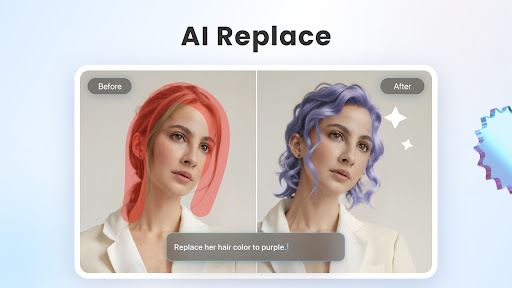
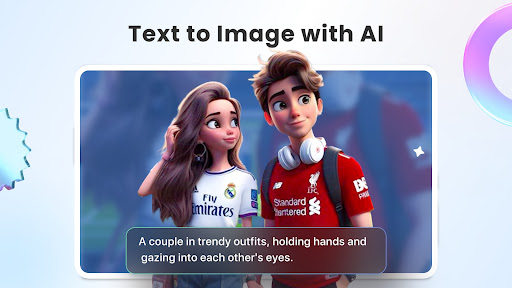
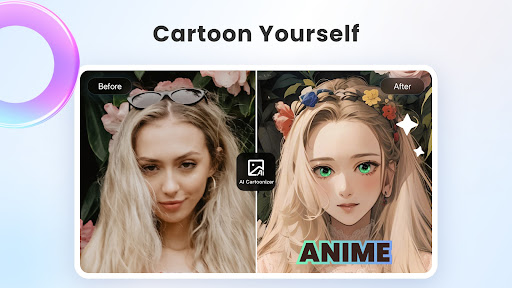
- With an intuitive AI-driven photo editing tool, with just a few clicks, the image becomes exciting instantly, editing becomes super simple, and anyone can use it.
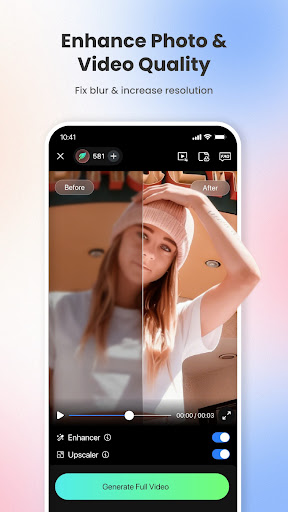
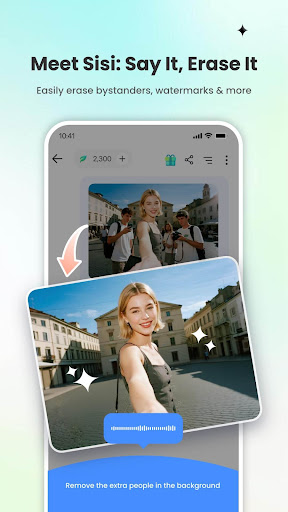
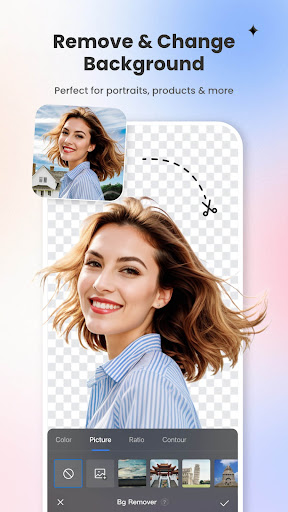
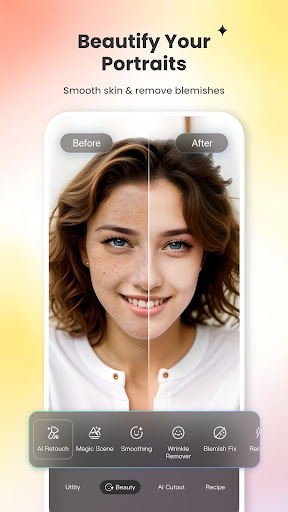
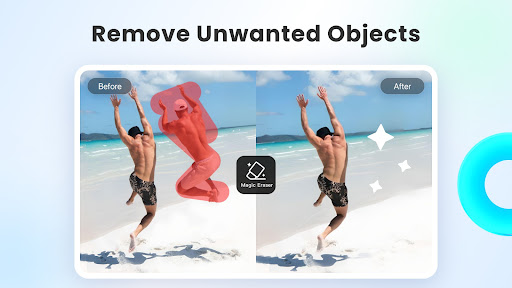
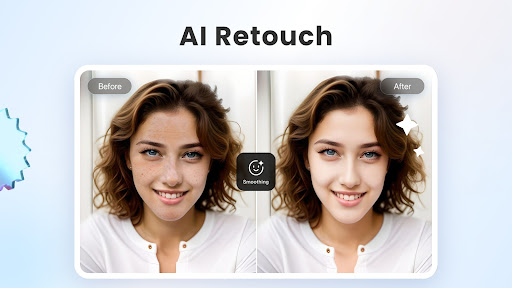
- Some advanced features, such as background removal, facial peeling, etc., improve the quality of photos without any effort, making the effects look professional and natural.
- Real-time filters and special effects, while playing and watching the effects, the photos immediately become cool, and the experience will burst!
- Offline mode allows you to edit even without the Internet. It is especially suitable for when you are away from home and there is no Wi-Fi.
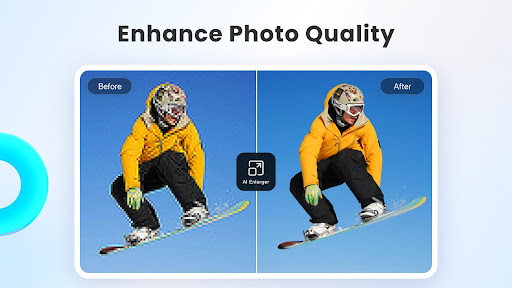
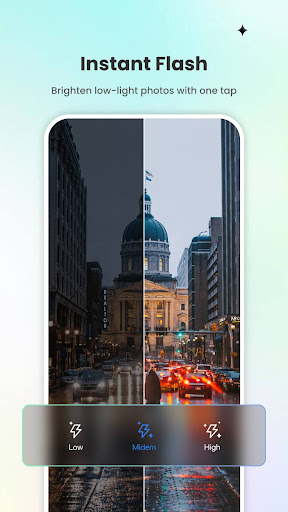
- Automatic optimization options help you adjust brightness, contrast and sharpness to easily achieve amazing results.
- Batch editing function allows you to get multiple photos at once, saving time and worry, and the efficiency is great!
- Seamless connection with other apps or social platforms makes sharing very convenient. Send if you want, don't worry!
Who is this app suitable for?
This mobile phone app is especially suitable for ordinary users who like to take photos, socialize, or just want to make beautiful photos. No matter how old you are, you can use it easily from a novice to an experienced photographer. This app specifically caters to people who want fast and good-looking editing tools, allowing you to save time and effort while still getting a perfect score.
Whether you are a novice or veteran, whether it is used to beautify travel photos or organize portraits, it can help you get it done and make your photo editing fun and efficient.
Why choose this app
This Android app brings a wealth of features that make editing photos super easy and fun, making it easy for even novices to get started. The interface is friendly and combined with powerful AI technology, the entire experience is extremely smooth, much better than other initiators.
It can quickly help you retouch pictures, intelligently optimize, and operate offline to solve all your troubles. The reliable and innovative combination of functions makes it the only choice for those who want to find reliable retouching software!
Top Recommended Alternative

Pros & Cons
Pros
-
Intuitive AI enhancement tools
-
Rich editing options
-
High output quality
-
fast processing speed
-
Cloud storage capabilities
Cons
-
Free features are limited
-
Occasionally over-processing
-
Insufficient audio and video editing support
-
AI adjustment has little customization space
-
Old equipment will occasionally collapse
Advertisement
Download Fotor–AI Photo Editor&Enhancer
FAQ
Is Fotor–AI Photo Editor & Enhancer safe to use on mobile phones? +
Of course, Fotor – AI Photo Editor & Enhancer is a very reliable mobile application, and users 'security issues are taken into account when developing. It can be found in regular app stores and regularly updates security measures to ensure that your data is fine.
As a photo editing software designed for Android, it strictly adheres to privacy standards.Remember to only download from trusted channels and don't get copycat ones. After all, what you are using is good stuff related to privacy and device security.
What are the main functions of Fotor–AI Photo Editor & Enhancer? +
This app is quite rich in features, such as AI smart enhancement of photos, background removal, various filters, and various editing tools. Use it to make your photos look professional and beautiful without any effort.
Theoperating interface is super intuitive, simple and easy to use, and is especially suitable for novices and experienced users. Many complex editing steps have been simplified and made more considerate and convenient.
Is there any problem with using Fotor–AI Photo Editor & Enhancer on Android phones? +
Of course, this Android app works quite smoothly, and almost most Android devices can be used quite smoothly. The experience is particularly smooth and optimized in place.
Itis also compatible with various Android versions and devices. In other words, as long as it is Android, it can be used at any time, and photo editing can be quickly done at any time, which is very convenient.
Does Fotor–AI Photo Editor & Enhancer need to be connected to the Internet to use it? +
Features like AI enhancements and cloud tools may have to be networked to work well, but most basic editing functions can be done offline.
Thisis quite convenient, no matter where you are, as long as you can use it, photo editing anytime, anywhere, no need to specifically connect to the Internet, but remember that some advanced functions may have to go online to use all of them.
Is Fotor–AI Photo Editor & Enhancer suitable for professional photographers? +
Although this app has many features and is particularly simple and easy to use, it is mainly designed for ordinary users and enthusiasts. It pursues a fast and high-quality editing experience, and the learning curve is not very steep.
Ifyou are a professional photographer, you may have to use some more professional editing software, but this AI-assisted tool is still very useful for quick daily retouching. It is simply a versatile little helper. It takes time to improve photos while you are busy.
Customer Reviews
Users praise Fotor's user-friendly interface, smooth performance, and effective photo editing tools, with some calling it one of the best editing apps. However, significant issues arise around subscription models and AI feature reliability. Key concerns include: (1) Subscription & Pricing – while some users find the annual fee acceptable, many report hidden costs, forced upgrades to more expensive plans, and aggressive payment prompts even after paying; some claim unauthorized charges and difficulty canceling subscriptions. (2) AI Features – some AI tools like the video eraser work well in preview but fail on final output with persistent network errors, and AI-generated results often mismatch input, making editing frustrating. (3) Overall Functionality – a few users describe excellent results (e.g., image enhancer works great), but others experience crashes, uninstall difficulties, and poor customer support. The experience is polarized: some users feel the app is worth paying for, while an equal number strongly advise against purchasing due to perceived scams and aggressive monetization.
Write a Review
Share your experience with Fotor–AI Photo Editor&Enhancer. Submissions are reviewed before publishing.
You Might Also Like
More apps you may want to try next.




