FamiliarApps logo
Floor Plan Creator

Floor Plan Creator

Advertisement

Screenshots
14 images
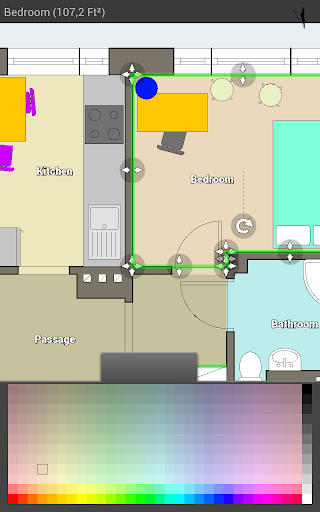
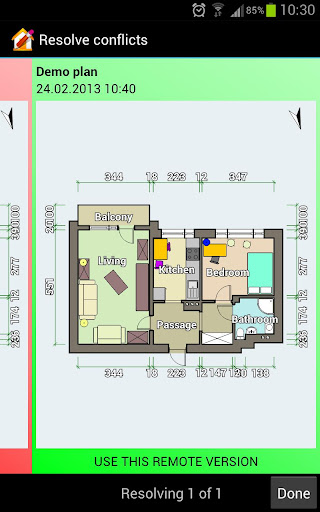
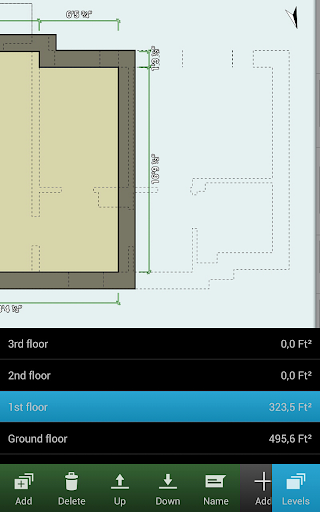
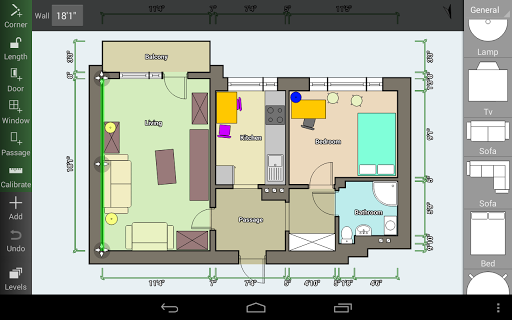
Floor Plan Creator screenshot 1 Floor Plan Creator screenshot 2 Floor Plan Creator screenshot 3 Floor Plan Creator screenshot 4 Floor Plan Creator screenshot 5 Floor Plan Creator screenshot 6 Floor Plan Creator screenshot 7 Floor Plan Creator screenshot 8 Floor Plan Creator screenshot 9 Floor Plan Creator screenshot 10 Floor Plan Creator screenshot 11 Floor Plan Creator screenshot 12 Floor Plan Creator screenshot 13 Floor Plan Creator screenshot 14

Advertisement

About Floor Plan Creator

Floor Plan Creator is a very intimate application. It is an easy-to-use mobile phone app specially designed for people who want to draw detailed and accurate floor plans. This Android program interface is super intuitive, helping home designers, architects, and even friends who like DIY to imagine space more easily. Its functions are quite comprehensive. Users can adjust the layout while drawing, making each area particularly desirable, and it can be used easily. It provides a reliable solution that can be used indoors and outdoors on your mobile phone. solution.

Overview

core features

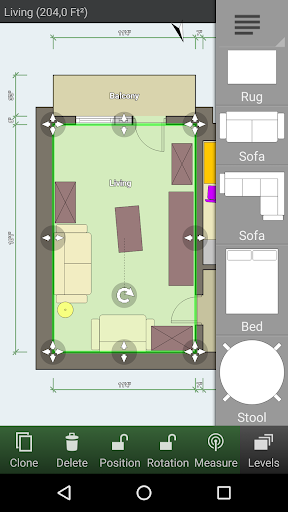
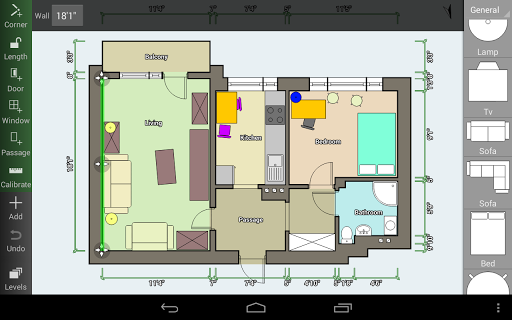
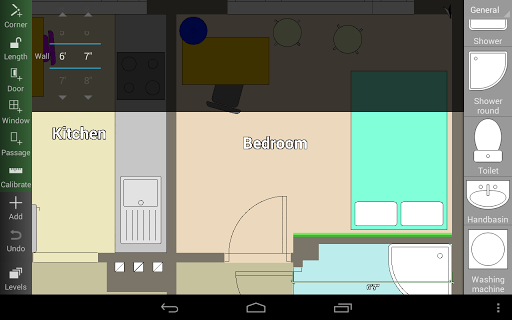
  • The interface is super friendly and the tools are intuitive. Detailed floor plan design can be completed in a few steps, making the operation very easy.
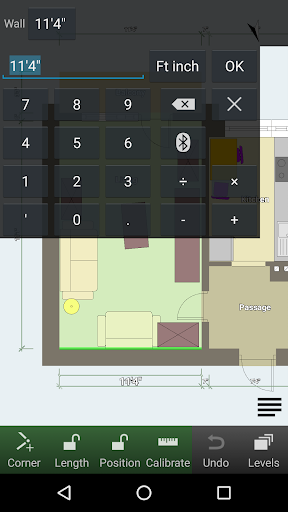
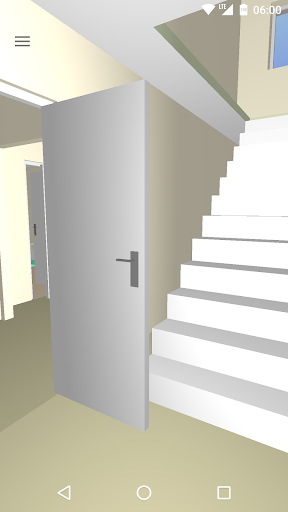
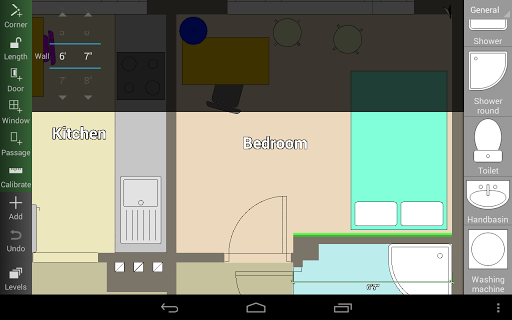
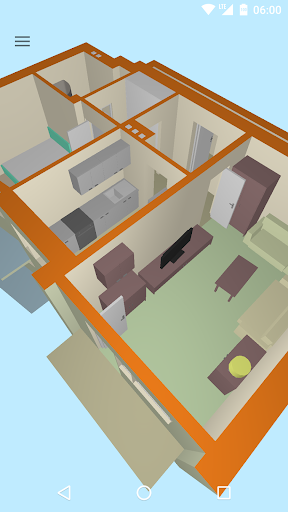
  • There are also some powerful features, such as 3D effects and measurement tools, which make the layout super accurate and the imagination space richer.
  • Support offline mode, so you can continue to work even when you are away from home, and you are not afraid of being unable to do things without a network connection.
  • The real-time synchronization function ensures that updates on different devices are completely synchronized, making it particularly smooth to use.
  • Templates and furniture libraries can be customized at will, allowing you to easily customize your design without having to bother looking for materials.
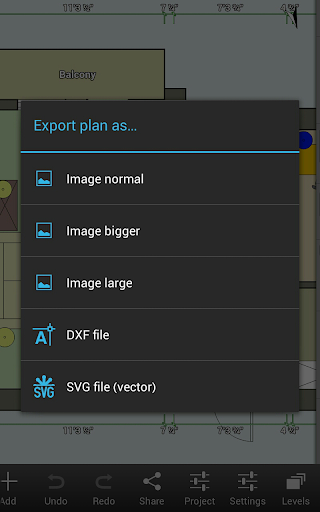
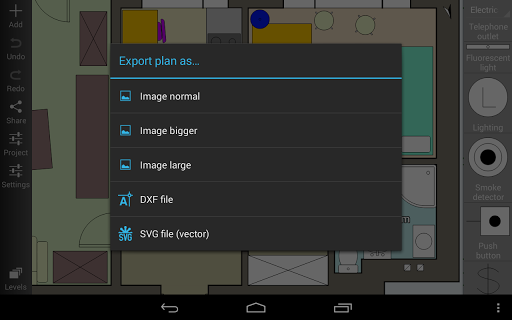
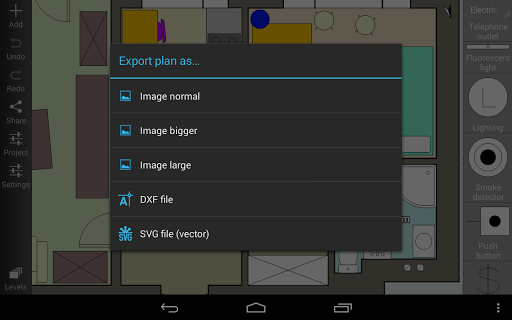
  • The export formats are rich, including high-definition pictures and PDFs. There is no pressure for professional presentations, so just take them and use them directly.
  • It can also be perfectly integrated with other design software and become a right-hand assistant to artists and designers. It has many functions and is extremely playable.

Who is suitable for?

This app is really suitable for architects, interior designers, and homeowners who want to easily draw accurate floor plans on their Android devices.

Whether you are preparing to renovate a house or designing a new space, this app can help you intuitively express your thoughts, communicate more easily, and have great results.

Why choose this app?

This Android software is particularly outstanding because it combines some powerful functions that are both easy to operate and professional. Whether you are a novice or an old driver, it is worth a try and trustworthy!

Its comprehensive functions and stable experience help you solve various problems in floor layout, make the design simpler and more interesting, and also enhance your confidence and create a more brilliant indoor space!

Top Recommended Alternative
Pros & Cons

Pros

  • The operating interface is super intuitive
  • Drawing tools are extremely accurate
  • Cross-platform support, so considerate
  • Can export and share
  • Ultra-rich object library

Cons

  • The 3D view is a bit thin
  • Advanced functions are too difficult to learn
  • Occasionally I get stuck or unstable
  • Weak collaboration functions
  • The free version of the object library is pitifully small

Advertisement

Download Floor Plan Creator

You are going to be redirected to the official website to finish the download when you click these buttons above.

FAQ

Is it easy to set up using the Floor Plan Creator app? +
Of course, it was easy to configure this Floor Plan Creator at first. It is a very friendly mobile app specially designed for Android users. Once installed, you can draw a detailed floor plan immediately. This application interface is super intuitive, it won't be difficult to use it for the first time, and it's smooth to operate. Moreover, it adapts to the touch screen, and the user experience is quite smooth, so you don't have to worry about stuck problems.
Does this app support saving and sharing my floor plans? +
Of course! Floor Plan Creator provides convenient saving methods, which can be saved locally or in the cloud. There are many options. Sharing is also very simple, whether it is sending an email, linking in the cloud, or exporting into an image or PDF, it can be done. This makes it particularly convenient for you to work with customers or construction teams, and a comprehensive app can meet your design needs.
Is it safe to use this Floor Plan Creator on Android devices? +
Of course, as a trusted app with a good reputation in the Google Play Store, it will regularly perform security checks to ensure that there are no vulnerabilities. Follow Android's security rules to protect your data and privacy, and be absolutely reliable. It is recommended that you only download it from official channels to ensure that you always use a safe and reliable version, so that the experience will be more secure.
Can I use this app without using the Internet? +
Yes! This app supports offline operations, so you can do your floor plan design without using the Internet. This is particularly useful when in the field or when the network is unstable. Design requires you to use it freely anytime and anywhere. This app will help you achieve it. Whether you are outside or at home, you can focus on your creation.
What are the specific functions of Floor Plan Creator? +
It has many functions, such as drag-and-drop operations, real-time measurement, and personalized elements to help you easily draw accurate floor plans. It also supports importing templates and exporting multiple formats, making it easy to use. These features make the design smoother and are popular among architects, interior designers or hobbyists.
Is this app suitable for use as a launcher for design projects? +
Although it is mainly a design tool that focuses on drawing, you can also add it to the main screen of your hand phone to quickly open it at any time, just like a launcher. In this way, you can start your design work in an instant. It focuses on detailed floor plans and is a professional-level tool. It is not a pure application launcher, but it can concentrate all the design tools that need to be used, which is quite convenient.
How do users evaluate the experience of using Floor Plan Creator? +
Many users find it too convenient to operate, the interface is very intuitive, and the functions are very powerful. They can draw professional-like floor plans with their mobile phones. They all recognize the stability of this app and its ability to handle complex designs on Android devices. It feels reliable and practical, and it really becomes a good helper for personal and professional work.
Where can I find more information about Floor Plan Creator? +
You can go to the official page on Google Play to have a look, where detailed introductions, user reviews, and updates are all there. As a well-known application in the art and design category, it is definitely a trustworthy tool. If you need more in-depth help, it is recommended to check the developer's official website or support page to learn more about its functions and the latest version information tailored for Android users.

Customer Reviews

AI
AI Generated Summary
Based on real user feedback
★ 4

Users widely praise Floor Plan Creator for its intuitive interface, ease of use, and seamless 2D-to-3D conversion, making it a top choice for quick floor plan drafts and furniture placement. Key strengths include simple dimension control, realistic 3D preview, and valuable features for both personal and business use. However, several limitations are frequently mentioned: the free version severely restricts export and saving, with no trial option, leading some to rate it 1 star for lack of testing ability. While many find the €9.99 full version worth it, others consider it expensive for single-use. Functionality gaps exist: some users request circular or arch walls, sloped ceiling support, better staircase options, and more furniture details (e.g., double doors, nightstands). A few report sudden wall dimension adjustment failures after prolonged use. Despite these issues, the majority agree the app is excellent for basic planning, praising its simplicity and effectiveness.

Tshukudu Itumeleng · 2026-06-17
★ 5
It is amazing; it helped me create a 3D plan of my dream house.
Maja · 2026-06-14
★ 1
The app worked flawlessly for weeks or months on a tablet, until suddenly and without any apparent reason, I could no longer adjust the dimensions of a single wall (position was not locked, and nothing else was changed on that wall). Duplicates didn't help. All planning went down the drain.
Umeirah _ Nurdhin · 2026-06-13
★ 5
Please add a circular wall as needed. Your help is greatly appreciated.
Wom Hoffman · 2026-06-12
★ 5
Excellent for drafting modular layouts. Its intuitive interface simplifies setting specific dimensions, aiding my 3x6m unit designs. It greatly enhances visualizing spatial flow in compact floor plans.
Riek Coetzee · 2026-06-12
★ 5
This app is fantastic and I would 100% recommend it. It's easy to use and works very well.

Write a Review

Share your experience with Floor Plan Creator. Submissions are reviewed before publishing.

Rating *
0 / 2000

You Might Also Like

More apps you may want to try next.

Advertisement
5
Please wait...