

Advertisement
Screenshots
Advertisement
About Flat Equalizer - Bass Booster
Flat Equalizer - Bass Booster is a very considerate software. It is specially designed for people who like to listen to music. It is especially convenient to use on mobile phones. Its interface is simple and intuitive, and it is effortless to operate. It can also adjust the sound effects at will, enhance the bass, and optimize the sound quality. It feels like having a small stereo around you, and the music becomes more sensory. As a very popular music adjustment tool, it can bring an immersive listening experience, tailored to your preferences, which is really hard to put down!
Overview
core functions
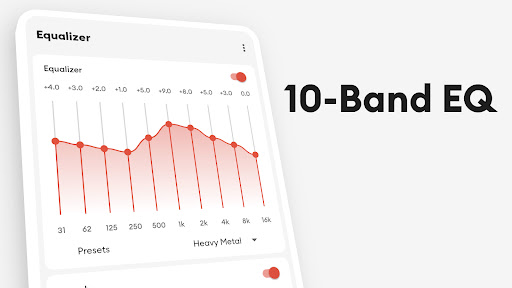
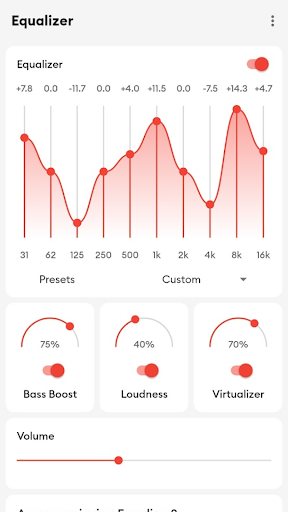
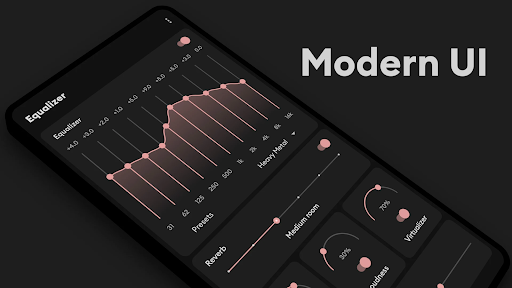
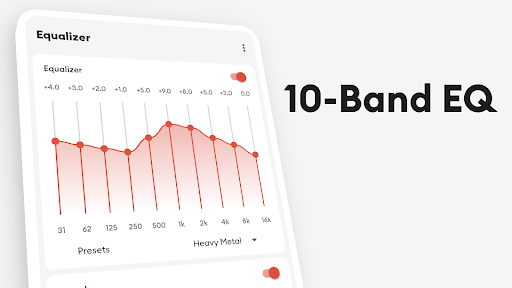
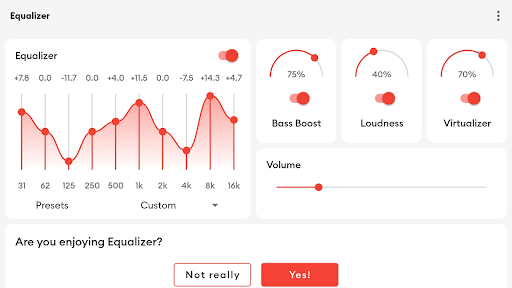
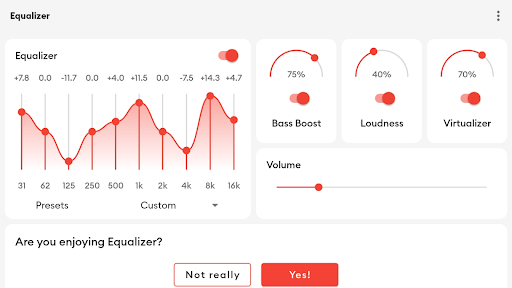
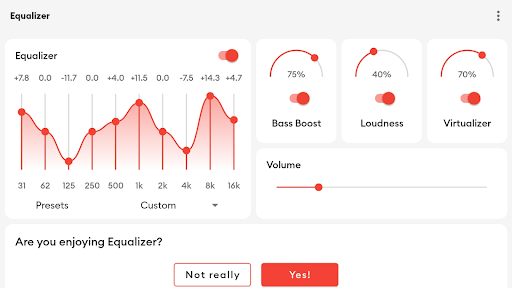
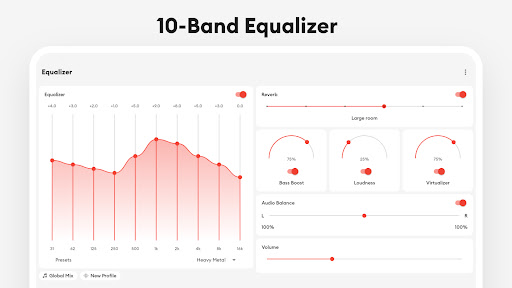
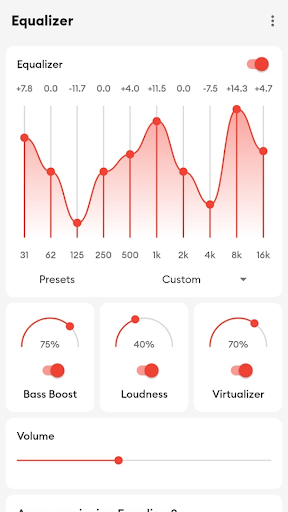
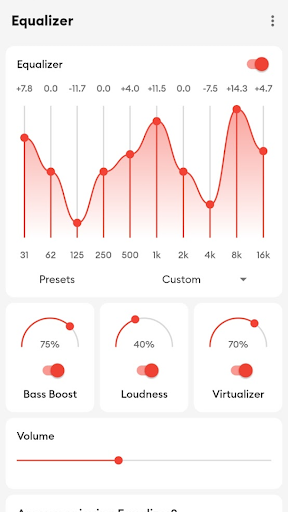
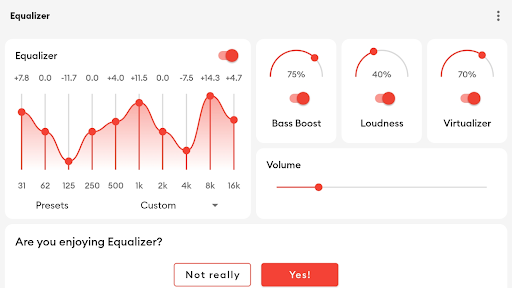
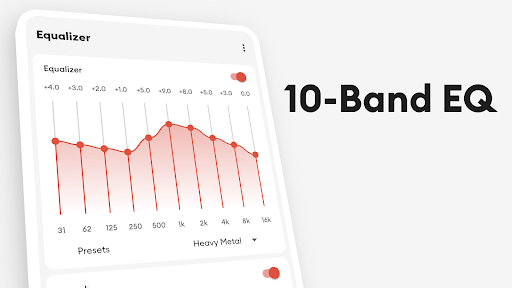
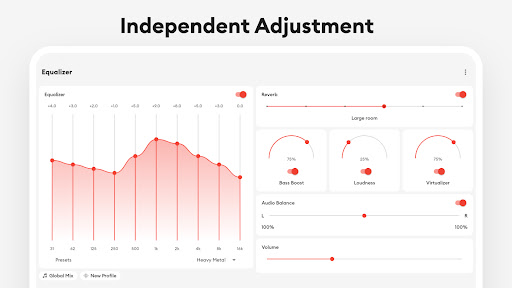
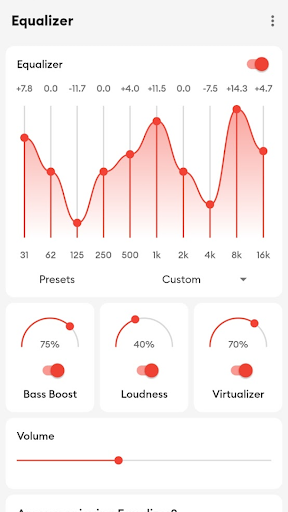
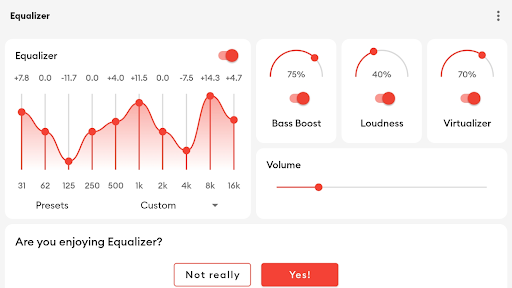
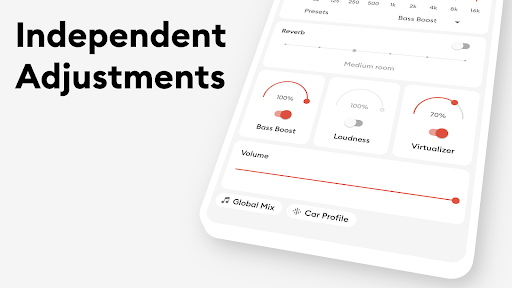
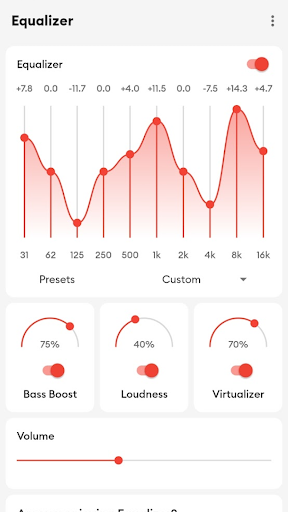
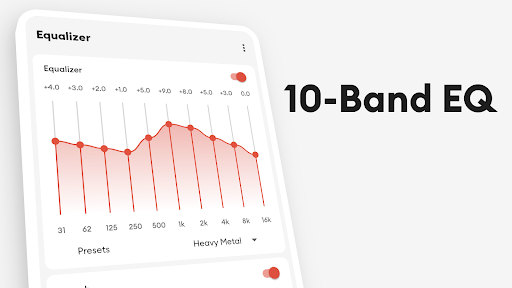
- The equalizer settings that you can adjust by yourself allow you to tune out the most suitable sound effects according to different music styles and personal preferences. It's quite considerate.
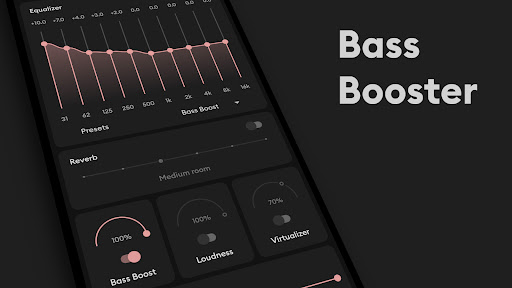
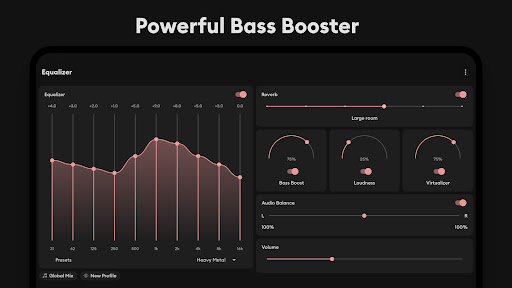
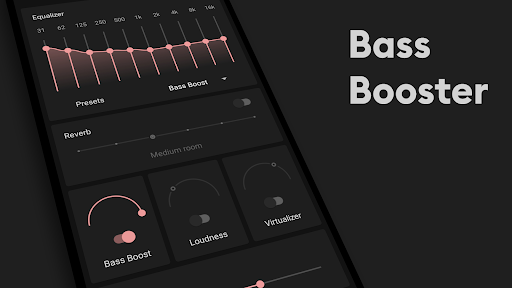
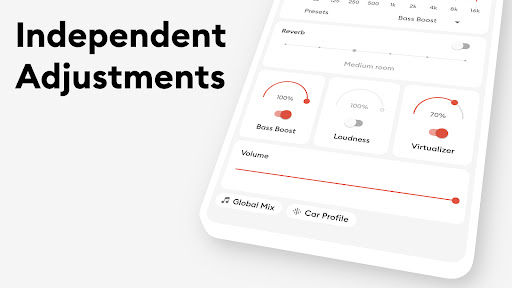
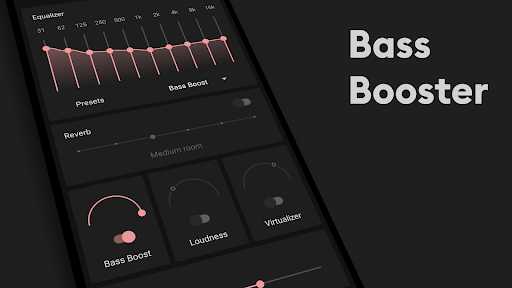
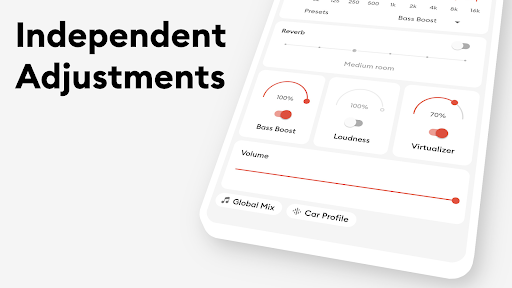
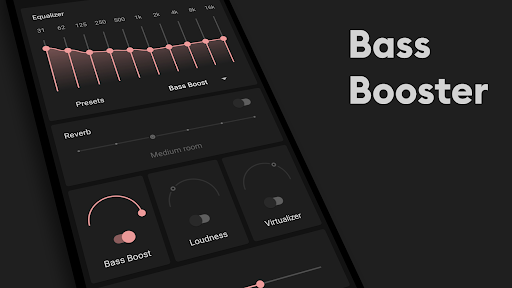
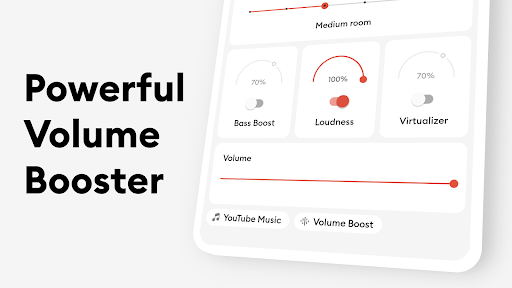
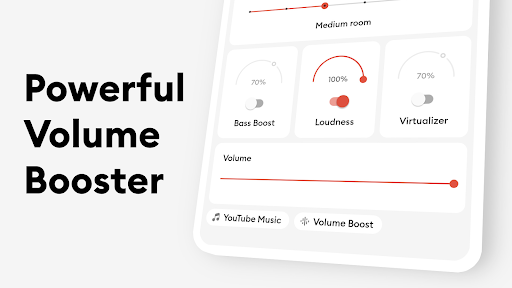
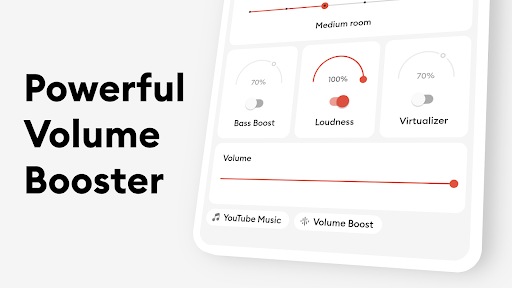
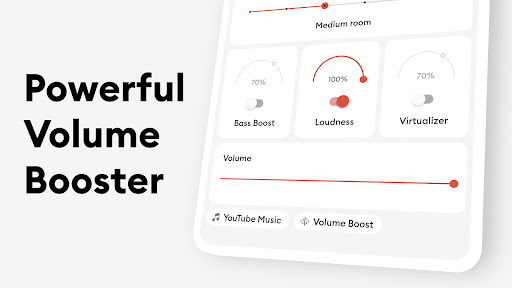
- The built-in bass booster can push the low frequency harder, making the whole sound richer, more immersive, and more enjoyable to listen to.
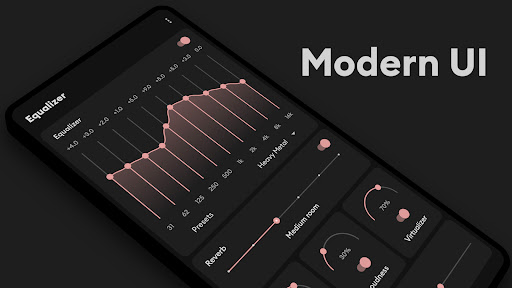
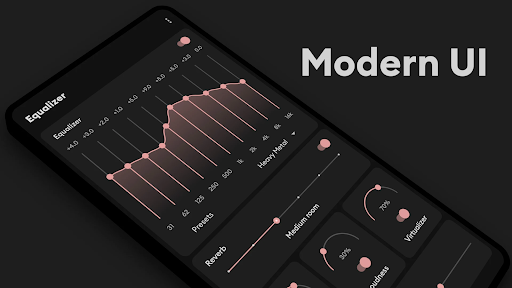
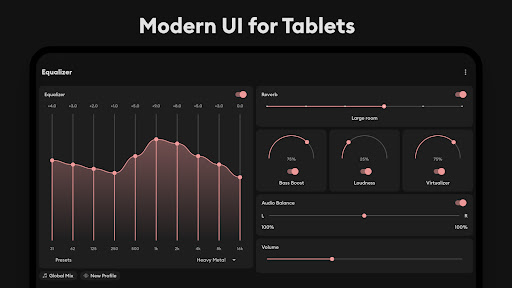
- The interface is designed to be intuitive, tuning becomes fast and easy, with little effort, and is suitable for all types of users, regardless of size.
- Support offline mode, you can enjoy optimized sound quality when there is no network, and you don't have to worry about shutting down or no network will affect the experience.
- It can also be seamlessly integrated with various Android applications, such as your desktop launcher or music player, which can work smoothly and operate easily.
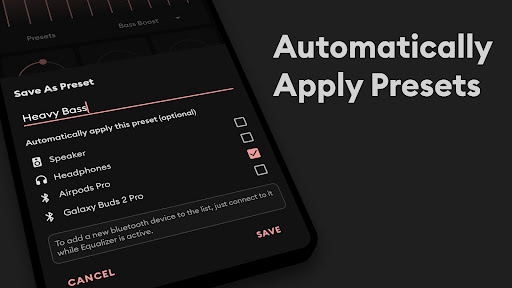
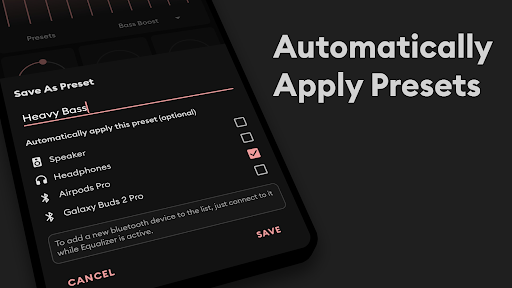
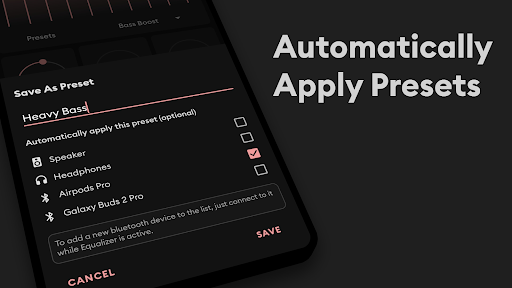
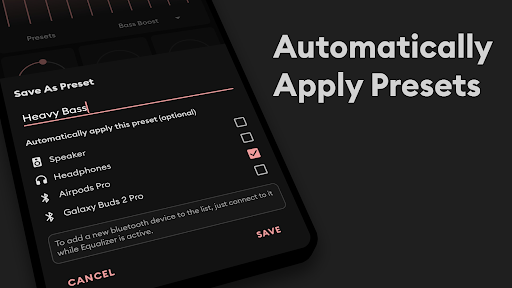
- The default plan can quickly switch to popular sound adjustments, and of course, you can also adjust and save it yourself so you can use it at any time.
- Real-time audio processing allows you to hear feedback immediately when adjusting the equalizer, making it very smooth.
- The very lightweight design does not consume power, ensuring a smooth upgrade experience when using any Android device.
applicable population
This mobile app is especially suitable for music lovers, audio enthusiasts, or those who want better sound quality on Android devices. The interface is simple and easy to control, suitable for all ages. Anyone who wants a personalized listening experience can give it a try.
Whether you use a launcher to beautify the home page or want to listen to it more dynamic while exercising or commuting, this app can help you easily improve the sound effects of your device and is quite practical in various scenarios.
Why choose this app
What makes this Android app special is that it provides high-quality features that greatly enhance your listening experience. The design is intuitive and customizable, making it particularly easy for you to use. It's a reliable choice.
Different from other solutions, it can accurately control sound parameters and work perfectly with other applications on your device. It is especially suitable for users who have requirements for music quality and audio adjustment. If you want better listening enjoyment, it is definitely worth it. Try it.
Top Recommended Alternative

Pros & Cons
Pros
-
Intuitive interface design
-
The bass enhancement effect is obvious
-
Various preset plans
-
Light and sensitive
-
Compatible with various players
Cons
-
Limited regulator options
-
High-intensity boost may be distorted
-
No free trial period
-
Adjust sound files limited
-
No other built-in sound equalizers
Advertisement
Download Flat Equalizer - Bass Booster
FAQ
How can I install and set up the app Flat Equalizer - Bass Booster on my mobile phone? +
Installing Flat Equalizer - Bass Booster on an Android phone is actually quite simple, just go to the Google Play Store and search for the name. It's similar to ordinary application downloads, just pay attention to ensure that it is safe and reliable.
Once installed, you will find many intuitive options to adjust the sound yourself. This app can also be smoothly combined with your phone's existing settings, allowing you to turn on and adjust those sound effects directly with your phone or with the launcher. It's very convenient!
Is Flat Equalizer - Bass Booster safe to use on my Android device? +
Of course, the app was developed by a reputable team and can be found on the Google Play Store, which regularly checks the security of the app. It's not a problem to follow basic safety rules to keep your equipment from getting into trouble.
However, it is recommended that you download it from trusted channels, read user comments, and then keep the latest version of your mobile phone software, so that you can enjoy a better experience and ensure security. This application is really a reliable helper, so you don't have to worry about security issues.
What are the main functions of Flat Equalizer - Bass Booster? +
The app on this phone provides a number of tuning features, such as the ability to customize the equalizer, bass enhancement, and the ability to select different preset sound effects. Make the sound quality of your music and other media better with just a few clicks.
Designed specifically for Android users, it is also a good launcher tool that can help you quickly adjust the sound effects. The interface is particularly simple, allowing anyone to easily get started and enjoy the rich audio experience, making the sound effects of the mobile phone even more powerful at once!
Can I adjust any music or audio source with Flat Equalizer - Bass Booster? +
No problem! This app is compatible with most players and audio sources on your phone. Whether you're listening to music, watching a video, or listening to a podcast, turning on this equalizer will make your overall experience better.
It is specially designed to adapt to various audio applications. It can be regarded as a very versatile tuning tool that helps you improve the quality of various audio on Android devices. It can be used anywhere!
Does this app provide any customization options or preset sound effects? +
Of course, Flat Equalizer - Bass Booster has many preset sound files, such as rock, jazz, classical, etc., that can help you adjust your listening feel according to your preferences. That's not enough. You can also set your own exclusive equalizer parameters and call them at any time after adjusting and saving, which is super convenient!
This feature allows you to quickly switch between different sound modes and is especially suitable for users who like personalized tuning. The operation is simple and practical, it won't make you feel complicated and cumbersome, and you can enjoy a better sound experience!
Customer Reviews
Users widely praise Flat Equalizer - Bass Booster for its intuitive design, smooth controls, and effective bass enhancement, calling it one of the best options for low-frequency boosting. The app is noted for fast installation, no viruses, and stable operation with idle reminders. However, opinions are mixed on volume and ads: some users find it "could be a little louder" or prefer a more powerful boost, while others are satisfied with the deep bass output. Regarding ads, many appreciate the app's core functionality but criticize frequent advertisements as intrusive, though they still recommend it overall. A few users note that the equalizer settings already suffice without additional bass boost, highlighting its flexibility.
Write a Review
Share your experience with Flat Equalizer - Bass Booster. Submissions are reviewed before publishing.
You Might Also Like
More apps you may want to try next.




