
FlashGo: Fake GPS Location
Advertisement
Screenshots

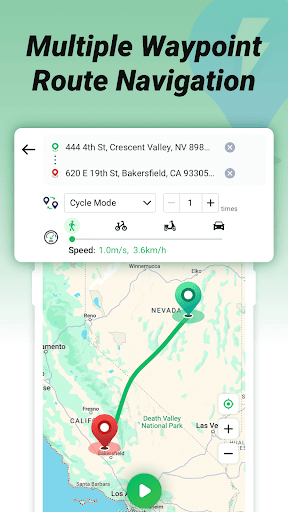
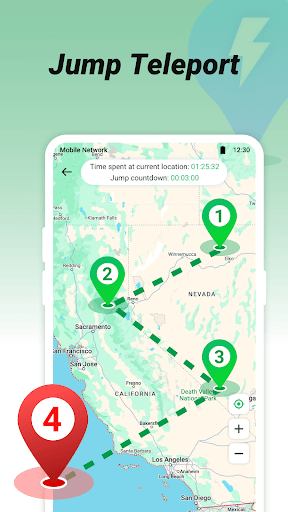

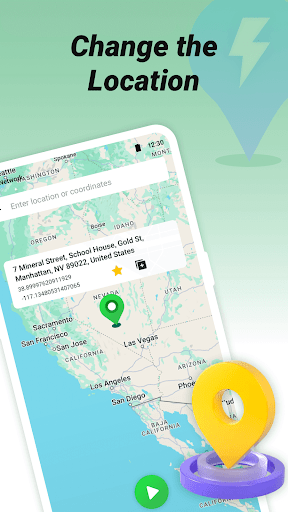
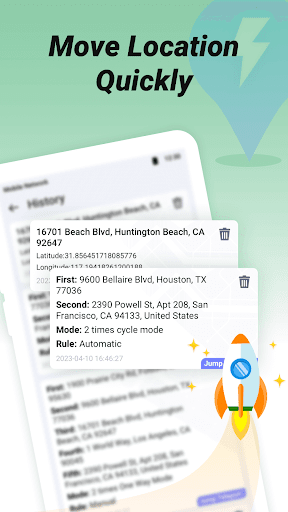

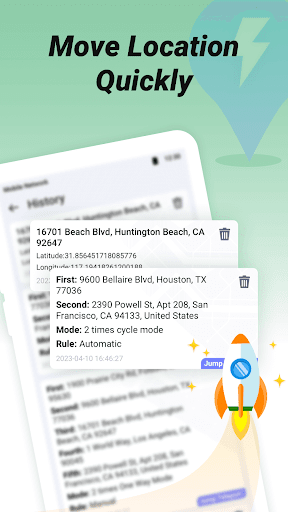
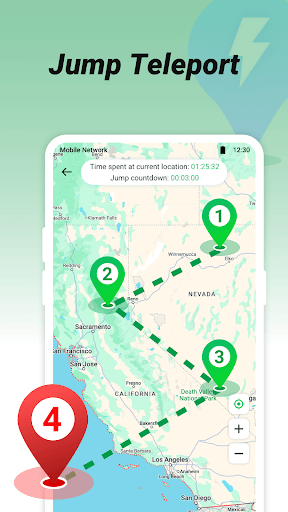
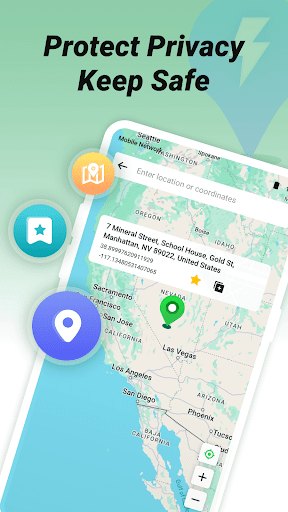
Advertisement
About FlashGo: Fake GPS Location
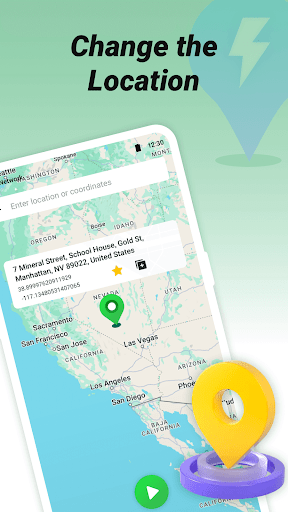
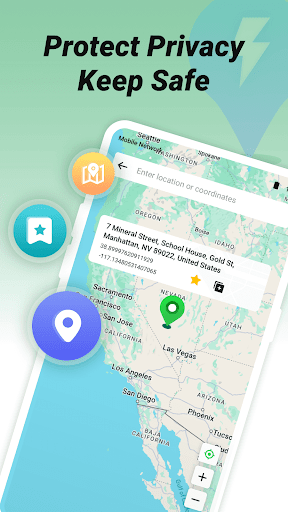
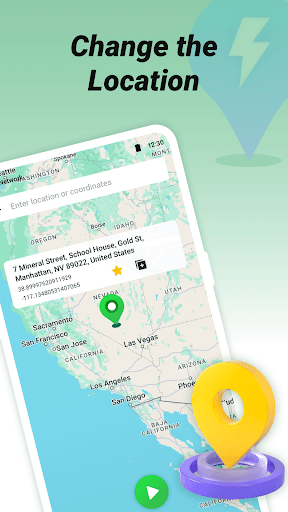
FlashGo: Fake GPS Location is a very useful Android app that helps you instantly change the location of your phone. It's easy to use, and you can easily simulate GPS data by relying on this app. It's very popular with everyone, especially those who need testing or want to protect privacy. The interface is particularly friendly, it is quick to start, smooth to use, and basically no trouble.
Overview
core functions
- Allowing users to simulate real GPS locations is especially suitable for testing location-dependent applications and functions. Sometimes it's really convenient!
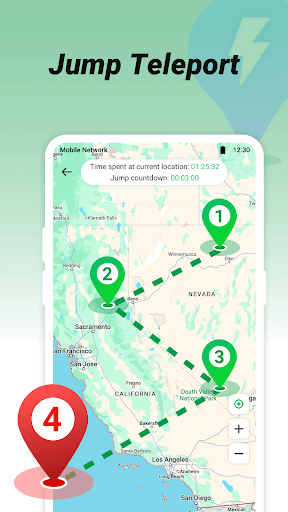
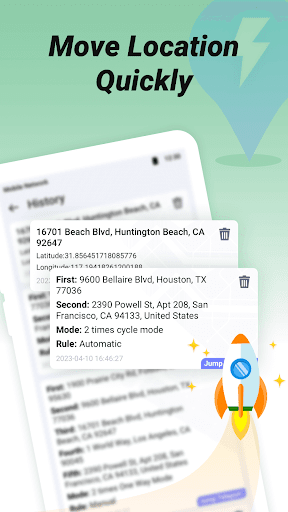
- Support the choice of multiple simulated positions, whether it is custom coordinates or routes, you can get it done. It's really flexible!
- The interface is super friendly, and setting false positions is simple and fast. Whether you are a novice or an old driver, you can easily get started. It feels quite intimate!
- You can quickly switch between fake and real GPS at any time to make the test or privacy protection experience smooth. It's so easy!
- After using it, it will automatically return to the original position setting to ensure a sense of security and make people feel quite reliable!
- You can also customize and save your favorite locations. Repeating the test will be more efficient, and you don't have to redo it every time, which saves you a lot of trouble!
- Compatible with the Android system and provides an in-app solution that both developers and privacy-minded users can use it quite satisfactorily!
Who is this App suitable for?
Designed for Android users, it is especially suitable for those who need to test location-dependent apps or want to protect their privacy., He is simply a helper!
Whether you are a developer, technology fan or traveler, as long as you want to use a simple and reliable fake GPS tool, this app is definitely a good choice, and the experience is really great!
Why choose this App?
With its intuitive operation and reliable location forgery capabilities, this Android app stands out among many applications. It is definitely the first choice for safe and efficient fake GPS!
It provides a trustworthy solution that not only solves privacy concerns, but also meets various testing needs. It is really convenient and accurate. I sincerely recommend it!
Top Recommended Alternative

Pros & Cons
Pros
-
simple interface to
-
Position falsification exceeds accuracy
-
Support for multiple devices
-
Choose your location
-
The software is very small
Cons
-
May be detected by GPS
-
Free features are limited
-
Delays or jams may occur
-
There is a problem with compatibility with the latest system version
-
You can't fake all apps, some hardware detection is very strong
Advertisement
Download FlashGo: Fake GPS Location
FAQ
Is FlashGo: Fake GPS Location safe to use and free from malware? +
Yeah, FlashGo: Fake GPS Location is quite reliable. People who have used it say that it is safe and reliable, without viruses or anything. It also follows the rules of the Google Store and is safe to use.
Thissoftware is easy to operate and allows you to easily disguise your location. As a formal software, it not only ensures user safety, but also meets the needs of navigation testing or privacy protection. It is quite good.
How do I set up or install FlashGo: Fake GPS Location on my Android device? +
Installing this mobile phone software is actually quite simple. After downloading, you must turn on the "Simulated Position" function in the settings. After you are done, you can choose the fake location you want in the software.
Theinterface is very intuitive. Tell friends not to worry and you can get started easily at the beginning. For Android users who want to quickly switch locations, this app is an artifact.
Can I use FlashGo: Fake GPS Location without internet access? +
Sure. After installation, most functions can be used without connecting to the Internet, and you can set and save fake locations yourself. This design is quite considerate and is especially suitable for use when there is no Internet outside.
However, functions like real-time GPS updates or map updates may still require networking. In general, even if it is used offline, it is quite reliable, especially for people who value privacy.
Does FlashGo: Fake GPS Location work with all Android versions? +
This software is basically compatible with most newer Android systems. For specific requirements, you can go to the Google Store to see the detailed instructions, but generally speaking, devices above Android 6.0 can run it.
Compatiblewith various versions, making it the first choice for many users who like to engage in location camouflage and navigation testing, and it is very popular.
What are the main app features of FlashGo: Fake GPS Location? +
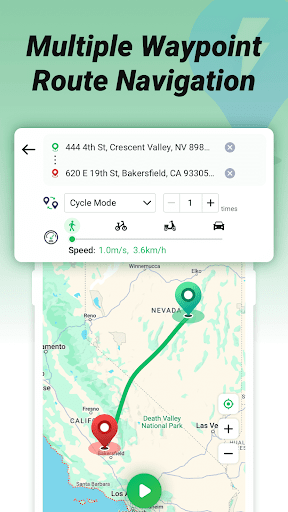
The main function is to easily disguise the location, set routes, and have a very convenient map interface. Can help you simulate different locations for testing software or protecting privacy.
Thecore functions are quite simple and intuitive, suitable for ordinary users and friendly to developers. These features make it a trustworthy location camouflage software, and also make it attract many friends who like to play location simulations.
Is FlashGo: Fake GPS Location suitable for use as a launcher app, or does it operate separately? +
It's not actually a launcher software, but it can be used as a location camouflage tool that can be easily called from your shortcuts or settings. It's easy to use and you can quickly switch positions.
Itcan also work with the launcher you usually use and use a special tool to help you simulate the position without disturbing your usual interface. It is quite convenient.
How trustworthy is FlashGo: Fake GPS Location for privacy and security? +
This software is quite trustworthy. It has a good development team behind it and can prove its reliability in the Google Store. It does not collect your personal information, nor will it disclose your location information, and privacy and security are guaranteed.
Usingthis software, you can safely disguise your location and do various things, such as games and testing. It is quite safe, meets data protection standards, and is quite trustworthy.
Customer Reviews
Users widely praise FlashGo: Fake GPS Location for its effectiveness, reliability, and ease of use, with many calling it 'excellent', 'the best', and 'highly recommended'. The app consistently delivers on its promises and provides a seamless experience for changing GPS location. However, opinions are divided on two key aspects: advertising and route functionality. Some users find ads occasional and acceptable, while others describe them as excessive, overwhelming, and disruptive, leading to uninstalls. Regarding performance, most confirm the app works perfectly as advertised, but a few report that the route feature has become unstable or that the app doesn't work at all, particularly for Pokemon Go. A suggestion to add real-time speed adjustment and traffic integration was also noted. Overall, the app earns strong praise with notable caveats.
Write a Review
Share your experience with FlashGo: Fake GPS Location. Submissions are reviewed before publishing.
You Might Also Like
More apps you may want to try next.




