
FL Studio Mobile
Advertisement
Screenshots
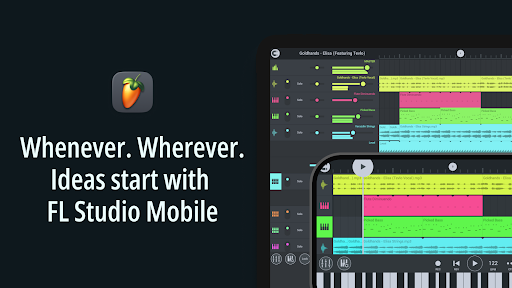
Advertisement
About FL Studio Mobile
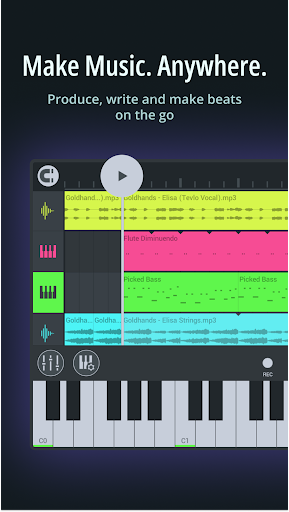
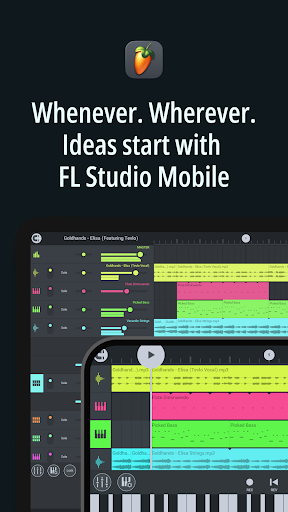
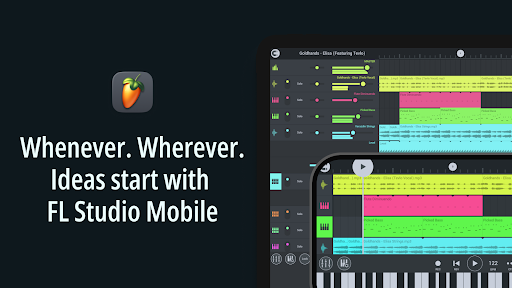
FL STUDIO MOBILE is a comprehensive music creation software that is suitable for novices and professional musicians. This Android application interface is super friendly, allowing you to compose, record, edit, and mix music directly on your mobile phone. It is easy and intuitive to operate. With so many functions, it is particularly enjoyable to use. Whether you are an amateur or a professional, you can enjoy a smooth and fun music production experience and make some music anytime, anywhere.
Overview
core functions
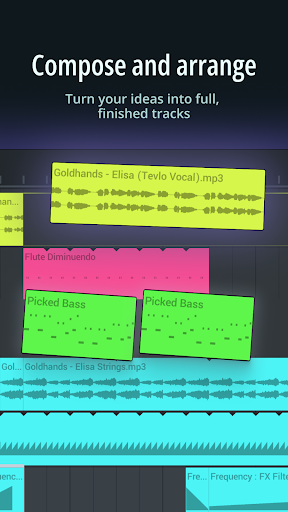
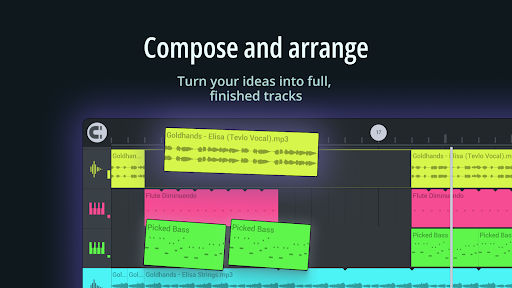
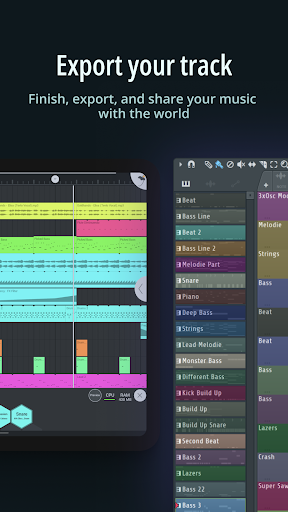
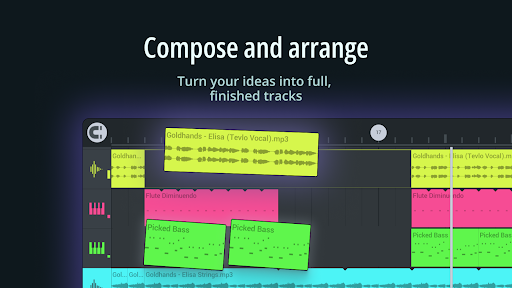
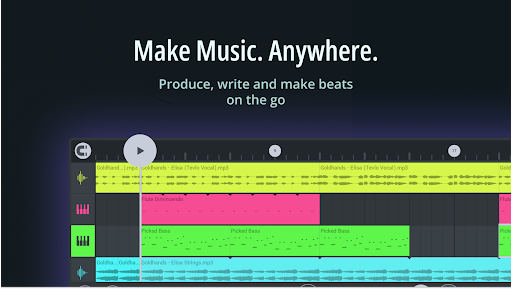
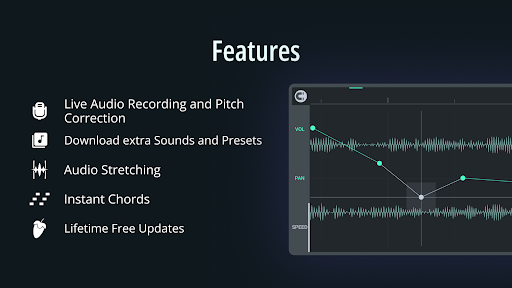
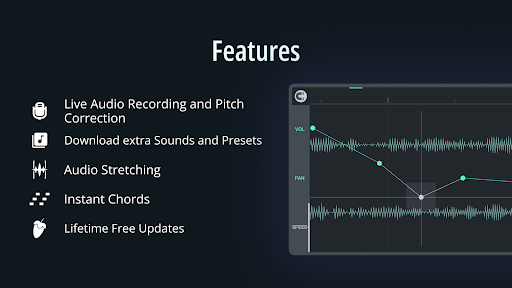
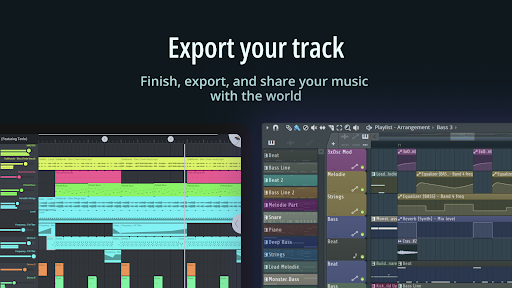
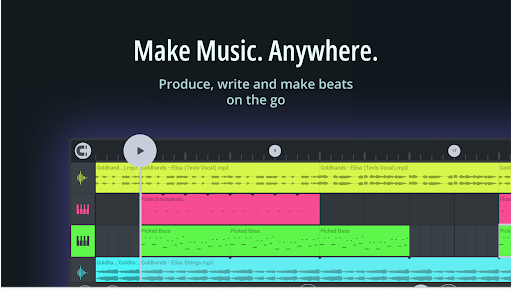
- One of the features of this app is the multi-track recording interface, which allows you to easily write songs and superimpose various musical elements, which is super convenient!
- Supporting advanced MIDI means you can seamlessly connect external controllers and instruments, making the experience richer and more professional.
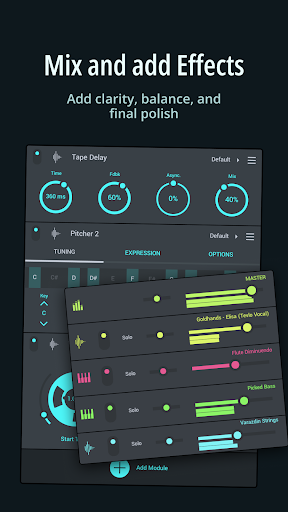
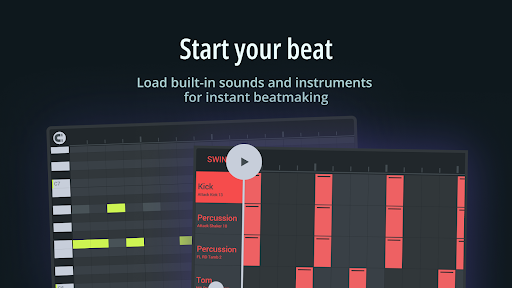
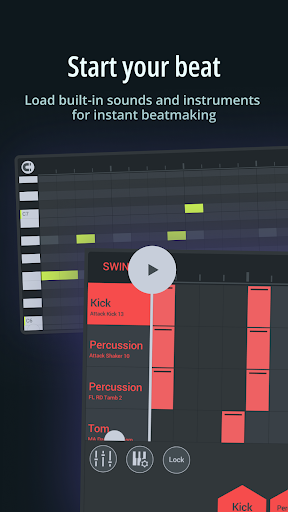
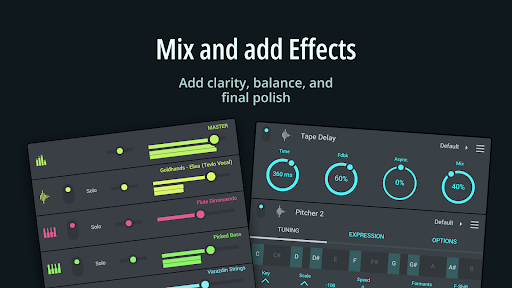
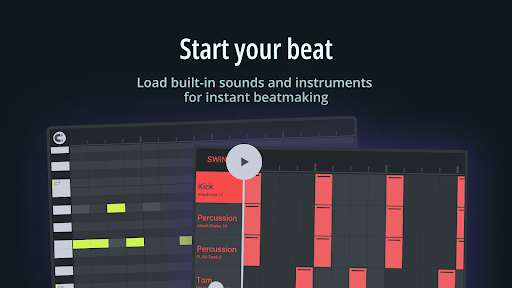
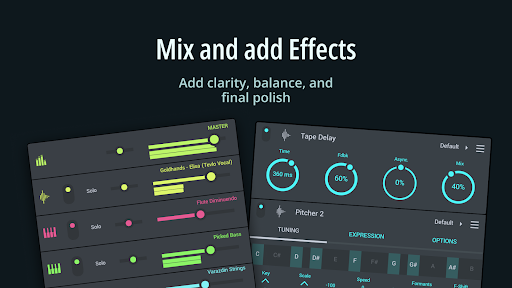
- With so many high-quality sounds, loops and effects built in, you can produce professional-level music directly on your mobile phone. It's really amazing!
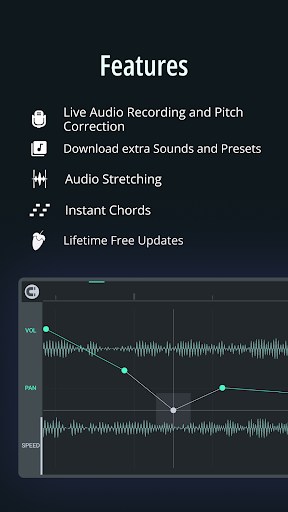
- Real-time audio editing tool gives you a lot of freedom, you can adjust carefully without pressure, and you can do it without using a computer.
- It can also be used offline and you can make music at any time without worrying about the embarrassment of not having an Internet.
- The interface is particularly friendly, whether you are a novice or a veteran, you can easily get started, and the functions are friendly to everyone.
- You can also customize the workflow and match it with an intuitive launcher. Navigation is smooth and daily creation is easy!
Who is this app suitable for?
This mobile music and audio app is particularly attractive to musicians, amateurs and producers who have a bit of a dream. They want to use their mobile phones to make music on the road, so just find a reliable tool. It's perfect for anyone who wants a simple and powerful Android music production app!
Whether you are writing a demo, practicing skills, or finishing a song, this app will give you a comprehensive experience that is suitable for both novices and veterans. For those who want to make professional music anytime, anywhere, this app is definitely worth a try!
Why choose this app
The reason why this Android app is special is that it has complete functions, can bring a professional experience, and can completely compete with desktop DAW. It is definitely the first choice for making music on your mobile phone.
It is simple to operate and has profound functions. It can solve the troubles of many people when using some simple apps and provide a reliable solution that allows you to create, edit, and mix music directly on your mobile phone anytime, anywhere. It's really good!
Top Recommended Alternative

Pros & Cons
Pros
- Intuitive touch interface
- Rich instruments and effects
- Seamless connection to FL Studio desktop
- Real-time recording and editing
- Affordable and powerful
Cons
- Limited MIDI support
- Occasionally unstable
- Lack of advanced mixing tools
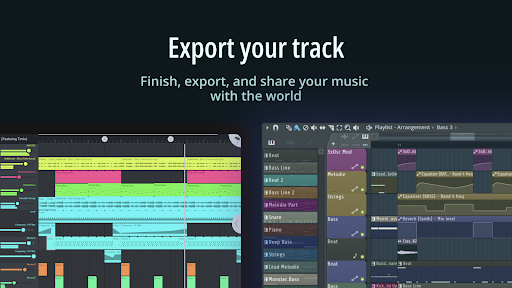
- Few options for exporting high-quality files
- The learning curve for beginners is a bit steep
Advertisement
Download FL Studio Mobile

FAQ
Is FL STUDIO MOBILE safe to install and use?+
How do I create music using FL Studio MOBILE on my Android device?+
What are the main app features of FL Studio MOBILE?+
Can I use FL Studio MOBILE offline or does it require an internet connection?+
Is FL Studio MOBILE suitable for beginners or only experienced musicians?+
How does FL Studio MOBILE compare to other music production apps?+
Does FL Studio MOBILE support exporting projects to other formats or platforms?+
What devices and Android versions are compatible with FL Studio MOBILE?+
Customer Reviews
Users widely praise FL Studio Mobile as a professional DAW with impressive features for a mobile app, citing its ease of use, powerful tools, and clean graphics. Key strengths include music production capabilities, soundfont support, and overall sound quality. However, significant concerns persist around stability and bugs: many users report frequent crashes, audio glitches (e.g., static recordings, distortion), and failures with undo, copy, and selection functions. The soundfont player and Pitcher effects also draw mixed feedback—some find them useful, while others note limited instrument activation and audio artifacts. Compatibility is another pain point: vertical orientation is unsupported, import of SF1/SF2 files is broken, and sidechaining is missing compared to desktop or Cubasis 3. Despite these issues, loyal users appreciate ongoing updates (though some feel progress is slow) and recommend the app for mobile music creation when bugs are ironed out. Overall, it's a powerful tool held back by reliability issues.
Write a Review
Share your experience with FL Studio Mobile. Submissions are reviewed before publishing.
You Might Also Like
More apps you may want to try next.