
FitPix - Face & Body Editor
Screenshots
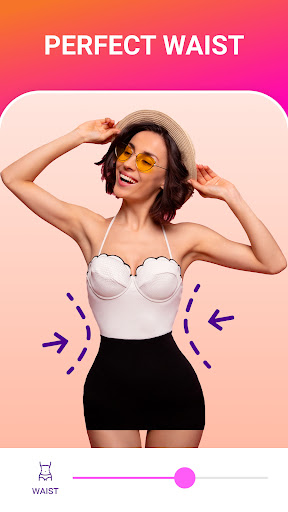
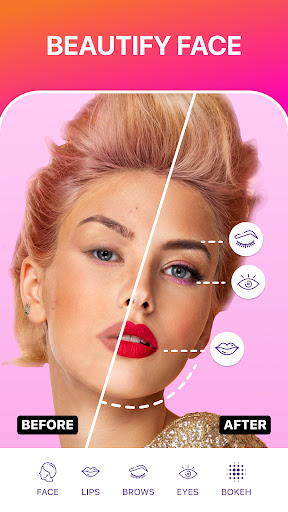
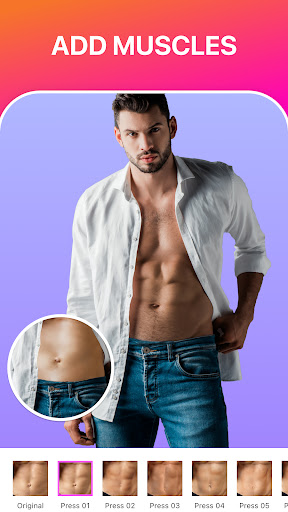
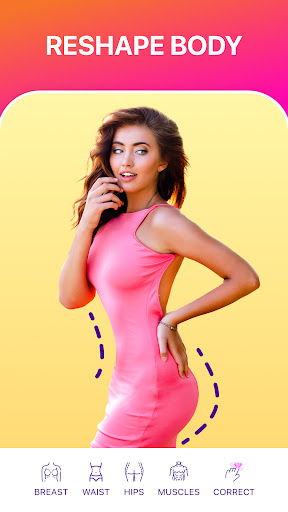
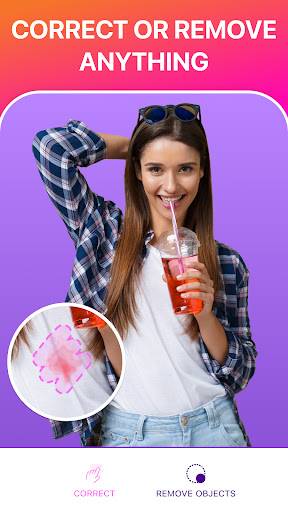
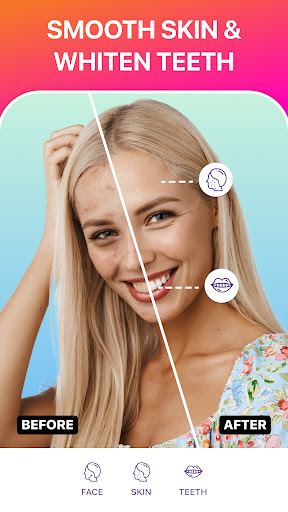
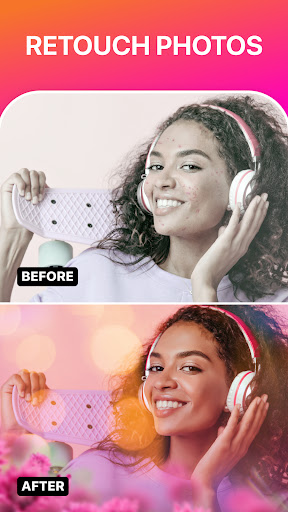
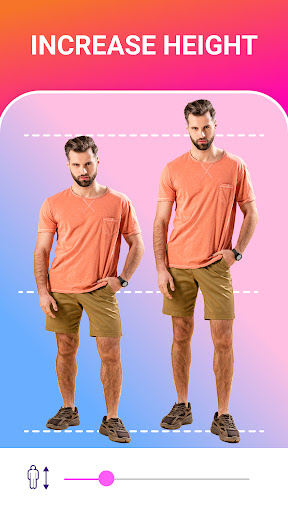
About FitPix - Face & Body Editor
FitPix - Face Body Editor is actually a popular photo app, mainly to help you easily handle various tones of photos. This Android app is quite considerate and has many functions to transform the face and body. It feels like it can be used easily by ordinary users or professional photographers and is easy to operate. The interface is designed quite intuitive, so that anyone can use it with one click and have fun playing on their mobile phones or tablets anytime, anywhere.
Overview
core feature
- This app has quite comprehensive functions. It can do everything about face and body editing, such as peeling, removing flaws, etc. It feels quite considerate.
- There are also some more advanced tools, such as background eraser and face reshaping, which makes it convenient to adjust the picture as you want.
- It can also preview the editing effect in real time, which is easy to operate. The whole experience feels good and makes people very happy to use it.
- Supports high-resolution export, the photos look clear, and the professional-level effects can be done. It's worth it.
- The interface design is very intuitive and is especially suitable for Android devices. Even if you are not very good at it, you can get started quickly and without pressure.
- You can also use filters and effects to creatively click photos to make the work more interesting and personalized. It is a very interesting combination of functions.
- In addition, it also supports offline editing, so you don't have to worry about the network being weak. You can do it anytime and anywhere. It's a very reliable tool.
Who is this software suitable for?
This app is especially suitable for friends who like to take photos, people who use social media, or photo enthusiasts over the age of 16. Whether you take random photos, repair them at any time, or a semi-professional photographer, you can use them.
Whether you want to touch up your selfies, create beautiful travel photos, or show creative pictures on social platforms, this app will help you get it done quickly. Whether you go out or stay at home, you can easily use it to adjust. The experience is particularly smooth and interesting.
Why choose this software
The reason why this Android app is attractive is that it is super-rich in features and is particularly convenient to operate. It has professional-level editing tools and is not difficult to use, taking into account both ease and power.
It focuses on user experience, is designed very friendly, and has strong editing capabilities. It is more reliable than many other applications and can help you easily create amazing results. It can also work offline, and the picture quality is extremely high. It is really a good helper for mobile phone retouching pictures. It is worth a try.
Top Recommended Alternative

Pros & Cons
Pros
- Intuitive editing interface
- Rich facial and body beautification functions
- Real-time preview function
- High-quality filters and effects
- Continuously updated and optimized
Cons
- Free features are limited
- Occasionally breaks down during extensive editing
- Facial recognition is not accurate
- Free version with watermark
- Slow processing on old equipment
Download FitPix - Face & Body Editor

FAQ
Is the FitPix - Face & Body Editor app safe to use on my device?+
Don't worry, FitPix is a very reliable mobile app, available on both Android and Apple. It comes from reputable brands in the photography industry, and its security is quite guaranteed. It complies with various security standards to protect your privacy and data.
Beforestarting a game, remember to download it from the official app store, such as the Apple Store or the Android App Market, or don't take chances. Frequent updates and user reviews can also reflect the security and reliability of the application, and there are no strange problems.
How do I start using the FitPix app after installing it?+
Once you install this FitPix - Face & Body Editor on your Android phone, you will have guidance when you open it to make it easy for you to get started. Most of the time, you either register an account or log in directly in tourist mode to use the various functions of the application.
Thisapplication-based solution is particularly friendly to use, and whether you are a novice or not, you can start retouching pictures quickly. Whether it's beautifying your face or adjusting your body outline, it's quite simple.
What are the main features of the FitPix app?+
The highlights of this application can be said to be advanced face modification tools, body deformation options, and many filters and special effects designs. It is especially suitable as a small assistant that quickly recalls photos in your album or camera, instantly improving the effect of photos.
Payattention to user experience. These functions help you easily achieve professional-level retouching effects on your mobile phone. They are the first choice for many retouching fans.
Can I use FitPix on my Android device without an internet connection?+
Of course, after installing this app, many functions can be operated offline. This means you can retouch pictures anytime, anywhere without worrying about having network problems.
Itcan also be used offline, ensuring that you can quickly use the app to complete high-quality editing at any time when you need it. It's that convenient.
How do I ensure my photos are private and safe while using FitPix?+
This app has always put user privacy first and will not save your photos to external servers unless you actively share them yourself. It also has security measures in place to ensure that your data does not go wrong during the editing process.
Rememberto download it from regular channels, such as official stores, and also pay attention to the permission settings, so that you can use it with more confidence, privacy is guaranteed, and you can enjoy the fun of painting with confidence and courage!
You Might Also Like
More apps you may want to try next.