

Find Phone Anti-theft No Touch
Advertisement
Screenshots

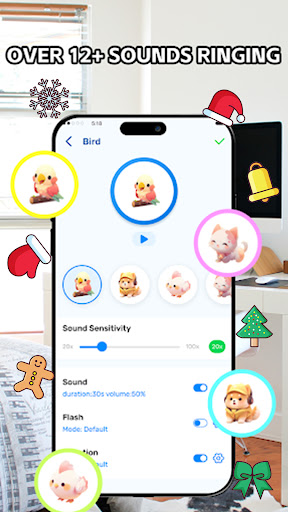
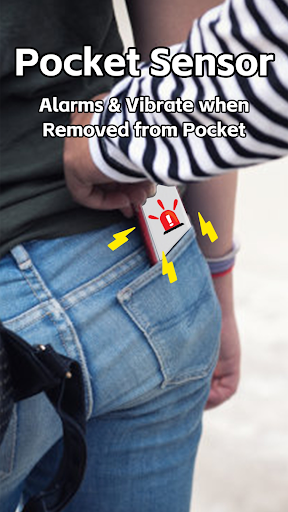
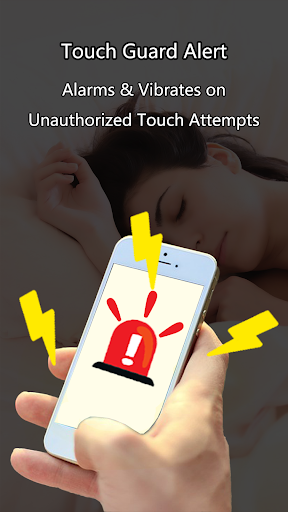
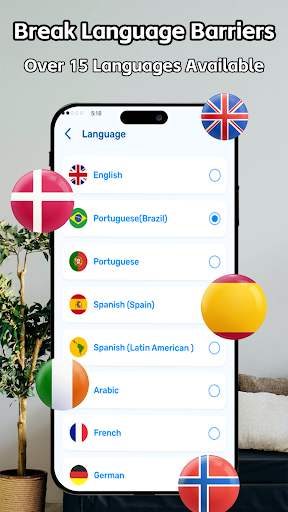
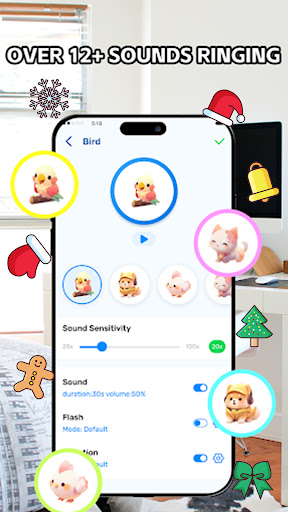

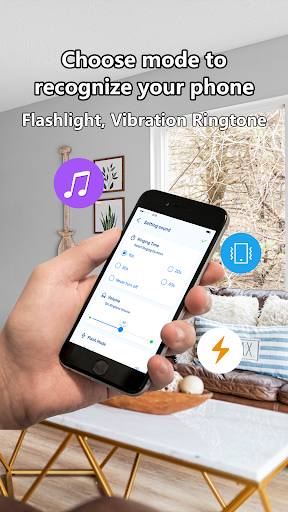
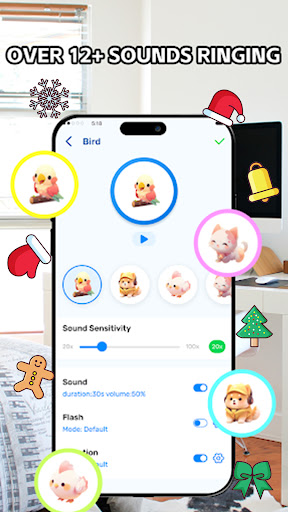

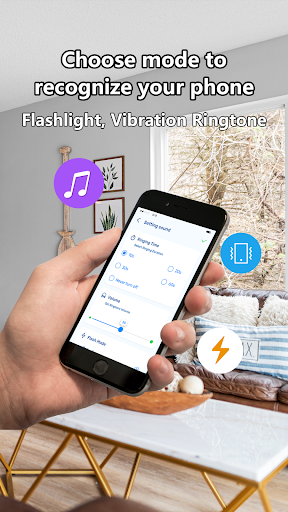



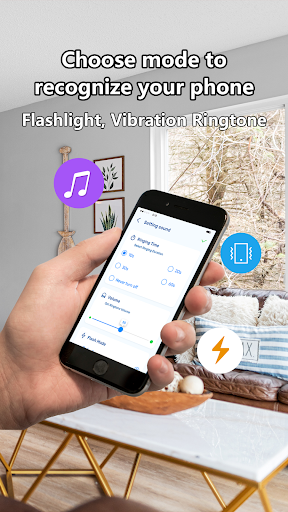
Advertisement
About Find Phone Anti-theft No Touch
Find Phone Anti-theft No Touch is a reliable Android app specifically designed to protect your phone from theft or unauthorized use. It mainly relies on some simple touch functions to make you feel comfortable using it. It is also a good way to use God teammates in your pocket to help you keep those important personal information. As a starter with relatively intuitive operation, its interface design is not complicated and its functions are quite considerate. It always makes people feel safe to use it without worrying about getting confused.
Overview
core highlight
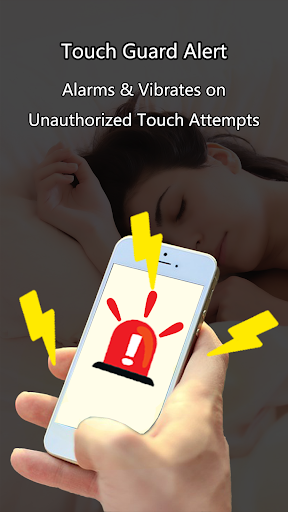
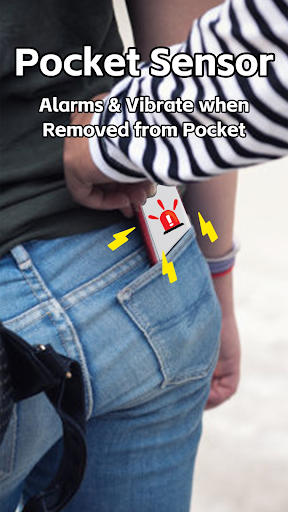
- This app has an anti-theft alarm that rings whenever someone touches your phone, giving you a sense of security.
- As soon as the notification arrives, you know that someone is trying to remove or take your equipment, and you are extremely responsive.
- The highest level of privacy protection, which can be activated without touching, is especially suitable for protecting your private information.
- The interface is simple and easy to use, and you can also customize the settings and adjust the security functions as you want. It is very considerate.
- Compatible with various initiators, integrated into your mobile phone ecosystem, no stress.
- With a power-saving design, safety protection is not a burden, and the battery can still last for a long time.
- Offline mode can also be used. It doesn't matter if there is no Internet. Security is always online.
Who is suitable for?
This mobile app is especially suitable for people who want to protect their devices, whether they are worried about theft or someone messing around. It can be used for all ages, and everyone from teenagers to the elderly likes it. It is a simple and reliable safety helper.
Whether you are a parent who wants to protect their children's mobile phones or a professional who needs extra protection when walking outside, this solution will bring peace of mind and make your Android phone more secure and safer.
Why choose this?
This Android app is particularly outstanding because it is simple and effective, and can enhance mobile phone security without having to make complicated babbling. Its characteristics are to bring true peace of mind, reliable technology, and visible protection.
Unlike many other solutions, this starter pays special attention to user trust and ease of operation. Want a convenient anti-theft artifact? It was definitely a smart choice. Reliable and easy to use, it helps you easily improve the security level of your mobile phone. It is definitely worth a try.
Top Recommended Alternative

Pros & Cons
Pros
-
It works well and can be activated without touching
-
Very friendly interface
-
You can adjust the detection settings yourself
-
It's quite economical on electricity
-
Good compatibility
Cons
-
Remote control activation function has limitations
-
Occasionally false reports
-
Incomplete language settings
-
Privacy control options are not detailed enough
-
Stability needs to be improved
Advertisement
Download Find Phone Anti-theft No Touch
FAQ
Is it safe to use Find Phone Anti-theft No Touch on my device? +
Of course, Find Phone Anti-theft No Touch is a mobile phone that doesn't have to worry about anti-theft touch. It is a very reliable security software that helps you prevent your device from being stolen or caused by someone tampering. It doesn't require more than invasive permissions, and privacy is finally guaranteed.
Rememberto download software from a reliable channel like the Google Play Store to ensure security. This software will also push updates regularly to enhance security and ensure that you use it with peace of mind.
How can I install and set up Find Phone Anti-theft No Touch on my Android phone? +
This Android app is super convenient. It can be found by searching the Google Play Store and you will know how to make it after downloading it. After installation, you must allow it some necessary permissions to activate functions such as burglar alarms and touchless lock screens.
Thesetting process is actually quite simple. Follow the prompts on the interface and adjust the functions to help you ensure the safety of the equipment properly. This is a good anti-theft solution.
Is Find Phone Anti-theft No Touch used as a starter or just an anti-theft tool? +
This is mainly an anti-theft software with alarm and touchless lock screen functions to help you protect the safety of your equipment. It's not easy to use as an ordinary starter, but it can be seamlessly integrated into your existing starter and it's easy to use.
Itenhances your overall experience through software and can quickly call up important security functions without disturbing your usual interface operations. It is a very thoughtful design.
What are the main features of Find Phone Anti-theft No Touch? +
Its core function is to issue an alarm when someone moves around to prevent theft. It also has a touch-free lock screen to avoid erroneous operations and help you protect the safety of your equipment with the lowest effort.
Inorder to make it easy to use, it combines multiple security measures to form a reliable anti-theft combination, which is to protect your mobile phone and provide a convenient and reliable personal device security solution.
How effective is Find Phone Anti-theft No Touch? +
The anti-theft effect of this software is actually quite reliable. It effectively deterres thieves through sound and light alarms and touchless lock screen functions. It also gives users a sense of knowing that the device will notify them and they will not be helpless if there is a suspected intrusion.
Theinterface design is simple and intuitive, and it is easy to use. Especially for Android users who need reliable mobile security solutions, it is a very trustworthy choice.
Can Find Phone Anti-theft No Touch be used on iOS devices? +
Currently, this Find Phone Anti-theft No Touch is only available on Android and cannot be found in Apple's App Store. It is optimized for Android and provides security features that run safely on Android phones.
Ifyou are using an iOS device, you may have to find another solution. However, for Android users, the entire experience of this software is quite good. It focuses on anti-theft and protecting mobile phone security, so it is really worth a try.
What should I do if there is a problem with the software or is not working properly? +
Don't panic when encountering problems, first confirm whether your device has been updated to the latest Android version and whether all software permissions are allowed? Sometimes by restarting your phone, the problem can be solved on its own.
Ifit still doesn't work, you can read the reviews or contact customer service on Google Play to report the situation. After all, this software is designed to let you use it with peace of mind, and user feedback can also help improve its experience.
Will Find Phone Anti-theft No Touch be updated frequently to ensure security and add new features? +
Of course, developers will regularly push updates to enhance security, patch vulnerabilities, and provide a better experience. Keep your software up to date to ensure that your data and devices feel more secure.
Frequentupdates will keep this software at the forefront of technology and better help you protect your personal privacy and item security. Especially on Android, using it is like giving you more peace of mind.
Customer Reviews
Users widely appreciate the app's effectiveness in locating lost phones, especially via clap detection, which many find fun and reliable. Key strengths include ease of use and successful retrieval in various scenarios. However, the app faces significant criticism: excessive ads are repeatedly mentioned, with some users noting that ads often interfere with functionality. A minority report that the app fails to work properly even after purchase, while others highlight issues like needing to unlock in Do Not Disturb mode or difficulty muting sound/flash. Despite these drawbacks, a large portion of users rate it highly (10/10) and recommend it for its core purpose. Overall, opinions are polarized—many praise it as excellent, while others find it disappointing due to ad clutter and occasional malfunction.
Write a Review
Share your experience with Find Phone Anti-theft No Touch. Submissions are reviewed before publishing.
You Might Also Like
More apps you may want to try next.




