FamiliarApps logo
Fidelity Investments

Fidelity Investments

Advertisement

Screenshots
24 images
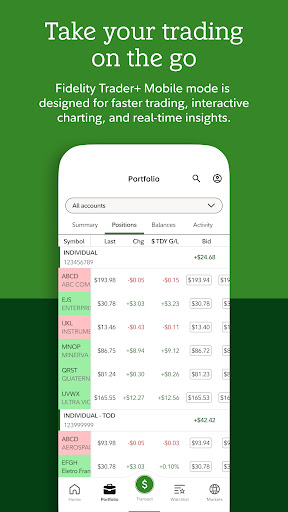
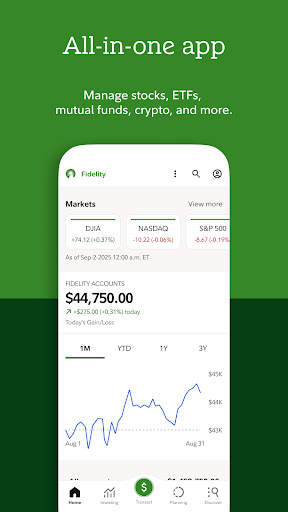
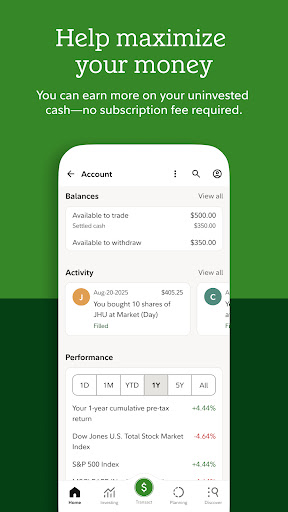
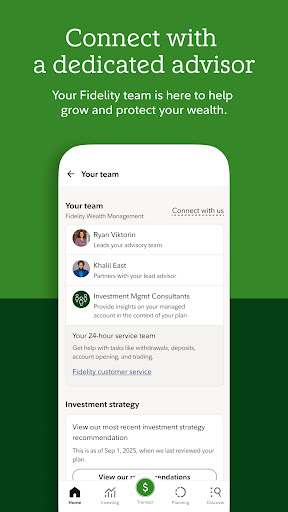
Fidelity Investments screenshot 1 Fidelity Investments screenshot 2 Fidelity Investments screenshot 3 Fidelity Investments screenshot 4 Fidelity Investments screenshot 5 Fidelity Investments screenshot 6 Fidelity Investments screenshot 7 Fidelity Investments screenshot 8 Fidelity Investments screenshot 9 Fidelity Investments screenshot 10 Fidelity Investments screenshot 11 Fidelity Investments screenshot 12 Fidelity Investments screenshot 13 Fidelity Investments screenshot 14 Fidelity Investments screenshot 15 Fidelity Investments screenshot 16 Fidelity Investments screenshot 17 Fidelity Investments screenshot 18 Fidelity Investments screenshot 19 Fidelity Investments screenshot 20 Fidelity Investments screenshot 21 Fidelity Investments screenshot 22 Fidelity Investments screenshot 23 Fidelity Investments screenshot 24

Advertisement

About Fidelity Investments

Fidelity Investments, a financial mobile App, is really a reliable tool. It specifically helps users easily manage investment and financial goals on their mobile phones. It is quite convenient. This user-friendly Android app includes account monitoring, trading, financial planning, etc. It feels friendly to newcomers and veterans, and the experience is very smooth. With this reliable app solution, Fidelity allows you to safely handle your financial information anytime, anywhere. What a thoughtful design!

Overview

core functions

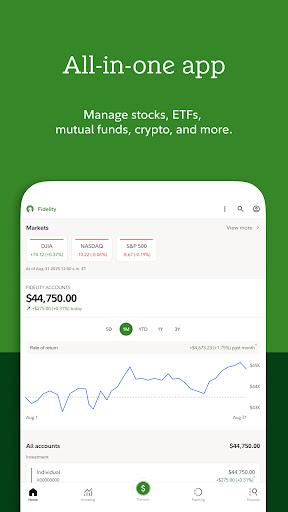
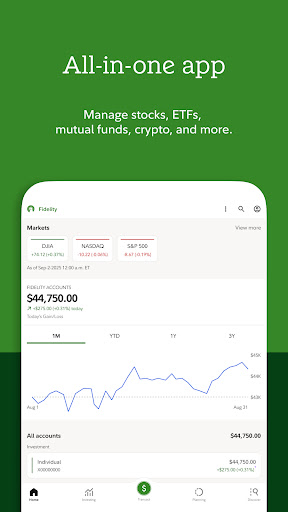
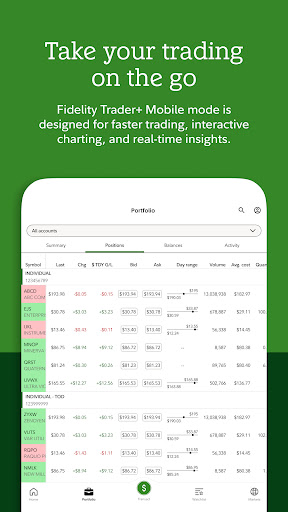
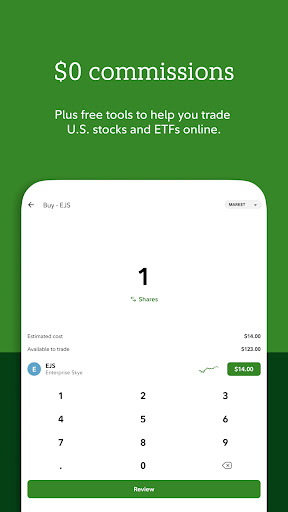
  • The interface is intuitive, easy-to-use, and fully functional, allowing you to manage investments easily and efficiently without having to worry about complex operations.
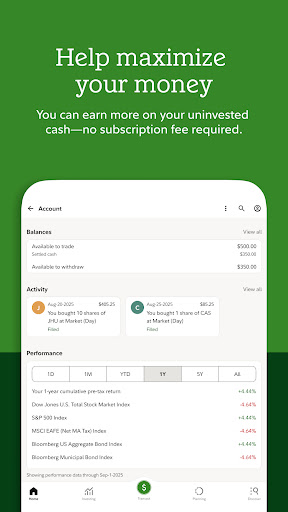
  • Update account information in real time, and transaction records are clear at a glance to ensure that your financial data is always up to date and give you a sense of confidence.
  • Login is safe and reliable, with encryption protection, providing the most solid backing for your sensitive data and using it without stress.
  • You can customize the dashboard and adjust the interface design according to your preferences to create your exclusive experience.
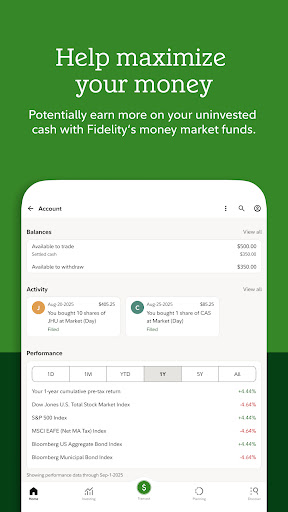
  • Powerful reporting tools help you analyze changes in financial performance. Over time, you can see them more clearly and clearly.
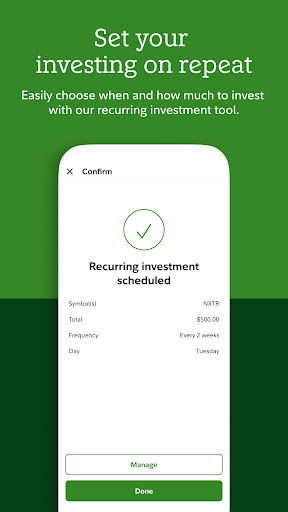
  • Built-in calculators and planning tools to help you plan your retirement and investment strategies, making your future plan clearer.
  • Support offline use, you can view basic account information even without the Internet, and control your financial situation anytime and anywhere.

Who is this app suitable for?

This mobile app is especially suitable for adult users over the age of 25 who want to keep track of their investment and financial goals at all times. Whether you are a novice or a veteran investor, this App-based solution can give you a friendly and intimate experience that meets your various needs.

It is designed for those who need a reliable Android app to manage finances, track asset portfolios, and gain investment insights at any time. For busy professionals and retirees, it is simply, safely and conveniently possible to complete financial matters on their mobile phones.

Why choose this app?

This app provides a smooth and smooth experience, is equipped with powerful features, and is specifically designed to simplify investment management. Its friendly interface and fast synchronization speed allow you to easily manage financial management. Compared with other financial management software, it is really eye-catching.

Choosing it means having a trustworthy platform that integrates security, convenience and comprehensive functions, allowing your financial operations to be organized and controlled anytime and anywhere, making it truly convenient and safe.

Top Recommended Alternative

Pros & Cons

Pros

  • The operating interface is intuitive and friendly
  • Comprehensive investment tool
  • The security measures are strong
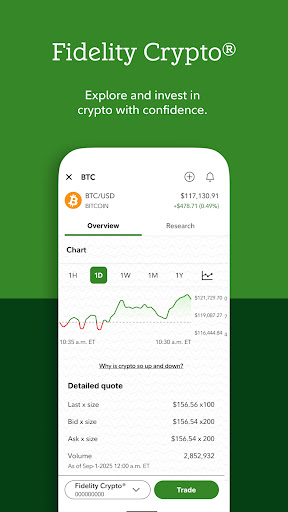
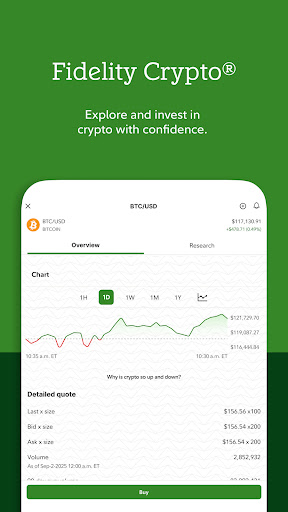
  • Real-time market updates
  • Rich learning resources

Cons

  • Occasionally break down
  • Not many personalized settings
  • Slow customer service response
  • Insufficient international market data
  • Notification settings are very basic

Advertisement

Download Fidelity Investments

You are going to be redirected to the official website to finish the download when you click these buttons above.

FAQ

Are Fidelity Investments mobile apps safe? +
Don't worry, Fidelity Investments has a strong name and specializes in protecting your safety and privacy. The encryption technology used in the application is quite advanced, and personal and financial information is strictly protected. Every update is constantly patching vulnerabilities and enhancing the safety factor, which will definitely give you peace of mind. Moreover, the app also follows some industry regulations and best practices to ensure financial security and worries. Remember to get the latest version from official channels every time you download it, so that it can be practical to use. After all, this is a trustworthy financial application, and security comes first.
How do I log in to Fidelity Investments's Android app? +
Logging in to this mobile APP of Fidelity Investments is actually quite simple. As long as you have a username and password ready, or use fingerprints or facial recognition (if set up), you can do it easily. The entire login process is designed to be convenient, secure, and fast. For new users, the interface also supports you to register an account on your mobile phone. If you have any problems, you can also ask customer service for help. Whether it is Android or iPhone, Fidelity's login experience is guaranteed to be smooth, ensuring that you can easily access your account on any device.
What are the functions of Fidelity Investments's financial application? +
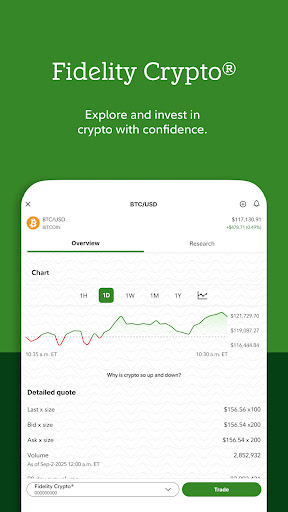
This Fidelity Investments has many application functions, such as portfolio management, real-time market conditions, and can also help you plan retirement funds. You can check the account balance, transaction history and investment status at any time, all at a glance. In addition, this app also allows you to transfer money, set reminders, and even have various financial learning materials, which is very convenient. The interface is designed to be very user-friendly and smooth to use, allowing you to handle financial affairs on your mobile phone, which is worry-free and convenient.
Can I still use Fidelity Investments without the Internet? +
Well, some basic functions can still be used offline, such as checking balances and looking at recent transaction records. You can read them after the data is synchronized. However, if you want to make buying and selling operations or check market conditions in real time, you have to go online. Because these all have to be connected to the Internet in real time to keep up with changes in the market. This APP is quite reliable and allows you to see some important information even without the Internet. However, if you want to trade, you still have to remember to connect to the Internet, otherwise you will not be able to operate in time and affect your investment.
Does Fidelity's app support Android and other platforms? +
Of course, Fidelity Investments's app is compatible with Android, such as Google Play that works with various Android versions. iOS users can also download it on the Apple Store, even if the platform is different and the experience is basically the same. Whether you use Android or Apple, Fidelity guarantees that you can easily manage money with this APP, and you can get your investment and financial management tools anytime, anywhere. It is absolutely reliable.
Does Fidelity have a dedicated shortcut entry app? +
In fact, Fidelity Investments doesn't have a special launcher app, but you can directly add its application icon to the home page of your mobile phone and open it with a click. This is much more convenient than constantly searching for app lists, especially if you are constantly paying attention to your investment situation. Put the application on the shortcut entrance of the home page to ensure that you can use it smoothly. From then on, managing finances becomes faster and worry-free. It is really a little helper in daily life.
What if I forget my Fidelity app login information? +
If you forget your account or password, don't worry, Fidelity's APP provides a convenient and secure recovery process. The user name and password can be reset through the app or the official website. The operation is quite simple and safe. Remember to keep your contact information updated so that you won't have any problems when you receive the Captcha and retrieval prompt. This way, you can continue to manage your account with confidence and have nothing to worry about.
Is this Fidelity mobile App suitable for novices or veterans? +
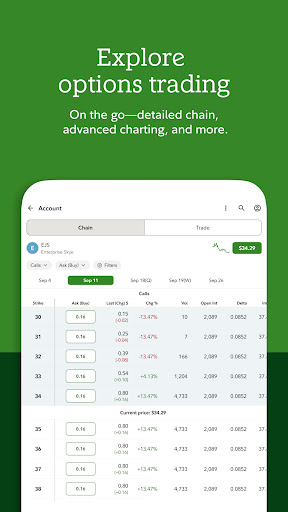
This APP is actually suitable for all types of users, whether you are a novice or a veteran investor. There are a lot of educational resources and simple and easy-to-operate functions for beginners; for veterans, there are also advanced trading tools and analysis to help you make decisions. In general, the design is relatively comprehensive, and whether you want to have an easy look or complexity, you can find a gameplay that suits you. You can handle all investment management with your mobile phone, which is convenient and reliable, saving time and worry.

Customer Reviews

AI
AI Generated Summary
Based on real user feedback
★ 2.8

Users generally appreciate Fidelity's reputation as a dependable, trustworthy broker with robust security and a comprehensive suite of financial tools. Many highlight the platform's seamless transactions, intuitive navigation, and all-in-one resource hub. However, opinions are sharply divided on stability and usability. While some find the app reliable and beginner-friendly, many others report frequent crashes, white screens, slow loading, and bugs that make basic tasks frustrating. The recent UI update has drawn criticism, and the app's functionality trails competitors like Robinhood—especially in options trading, 24-hour trading, and real-time data display. Compatibility is a major pain point; the app fails on older devices (e.g., Samsung Galaxy S10+ and Android 8) and drains battery on newer ones. Some users also cite preference resets and broken features (sorting, activity filters, payment). Despite these issues, a loyal base values the company's integrity and customer service, though a few accuse it of unauthorized trading. Overall, the app offers strong fundamentals but suffers from execution flaws.

Ben Clark · 2026-06-23
★ 1
These individuals are dishonest. I woke up to find half of my portfolio sold without my permission. Do not trust this platform or company with your money.
Fanta Gmariam · 2026-06-23
★ 5
The application has been strengthened with advanced security protocols to ensure better protection of user data and privacy.
Matt Klink · 2026-06-18
★ 2
Removing a star because issues are never fixed. The positions tab sorting is extremely annoying: only sorting by symbol works. Cannot sort by change today, total change, cost basis, or account percentage.
Kumar · 2026-06-17
★ 1
I can't understand why an established company can't match even half of Robinhood's features. The app is extremely buggy—half the time I see a white screen. I can't view options profits after selling or my daily gains. There's no 24-hour trading or options simulation. If you don't improve soon, Robinhood will take over.
Jeff Reynolds · 2026-06-17
★ 3
The application is not functioning as well as it used to.

Write a Review

Share your experience with Fidelity Investments. Submissions are reviewed before publishing.

Rating *
0 / 2000

You Might Also Like

More apps you may want to try next.

Advertisement
5
Please wait...