Advertisement
Screenshots
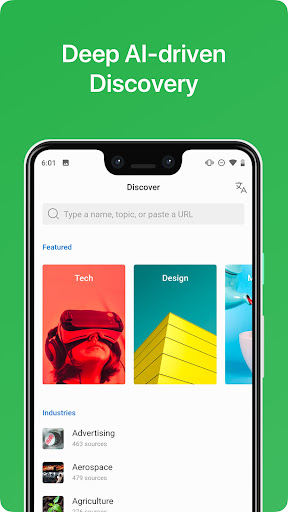
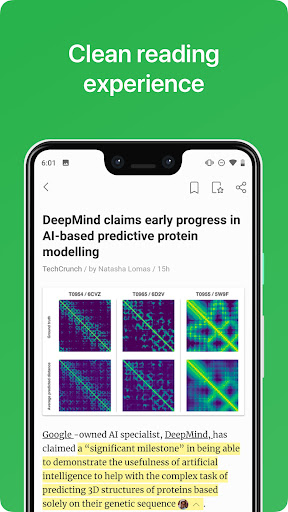
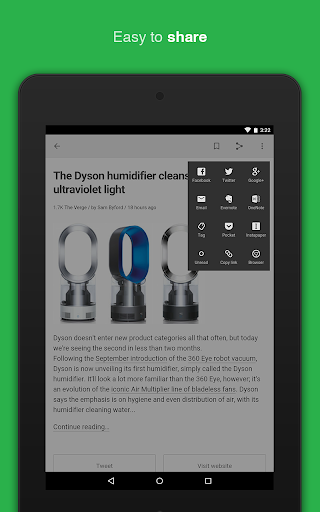
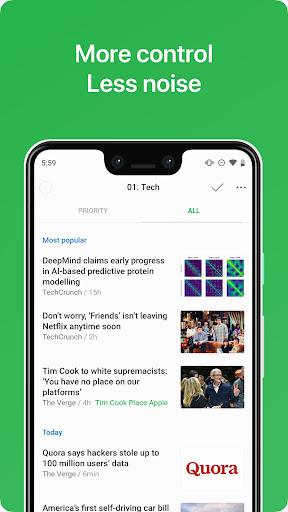

Advertisement
About Feedly - Smarter News Reader
Overview
core feature
- The interface is intuitive and rich in functions, allowing you to easily organize and personalize your news feeds, completely customized to your preferences.
- The synchronization speed is fast and real-time synchronization between devices keeps your news up to date and the experience is great.
- Offline mode support allows you to access previously saved articles anytime and anywhere, and you can easily read them even when you are away. It is quite reliable.
- Customize notification reminders to help you keep track of hot topics and important developments, so that you will never miss key information no matter when it comes.
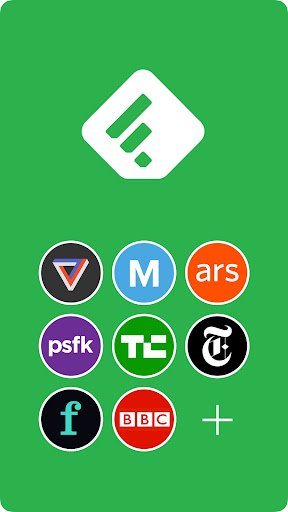
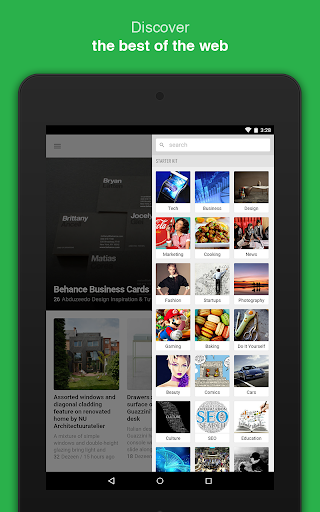
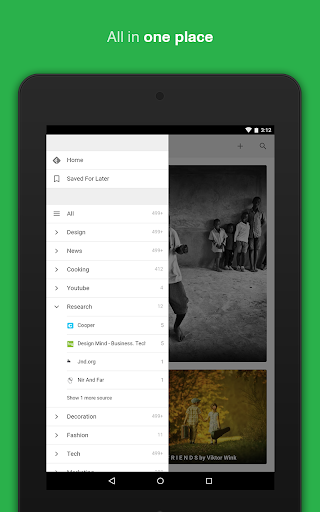
- The smart news source grouping function allows you to easily classify and manage various content sources and organize the content in an orderly manner.
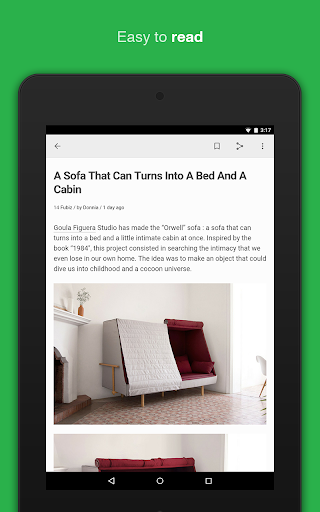
- Without the interruption of advertisements, the reading experience is smooth and smooth, more comfortable to use, and feels particularly smooth and natural.
- Comes with a search function, making it particularly convenient to find articles or a certain topic, and you can search whatever you want in seconds.
Who is this App suitable for?
This mobile app is especially suitable for people, professionals and students who like to follow news. It is convenient and efficient to keep information synchronized. The interface is simple and clear, allowing anyone to get started, making it especially suitable for Android users who need to get news quickly.
Whether it's on the way to and from work, between work, or resting at home, this solution will help you easily browse selected content. For those who want to stay informed with reliable tools, it is simply perfect, easy and reliable to use.
Why choose this app
This Android app truly simplifies your news consumption with its friendly interface design and comprehensive features. The combination of real-time synchronization and offline reading makes the user experience smoother and is definitely a good choice.
Unlike many other news apps, it can be personalized based on your interests and solve the problem of information updates, allowing you to use it with peace of mind and effort. The control is completely in your own hands, and you have a full sense of trust.
Top Recommended Alternative

Pros & Cons
Pros
- Intuitive and adjustable interface
- Efficiently aggregate news from multiple channels
- Intelligent filtering and classification functions
- Support offline reading
- Updated frequently and search friendly
Cons
- Free features are limited, subscription routine
- Device synchronization occasionally jams
- When you subscribe a lot, the interface may slow down
- Newbies were confused at first
- Lack of some unpopular news sources
Advertisement
Download Feedly - Smarter News Reader

FAQ
How to log in to Feedly on your mobile phone?+
If you want to use Feedly, a news reader, just log in directly with your existing Google account, or register a new account in the app. This process is actually quite simple. Only by figuring out your account information can you make no mistakes and use it smoothly.
If you encounter problems logging in, remember to double check that your username and password are correct, and make sure your Internet connection is stable. Nowadays, the security measures on Android phones are also quite good. They can not only protect your information security, but also allow you to quickly find the news that you are interested in. Wow, it's quite reliable!
Is it safe to use Feedly on Android devices?+
Of course, Feedly is a trusted Android app that pays special attention to user privacy and data protection. This app meets modern security standards and is completely fine to use, helping you read your favorite news and magazines easily.
Like any software like this, it is recommended that you download it from official channels, such as the Google Play Store, and update it in a timely manner to ensure security. Every update enhances the sense of security and brings some new features. Overall, it is quite trustworthy. It is definitely a good news aggregation platform on Android!
What are the main functions of Feedly?+
Feedly has many functions, such as the ability to customize your news sources, the ability to organize categories, and offline reading. It can also integrate various tools, making it a powerful launcher that can help you efficiently track news.
The interface is clean and the process is smooth, and the operation is simple. Whether it is a mobile phone or a tablet, it is easy to use. It helps you get organized and read whatever news you want quickly, which is quite convenient!
Can I customize my news subscriptions in Feedly?+
Absolutely possible! In Feedly, you can add any source, blog or topic you like at will, so that you only pay attention to what you really want to know, and the reading experience will be more targeted and more interest-friendly.
Its interface design is quite flexible, allowing you to easily organize and adjust the subscription list, and integrate your reading habits and interests into the application. It feels particularly considerate!
Does Feedly support offline reading?+
Of course I support it! This feature is particularly great, especially when you are away from home or when the Internet conditions are poor, you can save the article in advance and read it anytime and anywhere without restrictions at all. Make your reading experience super convenient.
You don't have to rely on the Internet all the time, offline reading is definitely a practical feature. Whether you use an Android phone or operate in a launcher, you can easily enjoy seamless reading pleasure. It's really thoughtful!
Customer Reviews
Feedly is a dependable RSS reader with reliable sync and decent display, praised for keeping users updated on trends. However, recent updates have introduced significant issues: many users report frequent freezes, unresponsiveness, and crashes after the latest update, along with login problems and widget bugs that fail to update. While some appreciate its solid performance, others criticize the lack of language support (no German or Spanish, English-heavy), the high annual subscription cost, and the requirement for an account. Positive aspects include a clean interface and effective Google sign-in after fixes, though negative feedback highlights unwanted marking of unread articles, distorted images, and intrusive promotional materials. The app remains useful for committed users but suffers from unresolved glitches and a perceived decline in quality compared to the classic version.
Write a Review
Share your experience with Feedly - Smarter News Reader. Submissions are reviewed before publishing.
You Might Also Like
More apps you may want to try next.