FamiliarApps logo
eDrawings

eDrawings

Advertisement

Screenshots
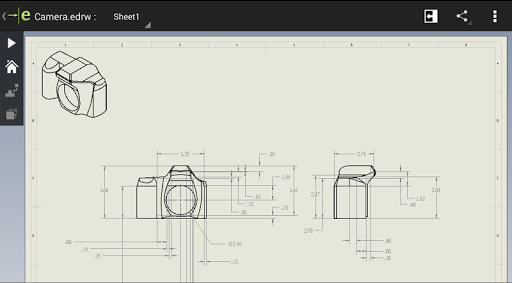
24 images
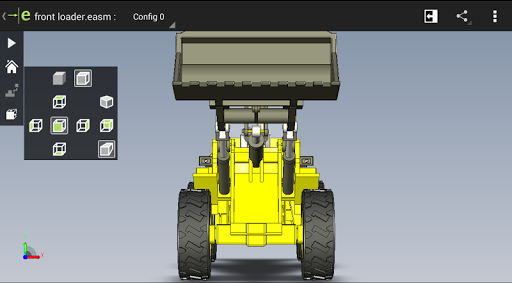
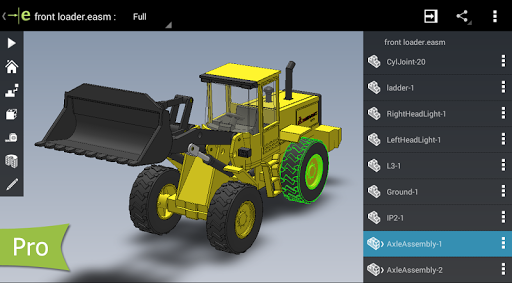
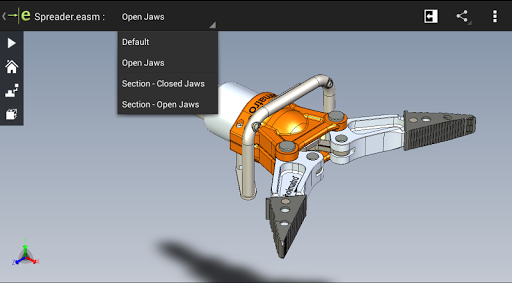
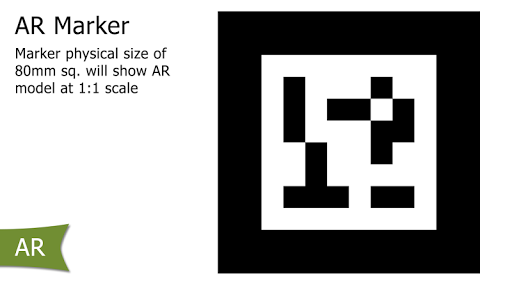
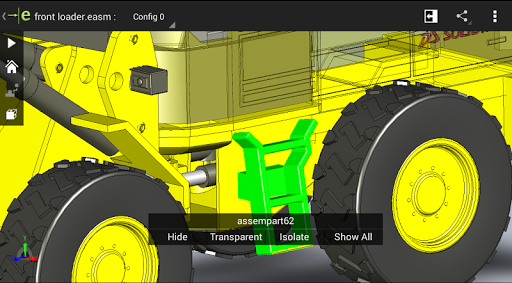
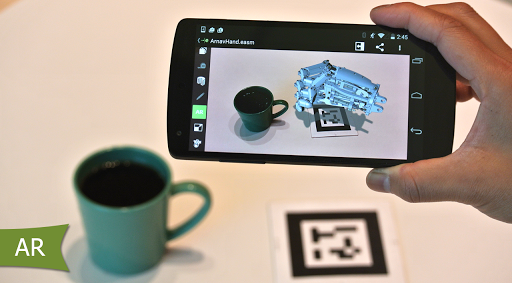
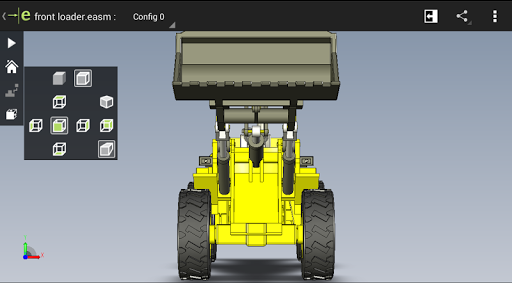
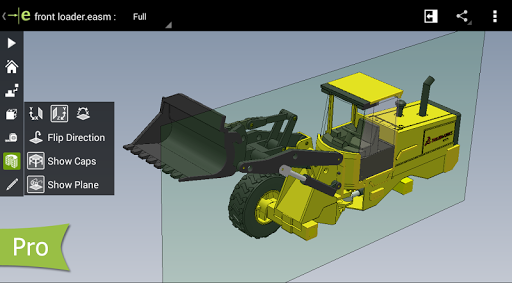
eDrawings screenshot 1 eDrawings screenshot 2 eDrawings screenshot 3 eDrawings screenshot 4 eDrawings screenshot 5 eDrawings screenshot 6 eDrawings screenshot 7 eDrawings screenshot 8 eDrawings screenshot 9 eDrawings screenshot 10 eDrawings screenshot 11 eDrawings screenshot 12 eDrawings screenshot 13 eDrawings screenshot 14 eDrawings screenshot 15 eDrawings screenshot 16 eDrawings screenshot 17 eDrawings screenshot 18 eDrawings screenshot 19 eDrawings screenshot 20 eDrawings screenshot 21 eDrawings screenshot 22 eDrawings screenshot 23 eDrawings screenshot 24

Advertisement

About eDrawings

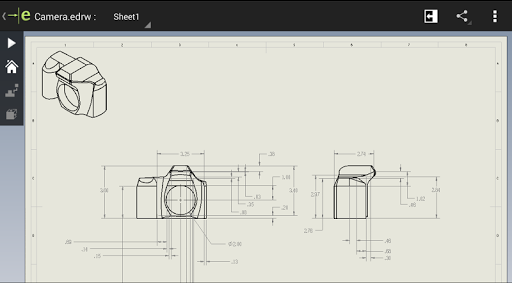
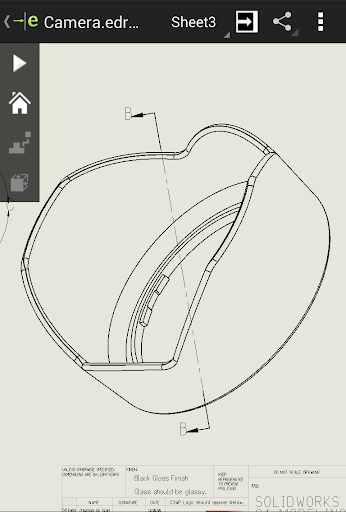
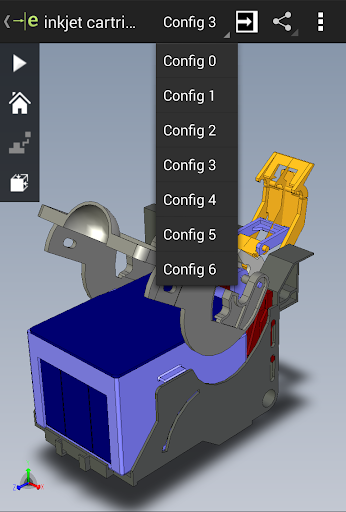
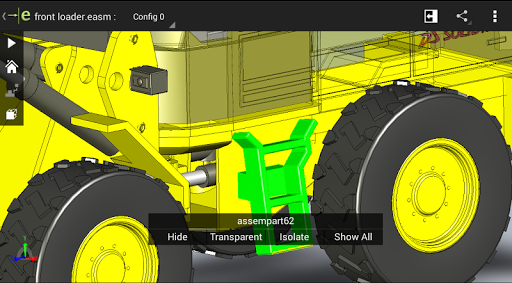
eDrawings is a great thing. It is especially suitable for engineers, students and so on. It is very convenient to view, share and cooperate with CAD drawings anytime and anywhere. It is available in both Android and iOS versions. The interface is quite simple and easy to use. It can quickly get through those complex technical drawings. It is a must-have helper whether in school or at work. It is really a practical application.

Overview

core feature

  • The interface is super friendly, it can be easily handled wherever you go, and it is not difficult to operate at all. Anyone can use it!
  • Real-time collaboration tool allows several people to work on the same map at the same time. The cooperation is very smooth and awesome!
  • The file management function is powerful, making it easy to view, share, and export drawings in various formats. It can be done across devices!
  • Offline mode support, you are not afraid of no Internet, you can open your files anytime, anywhere, especially considerate for you when you are away!
  • Cloud synchronization connects seamlessly, makes backup easy, and keeps files up to date at any time without worrying about losing or missing!
  • Supports multiple CAD file formats and is highly compatible. No matter what design tool you use, you can easily open it. The experience is great!
  • Optimized touch operation, specially designed for mobile phones, smooth operation between finger swipes, and smooth navigation!

Who is this APP suitable for?

This APP is especially suitable for engineers, designers, and various professionals who want to quickly complete various technical drawings on their mobile phones, whether it is on-site viewing or remote working, it is very useful.

Whether you're looking at CAD drawings on site or changing the plan with your partner, this APP-based solution can meet your various needs while you are busy. It's really convenient!

Why choose this APP

This Android app allows you to view CAD files and share data easily and reliably. It is the first choice for netizens in the design industry. Its various functions can help you save time and effort, and your work efficiency is not a little bit improved!

Providing a smooth, safe and multifunctional operating experience that perfectly matches all your expectations for professional software, allows you to stand out among many competing products and solve various problems encountered in use. It is really reliable!

Top Recommended Alternative

Pros & Cons

Pros

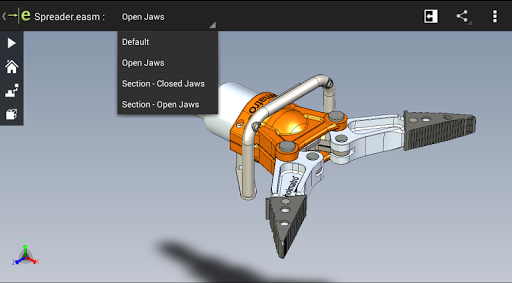
  • Intuitive 3D model view
  • Wide compatibility
  • Measurement and marking tools
  • offline access
  • Free basic edition

Cons

  • Limited editing capabilities
  • Slow rendering of large assemblies
  • The interface can be more modern
  • Some functions require payment
  • Too few collaboration capabilities

Advertisement

Download eDrawings

You are going to be redirected to the official website to finish the download when you click these buttons above.

FAQ

Is the eDrawings app safe to use on my device? +
Of course, the eDrawings mobile app is designed to be quite secure and can be found on reliable platforms like Google Play and the Apple App Store. Will it be updated regularly to ensure safety and reliability? As a well-known tool for viewing CAD files and sharing, eDrawings has high safety requirements for users and is quite reliable. Professionals and students use it with confidence.
How can I install eDrawings on my Android phone? +
It's actually quite easy to install the Android version of eDrawings. You can go to the Google Play store to search for 'eDrawings' or click directly on the official page. After the download is complete, follow the prompts to complete the installation. This app interface is quite friendly, the entire setup process is smooth, and it brings powerful functions to your device, which is great.
What are the feature highlights of eDrawings? +
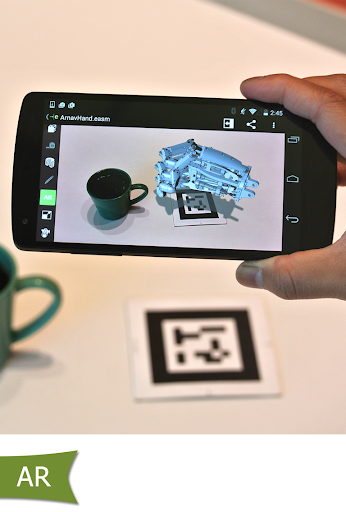
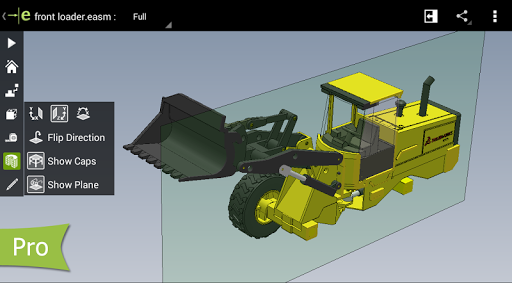
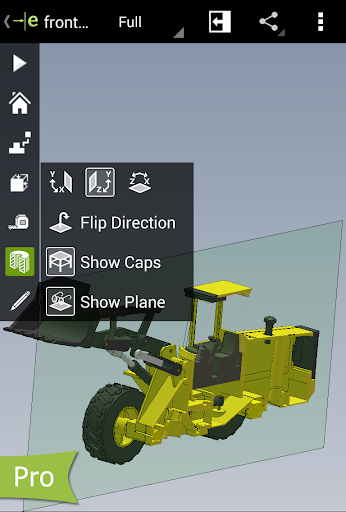
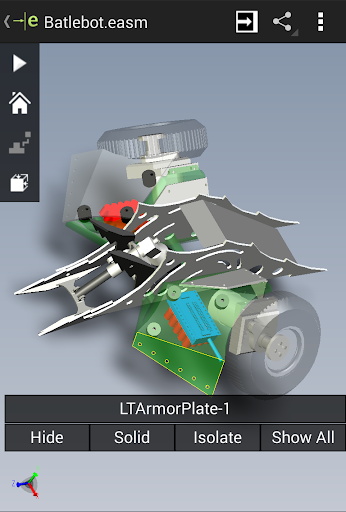
It can help you quickly view CAD files and share them. It supports multiple file formats. The measurement function is also very convenient, and it is easy to zoom and rotate models. This app allows you to quickly access 3D models and collaborate smoothly, making it convenient to use it on your mobile phone or tablet.
Can eDrawings be used on iOS devices? +
Of course, eDrawings is also available for iPhone and iPad, which can be found in Apple's App Store. The functions are the same as Android's, and the core is no different. The cross-platform design allows you to use the same experience. Whether it is Apple or Android, you can always open and share CAD files smoothly, which is quite considerate.
Can I use eDrawings as a quick launcher to quickly access CAD files? +
Although eDrawings is not a dedicated launcher, it can be used as a dedicated file viewer that can be quickly found and opened from the phone's home page or application drawer. The interface is simple and intuitive, and you can open the CAD file in one or two steps. If you are pursuing efficiency, you can also pin it on the front page and quickly access it at any time. When you go out to process CAD files, the experience will be much smoother.
If you encounter a problem, what support channels are there? +
The developer provides detailed instructions and answers to frequently asked questions on the official website. You can also contact customer service for help to resolve installation, functions or problems. Reliable applications like eDrawings will definitely pay attention to the user experience and provide reliable support to make your experience smooth and enjoyable.
Is eDrawings suitable for professional use or learning use? +
Of course, it is quite common in both professional and learning circles. It is also very powerful and can help users easily view CAD drawings, make annotations, share files and so on. This application is specially customized for engineers, designers, and students. It can be used for learning and collaboration. It is a very trustworthy tool.
Are there any system requirements or compatibility issues? +
eDrawings can basically run on most new Android and iOS devices. It is best to keep the system up to date so that performance and functions will be better. Check Google Play and Apple Store for the latest compatibility requirements to make sure it runs smoothly and without problems.

Customer Reviews

AI
AI Generated Summary
Based on real user feedback
★ 2.2

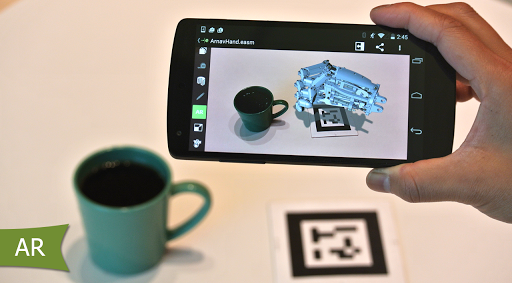
Users generally appreciate eDrawings as a useful tool for viewing SolidWorks files, with some noting significant improvements and stable performance on certain devices. However, major concerns revolve around compatibility and stability: many report the app crashing upon launch or failing to open any files, including sample, Google Drive, or recent SolidWorks files. The Pro version’s measurement and sectioning features are valued by some, but others find them non-functional (e.g., grayed-out measuring tool) or lose access after purchase due to bugs. While the app works well for some on devices like Galaxy Tab 4 and Note9, a large number of users experience forced closures, black screens, and AR mode crashes even on high-end phones. The lack of printing, inability to explode assemblies, and outdated UI are also cited. Overall, it is a capable viewer for a limited set of users, but reliability issues hinder its effectiveness for many.

A Google user · 2026-06-16
★ 2
The app doesn't allow me to open my own files transferred from PC or downloaded from Google Drive. Only sample files are accessible. It could be a great app, but currently it falls short.
A Google user · 2026-06-16
★ 1
The app crashes every time it is launched on a Samsung Galaxy Note 9. This issue occurs repeatedly and prevents any use of the application.
Un usuario de Google · 2026-06-14
★ 5
Works perfectly on my Galaxy Tab 4 with KitKat.
Chirag Prajapati · 2026-06-13
★ 1
The application repeatedly closes automatically within a few minutes of being opened, preventing normal use.
Un usuario de Google · 2026-06-10
★ 5
It has improved significantly compared to the previous versions 👍

Write a Review

Share your experience with eDrawings. Submissions are reviewed before publishing.

Rating *
0 / 2000

You Might Also Like

More apps you may want to try next.

Advertisement
5
Please wait...