

EasyCut - Video Editor & Maker
Advertisement
Screenshots

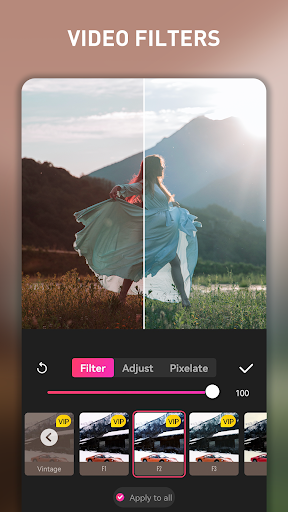

Advertisement
About EasyCut - Video Editor & Maker
EasyCut -Video Editor and Maker is a very useful mobile app designed for quickly completing video editing on Android devices. It has surprisingly many features. It can easily edit, splice, add special effects, and improve video quality. It is really a great mobile phone solution. Whether it is casual play or serious content creators, there is no pressure at all. The interface is very easy to use and smooth to use. Basically, all editing needs can be handled in one stop, which is so considerate and practical.
Overview
core feature
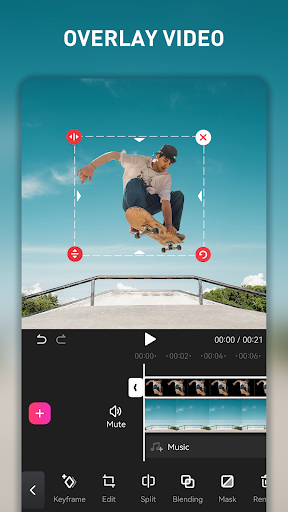
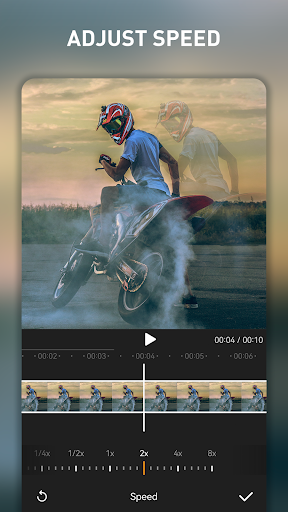
- This app has a super intuitive timeline editor that makes editing, cutting, and arranging video clips as easy as playing a jigsaw puzzle. It takes just a few clicks!
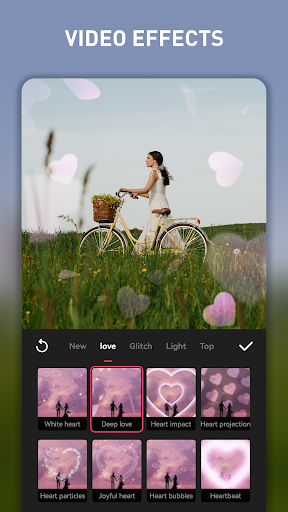
- It also comes with a variety of filters, transitions and special effects, which are adjusted bit by bit to make the video look instantly high-quality, with just a click!
- Supports multiple export formats and resolutions, the quality of the film is superb, and there is no problem sharing friends and uploading it to social platforms!
- Built-in real-time preview and undo/redo functions make editing as smooth as dancing to the beat!
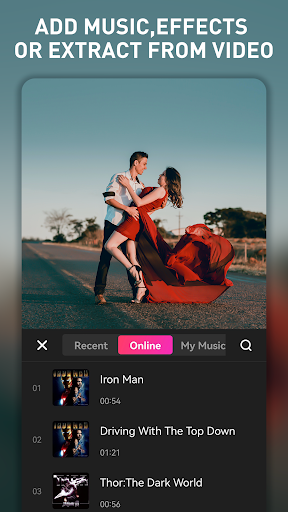
- There is also a music library and sound effects library. Easily add background music or funny sound effects, and the video instantly has a soul!
- The interface is super friendly, especially suitable for novices and professionals. It always makes you feel super simple to operate and the effect is great!
- Comes with offline running functions, you can edit smoothly no matter when and wherever, which is very convenient!
Who is suitable for?
This mobile version of the app is perfect for social media enthusiasts that creators and friends love to use, or light users who just want to simply edit a video. Friends over the age of 14 can use it, so you don't have to worry about complex tools. Rapid results are the king's way.
Whether you're planning to upload to YouTube, Instagram, or a small private project, the app's features will make it easy for you. Designed for mobile operations, allowing you to edit efficiently anytime, anywhere. It is simply a caring assistant on mobile!
Why choose this?
What makes this Android app special is that it combines powerful features with easy operation to help you easily make professional-level videos. Encountering editing problems? Don't be afraid, a simple interface and a full set of tools will make it easy for you to do everything!
Combining top-notch features with a smooth experience, EasyCut is definitely your trusted fast editing assistant. It is always centered on user needs. Whether you are a novice or a veteran, you can easily use it to implement various ideas and complete video editing on your mobile phone anytime, anywhere!
Top Recommended Alternative

Pros & Cons
Pros
-
user-friendly interface
-
Rich editing tools
-
Support high-resolution export
-
Fast rendering speed
-
Built-in music and sound effects
Cons
-
Free features are limited
-
Break down occasionally
-
Limited social media exports
-
Insufficient basic courses
-
Old equipment is a little stuck running
Advertisement
Download EasyCut - Video Editor & Maker
FAQ
EasyCut -Are video editing and production tools safe? +
How can I install EasyCut on my Android device? +
What are the main functions of EasyCut? +
Does EasyCut support various formats and resolutions? +
Can I use EasyCut without networking? +
Customer Reviews
Users overwhelmingly praise EasyCut - Video Editor & Maker for its intuitive design, smooth performance, and powerful editing tools, making it a favorite among content creators and beginners alike. The app is consistently described as user-friendly, efficient, and enjoyable, with many highlighting its excellent value and professional-grade capabilities. However, opinions are divided on its monetization model: while some users find the free version sufficient, others criticize it as an ad-driven app with limited functionality, suggesting that upgrading to the Pro version is necessary for a seamless editing experience similar to live broadcast quality. Overall, the app delivers strong utility and satisfaction, though the ad experience and feature restrictions may deter some users.
Write a Review
Share your experience with EasyCut - Video Editor & Maker. Submissions are reviewed before publishing.
You Might Also Like
More apps you may want to try next.



