Easy Rout Map: Navigation Path
Advertisement
Screenshots












Advertisement
About Easy Rout Map: Navigation Path
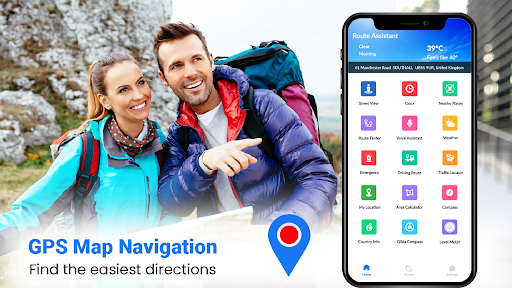
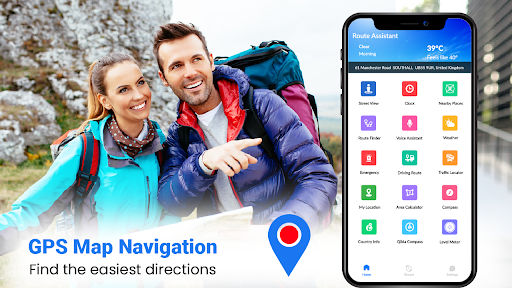
Easy Rout Map: This mobile application for navigation paths is quite reliable, mainly helping everyone find the best route and direction. This Android software provides clear navigation guides, making it much easier for you to plan your trip and explore new places. The interface design is very friendly and intuitive to operate. Whether you are ordinary users who occasionally go out to play or travel maniacs who often travel on business, you can easily get started.
Overview
core feature
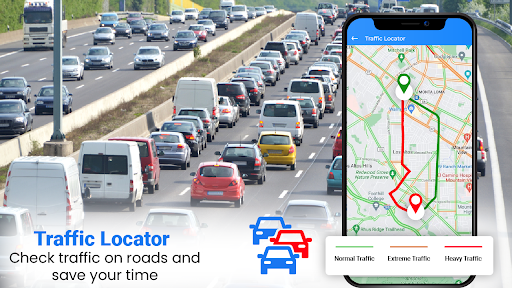
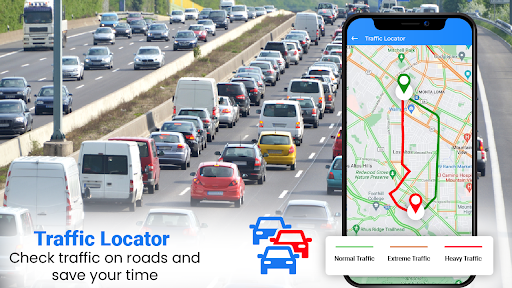
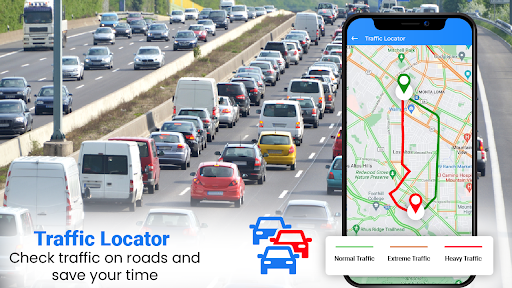
- Intuitive route planning, combined with real-time traffic information, helps you find the fastest road. It's really a user-friendly design!
- Offline mode supports navigation without networking. It is especially suitable for remote areas or when the signal is poor. It is really easy to use!
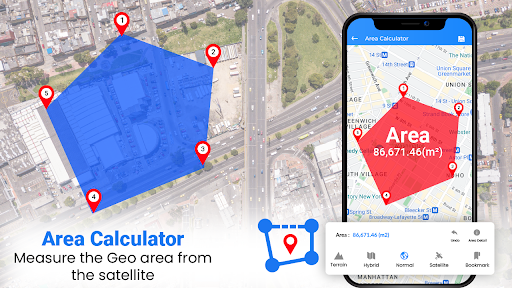
- Multi-layered maps, street views and satellite pixels have a dazzling variety of options to help you understand the road conditions in all directions!
- Voice guidance, hands-free operation and safe, listen while driving without worrying about distraction, considerate and practical!
- Intelligent re-planning of routes can automatically adjust according to traffic changes, so you don't have to worry about it, save peace and effort!
- Seamless connection with the device's initiator, quickly open the navigation, no trouble at all, open it in seconds is convenient!
- You can customize your waypoints and save your routes, making complex itineraries simple and clear, and no longer a headache for travel planning!
Who is suitable for?
This mobile navigation is perfect for drivers, travel enthusiasts, and those who often go out on adventures. It is a reliable navigation companion on Android phones. It is specially designed for users who are pursuing precise guidance and a smooth experience, especially when there is no Internet or the signal is poor, and it really saves many people!
Whether it's commuting every day or planning a self-driving trip, this app helps you safely explore unfamiliar roads. With friendly interface and rich functions, you are basically your loyal partner on the road, solving all travel problems!
why this
This Android app stands out with its powerful features and easy-to-use interface, delivering a great navigation experience. It not only provides accurate real-time traffic information, but also offline functions, which is very practical no matter what travel scenario!
It focuses on practicality and user convenience, providing a reliable and considerate navigation solution to help you cope with various travel difficulties. Innovation and simplicity allow you to arrive with confidence every time you travel without panic!
Top Recommended Alternative

Pros & Cons
Pros
-
intuitive interface
-
Accurate navigation routes
-
Support offline use
-
real-time road condition information
-
Route can be customized
Cons
-
Offline maps are updated infrequently
-
Voice navigation is not stable enough
-
large power consumption
-
The UI of some functions is more basic
-
Limited multi-language support
Advertisement
Download Easy Rout Map: Navigation Path
FAQ
Is the Easy Rout Map: Navigation Path app safe to use on my device? +
Well, Easy Rout Map: Navigation Path is a very reliable application. It can be downloaded on Google Play and is a regular approach. It will operate in accordance with some security standards and strive to protect your data from being leaked.
Ofcourse, you still have to download it from official channels. Don't be patient. Only by keeping your mobile phone safe and updated can you feel more at ease when using this navigation and route planning tool.
How do I install Easy Rout Map: Navigation Path on my Android device? +
To install this software, go directly to the Google Play Store and search for Easy Rout Map: Navigation Path. You can basically use it on Android phones.
Theinterface design is quite intuitive, and the operation is very simple, not complicated at all. It can be done in a few clicks, and then you can quickly use the navigation function, which is so convenient.
Can I use Easy Rout Map: Navigation Path without an internet connection? +
That's right, this app actually supports offline navigation, so even if there is no network, you can plan routes and follow the car. This is quite powerful. It is especially suitable for use in places with poor signal, so you don't have to worry about disconnection during travel.
Butlet me remind you that functions like real-time traffic information still have to be connected to the Internet to use them. But to put it bluntly, there is basically no problem with using this offline map and it is quite reliable.
What are the main features of Easy Rout Map: Navigation Path? +
This travel and local navigation APP is quite rich, with functions such as route planning, driving navigation, and street view. The map interface is very easy to use, whether it is daily work or self-driving travel.
Italso brings real-time traffic tips. The routes are diverse and comprehensive, and can basically meet various travel needs. It is a very practical software.
Is Easy Rout Map suitable as a launcher app for my device? +
Although Easy Rout Map: Navigation Path is mainly a tool for navigation and route planning, it can be placed on desktop shortcuts and can be regarded as an initiator for navigation.
Youcan click directly from the home page, which is very convenient to use, so you can navigate quickly when you go out, because you don't have to find an icon or something every time, which saves you trouble and improves travel efficiency a lot.
Customer Reviews
Users generally praise Easy Rout Map for its functionality, practicality, and ease of reaching destinations. Many highlight it as an excellent, superb, and fantastic tool for navigation and route assistance, with some calling it a reliable city companion. However, key issues include excessive advertisements and redirects to other pages, which some users criticize as spam or pure advertising. Additionally, while many find the directions accurate, a few report reversed or opposite order instructions. Signal loss, blurry maps, and inability to see nearby cities clearly are also noted as serious drawbacks by some users. Overall, the app receives high marks for usefulness and performance, but advertisement volume and occasional technical flaws divide user opinion.
Write a Review
Share your experience with Easy Rout Map: Navigation Path. Submissions are reviewed before publishing.
You Might Also Like
More apps you may want to try next.