

Earth 3D Map-StreetView Camera
Advertisement
Screenshots
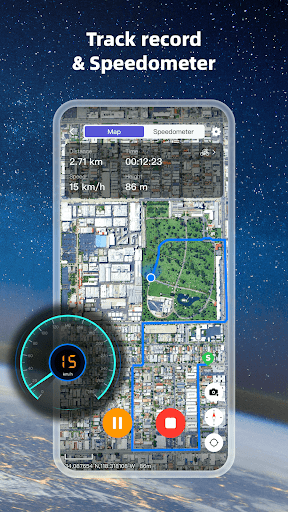
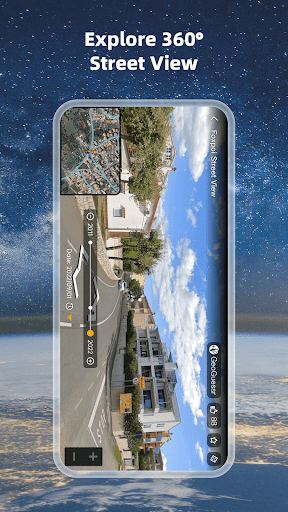
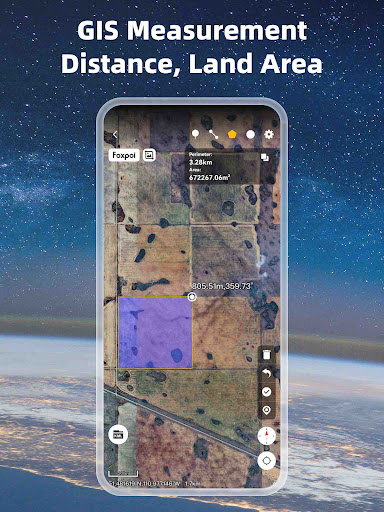
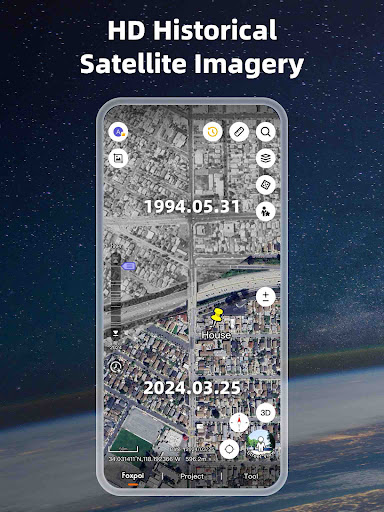
Advertisement
About Earth 3D Map-StreetView Camera
Overview
core functions
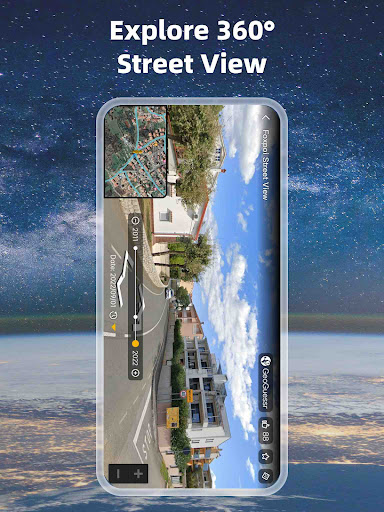
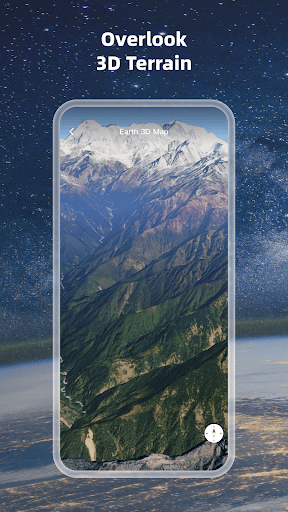
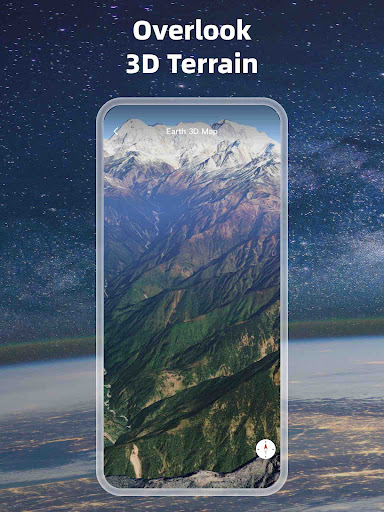
- That kind of high-quality 3D map display allows you to experience an immersive streetscape perspective on your mobile phone, which is particularly exciting!
- Whenever you have an operation, you respond super quickly, navigation is updated in real time, and exploring strange places becomes particularly easy and smooth.
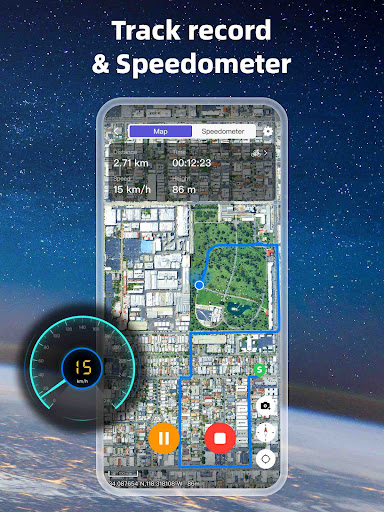
- It also includes some detailed features, such as location markings, zoom controls, street view views, etc., to help you follow precise routes.
- It is perfectly matched with the mobile phone's GPS, the location is particularly accurate, and the navigation guidance is more assured.
- Support offline mode, you can use maps even without the Internet. It is very reliable and never goes out of style.
- The interface is simple and clear, and it is also very convenient to use as a launcher. You can get all the map functions directly from the homepage.
- Ensure frequent updates of maps, data security, and a very trustworthy experience.
- Various functions are designed very carefully, especially suitable for travelers, explorers, and city life navigator. It is easy and practical to use!
Who is this app suitable for?
This mobile app is especially suitable for friends who like outdoors, travel, and urban exploration, and want to see detailed panoramic maps on Android devices. For those adventurers who need reliable navigation and immersive street views, it's an artifact!
Whether you are preparing to go to a strange city or arranging outdoor activities, using this app to explore new places, accurately navigate, and cool 3D maps is very smooth and ideal for people seeking a better navigation experience!
Why choose this app
This Android app combines advanced 3D maps and real-time navigation, provides smooth operation, pursues convenience and precision, and is full of experience. Its various features make Street View browsing richer and the interface safe and reliable.
It can especially solve ordinary navigation problems. It is both practical and reliable. It integrates detailed maps and smooth operation into one, bringing confidence and convenience to every trip. Definitely a good helper during your journey!
Top Recommended Alternative

Pros & Cons
Pros
-
High-resolution 3D map
-
Super simple operation
-
It can be seen almost all over the world
-
Smooth navigation and zoom in and out
-
Updates data frequently
Cons
-
Too much power consumption
-
Occasionally not allowed in remote areas
-
The application volume is quite large
-
I can't use it offline
-
Loading is occasionally slow
Advertisement
Download Earth 3D Map-StreetView Camera
FAQ
Is this Earth 3D Map-StreetView Camera app safe to install on my device? +
Well, this Earth 3D Map-StreetView Camera is a very reliable mobile application. It is available on the Google Play Store and has been security reviewed. It complies with Google's security standards and basically ensures that your devices and data are protected.
Of course, when downloading an application, it's best to do it from reliable channels, and also check how to set permissions before installing. The developers have always been quite reputable and practical to use, suitable for friends who like to explore detailed 3D maps and street views.
How do I log in or register an account with Earth 3D Map-StreetView Camera? +
Getting started is actually quite simple. Just open the app, follow the prompts, register an account or log in with your existing email or social account. The interface is designed to be quite intuitive. It is not annoying to use it at first, and it is quite convenient to get started directly.
If you encounter any problems, remember to check whether your mobile phone software is the latest version and whether your network connection is stable. With an account, the experience will be richer, such as saving locations and customization preferences, which are all quite practical.
What are the powerful features of this Earth 3D Map-StreetView Camera? +
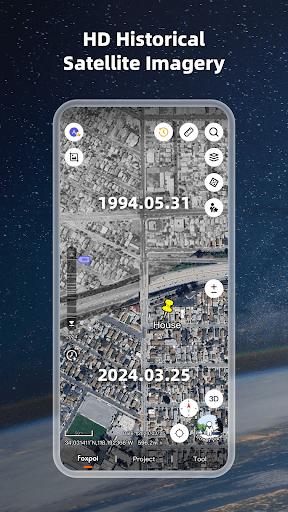
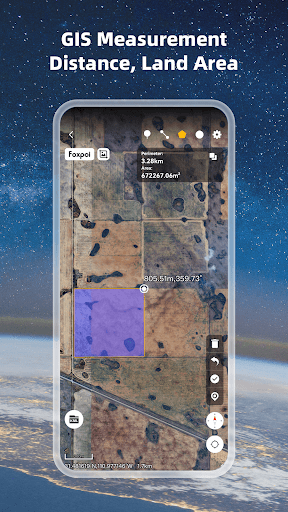
This Android application has quite a lot of features, including immersive 3D maps, street view images, place exploration and so on. It can also use a virtual camera to seamlessly switch navigation, which is quite suitable for ordinary users and geography enthusiasts.
It also comes with a viewing mode to view the terrain and urban landscape, which makes it quite realistic. Use this app on your mobile phone to avoid having to bring your device when you go out. You can enjoy an immersive map experience by opening it directly. It's great!
Can this app be used offline? Or do I have to connect to the Internet? +
Although the Earth 3D Map-StreetView Camera can provide a great real-time image experience, most functions still have to be supported by the network. Offline use may be limited, and only previously downloaded or saved views can be used.
If you want to experience complete functions, it's best to ensure that your device is connected to the Internet so that you can see the latest and most accurate street view and map data, which is quite critical.
Can I use the Earth 3D Map-StreetView Camera as a launcher? Or can you only use it in your own interface? +
This application is mainly for maps and street views. It is used on its own interface and cannot be directly used as a launcher. But you can create shortcut icons on your mobile phone desktop to save you trouble finding them every time. It's convenient to click and use them at any time.
If you want to have a comprehensive navigation experience, this app works well with Android devices and provides a smooth navigation and exploration experience. It's a good choice!
Will this Earth 3D Map-StreetView Camera be updated frequently? Can it support the latest Android system? +
Developers are very careful, regularly pushing new products, fixing bugs, adding new features, and so on. It is recommended to check for updates frequently so that you can use the latest and most useful versions and make it safer.
Supports recent Android versions and basically works with most new devices. Keep your device up to date and you can use it more happily.
What if the app fails or doesn't work as expected? +
If you encounter problems, try restarting the device as the first step. Sometimes a simple restart can solve many problems. Cleaning up the application cache or uninstalling and reinstalling can also solve some minor glitches and improve the experience a lot.
If it still doesn't work, check whether the software is the latest version and whether the network connection is stable. If necessary, you can contact the developer. Usually, support channels in the app store can also help.
Is this Earth 3D Map-StreetView Camera suitable for educational or professional use? +
Of course, this Android app can provide detailed 3D visualization and street views, which is very helpful for educational activities such as geography and urban planning. An immersive experience helps users more intuitively understand the terrain and urban layout.
Although it is enough for personal exploration, professionals, such as architects, urban designers and even real estate experts, can also use it to visualize and demonstrate projects. It is quite practical!
Customer Reviews
Users generally appreciate Earth 3D Map-StreetView Camera for its intuitive interface, rich features, and smooth browsing experience, with many finding it practical for property viewing, travel, and daily navigation. Key strengths include ease of use and the ability to explore locations in detail. However, opinions diverge significantly on performance and reliability. While numerous users recommend the app as 'very good' and 'excellent,' citing stable operation and clear imagery, others report frequent crashes, black screens, inaccurate location placement, and extremely slow rendering. Privacy and payment also spark debate: some users claim the app forces payment or behaves like a virus, forcibly opening other apps, whereas others find it secure and worth downloading. Additionally, a few users note missing country options or outdated recordings. Overall, the app offers solid functionality for many, but potential security and stability issues warrant caution.
Write a Review
Share your experience with Earth 3D Map-StreetView Camera. Submissions are reviewed before publishing.
You Might Also Like
More apps you may want to try next.




