
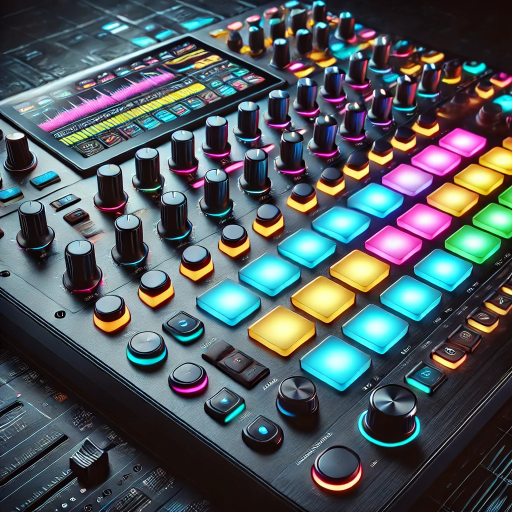
DubStep Music & Beat Creator
Advertisement
Screenshots
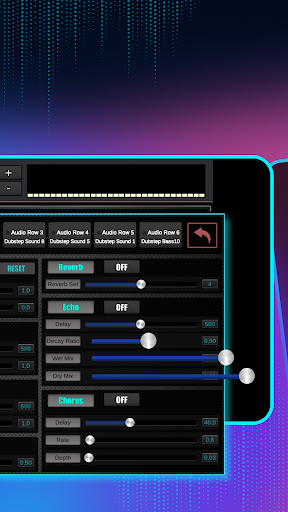
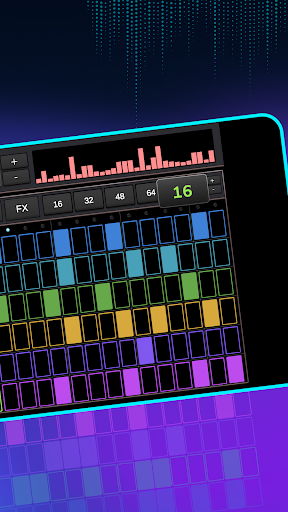
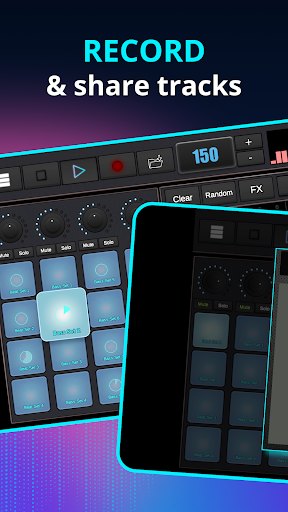
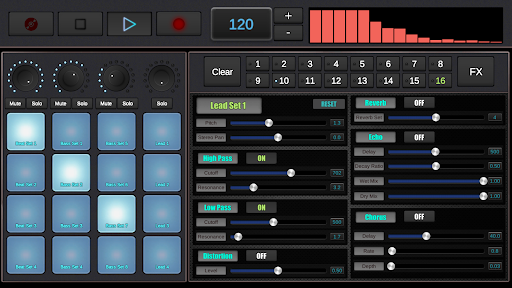
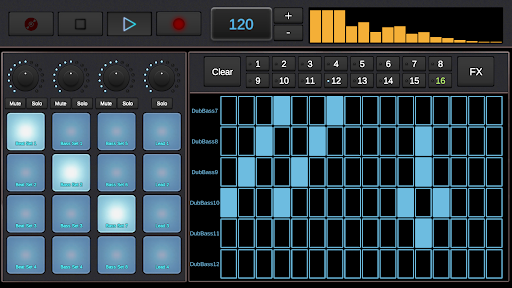
Advertisement
About DubStep Music & Beat Creator
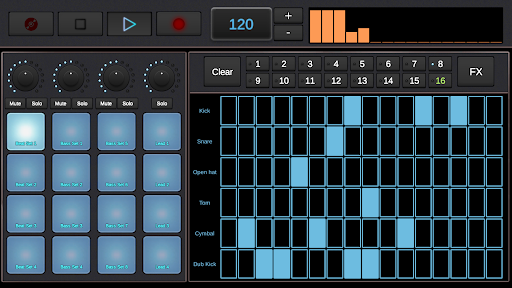
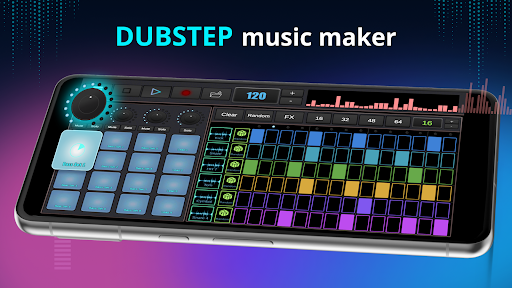
DubStep Music Beat Creator is actually quite considerate. It is a mobile app for music fans and novice producers. This Android software allows you to make all kinds of dubstep tunes as you want. It has many tools and functions, which makes it quite enjoyable to play. Whether you are just getting started or a veteran with some experience, this app allows you to easily create professional beats and rhythms, which is really convenient.
Overview
core feature
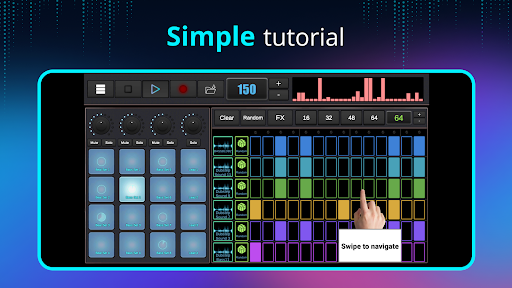
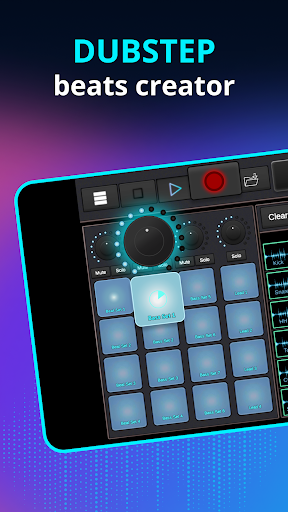
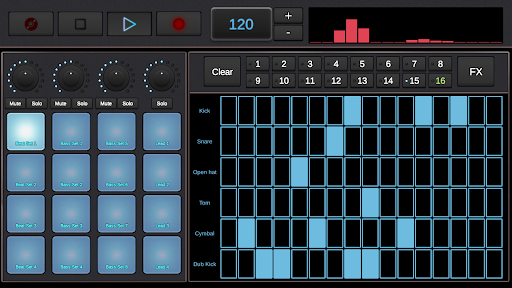
- The interface of this app is particularly intuitive, making it super easy to create and adjust beats. It can be easily done even with a mobile phone.
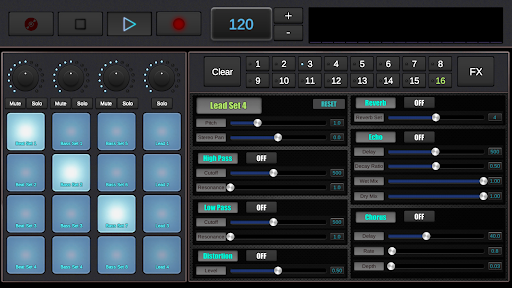
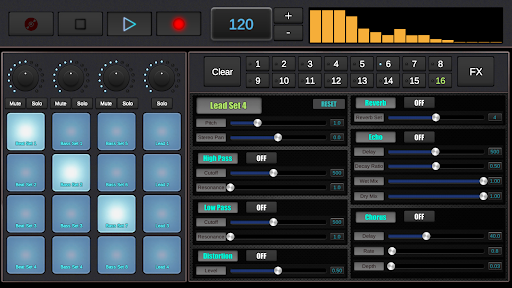
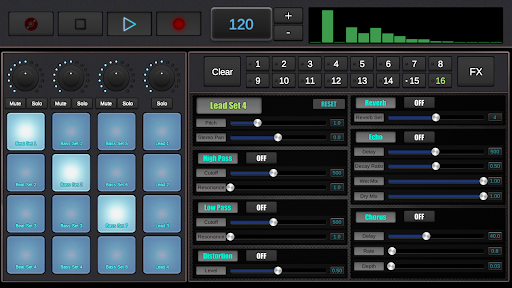
- Advanced sound editing tools allow you to fine-tune bass lines, synthesizers and drum beats. Professional music production is not a dream.
- Real-time synchronization and recording functions ensure that you can smoothly produce music on the road, and the experience is super smooth.
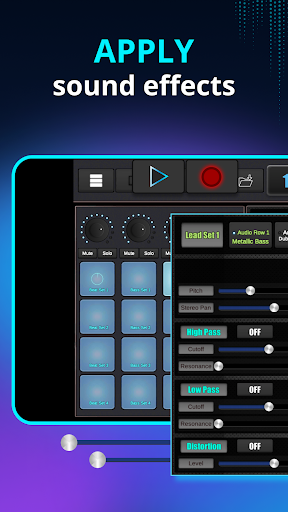
- Rich and colorful built-in effects and samples stimulate your creativity and make it easy for you to create unique sounds.
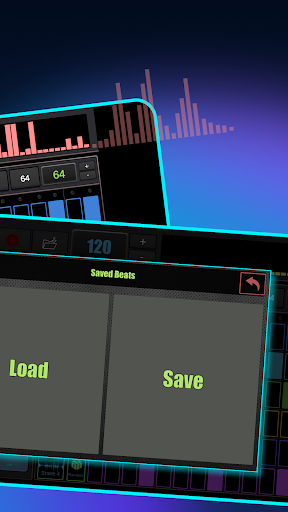
- This Android app can also directly save, share and export your works to various social platforms, which is super convenient!
- Highly customizable features allow musicians and interest enthusiasts to easily explore different styles and enjoy them.
Who is right for using this app?
This mobile app is especially suitable for newcomers who are just starting out in music production, DJ enthusiasts, and friends who like to make Dubstep and electronic beats. If you like simple and direct operations without cumbersome setup processes, this is definitely a good choice.
Whether you are a future star who wants to use the app to perform live performances, or a DIY enthusiast who lives at home and experiments with music, this Android app can meet a variety of different technical levels and creative needs.
Why choose this app?
The reason why this Android app is outstanding is because it has a friendly interface, powerful functions, and can bring a professional-level music creation experience. It uses easy-to-use tools and real-time editing to make it easy for both novices and veterans to get started and produce high-quality works.
As a reliable application, it helps users overcome technical difficulties and lack of functionality, and provides a comprehensive platform where you can confidently develop and share your music works.
Top Recommended Alternative
Pros & Cons
Pros
-
For novices and experienced producers, it is easy to get started with, the interface is simple and clear, and it is quite easy to use.
-
Providing countless high-quality beats and sound effects, you can play it any way you want, it can really inspire your creativity!
-
You can adjust the rhythm and melody at will according to your own style, and it is completely your personal beat!
-
Support export in various formats, whether it is sharing or continuing to edit yourself, it is very convenient and practical.
-
Developers continue to push new features and new voices, making this application always full of freshness and vitality.
Cons
-
Many advanced sound effects and functions have to be paid to use, which is quite disappointing and a bit limited to some users.
-
Old equipment will stall or even crash when running. After all, the requirements on the processor are quite high and sometimes it is quite troublesome to use.
-
Some esoteric functions are not easy to get started, take time to ponder, and are often a bit of a barrier for novices.
-
The exported audio will occasionally have quality differences, but the government is constantly improving and expects it to be more stable in the future.
-
There is no integrated real-time collaboration function, and if you want to work with others, you have to use external tools, which feels inconvenient.
Advertisement
Download DubStep Music & Beat Creator
FAQ
Is DubStep Music & Beat Creator safe to use? +
Of course, the mobile app DubStep Music & Beat Creator is actually quite safe and is mainly designed for music lovers. Security issues are also considered when developing to ensure that there are no problems with your personal information during use.
Rememberto download it from reliable channels, such as the Google Play Store, to avoid any surprises. This app is a reliable solution that allows you to easily compose music on your Android device and make your own dubstep beats, which is quite convenient.
Can I use DubStep Music & Beat Creator on my Android device? +
course you can! This Android app has been specially optimized for Android devices and is easy to operate. Whether it's a mobile phone or a tablet, you can easily create and adjust music. The interface is friendly, making the entire experience more comfortable.
Becauseit itself is a starter for music production, it is very functional, suitable for novices, and friendly to experienced users. It's exciting to think about turning your Android phone into a mobile music studio.
What are the main features of DubStep Music & Beat Creator? +
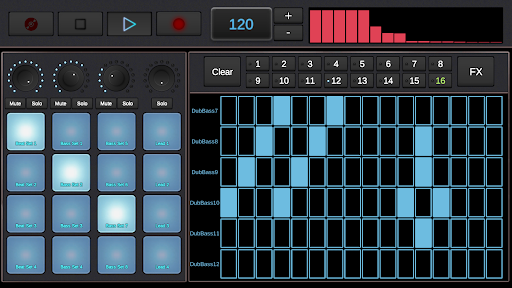
Its main functions are actually quite many, including various drum sets, real-time sound mixing, and an easy-to-use control interface. These allow you to easily create complex dubstep beats, and the entire app is really a one-stop music production tool.
Theinterface is intuitive and supports personalized customization. You can try it at will and make professional-level songs directly with your mobile phone. You can have fun anytime, anywhere, whether you are at home or outside.
How do I get started with this mobile app? +
Getting started is actually very simple. As long as you install DubStep Music & Beat Creator on your Android device in the Google Play Store and open it, the interface is super intuitive, the operation is not as complicated, and it is easy to use.
Youcan directly select a beat template, or start from scratch yourself, tune the sound, and enjoy the fun of making. This app is designed to be particularly suitable for novices, helping you get started easily, and making dubstep beats is not difficult at all.
Does DubStep Music & Beat Creator require an internet connection? +
Basic functions can also be used without the Internet. You can create music without having to connect to the Internet. However, functions like sharing and downloading may require networking.
Overall, this application can be used smoothly whether online or offline. It is a good helper that you can take with you at any time to make music, which is particularly convenient.
Customer Reviews
Users generally praise DubStep Music & Beat Creator for its intuitive design, ease of use, and fun creative experience, especially for beginners. Many highlight the seamless user interface, lack of intrusive ads, and the variety of instruments available for making beats quickly. However, some users report issues with sound not playing at all, while others note significant battery drain on certain devices (e.g., Galaxy A15 5G). Although the app is widely considered a great tool for short sessions and casual music creation, a few users feel it falls short in professional depth. Overall, the app receives strong approval for its accessibility and entertainment value, with minor technical concerns noted.
Write a Review
Share your experience with DubStep Music & Beat Creator. Submissions are reviewed before publishing.
You Might Also Like
More apps you may want to try next.




