Dual Camera Sides

Dual Camera Sides

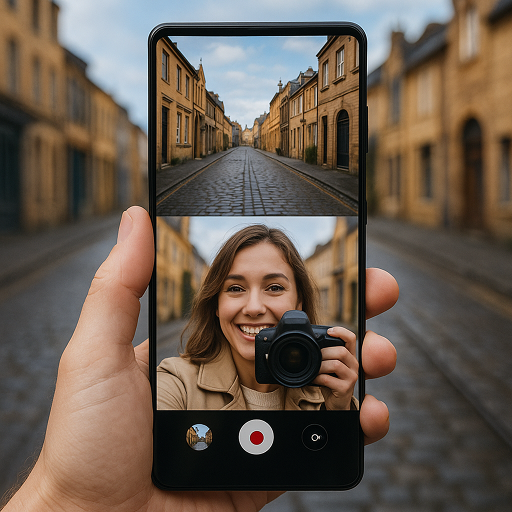
Enhance your photography with Dual Camera Sides, the ultimate dual camera app. Free now and create dynamic photos and videos effortlessly!

Advertisement

Screenshots
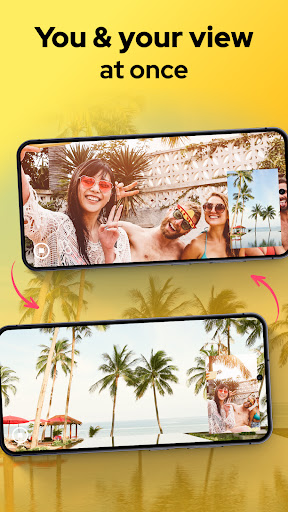
40 images
Dual Camera Sides screenshot 1Dual Camera Sides screenshot 2Dual Camera Sides screenshot 3Dual Camera Sides screenshot 4Dual Camera Sides screenshot 5Dual Camera Sides screenshot 6Dual Camera Sides screenshot 7Dual Camera Sides screenshot 8Dual Camera Sides screenshot 9Dual Camera Sides screenshot 10Dual Camera Sides screenshot 11Dual Camera Sides screenshot 12Dual Camera Sides screenshot 13Dual Camera Sides screenshot 14Dual Camera Sides screenshot 15Dual Camera Sides screenshot 16Dual Camera Sides screenshot 17Dual Camera Sides screenshot 18Dual Camera Sides screenshot 19Dual Camera Sides screenshot 20Dual Camera Sides screenshot 21Dual Camera Sides screenshot 22Dual Camera Sides screenshot 23Dual Camera Sides screenshot 24Dual Camera Sides screenshot 25Dual Camera Sides screenshot 26Dual Camera Sides screenshot 27Dual Camera Sides screenshot 28Dual Camera Sides screenshot 29Dual Camera Sides screenshot 30Dual Camera Sides screenshot 31Dual Camera Sides screenshot 32Dual Camera Sides screenshot 33Dual Camera Sides screenshot 34Dual Camera Sides screenshot 35Dual Camera Sides screenshot 36Dual Camera Sides screenshot 37Dual Camera Sides screenshot 38Dual Camera Sides screenshot 39Dual Camera Sides screenshot 40

Advertisement

About Dual Camera Sides

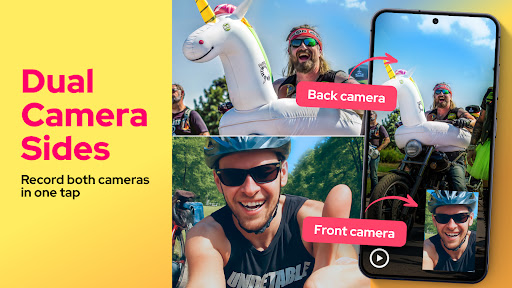
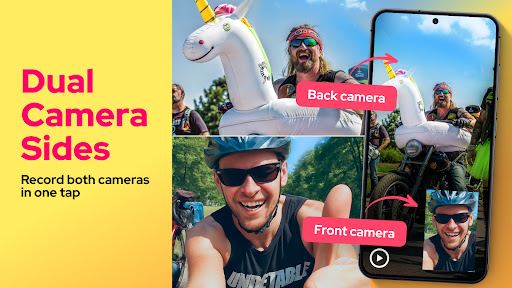
Dual Camera Sides is an interesting Android app. It allows your phone to take photos with both cameras at the same time. It feels quite fresh. As a simple and easy-to-use application, it can bring a wider and more layered photo experience. This starter also has some practical little functions to make taking photos more interesting and flexible, which is quite satisfying!

Overview

core functions

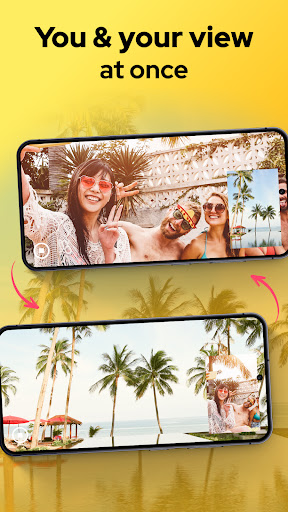
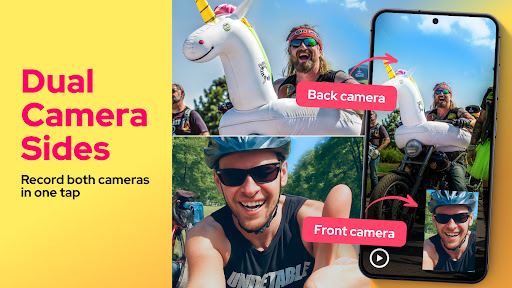
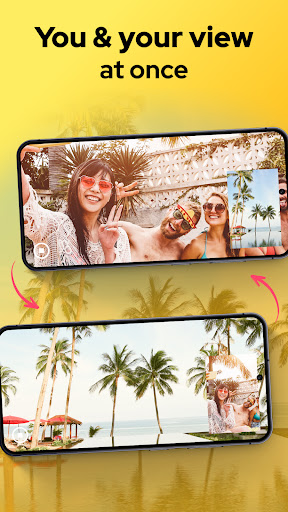
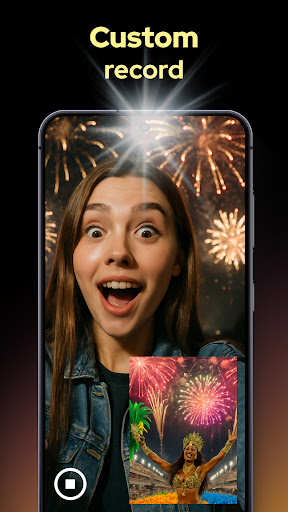
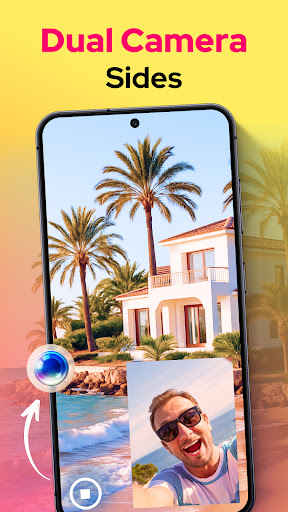
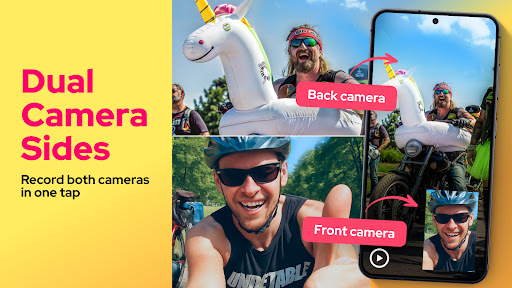
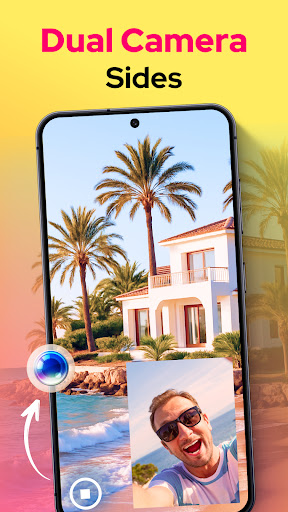
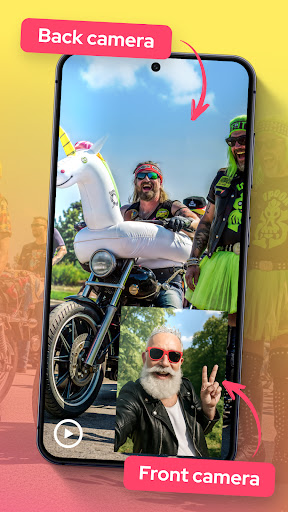
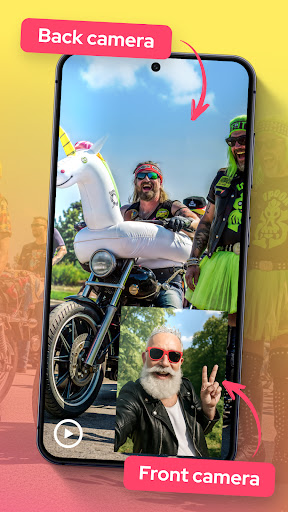
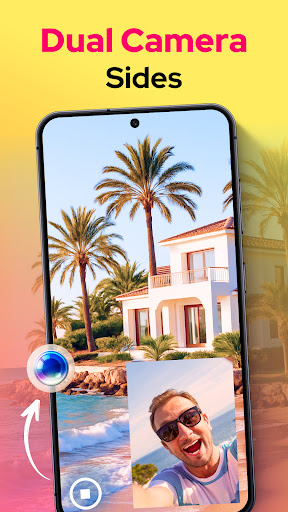
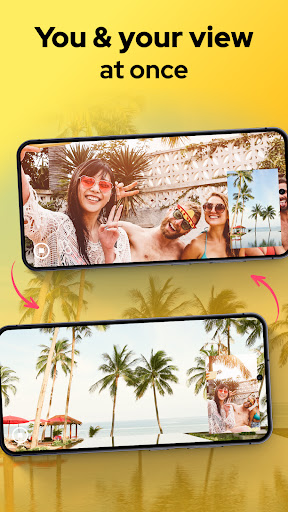
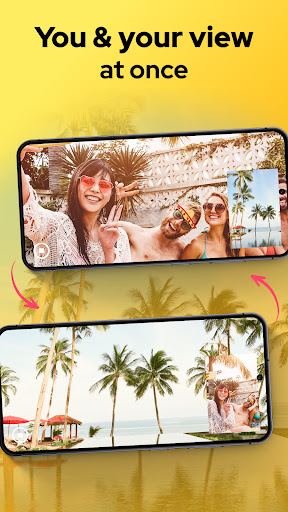
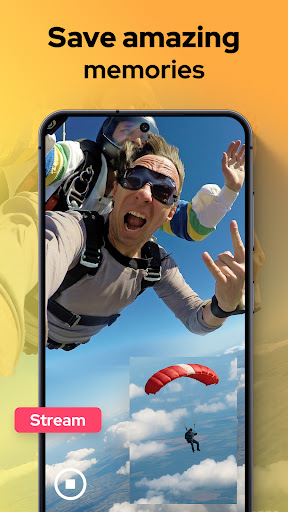
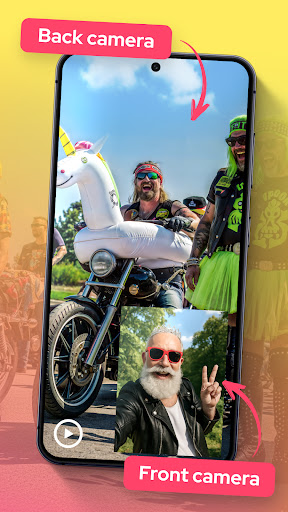
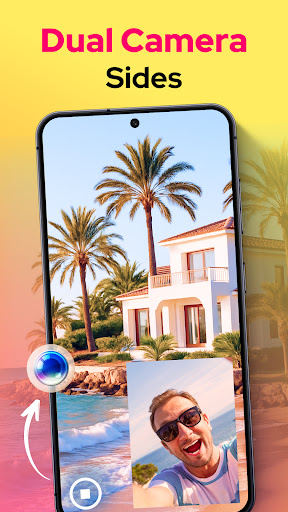
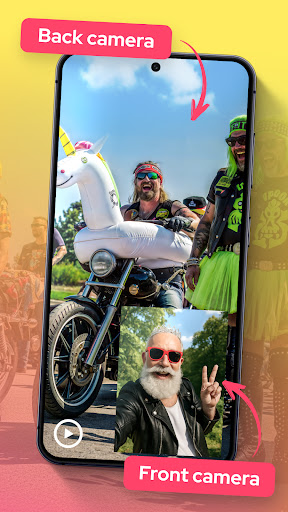
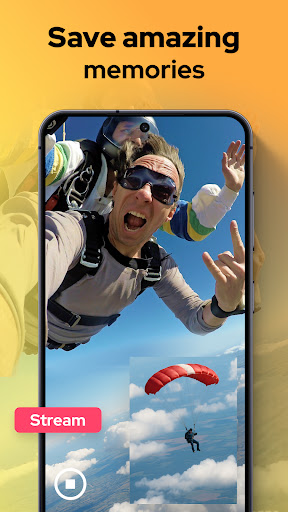
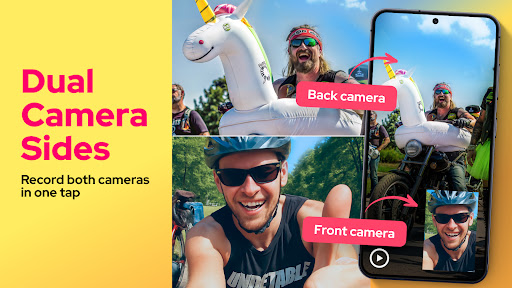
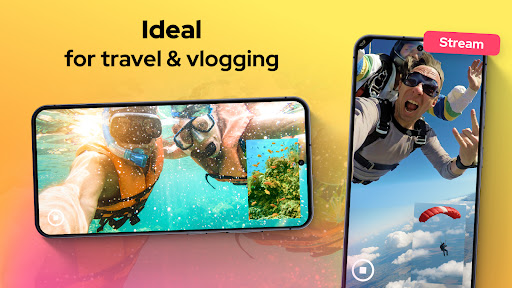
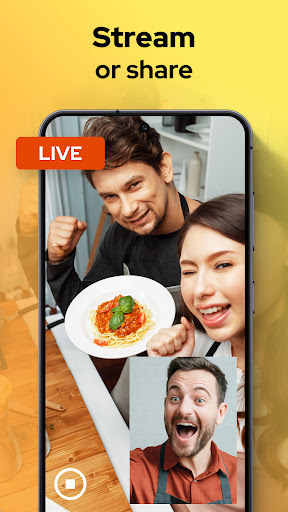
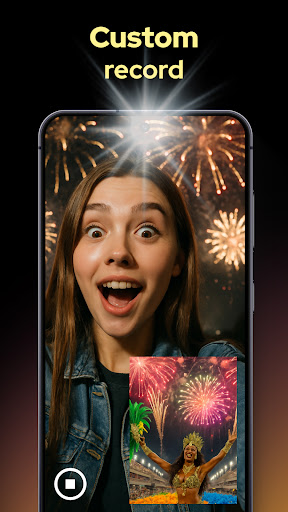
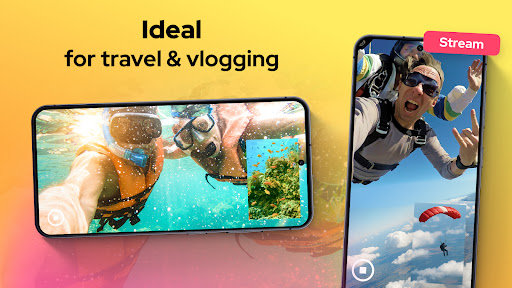
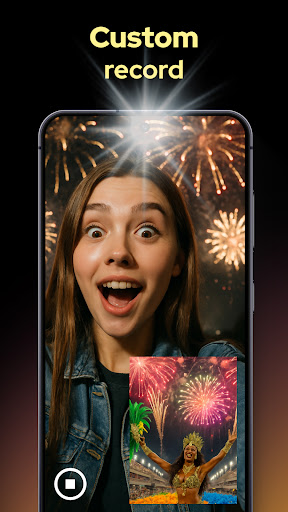
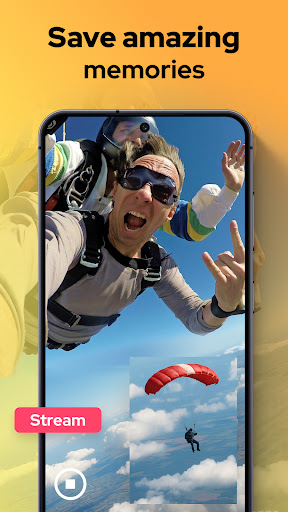
  • Support the dual camera function, allowing you to take photos with front and rear cameras at the same time. It feels particularly interesting and can also stimulate your creativity.
  • It's super easy to switch between different shooting modes, such as portrait, landscape, and macro. Taking photos has become rich and diverse, and it's very fun!
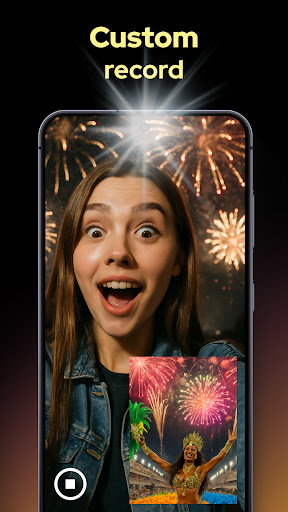
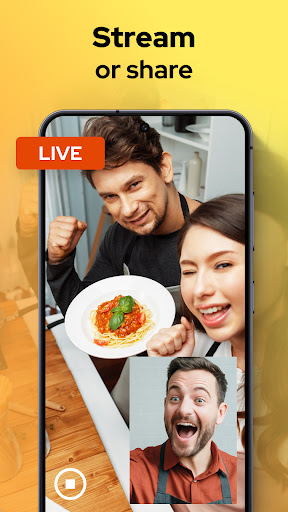
  • There is a real-time preview function that allows you to see two shots at the same time, so the composition is not so difficult, and the photos are more accurate and beautiful!
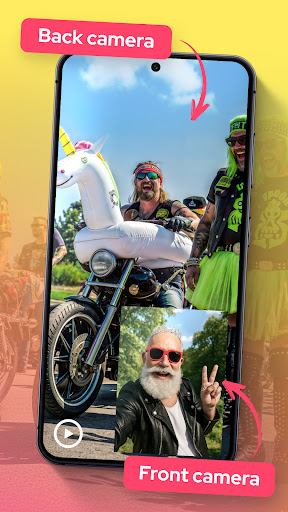
  • Various practical features, such as grid lines and zoom controls, help you take professional-level photos with ease and peace of mind!
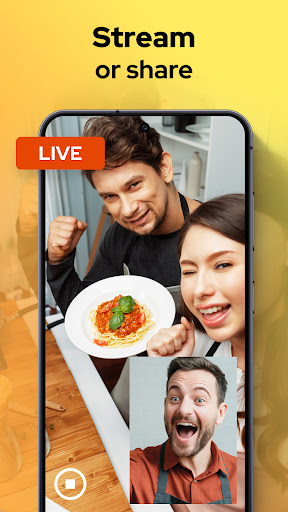
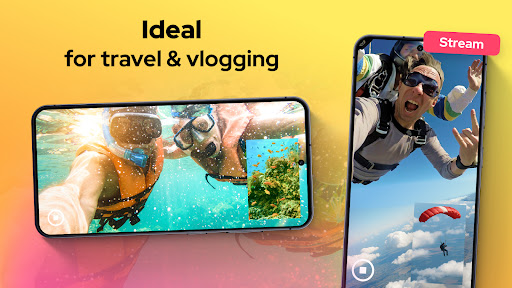
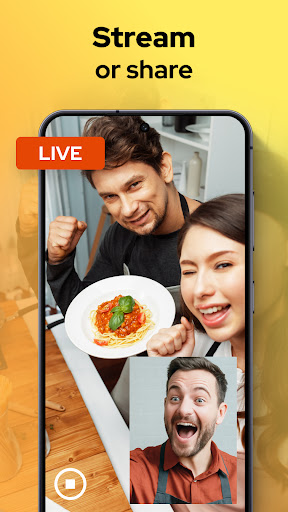
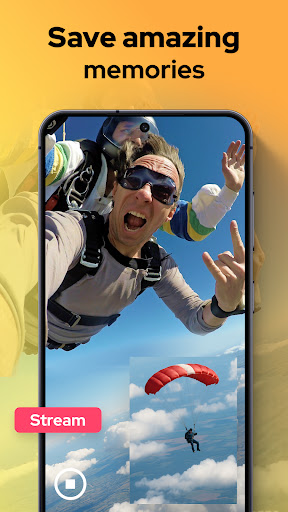
  • You can also share it directly on social media or save high-definition big pictures, which is especially suitable for friends who like to show off selfies!
  • As a launcher application, plug in and run, quickly take photos and edit, and the experience is super smooth. It's really convenient!

Who is suitable for?

This app is especially suitable for friends who like photography, love sharing, or just like to use Android phones to take creative photos. Its interface is intuitive and easy to use, making taking photos easier and more interesting.
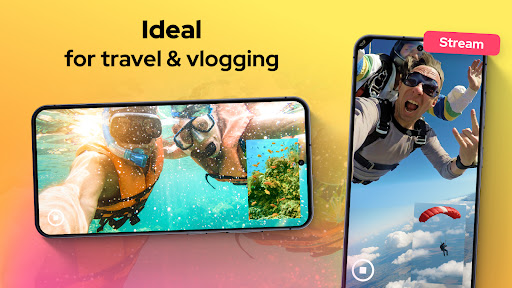
Whether you are randomly taking photos of daily moments or a professional photographer experimenting with dual camera functions, this app can help you easily handle various scenes, making taking photos more interesting and convenient!

Why choose this app

This Android app combines reliable functions with a simple interface, making it smooth and smooth to use, and the dual camera photo experience is particularly great. It is more reliable and user-friendly than other starters.

Designed to solve common problems in taking photos and help you improve your image quality and creativity. Whether you want to tap the potential of your mobile phone camera or pursue the joy of taking photos, this app is definitely a good choice!

Top Recommended Alternative
Pros & Cons

Pros

  • Intuitive dual-camera interface
  • HD image output
  • Seamless switching cameras
  • Additional editing capabilities
  • Adapt to multiple devices

Cons

  • Not many advanced editing options
  • High-resolution capture occasionally stuck
  • The interface can be more personalized
  • RAW format is not supported
  • Old models are unstable

Advertisement

Download Dual Camera Sides

You are going to be redirected to the official website to finish the download when you click these buttons above.

FAQ

Is the app Dual Camera Sides safe to use on my Android device?+
Of course, Dual Camera Sides is an app that puts user safety first. As a reliable Android software, it has been constantly updated to ensure compatibility and security. Remember to only download it from the official store, be careful not to fall for it from other places!
How can I install the app Dual Camera Sides on my device?+
Installing this mobile phone software is actually quite simple, just search for it on Google Play or other reliable channels and follow the instructions. The interface is super easy to make, quick to use, and suitable for users of all levels.
What are the main functions of Dual Camera Sides?+
This app can use dual cameras at the same time to take cool spliced left and right photos. It has the functions of real-time preview and simple sharing. It is basically compatible with most Android devices. It is easy to use, intuitive and convenient.
Can I still use Dual Camera Sides with my old mobile phone?+
There is a high probability, but you still have to check the system version of your mobile phone. As long as your device meets the requirements, the app will run fine. Its design is quite compatible, use it with peace of mind!
Will the photos I take using this app be stored unsafe?+
Don't worry, all your photos are saved on my own mobile phone, and your privacy is guaranteed. Remember to carefully review the permission settings and authorize them reasonably. Using Dual Camera Sides not only can you take interesting pictures, but also make you feel at ease and reliable.
Can Dual Camera Sides be used as a starter?+
It's not actually a special launcher, but it can enhance the experience of taking photos on your Android phone. The functions are mainly focused on dual photography, which is a good supplement for friends who like creative photos.
Does this app support different camera modes and special effects?+
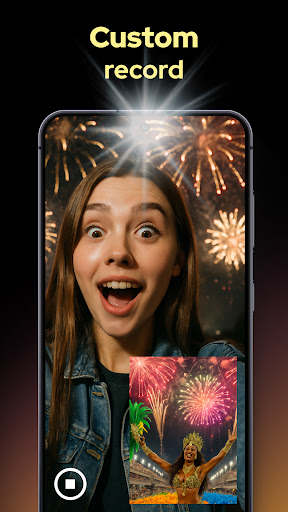
Of course there is! There are all kinds of photo modes, filters and special effects to help you enrich your photos. The interface is friendly and easy to use, making it the best choice for photo enthusiasts.
Can I contact customer service if I encounter problems?+
Yes, developers will continue to improve and update based on user feedback. If you encounter any technical problems or need help, you can always find support on the help page to ensure that your experience is safe and reliable!

You Might Also Like

More apps you may want to try next.