Droid Dashcam - Video Recorder
Advertisement
Screenshots
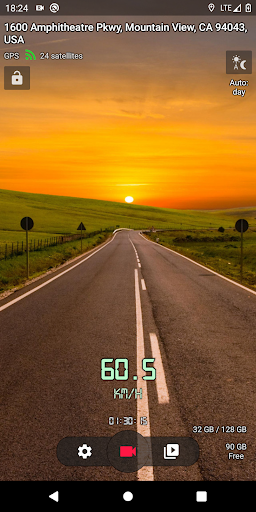
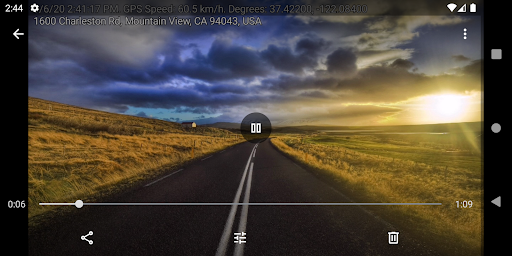
Advertisement
About Droid Dashcam - Video Recorder
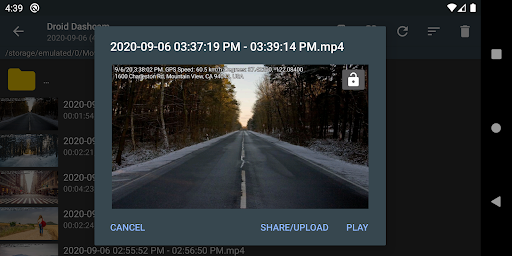
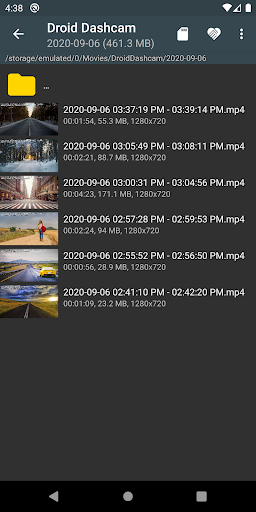
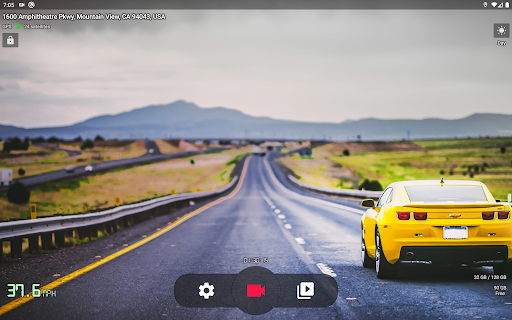
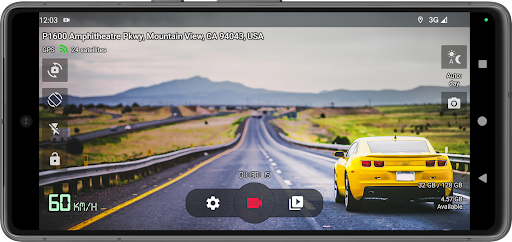
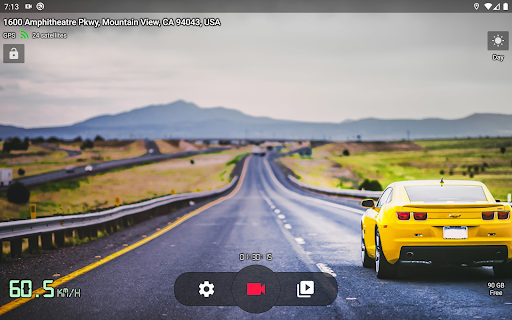
Droid Dashcam - Video Recorder is a reliable mobile app, specially used to capture and store high-quality videos on your mobile phone. If you want a convenient driving recorder, or just want to take some videos at random, this Android app is easy to operate and has all the basic functions, such as automatic recording, loop recording, etc., and it's easy to manage videos. The interface design is also quite considerate and smooth to use. It is really a very practical helper to record something at any time on the road.
Overview
core functions
- This software can record high-quality video, the resolution can be adjusted, and the picture is so clear that it makes me excited.
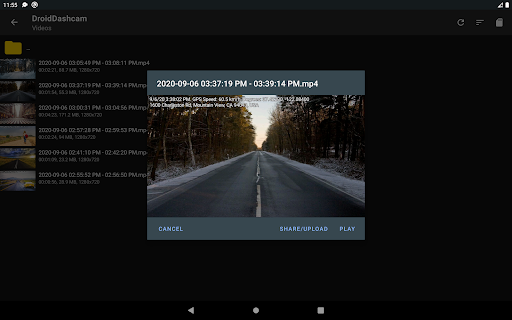
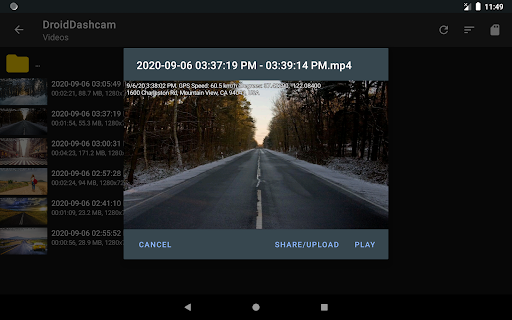
- Real-time GPS positioning helps you record your driving route and current location. Sometimes you can find many interesting details by watching playback.
- The automatic loop recording function is continuous, so you don't have to worry about manual operations and saves a lot of space.
- Built-in event detection, once there is a sudden action or impact, it will be captured in time and can be used at critical moments.
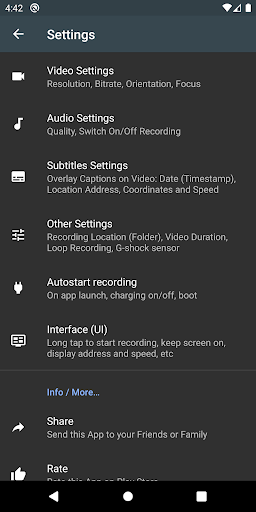
- The interface is intuitive, the operation is very easy, and the functions you want are clear at a glance, so you don't need to bother too much.
- Support offline mode, and you can view and manage videos without being connected to the Internet. It is extremely convenient and can be used anytime, anywhere.
- Compatible with various Android devices, it has become a multi-functional car camera launcher with adaptability and leverage!
Who is this software suitable for?
This app is suitable for drivers, fleet managers or safety enthusiasts who all want reliable video surveillance on the road. Users who prefer the easy-to-use Android app designed specifically for vehicle recording can also prefer it.
Whether you are an ordinary driver commuting to and from work every day or a full-time veteran driver, this app can help you capture important moments, and find useful evidence when something goes wrong, making you feel more at ease. The interface is comfortable and simple, suitable for people who want a reliable in-car video artifact.
Why choose this software
This Android app has a smooth experience, powerful and stable performance, and it is simply a treasure. It can provide clear video pictures and is also equipped with many practical functions designed specifically for vehicles. It is a really good combination.
As a trustworthy in-car video assistant, it helps you safely and conveniently record and manage videos, taking into account all aspects well. Stand out among many similar software, with guaranteed quality, it is definitely the best choice for finding a reliable car recording tool. It's easy to use and powerful. Don't worry about handing it over!
Top Recommended Alternative

Pros & Cons
Pros
-
High-definition video, excellent quality
-
ultra-wide viewing angle
-
Loop recording function
-
Easy to operate and friendly interface
-
G sensor for collision detection
Cons
-
Continuous use will consume electricity quickly
-
Sometimes it crashes, especially on certain models
-
Storage space management is a bit troublesome
-
No cloud storage options
-
Recording effects are not always clear
Advertisement
Download Droid Dashcam - Video Recorder
FAQ
How do I install the Droid Dashcam -Video Recording app on my device? +
Is the Droid Dashcam app safe on my mobile phone? +
Can the Droid Dashcam be used as a launcher, or can it only be used for recording? +
What are the main features of Droid Dashcam? +
How is the experience with Droid Dashcam compared to other driving logging software? +
Can I use Droid Dashcam as my main driving logging software? +
Can this mobile app make it easy to find recorded videos? +
How does Droid Dashcam perform on different Android versions? +
Customer Reviews
Users widely praise Droid Dashcam for its excellent video quality, reliable recording, and intuitive usability, often calling it the best dashcam app available. Key strengths include customizable settings, seamless background operation (e.g., with Waze), and easy video sharing. However, opinions differ on performance: some users report flawless use for years, while others experience severe overheating and battery drain, even with fast charging, making it unsuitable for long trips without a cooler. Compatibility issues also arise—works perfectly on some devices (S24 Ultra, old Xiaomis) but fails on others (Xiaomi 15, Blackview Tab 90), with GPS detection bugs and camera detection problems. Feature requests include dual-camera recording, motion sensor, and settings backup. Overall, a top choice for many despite these drawbacks.
Write a Review
Share your experience with Droid Dashcam - Video Recorder. Submissions are reviewed before publishing.
You Might Also Like
More apps you may want to try next.