
Drawing Apps: Draw, Sketch Pad
Advertisement
Screenshots
Advertisement
About Drawing Apps: Draw, Sketch Pad
Overview
core feature
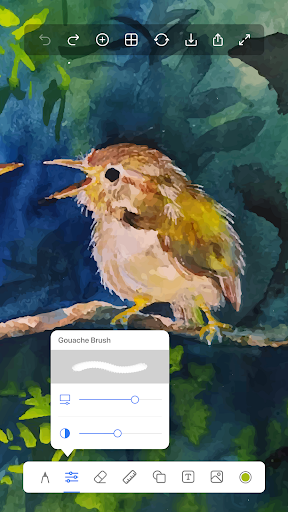
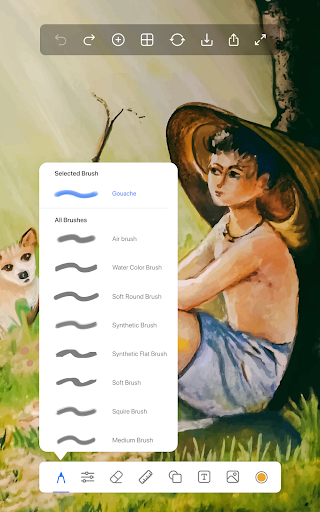
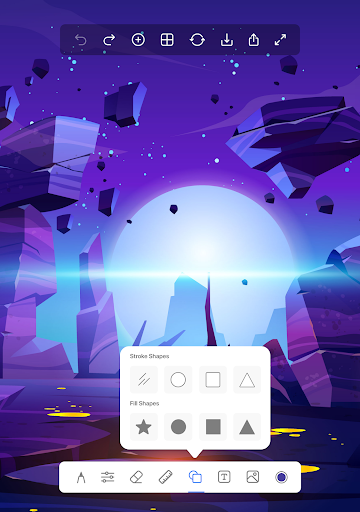
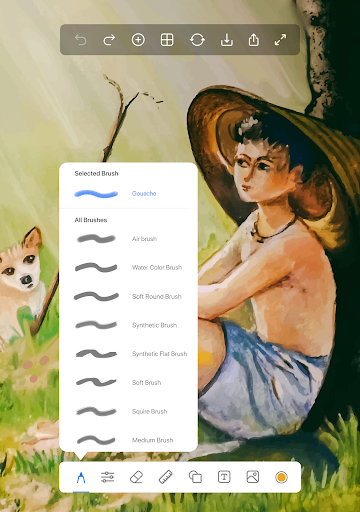
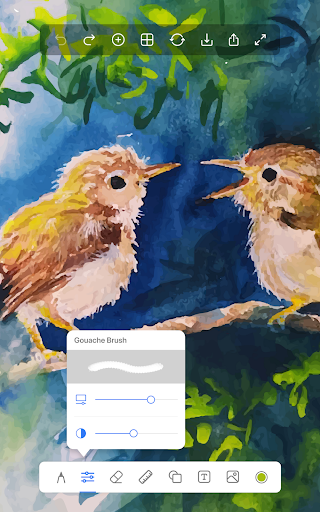
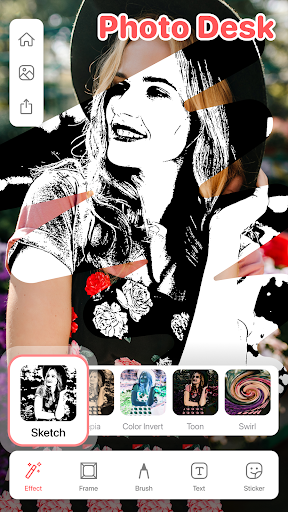
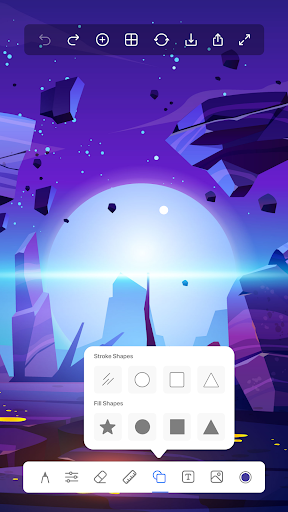
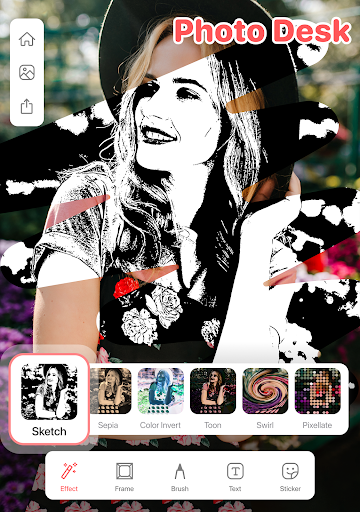
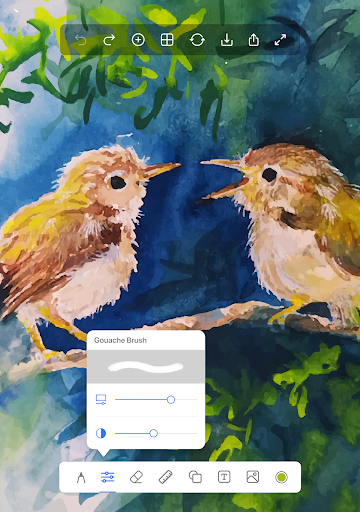
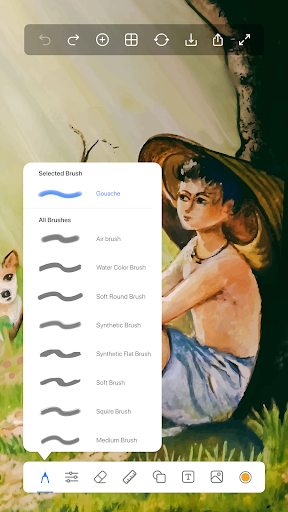
- This software has a super intuitive painting interface that allows you to customize brushes and palettes, flexibly control your creations, and you can know every stroke in mind.
- Supports real-time synchronization, allowing you to seamlessly save and access works on multiple devices without worrying about loss or cumbersome transmission.
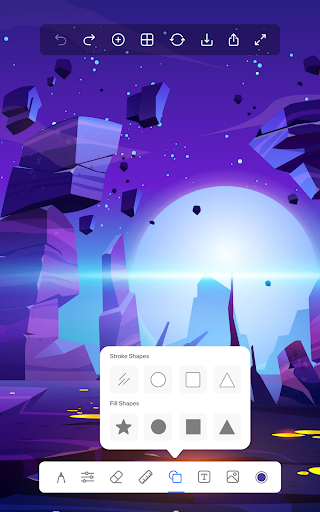
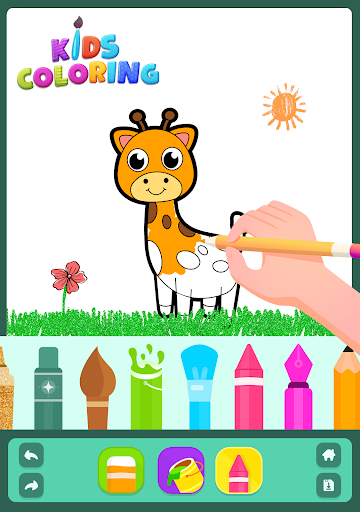
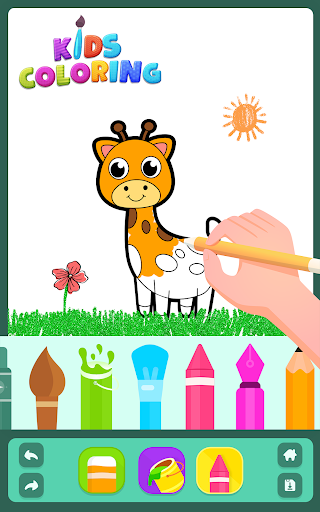
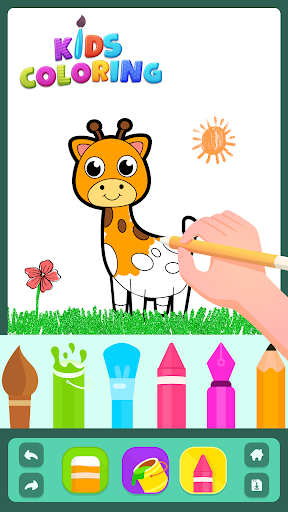
- Providing a variety of sketching, painting and coloring tools, whether you are a novice or a veteran, you can find the right way to play to meet different levels of needs.
- It can also be used offline to draw and save works anytime and anywhere, and it can be done without networking, which is very convenient.
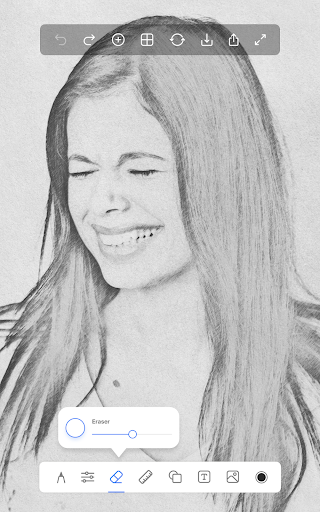
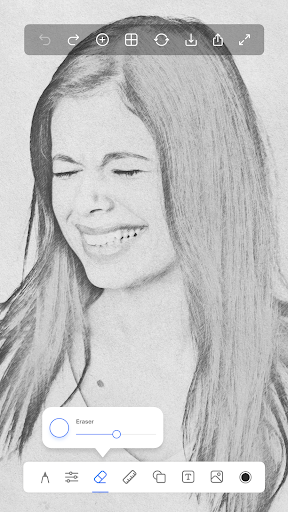
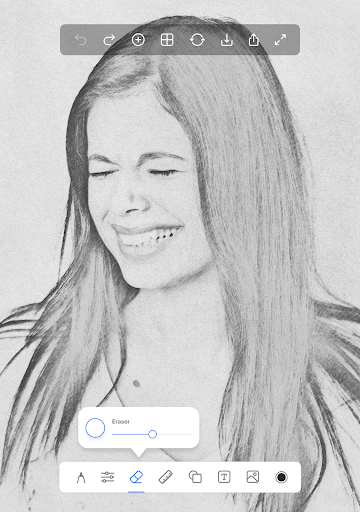
- There is an undo/redo function that helps you easily optimize your work, making the entire creative process feel smooth and smooth.
- Bring your own gallery, where you can organize, appreciate and share your finished products directly. It is super convenient to operate.
- It is also equipped with various templates and tutorials to help you learn new skills and gradually improve your artistic level. It is absolutely useful.
Who is this software suitable for?
It is especially suitable for those who like to draw and sketch. Whether they are beginners, students, or enthusiasts, they can have fun. It is friendly to users of all ages, simple and powerful.
Whether you want to improve your skills or simply want to doodle and relax, this APP can bring a pleasant experience. Easy to operate and rich in functions to meet your various needs!
Why choose it?
This Android app combines powerful features with a smooth experience, allowing you to be creative without stress no matter what device you use. Reliable performance and comprehensive tools make it a reliable choice for digital art lovers.
Whether you are a novice or a veteran, it is thoughtful and helps you solve common painting problems. More importantly, it is super convenient to operate and has rich environmental functions. It is simply a good helper for painting!
Pros & Cons
Pros
-
The operating interface is intuitive and friendly
-
Rich drawing tools
-
Support high-definition canvas
-
Layer Function
-
Real-time undo and redo
Cons
-
Limited custom brushes
-
Single color palette
-
No cloud storage integration
-
Poor performance on old equipment
-
Limited export formats
Advertisement
Download Drawing Apps: Draw, Sketch Pad
FAQ
How do I install Drawing Apps: Draw, Sketch Pad on my device? +
It's actually quite easy to get Drawing Apps on your mobile phone: Draw, Sketch Pad. You just need to go to Google Play or Apple App Store, search for the name, and then follow the usual steps to get it done. Remember to have enough space and a stable network, so don't get stuck!
Theinstallation of this Android app was very smooth, and it is especially suitable for people like me who love drawing and design fans. You can quickly experience those awesome drawing functions. Once you're done, you can open it immediately and start your creation. The interface is super intuitive and the tools are cool. It feels like you have become a little artist in an instant!
Is Drawing Apps: Draw, Sketch Pad safe to use? How about data privacy? +
This Drawing Apps: Draw, Sketch Pad is made by a reliable development team that pays more attention to user security and privacy. It meets the security standards of general app stores and basically does not have to worry about personal information being leaked or anything else.
However, you still have to check the authority before installing it, and don't let those unnecessary authority trap you. This app respects privacy quite a bit, giving you a safe space where you can enjoy your creativity, draw with peace of mind, and don't have to worry about where the data goes.
What are the main features of Drawing Apps: Draw, Sketch Pad? +
This Android app is quite functional and can be used easily whether you are a novice or an old driver. It has a variety of brushes, color palettes, layer tools, and undo and redo, with all the functions. The interface design is also quite considerate, the operation is smooth, there are no obstacles, and it is as easy as creating.
Itsupports multiple styles of painting, whether it is sketching, sketching or oil painting, it can satisfy you. If you just want to draw a random little object or open a complete art studio, this app can help you get all kinds of whimsy and meet your various creative needs.
Can I use Drawing Apps: Draw, Sketch Pad offline? +
Of course! This mobile app supports offline use, and after installation, you can start whenever you want, independent of the Internet. Its drawing tools and layer functions, many can be used in the absence of network, quite convenient, really engaged in creative partners.
Withthis offline function, no matter on the road, or in that unstable signal place, you can always take it out to draw, especially flexible, really good design.
What are the system requirements for this Android app? +
If you want to use this Drawing Apps: Draw, Sketch Pad, then your device should be Android 5.0 and above, so that it can be used smoothly. It performs well on most modern devices, with stable performance and no stagnation.
Forthe best experience, it is recommended to have at least 2GB of RAM and enough storage space, so that you can use it happily, see all the functions you can enjoy, use your creativity, and draw happily!
Customer Reviews
Drawing Apps: Draw, Sketch Pad is widely praised for its smooth interface, robust functionality, and stress-relieving drawing experience. Users love the variety of pen options, easy color switching, and the ability to edit pictures. Many find it the best app for daily doodling and creative expression. However, there are significant concerns. While some users appreciate the layers feature, others report that layers auto-merge when leaving a sketch, frustrating heavy layer users. The app offers many functions, but some users note that almost everything requires payment or watching ads, with one user citing 10 million ads and flashing issues. Additionally, saving drawings can be problematic—deleting a saved image from the gallery also removes it from the app, and layers may merge or disappear after reopening. Some users also lack zoom and color customization options. Overall, it's a charming app for casual use but has room for improvement in stability and premium features.
Write a Review
Share your experience with Drawing Apps: Draw, Sketch Pad. Submissions are reviewed before publishing.
You Might Also Like
More apps you may want to try next.




