FamiliarApps logo
Doodle Master - Glow Art

Doodle Master - Glow Art

Advertisement

Screenshots
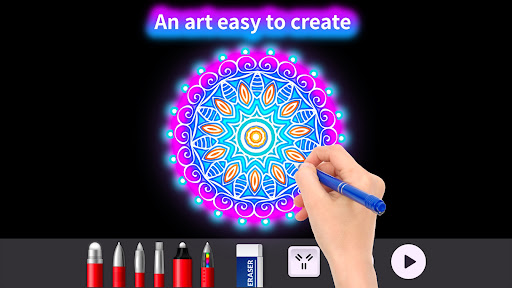
24 images
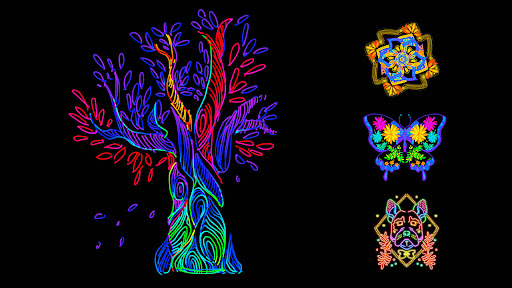
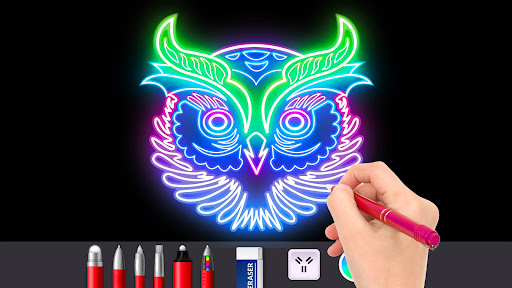
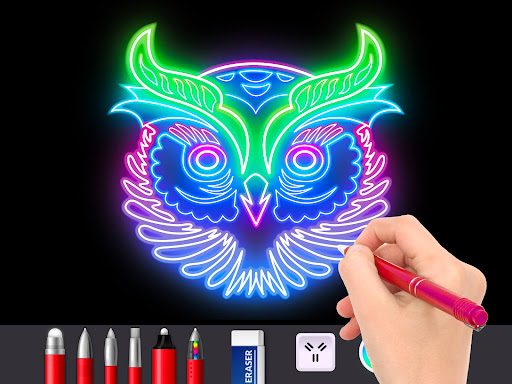
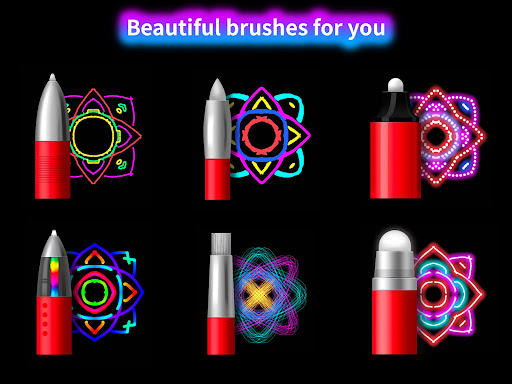
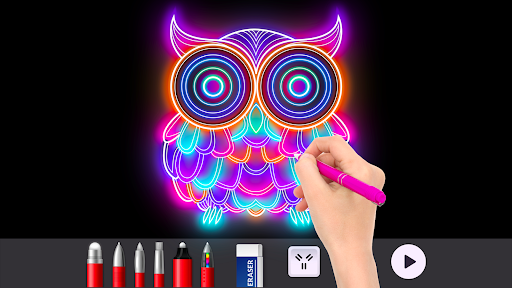
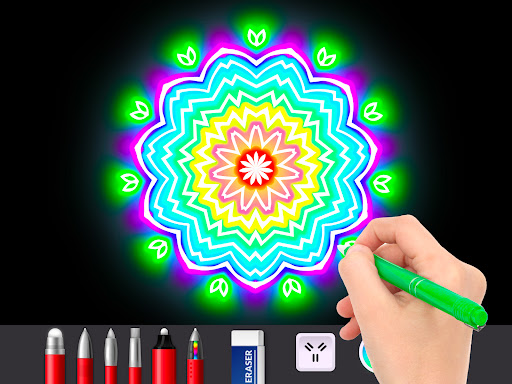
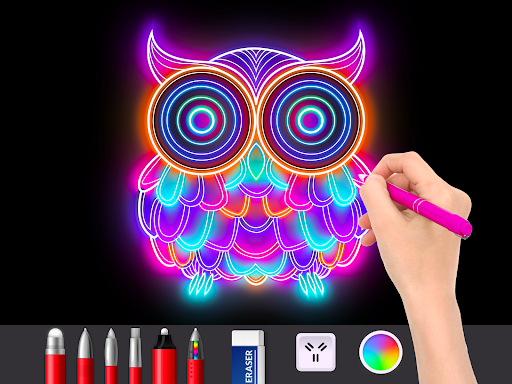
Doodle Master - Glow Art screenshot 1 Doodle Master - Glow Art screenshot 2 Doodle Master - Glow Art screenshot 3 Doodle Master - Glow Art screenshot 4 Doodle Master - Glow Art screenshot 5 Doodle Master - Glow Art screenshot 6 Doodle Master - Glow Art screenshot 7 Doodle Master - Glow Art screenshot 8 Doodle Master - Glow Art screenshot 9 Doodle Master - Glow Art screenshot 10 Doodle Master - Glow Art screenshot 11 Doodle Master - Glow Art screenshot 12 Doodle Master - Glow Art screenshot 13 Doodle Master - Glow Art screenshot 14 Doodle Master - Glow Art screenshot 15 Doodle Master - Glow Art screenshot 16 Doodle Master - Glow Art screenshot 17 Doodle Master - Glow Art screenshot 18 Doodle Master - Glow Art screenshot 19 Doodle Master - Glow Art screenshot 20 Doodle Master - Glow Art screenshot 21 Doodle Master - Glow Art screenshot 22 Doodle Master - Glow Art screenshot 23 Doodle Master - Glow Art screenshot 24

Advertisement

About Doodle Master - Glow Art

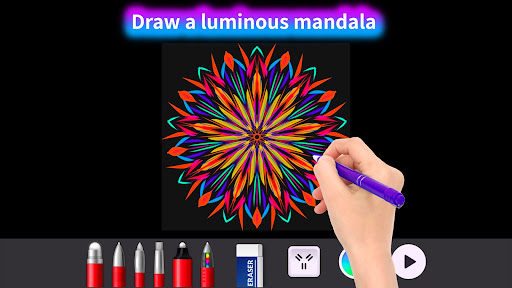
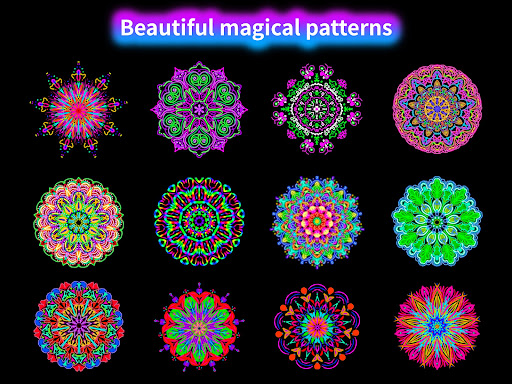
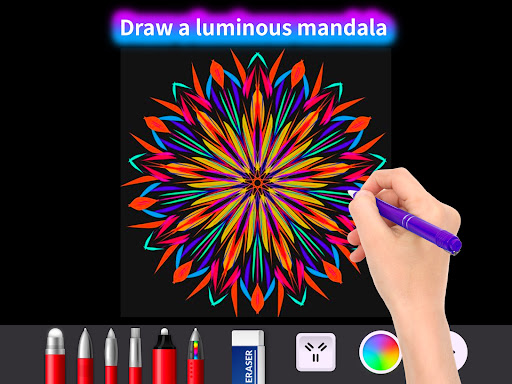
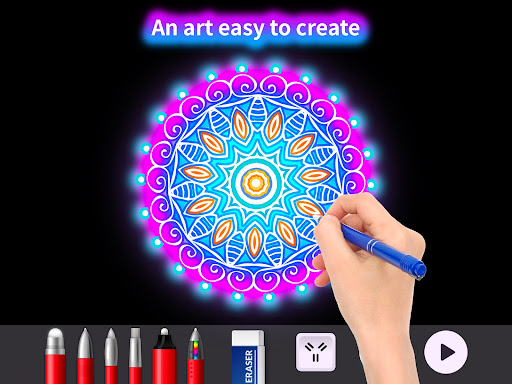
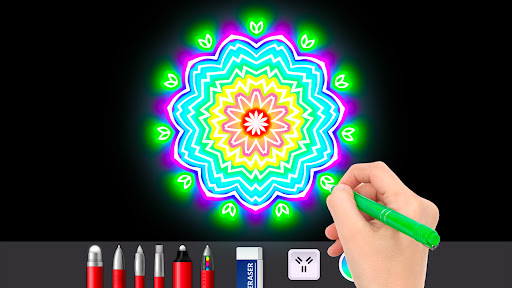
Doodle Master - Glow Art is such a cool mobile app, specially prepared for people who like to draw, love design, and use bright lighting effects to be creative. This Android software is really an interesting platform that allows you to use very intuitive tools to leverage your artistic talents. The visual effects are also great. The whole experience is super smooth, especially suitable for friends who love art and design. The interface is super friendly and the functions are very diverse. Many people like to use it as an artifact for digital painting and luminous art creation, because it can really inspire you and be so interesting!

Overview

core functions

  • The app has a super intuitive painting interface and glow-emitting special effects that basically make creative design easy for anyone, whether you are a novice or a veteran, you can have fun.
  • You can also synchronize between multiple devices in real time, saving progress without a headache, and creation can continue seamlessly and smoothly.
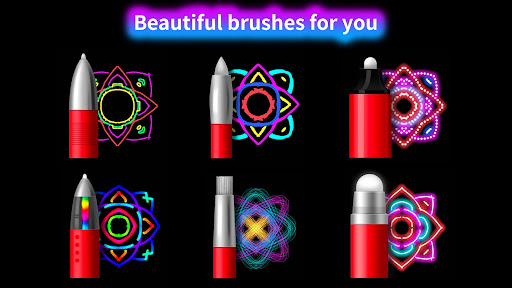
  • There are a lot of customizable brushes and halo colors inside, allowing you to use artistic inspiration as you please while playing. It's a really great experience.
  • Support offline operation. It doesn't matter if you don't have the Internet. You can draw and change works at any time, which is very convenient.
  • You can easily share it directly in the app. If you want to show off your glorious works, it is not difficult and super convenient!
  • Designed as a launcher application, it can quickly access various tools to make creation easier, especially suitable for those who like to play with creation tools.

Who is this app suitable for?

This mobile phone app is especially suitable for creative friends who like digital art and design, aged over 12. Whether you are a novice or an old bird, this app will allow you to explore the secrets of art with brilliant light effects.

It is especially suitable for students, amateurs and professionals who want a fun and easy-to-use Android app to create colorful light and shadow art. Whether it's working on personal projects, social media content, or as a handy creative tool, it's all for you.

Why choose this app

The highlight of this Android app is that it combines powerful functions and a super-friendly interface to bring a comprehensive and high-quality experience to digital art enthusiasts. Its creative tools and offline functions allow you to create with peace of mind no matter where you go. It is really a versatile person.

Its cool lighting effect and stable performance solve many creative problems. It is more reliable than other art software and is definitely a good helper to improve creative efficiency and inspire inspiration!

Top Recommended Alternative
Pros & Cons

Pros

  • intuitive interface
  • Bright light and shadow effects
  • Rich brushes and tools
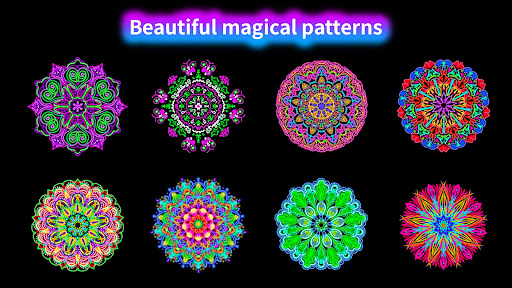
  • Inspiration templates and patterns
  • Easy to share and export

Cons

  • Limited free content
  • Occasionally stuck during high-intensity editing
  • Different screens have different colors
  • Long-term operation without revocation history
  • Some advanced functions require networking

Advertisement

Download Doodle Master - Glow Art

You are going to be redirected to the official website to finish the download when you click these buttons above.

FAQ

Is Doodle Master - Glow Art safe to use on my device? +
Of course, Doodle Master - Glow Art is a very reliable mobile application in the Google Store. It has been tested for security and updated frequently by developers to ensure that it performs fine on Android devices. This software is designed to pay attention to user safety and follows various privacy rules. In fact, downloading from the official app store is much safer than those unreliable sources. In short, using this software for art and design, you can rest assured that it has gone through security checks and constant updates, so you can use it with peace of mind. However, a reminder to keep the latest version of Android on your device when using this launcher and related painting features, which will be more compatible and safer.
What are the main functions of Doodle Master - Glow Art? +
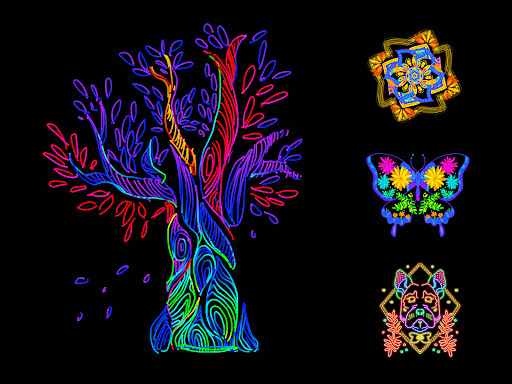
This Doodle Master - Glow Art is quite functional, allowing everyone to easily create colorful lighting art. There are many different brushes, lighting effects, and you can also customize color matching to help you turn your imagination into reality. You can try various brushes and effects to create shocking visual works. The interface is super intuitive and easy to use, suitable for art lovers of all levels. In addition, it can save high-definition paintings, share them directly on social media, and even set them as mobile wallpapers. As an app that is popular among art fans, it combines performance and creativity and is really a great creative platform.
For beginners, is Doodle Master - Glow Art easy to use? +
This software is designed to be simple and convenient, and can be used smoothly by both novices and veterans. The interface is very intuitive and the operation guidance is good, allowing you to get started as soon as you use it. Whether you're just starting out or thinking about skills, the whole experience is smooth and not difficult. Newcomers will like the clear tool icons inside, and there are also some small tutorials to help you quickly understand how to operate it. Overall, this software is very user-friendly, allowing you to concentrate on painting and reduce a lot of confusion. It is really the first choice for many art and design enthusiasts.
Can I trust the privacy and security of Doodle Master - Glow Art? +
Of course, this application attaches great importance to user privacy and security. Developers comply with standard security rules and privacy policies to ensure the security of user data. And because it was released on the Google Store and withstood Google's security testing, its security is more assured. However, it is recommended to check the application permissions before installing, and it is also important to maintain the security settings of your phone. Overall, this painting and design app strives to allow users to create and share glowing works of art in a safe and trustworthy environment.
Can Doodle Master - Glow Art be used on iOS devices? +
Currently, this Doodle Master - Glow Art is mainly available on the Android platform of the Google Store, and has not yet been officially launched for iOS or Apple App Store. If you use an iPhone or tablet, you have to look for other painting software with similar functions. However, for Android users, this launcher software provides a rich application experience and is quite popular. It can be used to create glowing paintings and play many tricks. If an iOS version is released later, remember to pay attention to official news.
What kind of application experience does Doodle Master - Glow Art bring? +
The experience brought by this application is quite interesting and Creative, mainly to stimulate your creativity. The interface is designed to be super friendly and makes it easy for you to use various functions. Whether it's casual doodling or doing a more complex illuminated art project, it can help you achieve it. As a popular app in the art and design categories, it combines smooth performance with a fun experience. You can explore different special effects, easily save your work, and improve your artistic level through its intuitive design. It's really a fun creative platform.

Customer Reviews

AI
AI Generated Summary
Based on real user feedback
★ 4.3

Doodle Master - Glow Art is widely praised for its entertaining, relaxing, and creative experience, with users loving the beautiful colors, ease of use, and ability to freely design. It's considered great for travel and boredom relief, and many recommend it highly. However, opinions diverge on key aspects: some users enjoy a smooth, ad-free experience, while others face excessive, intrusive ads that disrupt gameplay. Similarly, while most find the app stable and fun, a few report frequent crashes, especially after purchasing all tools. Some users also wish for more guidance to create complex drawings, though many appreciate the open-ended creativity. Overall, it's a beloved app with a few technical and ad-related drawbacks.

Shelby Nicole · 2026-06-23
★ 5
This is truly amazing! It stands out as an exceptional experience that inspires awe and admiration.
Reem Juha · 2026-06-16
★ 2
I find this app dumb; other apps are much better.
marin saleh · 2026-06-15
★ 5
That is cool
Leotrim Ramadani · 2026-06-15
★ 5
Feeling very cool! 😀😀😀😀
Jacqueline Rzyski · 2026-06-15
★ 4
It's cool because you can draw cool things there. It's good for children and an excellent idea! 🥳🥳

Write a Review

Share your experience with Doodle Master - Glow Art. Submissions are reviewed before publishing.

Rating *
0 / 2000

You Might Also Like

More apps you may want to try next.

Advertisement
5
Please wait...