
Docx Reader - Office Viewer
Advertisement
Screenshots
Advertisement
About Docx Reader - Office Viewer
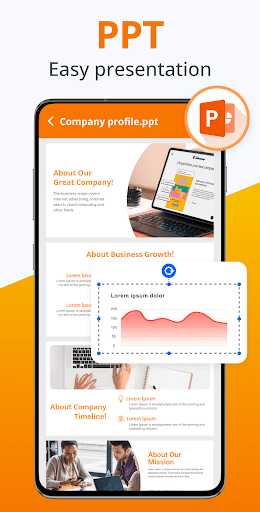
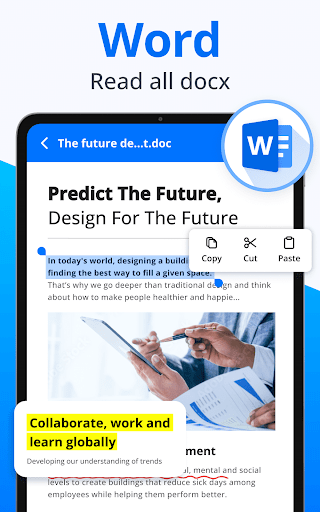
Docx Reader - Office Viewer is a very practical mobile application that helps you easily view and manage Word documents on Android devices. It can be regarded as a multi-functional App solution. It is smooth to open, read, and share DOCX files, and it is smooth to use. It makes processing documents much easier and improves daily work efficiency a lot.
Overview
core functions
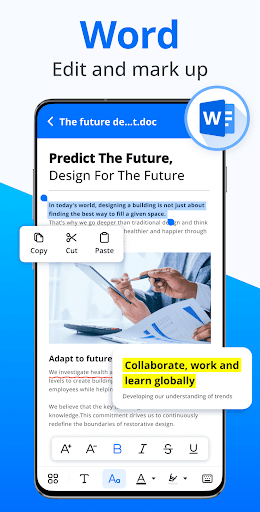
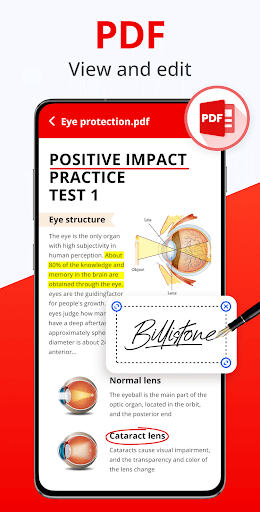
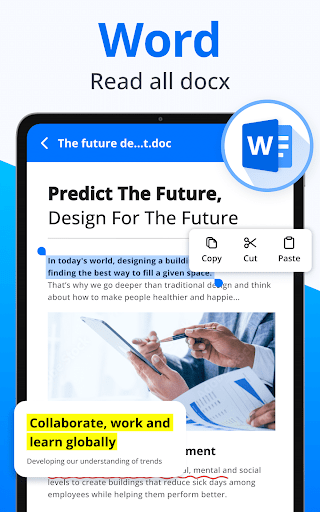
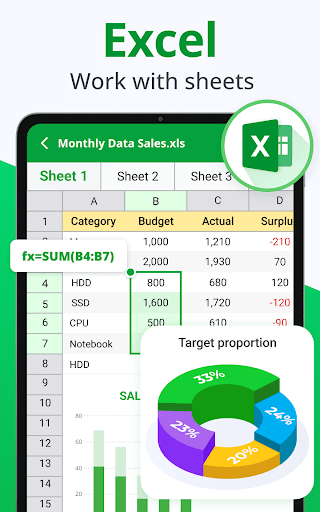
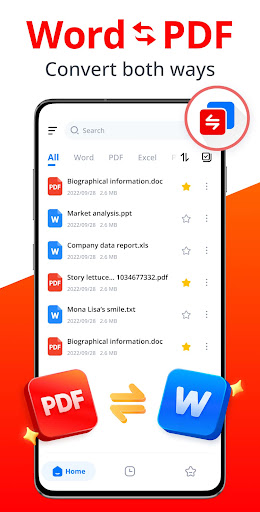
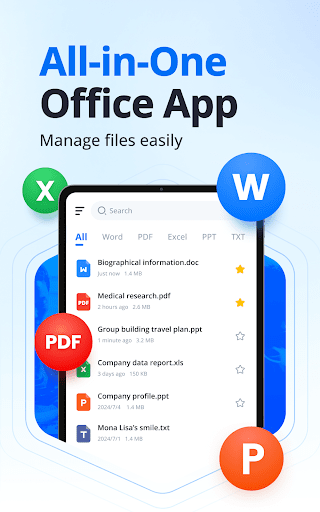
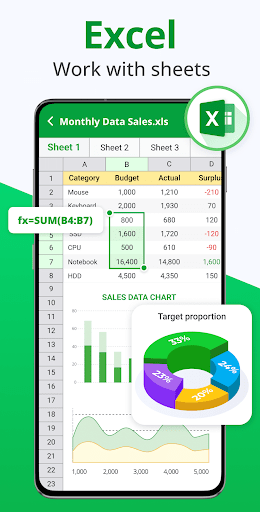
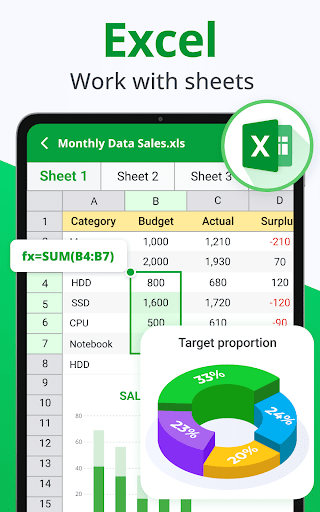
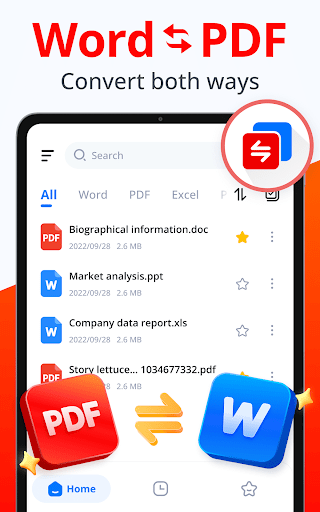
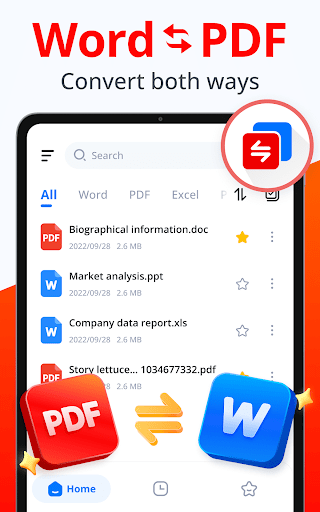
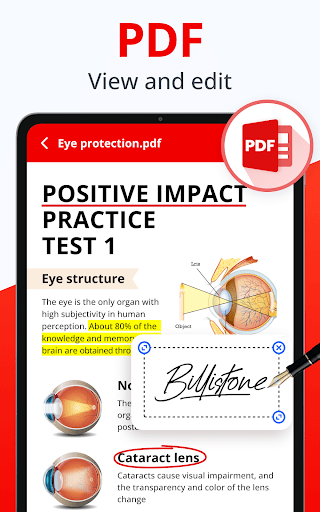
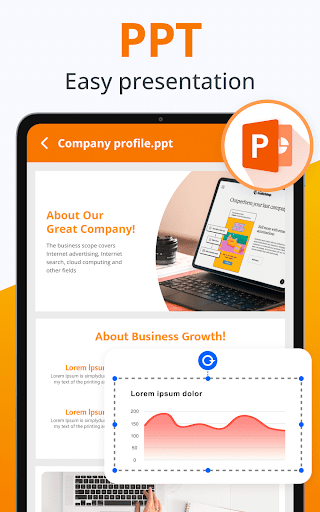
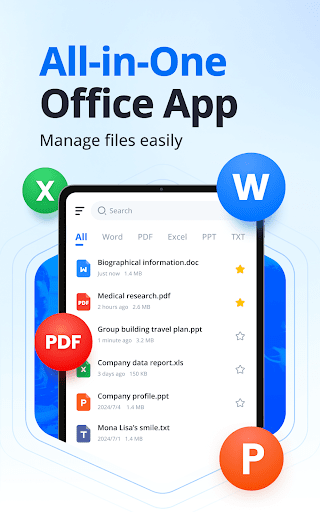
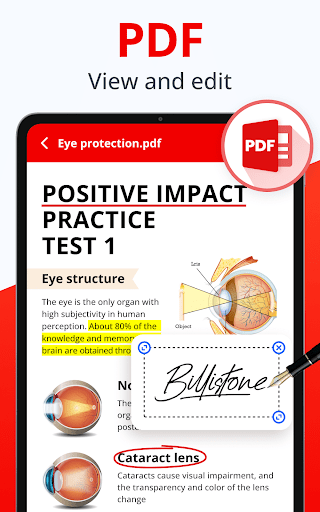
- Easily support viewing and editing DOCX, PDF, and other Office file formats. The operation is clear and smooth without getting stuck.
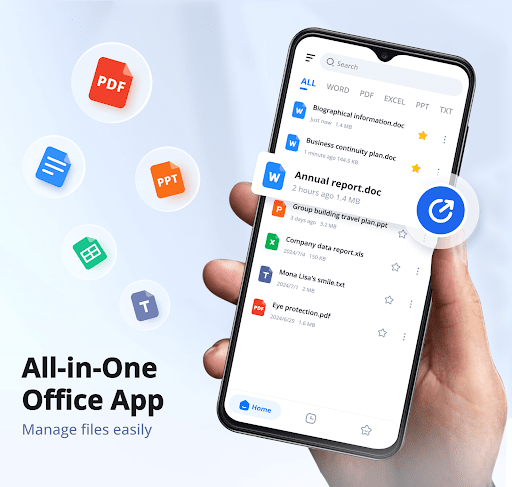
- The interface is super friendly, it's easy to use, the navigation is super smooth, and recently opened files are accessible with one click.
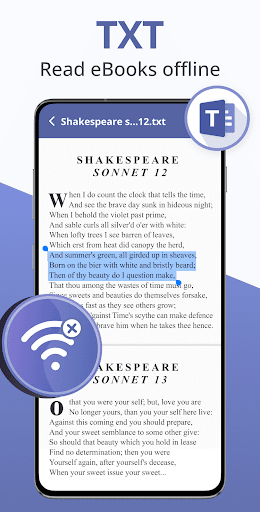
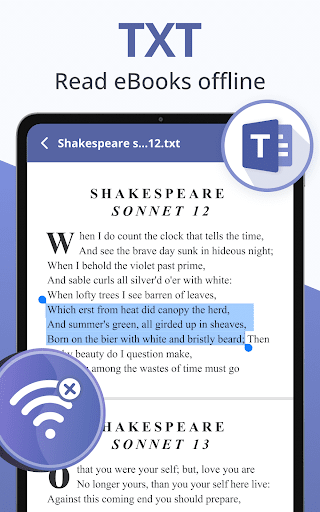
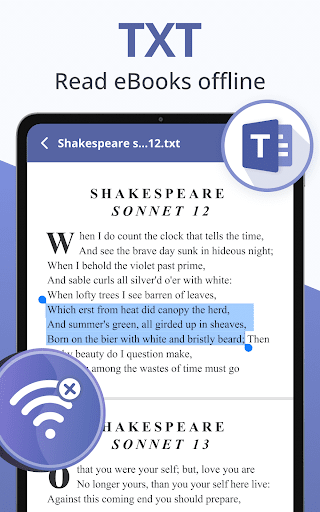
- Contains many powerful features, such as offline mode, which allows you to process files without having to connect to the Internet. It's so convenient.
- It can also be seamlessly integrated with the device's launcher to quickly preview files from the home screen, which is simply too convenient.
- Built-in zooming, search and annotation tools can greatly enhance the experience whether you are a professional user or just playing around.
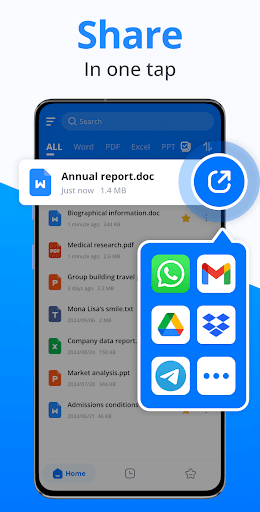
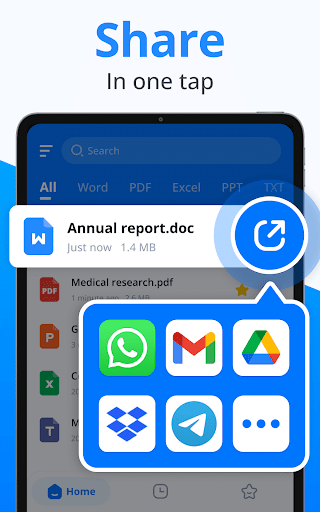
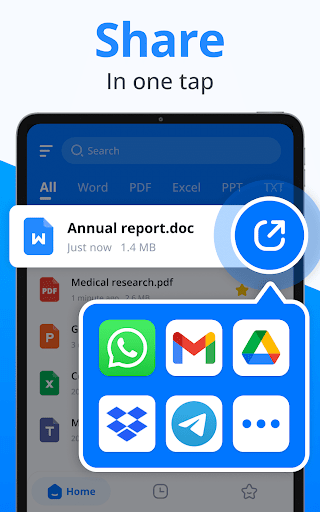
- Sharing files through cloud services and mailboxes makes document management easier and safer, with peace of mind and effort.
- Pay special attention to security in design to protect your sensitive data and let you use it with peace of mind.
Who is suitable for using this software
This mobile app is particularly suitable for students, professionals, or anyone who often processes various files on an Android device. If you're looking for a reliable document viewing and management tool, this app will definitely meet your needs and make it extremely smooth.
Whether it's reviewing reports, editing homework, or processing important documents, this software can help you become more efficient and intuitive, and is a good assistant that can greatly improve your experience.
Why choose this software
The main reason why this Android app is outstanding is that it perfectly combines necessary functions with a simple interface, making it particularly easy for you to process files without being annoying. Offline features and security measures are also particularly thoughtful and are especially suitable for users who need reliable tools.
Choosing it means choosing a trustworthy and well-developed tool to help you manage files smoothly and efficiently, ensure continuous efficiency, and ensure data security. It's so considerate!
Top Recommended Alternative

Pros & Cons
Pros
-
user-friendly interface
-
Strong compatibility with DOCX format
-
Lightweight and fast
-
Basic annotation functions
-
Support offline access
Cons
-
Limited editing functions
-
Lack of advanced typography options
-
Reaction to large documents is a little slow
-
Insufficient cloud integration
-
No password protection
Advertisement
Download Docx Reader - Office Viewer
FAQ
How do I install and log in to Docx Reader - Office Viewer? +
It's actually quite easy to install this Docx Reader - Office Viewer on an Android phone. Just go to the Google App Store and search it, find it, and then click to install it. As soon as it is installed, a prompt will pop up asking you to register an account or log in directly, as if everything becomes logical!
It feels smooth to use, the guidance is clear, and there is basically no problem following the steps. There is nothing complicated in terms of functions. It is easy to handle your document browsing needs. The login speed is fast, there is almost no waiting time, and you can start reading files immediately. This software is designed to be reliable and easy to use. It can be regarded as a reliable office assistant!
Is this Docx Reader - Office Viewer application safe? +
Of course, this Docx Reader-Office Viewer on Android is a development goal that prioritizes user security and information privacy. Its presence in the official Google Store means that security is still guaranteed after strict security checks.
Overall, this application-based solution has high security and reliability, and it is safe to use. No matter how sensitive a document you view, you can use it with confidence without worrying about leaking anything.
What are the main functions of this Docx Reader - Office Viewer? +
It has rich functions, such as supporting various documents in different formats, simple operation, and easy switching between files. It also supports offline viewing, so you can still view files without having to connect to the Internet. It's a very thoughtful design.
The interface is friendly, simple to operate, quick to start, and the overall experience is smooth. If you need a reliable office file opener that saves time, the functions of this app will definitely satisfy you and improve your work efficiency.
Can I open large files or complex documents with this APP? +
Of course you can! This Docx Reader - Office Viewer is optimized for large files and complex content, and can be easily handled. Even multi-page and multi-content documents are smooth to operate without the feeling of being stuck or crashed, and the user experience is quite good.
As an application-based tool, it has fast loading speed and clear content rendering. It allows you to comfortably view those huge and detail-rich files. It is definitely a good helper for your daily processing of documents!
Does this software adapt to my device and the latest Android system? +
This Android APP is quite compatible, basically supports most of the latest Android versions, and users can use it smoothly. The development team will also push updates regularly to optimize performance and enhance security to ensure that you can use them with peace of mind.
If you are looking for a convenient and easy-to-use solution that allows you to view documents on several mobile phones or tablets, then this Docx Reader - Office Viewer support for multiple devices is really a good choice and can meet your various mobile office needs!
Customer Reviews
Users generally praise Docx Reader - Office Viewer for its beautiful interface, smooth performance, and intuitive navigation, with many describing it as an excellent, reliable, and user-friendly productivity tool. However, feedback divides on critical dimensions: "Performance & Speed" – while many report fast and smooth operation, some complain of extreme slowness and sluggish file opening. "Ad Experience" – several users find the app ad-free and clean, but others note that intrusive ads hinder productivity and cause frequent interruptions. "Functionality" – positive reviews highlight effective document viewing and editing for basic tasks, yet negative feedback points to failure to open simple .doc files, numerous pop-ups, and a frustrating PDF editor. "Design" – the app is widely called beautiful and well-crafted, though a few users consider it visually appealing but functionally lacking. Overall, it is a strong contender for everyday office document needs, but potential users should be aware of possible ad-related and performance inconsistencies.
Write a Review
Share your experience with Docx Reader - Office Viewer. Submissions are reviewed before publishing.
You Might Also Like
More apps you may want to try next.




