FamiliarApps logo
Document Reader & PDF Editor

Document Reader & PDF Editor

Advertisement

Screenshots
21 images
Document Reader & PDF Editor screenshot 1 Document Reader & PDF Editor screenshot 2 Document Reader & PDF Editor screenshot 3 Document Reader & PDF Editor screenshot 4 Document Reader & PDF Editor screenshot 5 Document Reader & PDF Editor screenshot 6 Document Reader & PDF Editor screenshot 7 Document Reader & PDF Editor screenshot 8 Document Reader & PDF Editor screenshot 9 Document Reader & PDF Editor screenshot 10 Document Reader & PDF Editor screenshot 11 Document Reader & PDF Editor screenshot 12 Document Reader & PDF Editor screenshot 13 Document Reader & PDF Editor screenshot 14 Document Reader & PDF Editor screenshot 15 Document Reader & PDF Editor screenshot 16 Document Reader & PDF Editor screenshot 17 Document Reader & PDF Editor screenshot 18 Document Reader & PDF Editor screenshot 19 Document Reader & PDF Editor screenshot 20 Document Reader & PDF Editor screenshot 21

Advertisement

About Document Reader & PDF Editor

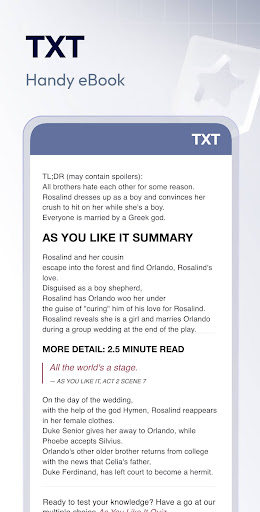
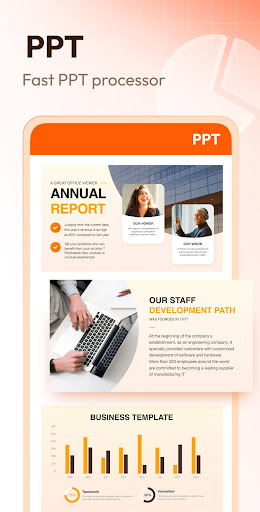
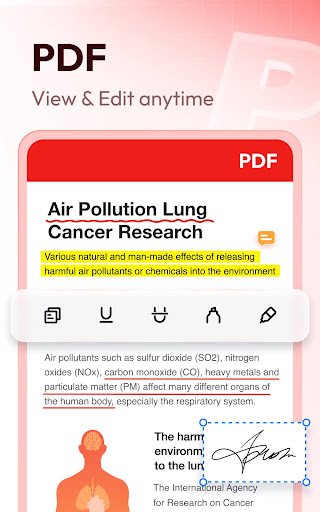
Document Reader & PDF Editor is a good thing. It is very convenient to use on your mobile phone. It can easily view, edit, and organize PDFs and various document files. As a reliable Android app in the productivity category, it gives you a smooth and satisfying operating experience that helps you manage your electronic files more efficiently. Whether you want to do some annotations, convert formats, or share files, basically this APP can be done in a one-stop manner. It's quite considerate and specially created to improve your workflow.

Overview

core feature

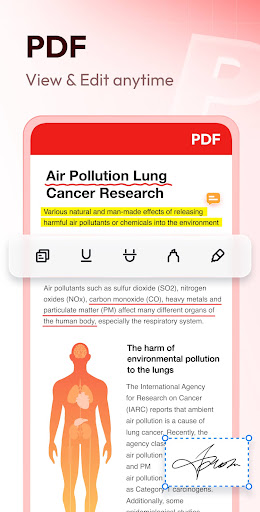
  • The ultra-simple interface allows you to quickly browse, edit, and mark PDF files, and it is unbelievably smooth
  • Support offline mode, allowing you to view files and change content even without the Internet, so convenient that you don't want to.
  • Smart search and highlighting help you find important information easily, as fast as lightning
  • Comprehensive functions, not only turning pages, but also adding notes and managing files in various formats. It is amazing
  • Built-in file organizer allows you to easily manage files directly on Android devices, which is extremely convenient
  • Seamless connection with cloud services, synchronous storage, and cross-device operations are not troublesome at all

applicable population

This mobile app is suitable for students, professionals, and those who often use Android or other mobile platforms to process PDFs.

Want to find a reliable tool that can view, correct, and organize documents anytime, anywhere? This app can save you a lot of trouble. It is convenient and efficient. It is especially suitable for you who are busy and do various tasks.

Why choose this?

This Android app combines powerful features and intuitive operation to make managing files simple and easy. Offline functions combined with cloud synchronization are definitely a reliable helper for daily productivity.

Designed specifically for modern users, it can deal with various common file processing problems. It is stable and reliable no matter what scenarios it is used in, and it is truly practical!

Top Recommended Alternative

Pros & Cons

Pros

  • The user interface is super considerate
  • PDF editing is really great
  • The reader is extremely powerful
  • Support cloud synchronization
  • New features are updated frequently

Cons

  • Free features have limitations
  • Occasionally break down
  • Running on old phones is maddeningly slow
  • The options for exporting annotation files are not rich enough
  • OCR recognition is sometimes inaccurate

Advertisement

Download Document Reader & PDF Editor

You are going to be redirected to the official website to finish the download when you click these buttons above.

FAQ

Is Document Reader & PDF Editor safe to use on my device? +
Don't worry, Document Reader & PDF Editor is quite reliable. It is designed with user security in mind. Adhere to various security standards to ensure that nothing goes wrong with your privacy and data. Remember to download from a reliable platform, such as the Google Play Store, and don't mess around.
How do I install the Document Reader & PDF Editor Android app? +
To install this app is actually very simple, go directly to Google Play Store search name, follow the steps on the line. Its compatibility is good, basically most Android phones can be used. After installation, you can open it at any time to see, edit PDF what, very convenient.
Can I use Document Reader & PDF Editor offline? +
Of course you can! The best thing about this software is that it can be operated offline. As long as you download files to your mobile phone in advance, you can view, edit, and mark them without using the Internet, and you can do it anytime, anywhere. It is very reliable for work or for using it to process important documents in daily life.
Does Document Reader & PDF Editor support all file formats? +
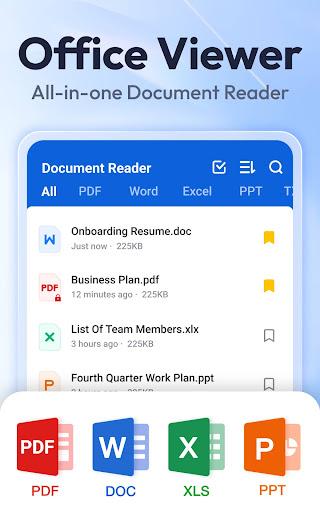
There are many supported formats, including PDF, Word, Excel, PowerPoint, etc. The emphasis is that it allows you to switch between different formats barrier-free, easy to browse and modify, and it is quite practical.
Is there a premium version available, and what does it offer? +
The free version can actually meet most needs, such as reading and editing PDFs. If you want to be more powerful, such as OCR recognition and cloud storage, you can consider a paid version. This will improve work efficiency a lot, especially for friends who often deal with complex documents.
How user-friendly is the interface of Document Reader & PDF Editor? +
The interface is designed to be quite intuitive and easy to use. Whether you are a novice or not, you can basically complete it. The clean layout and simple and clear buttons make it easy to use.
Can I share documents directly from the app? +
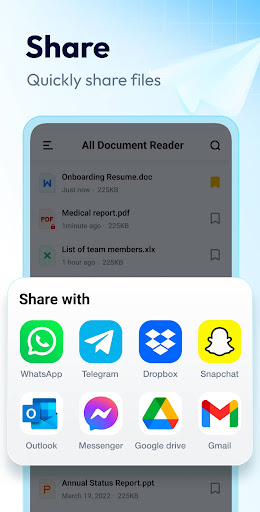
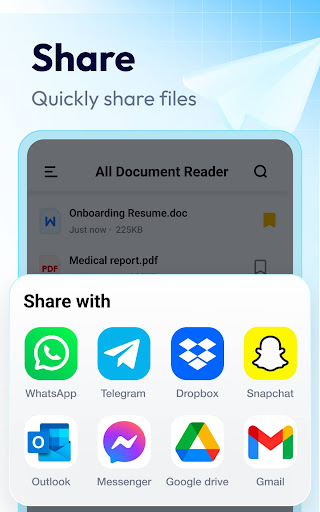
Of course I can! It provides a convenient sharing function, so you can send files directly via email, message or in the cloud. It's very convenient, sometimes you don't have to run around communicating with colleagues or customers or passing on information.

Customer Reviews

AI
AI Generated Summary
Based on real user feedback
★ 4

Users widely praise Document Reader & PDF Editor for its intuitive interface, reliable performance, and all-in-one functionality that makes document handling and editing smooth. The app is consistently described as easy to navigate, fast, and highly productive for tasks like schoolwork. While many appreciate the free core features and overall quality, some users criticize excessive ads that can delay opening files and push payments. However, even with occasional pop-ups, others find it the best free option available. Overall, the app delivers a solid user experience with strong utility, though ad frequency remains a common concern.

Pranav Chauhan · 2026-06-24
★ 5
Nice app with pointing-up and thumbs-up emojis
Brian Barasa · 2026-06-23
★ 5
The system offers a highly intuitive and easy-to-navigate interface, ensuring that users of all skill levels can interact seamlessly without confusion.
Japhet Chinonso · 2026-06-23
★ 5
This is an excellent and engaging application designed for handling documents efficiently. It offers a user-friendly interface and powerful features that make document organization and editing a breeze. Highly recommended for both personal and professional use.
Ali Mwakaluwa · 2026-06-23
★ 5
Extremely fast and excellent service.
Adeen Fatima · 2026-06-23
★ 5
A description of someone who consistently displays a positive attitude and a strong work ethic. This individual is both courteous and industrious, always ready to collaborate and put in sustained effort to achieve team objectives. Their reliability and cooperative nature make them a valuable asset in any group setting.

Write a Review

Share your experience with Document Reader & PDF Editor. Submissions are reviewed before publishing.

Rating *
0 / 2000

You Might Also Like

More apps you may want to try next.

Advertisement
5
Please wait...