DJ Music Mixer - DJ Drum Pad
Advertisement
Screenshots
Advertisement
About DJ Music Mixer - DJ Drum Pad
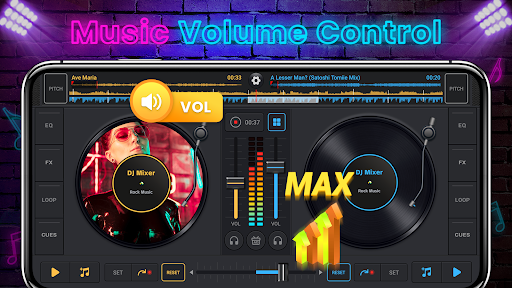
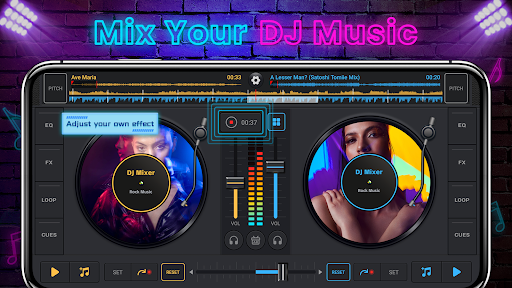
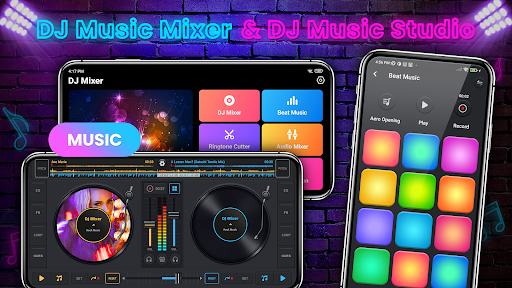
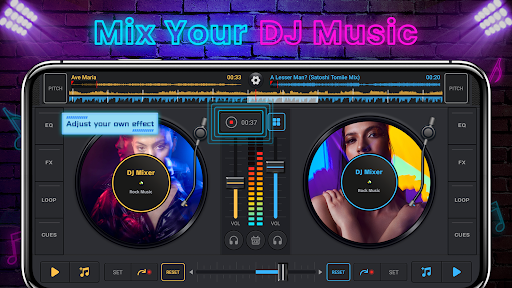
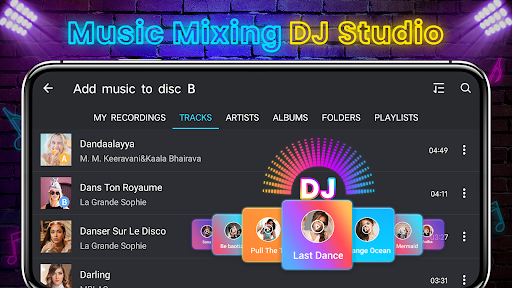
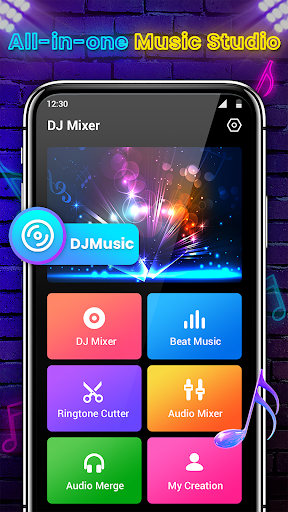
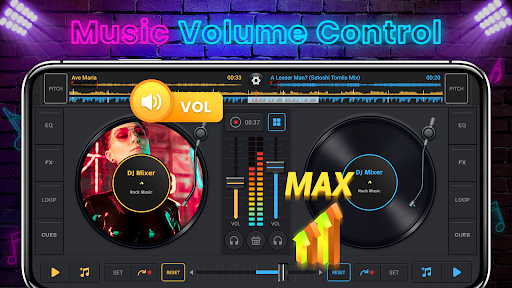
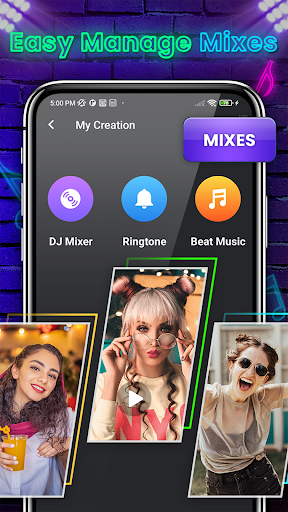
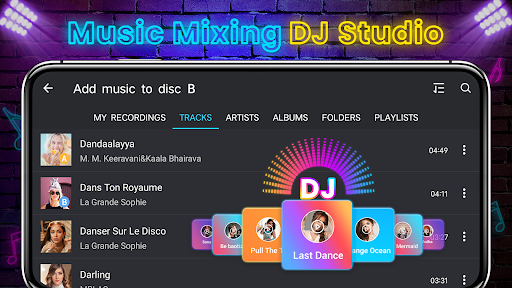
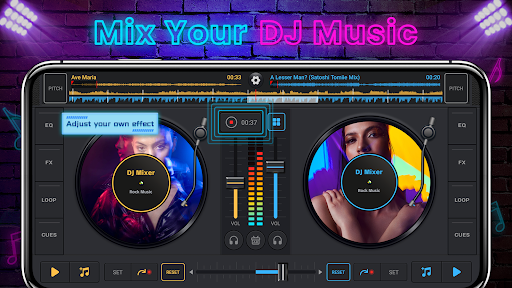
DJ Music Mixer - DJ Drum Pad is a mobile app that turns your Android device into a professional-grade mixing console and beat pad. It lets you blend tracks, trigger drum samples, and apply audio effects in real time, offering a hands-on app experience for aspiring DJs and music enthusiasts.
Overview
Core Features
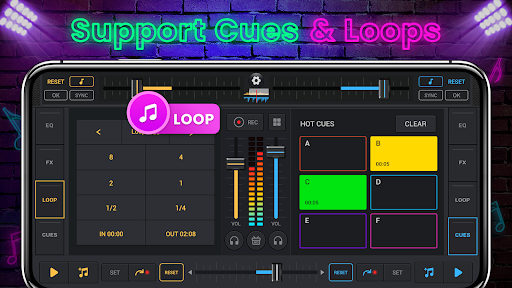
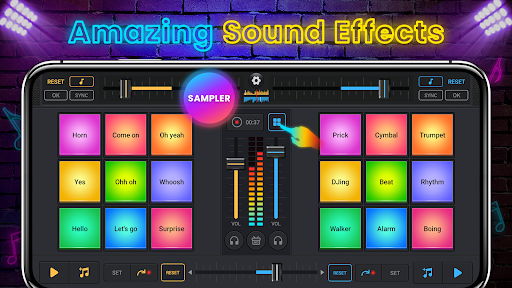
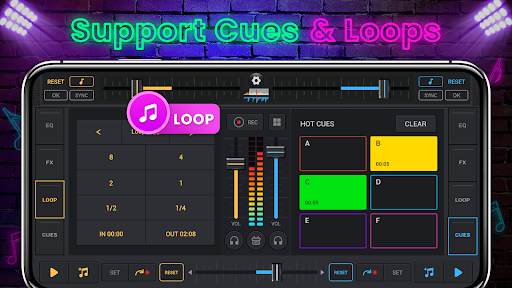
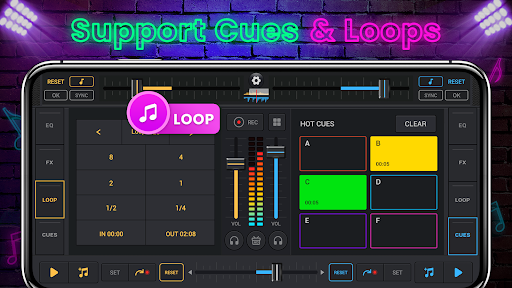
- Real-time beat mixing and looping lets you layer drum sounds instantly.
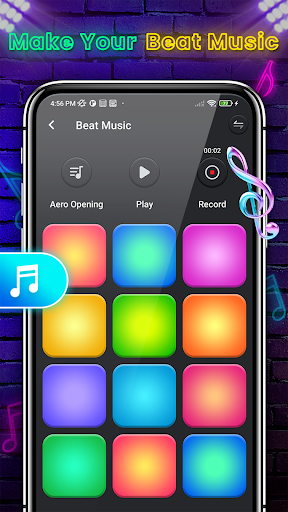
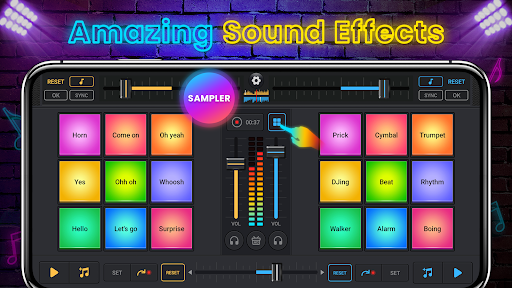
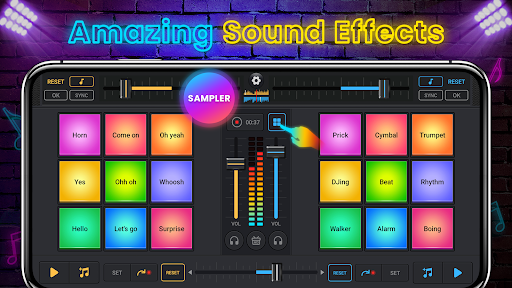
- Multiple DJ pads offer responsive touch controls for live performances.
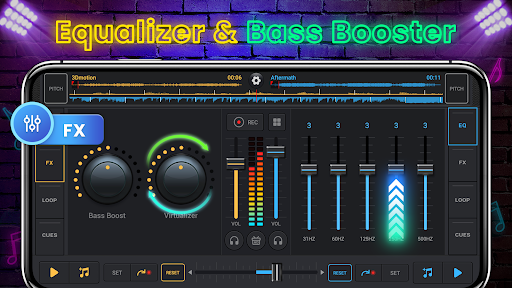
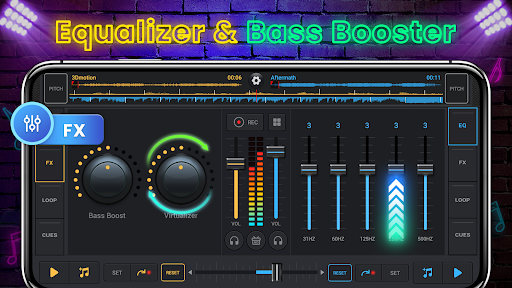
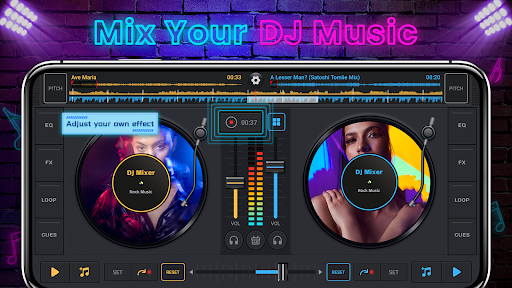
- Fx studio with reverb, echo, and filter effects to shape your sound.
- Built-in audio recorder captures your mixes for later playback or sharing.
- Auto-mix mode creates seamless transitions between songs hands-free.
- This Android app supports high-quality sound engine for clear playback.
- Sample library includes pop, hip-hop, and EDM drum kits to explore.
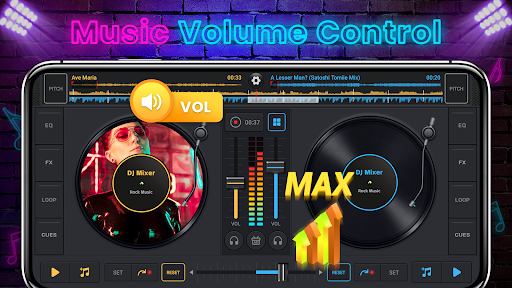
- Comprehensive app features like tempo control and crossfader are included.
Who This App Is For
This mobile app is built for music lovers aged 14 and up who enjoy creating beats casually. It appeals to aspiring DJs, party planners, and anyone looking to experiment with rhythm without needing expensive gear.
The app experience shines when you want to mix songs at a house party or build a custom track during your commute. Beginners can learn basic DJ techniques, while hobbyists use it to practice phrasing and transitions on the go.
Why Choose This App
You get a full-featured DJ studio without recurring subscriptions or hardware costs. The app features are designed to mirror professional controllers, giving you hands-on control over effects and loops in a single package.
This Android app stands out because it combines an intuitive interface with low-latency audio, so your beats stay tight. It solves the problem of needing costly equipment by delivering a complete app-based solution for mixing and recording anywhere.
Pros & Cons
Pros
- Intuitive drag-and-drop interfaceEven a complete beginner can start mixing within seconds thanks to the clear visual layout and responsive touch controls.
- Vast built-in loop libraryOver 600 royalty-free loops across EDM, hip-hop, and pop genres provide endless creative material without needing to import external files.
- Real-time recording and live performance modeYou can capture your mix on the fly and layer effects live, which is perfect for impromptu jam sessions or social media streams.
- Support for high-quality WAV and AIFF importsUnlike many competing apps that restrict imports to MP3 only, this app accepts uncompressed audio, preserving full fidelity for professional projects.
- One-tap social sharing to TikTok and InstagramWith built-in export profiles optimized for each platform, you can upload your mix directly without re-encoding, saving time and maintaining audio clarity.
Cons
- Free version adds a persistent watermark overlayExported videos always display a 'DJ Music Mixer' logo on the bottom right corner, which can be distracting for professional use.
- Occasional audio latency when applying reverb or delayOn older devices (e.g., iPhone 8 or lower), complex effects can lag up to 300ms behind the beat, making precise cueing difficult.
- Export quality caps at 192 kbps AAC in the free tierLossless export (320 kbps or ALAC) is locked behind a $4.99/month subscription, which may disappoint audiophiles.
- Lacks manual waveform editing and multi-track timelineYou cannot trim, fade, or rearrange individual audio clips after recording; all edits must be done in real time during the mix.
- Ads appear between every three track changesA full-screen video ad interrupts the workflow roughly every 90 seconds, breaking creative flow during practice sessions.
Advertisement
Download DJ Music Mixer - DJ Drum Pad

FAQ
Is DJ Music Mixer - DJ Drum Pad free to use?+
Yes, you can download and use this mobile app for free. It offers basic mixing and drum pad features without any upfront cost. Some premium packs and effects are available as in-app purchases if you want to expand your sound library.
Does this Android app work on all phones?+
DJ Music Mixer - DJ Drum Pad runs on most modern Android devices running version 5.0 or higher. The app experience is optimized for phones and tablets with at least 2GB of RAM, so older devices may experience slight lag during heavy mixing.
Is the app safe to install from Google Play?+
Absolutely. This app based solution is available on the official Google Play Store and has passed Google's security checks. It requests only essential permissions like audio recording if you want to mix your own tracks. No suspicious data collection has been reported.
What app features does DJ Music Mixer - DJ Drum Pad include?+
You get a 8-pad drum machine, crossfader, volume sliders, and real-time audio effects like reverb and echo. The app features also include a music library importer, BPM tapper, and loop recording. These tools give you a solid DJ setup without needing expensive hardware.
Can I use the app offline once it's installed?+
Yes, after you download and install DJ Music Mixer - DJ Drum Pad, most core functions work without an internet connection. You can mix preloaded beats and apply effects offline. However, importing songs from streaming services or downloading new sound packs requires an internet connection.
Does the app drain battery quickly?+
Like any audio processing mobile app, heavy use of effects and live mixing will consume more battery than light browsing. The developers have optimized performance, but you may notice increased drain during extended sessions. Closing background apps helps maintain a better app experience.
How do I import my own music into DJ Music Mixer - DJ Drum Pad?+
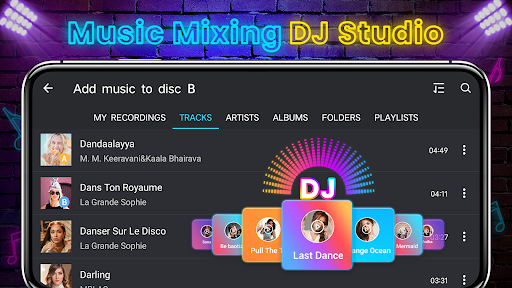
Just tap the "Import" button inside the app and select audio files from your device's storage. It supports MP3, WAV, and M4A formats. The Android app will automatically analyze the BPM of your tracks so you can sync them with your mix seamlessly.
Can I record my mixes and share them on social media?+
Yes, the recording feature lets you capture your entire session. Once saved, you can export the file and share it directly to platforms like Instagram, YouTube, or TikTok. This makes DJ Music Mixer - DJ Drum Pad a handy app based solution for aspiring DJs who want to showcase their skills.
Customer Reviews
Users widely praise DJ Music Mixer - DJ Drum Pad for its intuitive interface, smooth performance, and professional-grade sound quality, making it easy to create seamless remixes and enjoyable for both beginners and experts. Many highlight the app's user-friendliness and engaging experience. However, some users note the need for additional features: a few request an update to include FX and more effects, while others mention the lack of an option to balance songs and keep them on the same beat. Despite these critiques, the overall sentiment remains highly positive, with most recommending the app for its core functionality and enjoyable mixing experience.
Write a Review
Share your experience with DJ Music Mixer - DJ Drum Pad. Submissions are reviewed before publishing.
You Might Also Like
More apps you may want to try next.