

Dayforce
Advertisement
Screenshots
Advertisement
About Dayforce
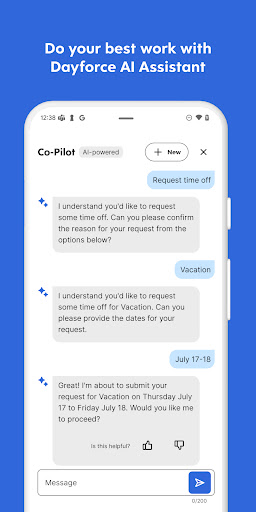
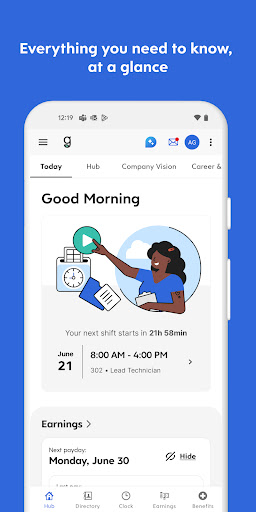
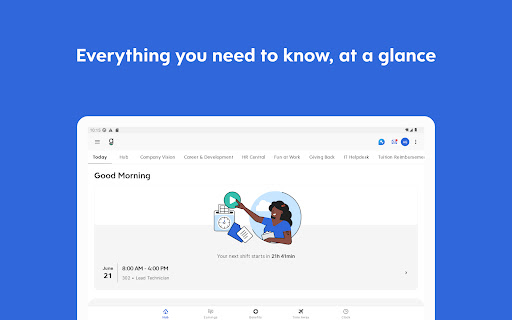
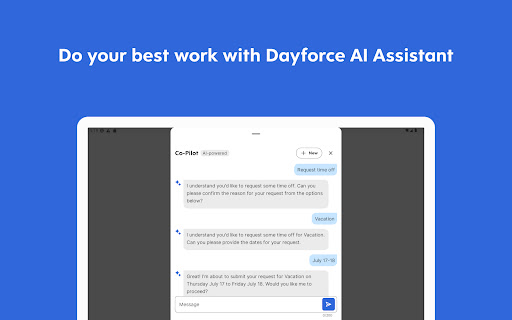
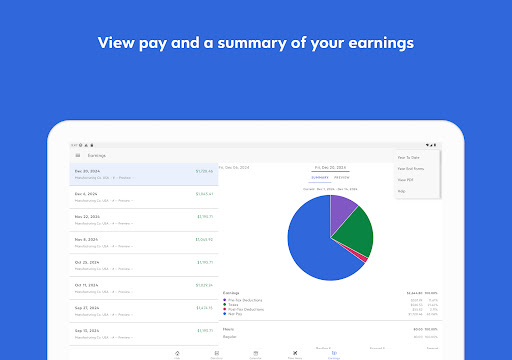
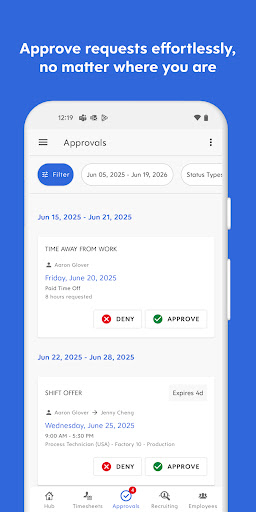
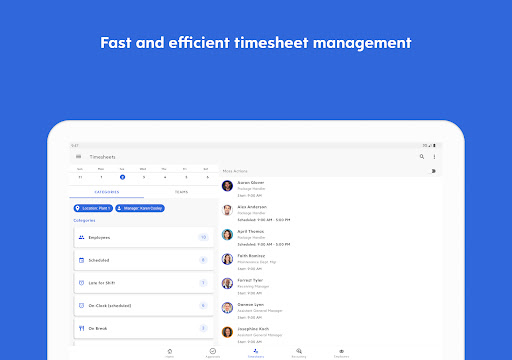
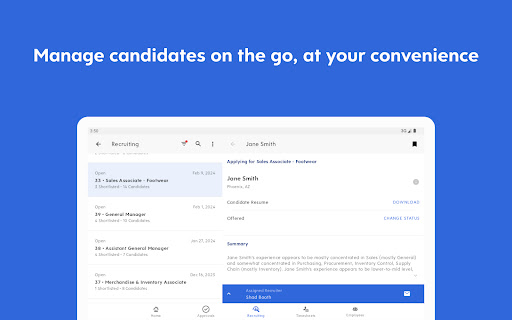
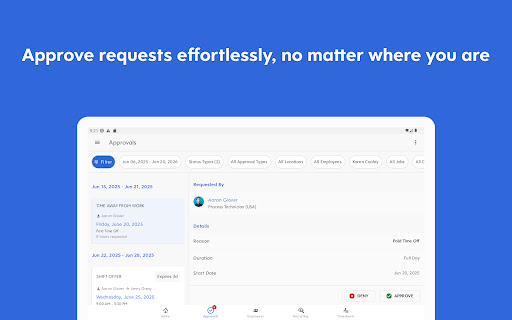
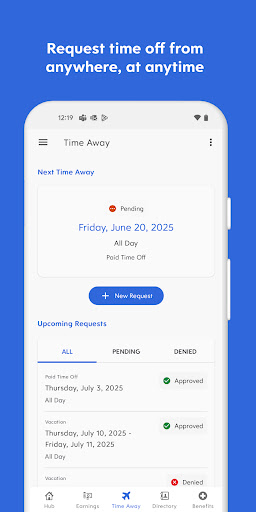
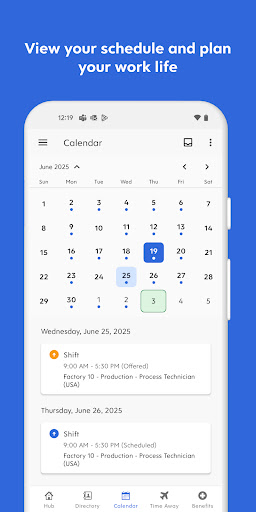
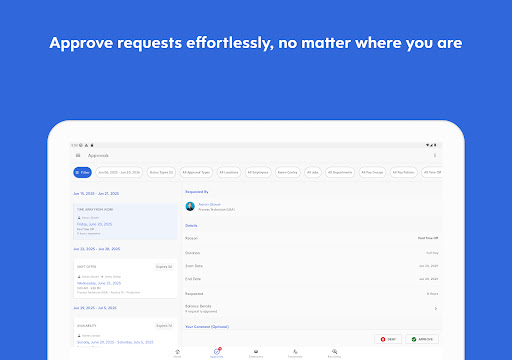
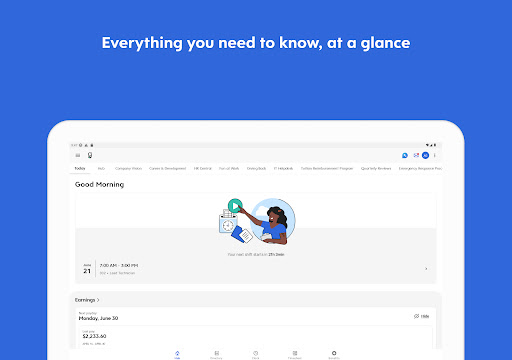
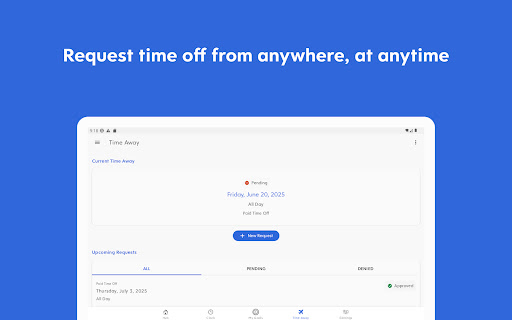
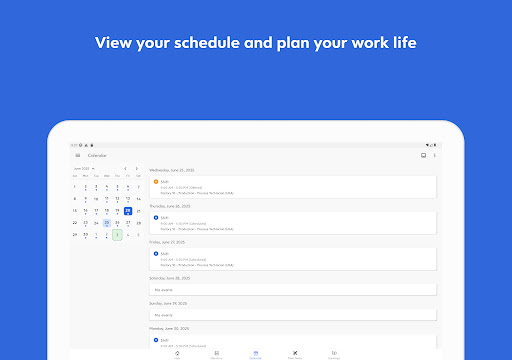
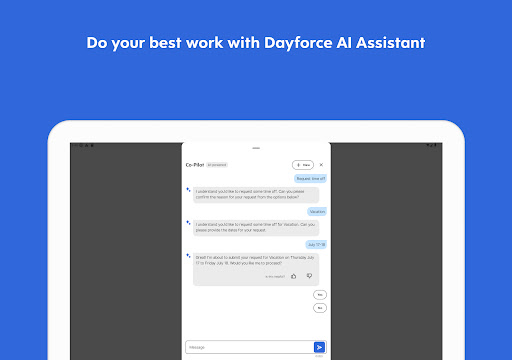
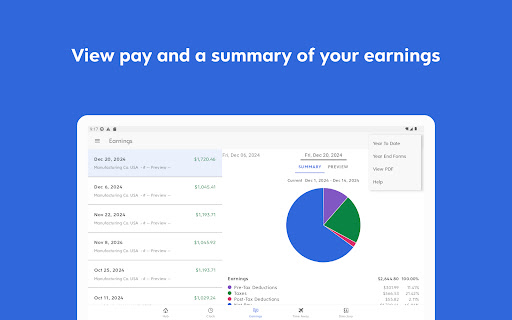
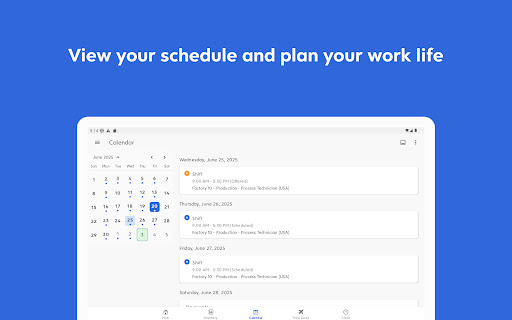
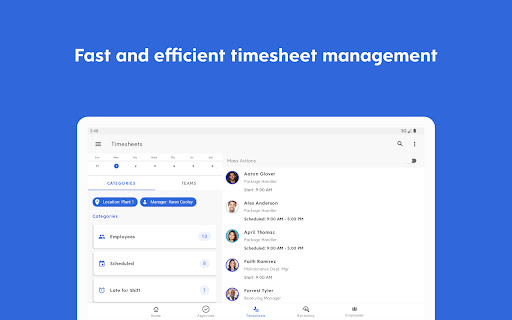
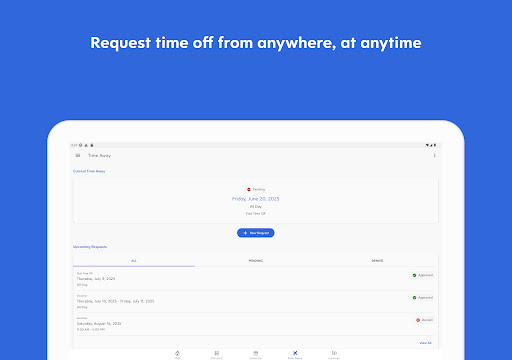
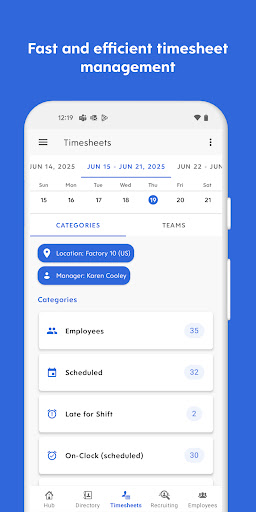
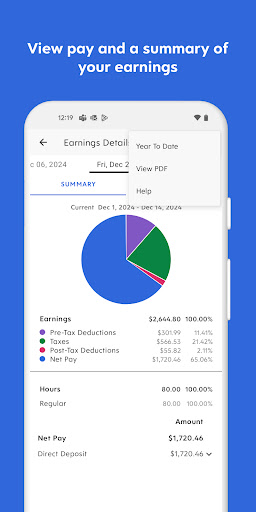
Dayforce is a comprehensive mobile application for enterprises specifically used to simplify the cumbersome tasks of personnel management. Its interface is pretty nice and easy to use, allowing employees and managers to easily find the functions they need, such as check-in, scheduling, and payroll, all of which can be done on their mobile phones. As an app-based solution, it improves the entire experience a lot. It can push updates in real time, and key information is available at any time. Whether you are using Android or Apple devices, you can all easily operate it.
Overview
core feature
- The interface is simple and intuitive, and users can easily arrange scheduling, fill out work slips, and process wages. All of them are handled in this app function, which is quite convenient.
- Sync in real time. Whenever there is a change, it will be displayed immediately on all devices. The experience will be improved a lot, and there is no need to worry about the information being too backward.
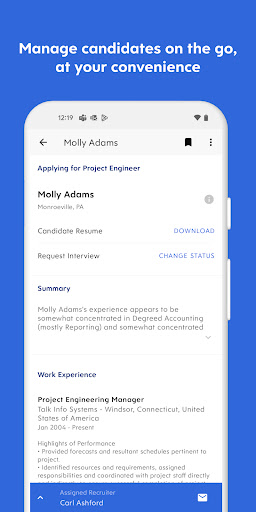
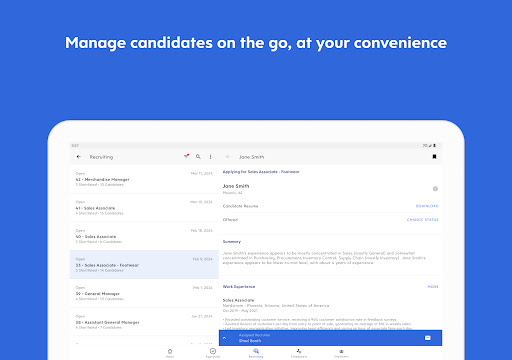
- Various HR-related tools are integrated into this APP to help you organize employee management and reports, making it easier and more efficient.
- Offline mode is also useful. You can check key information when there is no Internet connection. This is really critical for mobile phone users who often move around.
- Secure login and data encryption ensure that employees 'information and sensitive data are protected without worries.
- Push notifications remind you of important news and schedule changes at any time. You don't have to go through the notifications for what you want to know. Get the latest news in one second.
- The dashboard can be customized, and users can allocate functions according to the specific needs of their own business, and the personalized settings are made in great detail.
- Supports both Android and iOS platforms, adapts to different devices, and has no restrictions on use, even if your mobile phone or another system can be used smoothly.
Facing whom
This mobile application is mainly for HR professionals, managers and business owners, and is especially suitable for people who need reliable employee management tools. Friends who often work in different locations or need to check HR data anytime and anywhere on their Android phones or other devices will find it particularly useful.
Whether you are managing a small team or a large number of employees, scheduling, payroll settlement, and data reporting are much easier with this app. It is especially suitable for users who need to use APP to solve daily management tasks. It can help you improve efficiency and the operation is not complicated.
Why choose this?
This Android app provides rich features that make HR management faster and more accurate. The interface is friendly, the updates are timely, and the experience is excellent. Compared to other similar products, it can be said to stand out.
Focusing on safety, ease of use and stability, this application has many practical benefits. It helps companies simplify HR processes and make work more orderly, making it especially suitable for companies that want to remain efficient during busy work.
Top Recommended Alternative

Pros & Cons
Pros
-
The interface is intuitive and easy to use
-
Comprehensive wage management
-
Real-time schedule updates
-
Advanced Time Tracking
-
Powerful reporting and analysis tools
Cons
-
Occasionally slow loading
-
Less notification customization
-
The mobile phone occasionally does not have offline functions
-
It's very troublesome for beginners to set up for the first time
-
Less rich third-party integration
Advertisement
Download Dayforce
FAQ
Is Dayforce safe to use for managing employee data? +
Of course, Dayforce is a very reliable application that many companies use. It adopts strong security measures to ensure that employees 'sensitive information will not be leaked, data security is guaranteed, and feels much more at ease.
As a reliable solution, Dayforce has always complied with industry standards and regulations. It can be used with confidence. All information from the management team is within its trust. Enjoy the convenience it brings!
How do I install the Dayforce app on my Android device? +
It's easy to install the mobile version of Dayforce on your Android phone. Just open the Google Play Store and search for 'Dayforce'. The interface is very friendly and the settings are very convenient. It takes a few clicks to get it done.
After it is installed, you can handle things like salary, scheduling, and time tracking directly on your mobile phone. You can use it anytime and anywhere. The experience is particularly smooth and it is a very considerate application for people who go out to work!
What are the main app features of Dayforce? +
Dayforceapp is quite functional and helps pay management, scheduling, time tracking and efficient processing of personnel data. It can update information in real time, allowing you to always keep up with the latest situation, which is particularly convenient.
This application-based solution is designed very intuitively. Whether you use it to quickly retrieve key information or as a daily management tool, it feels easy to use and particularly considerate.
Can I use Dayforce as a launcher app on my device? +
Although Dayforce mainly appears as an application for HR and payroll management, it can actually be used as a launcher to quickly jump to core functions, saving you a long time of flipping through menus, which is particularly convenient. In this way, daily operations become smoother.
If you use it as a starter, daily management will become easier, especially when you often have to process employee data on your mobile phone. It is a lifesaver!
Does the app experience differ between iOS and Android devices? +
Whether it is iOS or Android, Dayforce's experience is as consistent as possible, with similar functions and similar interfaces. However, due to different platforms, there may be subtle differences, which are in line with their respective design styles.
In general, both platforms are smooth to use and have great performance. Whether you use Android or iPhone, you can successfully handle business matters and make your work more efficient!
Is the Dayforce app frequently updated with new features? +
The development team of this application is very diligent and regularly pushes updates to enhance functions and improve security. Bring something new every time you update it to make it more comfortable for you to use it.
By keeping up with the latest version, you will be able to enjoy the latest tools and optimizations. The entire platform is constantly improving to ensure that you are comfortable and safe to use, and management becomes easier!
What should I do if I have trouble logging into the app? +
If you encounter problems with logging in, first make sure that your account password is correct and that the network connection is normal. If it still doesn't work, you can try resetting your password or contact your company's technical support team to help resolve it.
For security, the app also provides multiple verification functions to ensure that your employee data is not leaked, making it safe to use!
How can I ensure my data remains safe when using the app? +
Dayforce uses advanced encryption technology and security protocols to ensure the security of your data. As a trustworthy application, it strictly abides by industry standards, and it is no problem to manage sensitive information with your mobile phone. Use it with confidence!
Moreover, it also regularly pushes security patches to keep the system updated to ensure that your data is always protected. It is convenient and safe to use it to handle HR and salary matters!
Customer Reviews
Users generally praise the app's intuitive interface and ease of use for basic tasks like booking holidays and viewing hours. However, major issues dominate feedback. Login and password management is a primary pain point: many users are repeatedly locked out, forced to reset passwords every week or two months, and face constant logout loops. While some users report smooth operations, others describe the app as unreliable and slow, with frequent crashes, bugs, and sync failures (e.g., Google Calendar not updating shifts). Time tracking and location features also draw mixed reviews—some users get accurate results, but others report altered punch times, missed work logs, and location errors. Overall, the app offers a simple design, but pervasive login instability and reliability concerns create a frustrating experience for many.
Write a Review
Share your experience with Dayforce. Submissions are reviewed before publishing.
You Might Also Like
More apps you may want to try next.




