
Copy My Data: Transfer Content
Advertisement
Screenshots
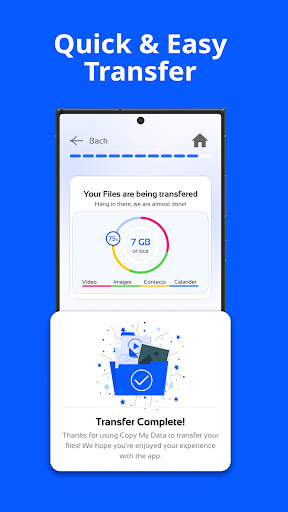
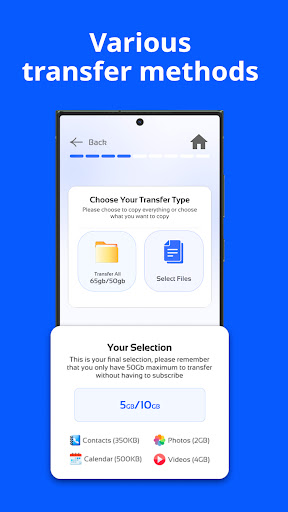
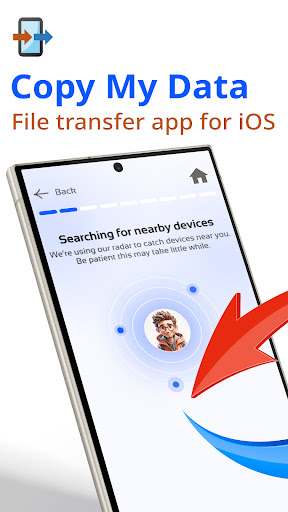
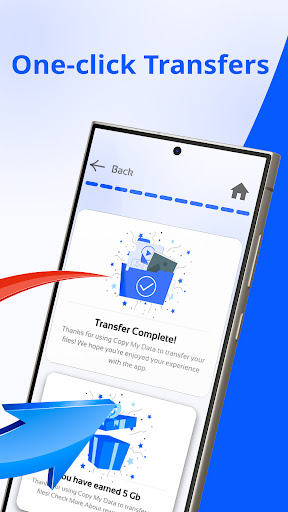
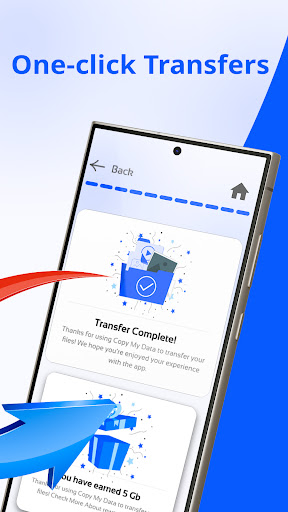
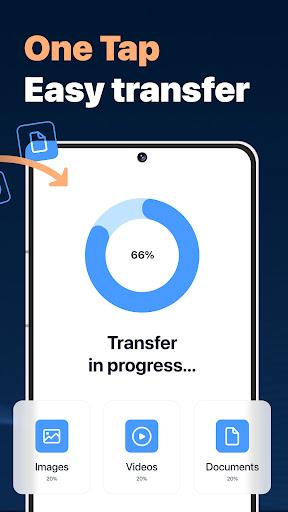
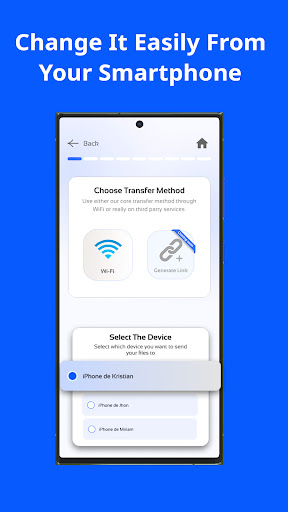
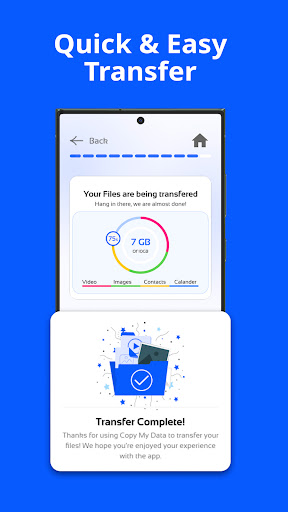
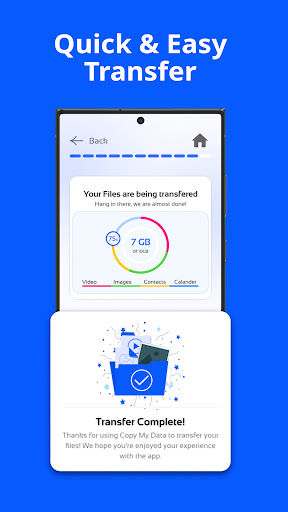
Advertisement
About Copy My Data: Transfer Content
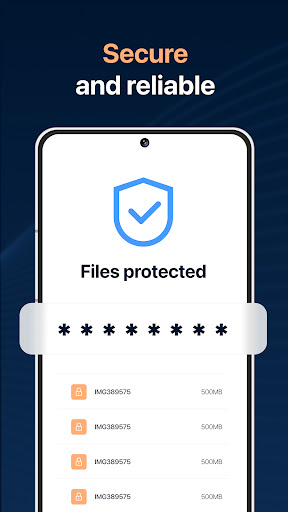
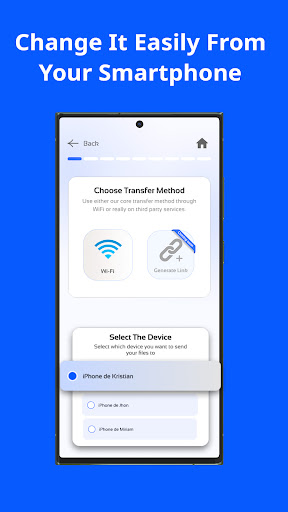
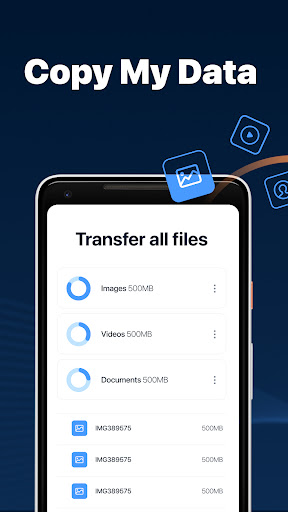
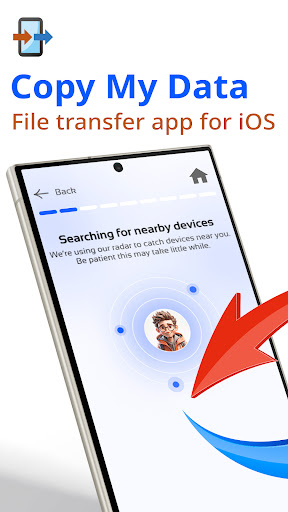
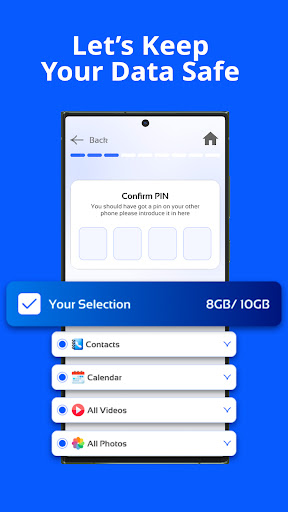
Copy My Data: Transfer Content is really super simple and easy to use. It is specially designed to help you transfer data between devices. Whether you are changing your phone or setting up several devices at the same time, it can help you handle it reliably, and the operation is very smooth, allowing your important content to easily move between Android or other smartphones. In fact, its core is to help you provide an efficient transmission solution that doesn't need to go through too much. It doesn't have those cumbersome steps, so that you can use it with ease, peace of mind and trouble.
Overview
core feature
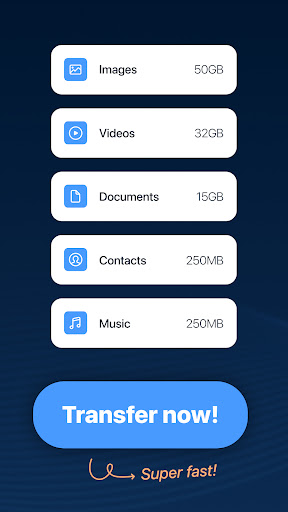
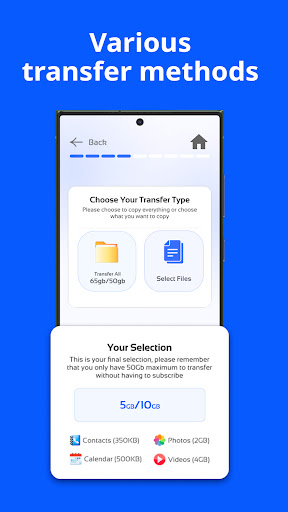
- Easily transfer contacts, photos, videos, and files between devices without having to go through a lot of cumbersome settings.
- Supports real-time synchronization of multiple devices, so that data can be kept up to date no matter where it is, which is quite convenient.
- The interface is very friendly, and how to manage and forward data becomes simple. It can be used immediately, and the experience is good.
- It also supports offline mode, so that data transmission can be completed without a network. It's a very thoughtful design.
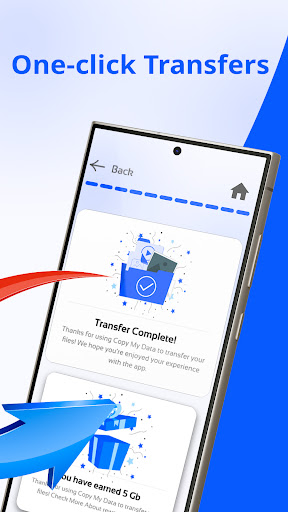
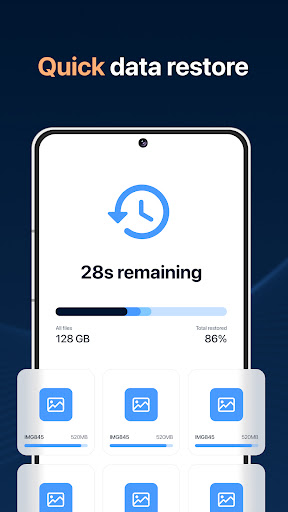
- Provide detailed transfer records and status updates so that you can know progress at a glance, transparent and reliable.
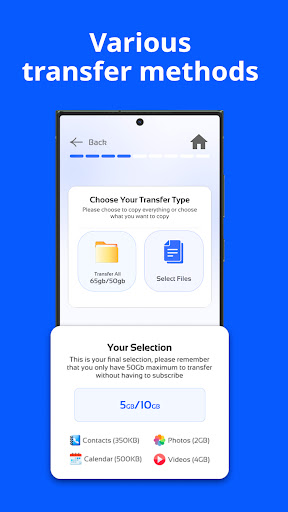
- You can choose your own data type and only pass on the part you want, which will enhance your sense of control.
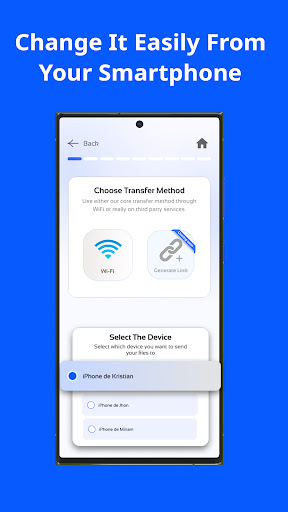
- Android and iOS are compatible, and the artifact for cross-platform transmission is really useful.
Who is suitable for?
This app is especially suitable for people who change devices frequently, such as students and professionals who change new phones, especially if it is easy to use on Android devices.
People who want to find a reliable, fast and safe data transmission solution will definitely like its simple and intuitive experience, which will save a lot of trouble when upgrading or resetting their devices.
Why choose it?
This Android software is seamless and smooth to use and powerful. It is definitely the preferred launching tool for Android users when changing devices.
It stands out with its intuitive interface, rich functions and reliable transmission methods. It helps you handle data safely and quickly, and solves various troubles often encountered during transmission. It is a trustworthy and good helper.
Top Recommended Alternative
Pros & Cons
Pros
-
Super friendly interface
-
The compatibility is quite wide
-
That's pretty fast.
-
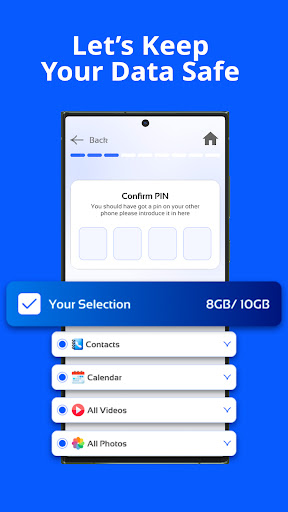
Data security is guaranteed
-
Supports multiple data types
Cons
-
Free features are a little short
-
It took a lot of time to set up at first
-
Occasionally, unstable connection problems occur
-
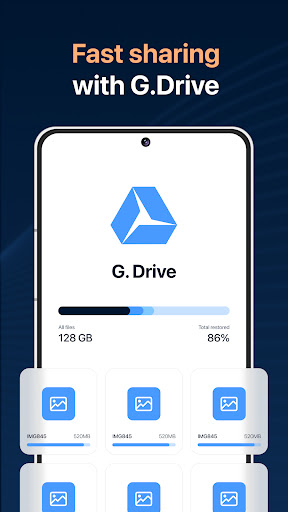
Cloud service integration is not good enough
-
Big documents are getting stuck fast
Advertisement
Download Copy My Data: Transfer Content
FAQ
What is the main purpose of Copy My Data: Transfer Content? +
Is Copy My Data: Transfer Content safe to use? +
How do I install Copy My Data: Transfer Content on my device? +
Can I use Copy My Data: Transfer Content if I have an older device? +
Does Copy My Data: Transfer Content support large data transfers? +
Are there any specific system requirements for this mobile app? +
Is Copy My Data: Transfer Content suitable for all types of mobile devices? +
What makes Copy My Data: Transfer Content different from other data transfer apps? +
Customer Reviews
Users generally praise Copy My Data for its simplicity and speed, with many reporting seamless transfers and describing the app as 'incredible' or 'reliable.' However, opinions are sharply divided. On ease of use, some find it 'simple to operate and extremely quick,' while others face frequent disconnections, timeouts, and failed connections between devices. Regarding data reliability, positive reviews highlight 'everything transferred perfectly' and years of dependable service, but negative experiences include lost contacts, corrupted files, and complete data loss. The app's monetization model also draws mixed feedback: some users accept moderate ads and appreciate the free 50GB storage, whereas many complain about excessive ads, hidden fees, a mandatory payment after trial, and no clear way to cancel subscriptions. A lack of USB transfer option and poor direct connection further frustrate some. Overall, the app works well for quick, simple transfers when it functions, but inconsistencies and monetization issues lead to significant dissatisfaction.
Write a Review
Share your experience with Copy My Data: Transfer Content. Submissions are reviewed before publishing.
You Might Also Like
More apps you may want to try next.




