
Cloud Storage: Cloud Drive App
Advertisement
Screenshots


Advertisement
About Cloud Storage: Cloud Drive App
Overview
core features
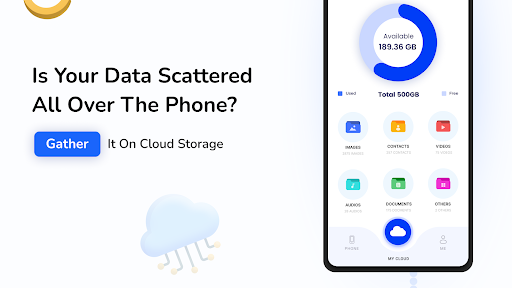
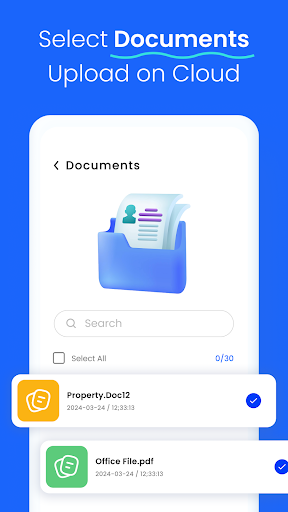
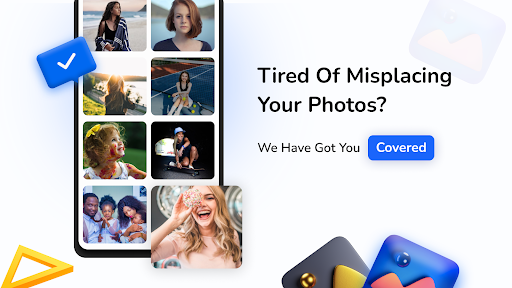
- Cloud file management is super smooth. Users can easily upload, organize, and retrieve files between various devices without any complexity!
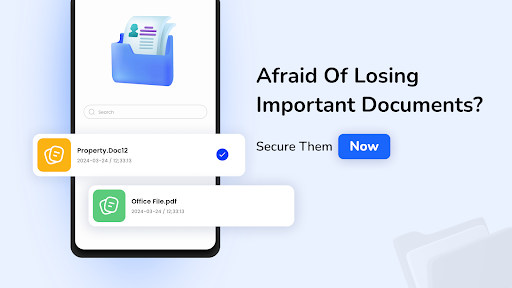
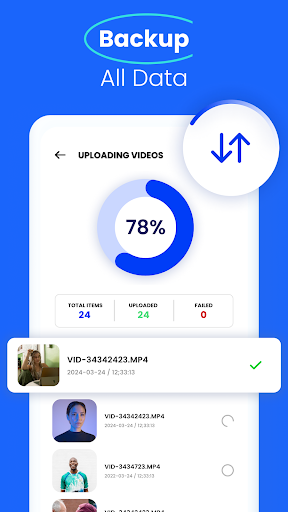
- The automatic backup and restore function ensures that your important data will always be with you, not afraid of losing it, and you can find it back if you want. It's so thoughtful!
- Support offline mode, even if there is no network, you can open stored files at any time. It's so convenient that sometimes you don't have to worry when you're away.
- Real-time synchronization, files are kept up to date in an instant, and multiple devices are switched seamlessly. The operation is smooth and makes people feel good, and the efficiency is also increasing!
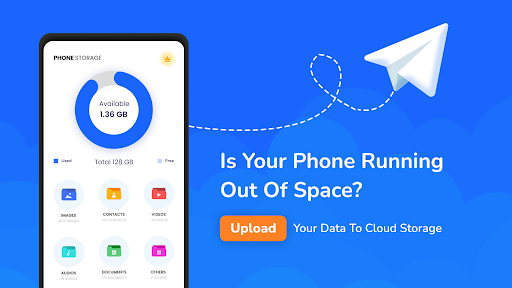
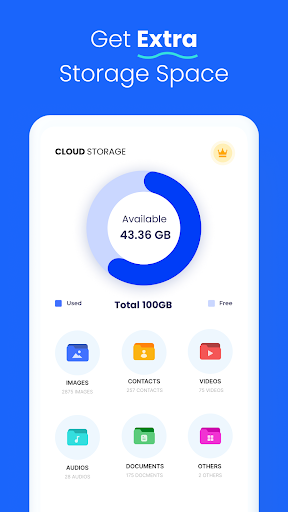
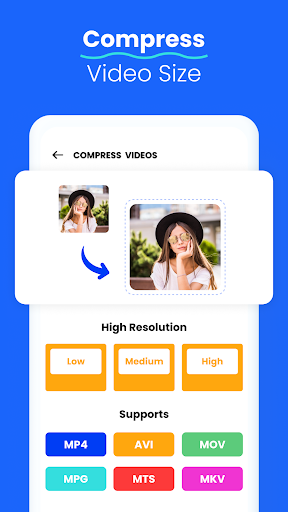
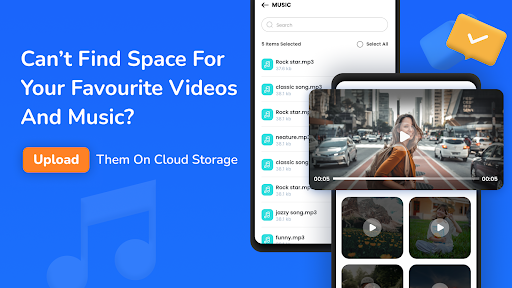
- You can also save in various formats! Photos, documents, and videos can all be put in and managed, so you don't have to run several software to get everything done!
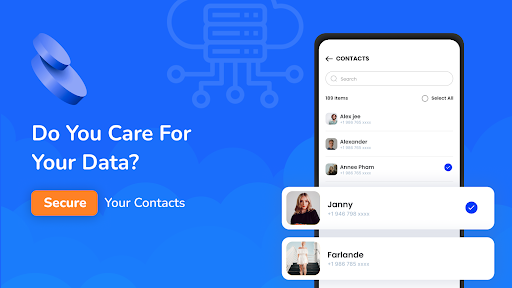
- Security encryption measures are in place to ensure that your data is safe and reliable regardless of transmission or storage stages, and never worry about privacy leakage. It is trustworthy!
- Sharing is also very convenient. You can share with friends or send links at any time. Cooperation becomes easier and teamwork becomes no longer difficult!
Who is suitable for?
This mobile app is especially suitable for students, office workers and family members. Looking for a reliable cloud storage platform that will work smoothly on Android devices!
Whether you need to save photos, important documents or work materials, this app can bring you great convenience. It is rich in features and is not complicated, allowing you to manage files anytime, anywhere, with ease and peace of mind!
Why choose this App?
This app has really comprehensive features, from fast storage to security, it takes into account every corner. It is also easy to operate. Compared with other cloud storage, it can be said to be "great value for money"!
The functions of real-time synchronization, offline access and fast sharing are superimposed together to fully meet all users 'needs for efficient and reliable cloud storage. With it, life and work can become easier and smarter. It is a good companion that is really worth a try!
Top Recommended Alternative
Pros & Cons
Pros
-
The user interface is very friendly
-
Great integration with cloud services
-
File synchronization is particularly reliable
-
Security measures are in place
-
Support offline access
Cons
-
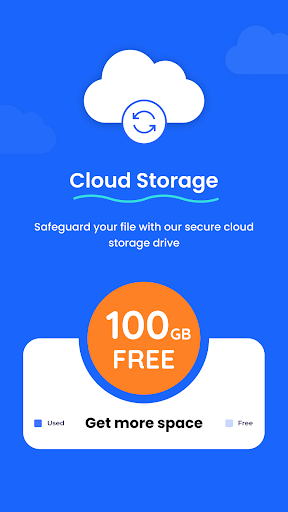
Too little free storage space
-
Upload large files slowly
-
Old equipment occasionally crashes
-
File sharing function is relatively basic
-
No detailed activity record
Advertisement
Download Cloud Storage: Cloud Drive App
FAQ
Is the Cloud Storage: Cloud Drive App safe to use? +
Of course, cloud storage: Cloud disk is designed to pay attention to user security issues. It uses encryption and secure login protocols to ensure that your data cannot be easily peeped at or broken into, keeping your files private, secure, and not destroyed by unauthorized people.
However, you should also pay attention to it in ordinary times, keep your device software updated, and set a strong password or something. The development team is quite reliable and abides by strict safety standards to ensure that you can use it with peace of mind and enjoy the convenience brought by this application-based solution.
How do I install this mobile app on my device? +
It's actually quite easy to start using this cloud disk. If you use an Android phone, you can search for this name on Google Play and you'll find it. Just follow the usual download and installation steps.
Remember to make sure your equipment meets minimum system requirements and network stability. The experience provided by this app is quite smooth, from installation to daily use. It also combines well with your original app and launcher and is quite convenient.
What are the main app features I should know about? +
This app has many useful features that can help you organize files and make backup more easily. Supports ultra-smooth data synchronization between devices, supports multiple file uploads, and can also be accessed offline. It is a reliable storage solution.
The design is very considerate, very user-friendly to use, intuitive navigation, and can also customize settings. Whether you need to process large files or express backup, these features will help you organize your data in an orderly manner and can be obtained anytime, anywhere.
Can I use this Android app on multiple devices? +
Of course, this cloud storage: Cloud disk is compatible with various Android devices, and no matter which one you use, you can log in and manage your files. This is quite flexible and is especially suitable for users with multiple devices.
As long as you log in to your account on each device, files will be automatically synchronized and connected seamlessly. In this way, you can easily access your data whether you are at home or on the go, and your work efficiency is greatly improved.
What should I do if I face issues with login or account recovery? +
If you are logging in to cloud storage: If you encounter problems with your cloud disk, don't panic and check whether the network connection and account information have been entered correctly. If you want to retrieve your account or something, you can follow the prompts or go to the help center to check out the guide.
The developer's support team is quite reliable and responsive. If you need it, they can help you solve login problems so that you can use it smoothly and not worry about these minor issues.
Is the Cloud Storage: Cloud Drive App suitable for professional use? +
This app is quite comprehensive, suitable for both personal use and professional needs. Provide reliable storage solutions, security sharing and data management tools that can be used at work and in life.
It can also be seamlessly integrated with other applications, and processing large files is not a problem. It is definitely the first choice for users who pursue stability and efficiency, helping you arrange your work and life in an orderly manner.
How often is the app updated to improve features and security? +
The development team regularly pushes updates, optimizes functions, and solves security risks. These improvements keep this cloud storage: cloud disk in a reliable and stable state, meeting the various needs of users.
Keeping application versions up to date allows you to get the best experience, and developers 'continued support also reflects their commitment to user safety and convenience. Just use them with confidence.
What makes this app stand out among other cloud storage solutions? +
The highlight of this app is its focus on user experience, security and ease of operation. Fully functional and friendly interface, it is especially suitable for newbies and old drivers.
Compatible with Android devices, smooth operation and easy to use. As an application-based solution, it is reliable and efficient, allowing you to use it with peace of mind and making storage management easier and more enjoyable.
Customer Reviews
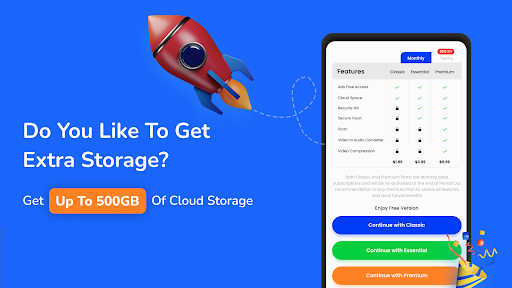
Users generally praise Cloud Storage: Cloud Drive App for its user-friendly interface, smooth performance, and effectiveness in backing up photos and videos to free up device space. Many describe it as the best cloud storage app they've used and appreciate flexible subscription options. However, there are significant concerns. Some users report that the app stopped working after a free trial, causing loss of stored data, while others highlight confusing pricing, intrusive ads, and unauthorized multiple charges. Although positive reviews emphasize reliability and ease of use, negative feedback warns of potential scams, data deletion for non-paying users, and difficulties completing payments. Overall, opinions are sharply divided on trustworthiness and billing transparency.
Write a Review
Share your experience with Cloud Storage: Cloud Drive App. Submissions are reviewed before publishing.
You Might Also Like
More apps you may want to try next.




