
Clip Studio Paint
Advertisement
Screenshots
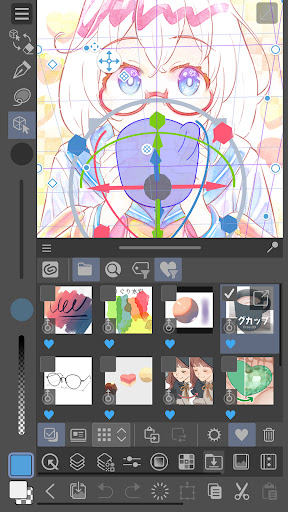
Advertisement
About Clip Studio Paint
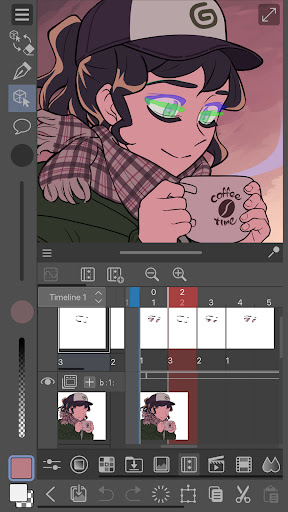
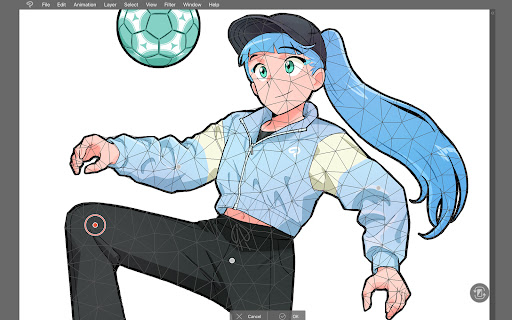
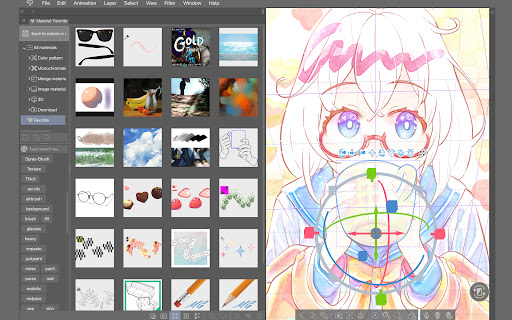
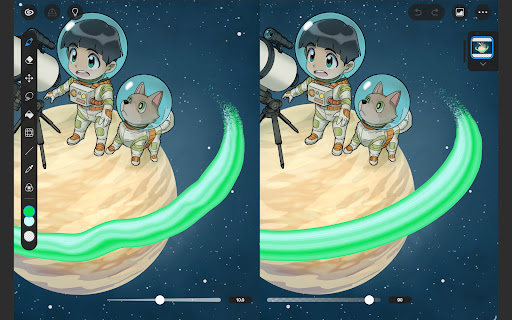
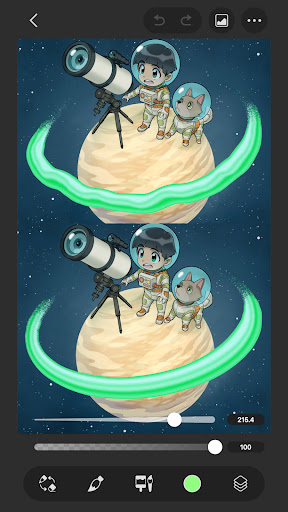
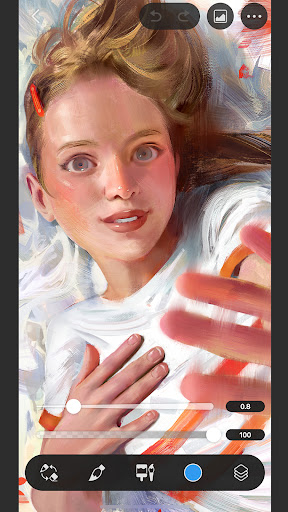
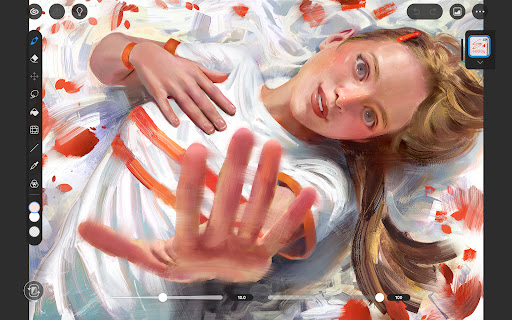
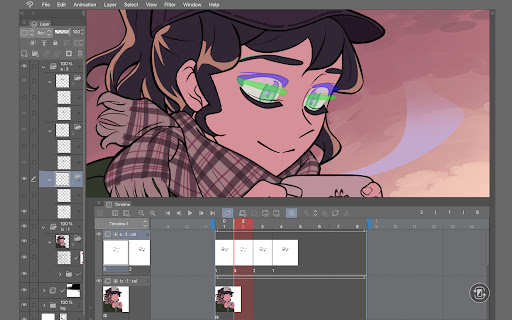
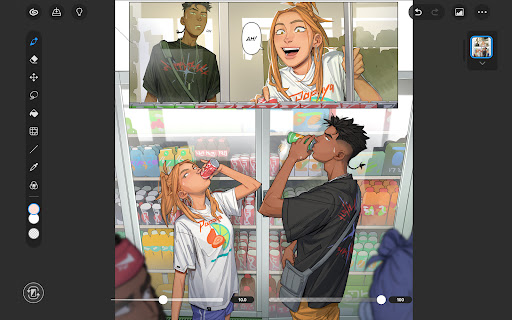
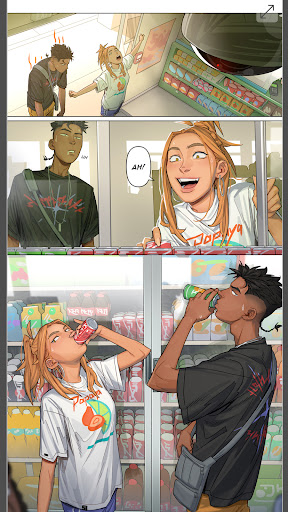
Clip Studio Paint is actually a powerful mobile app for professional-level drawing and design, especially suitable for artists and illustrators. It is quite rich in functions, whether it is painting detailed digital works or doing various ideas, it can meet needs. Whether you use Android or iOS, you can experience a relatively convenient interface that supports sketching, coloring, and even comic creation. It has basically become a trusted App tool for creativity by many people. It is quite convenient!
Overview
core feature
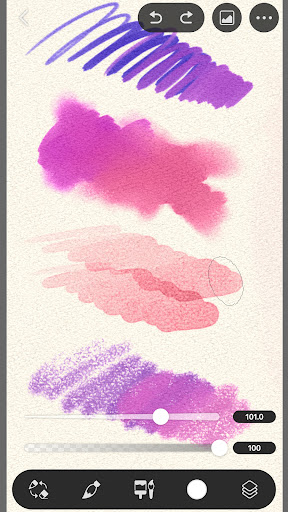
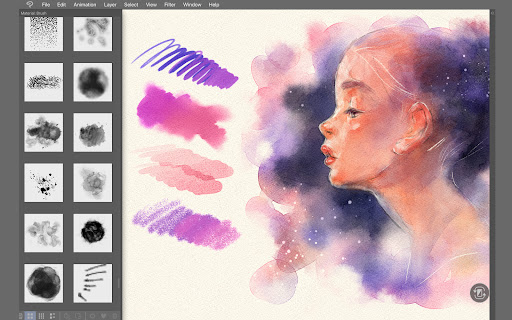
- This app has a super powerful brush engine that can accurately capture every stroke. It is especially suitable for making delicate artistic creations and feels particularly comfortable.
- The real-time synchronization feature allows you to switch between different devices without stress, and you can continue your artistic journey anytime, anywhere. The experience is really smooth and flying.
- Multi-layered management and mixed models allow you to easily handle complex compositions without having to create them at all, which really helps a lot.
- The interface design is quite friendly and the operation is quick. Whether you are a novice or an expert, you can easily get those advanced tools, understand them clearly and use them easily.
- Support custom brushes and pressure pens to allow your creativity to be fully utilized. This is a complete display of your personal style and making painting more interesting.
- The built-in stability tool helps you draw lines smoother, and when you are free to hand-draw, you are full of confidence, feeling like you have been blessed by technology.
- Providing a wealth of vector and raster tools, no matter which style you like, you can satisfy it. It's really all-round.
- Offline mode allows you to draw without the Internet, which is especially suitable for artists who like to create anytime, anywhere. It is very reliable.
Who is suitable for?
This mobile app is especially suitable for digital artists, illustrators and designers. Whether on Android or Apple devices, it can become your professional painting tool. If you are an enthusiast or a professional painter and want to find an intuitive and powerful painting software, this is definitely a good choice!
Whether you are drawing detailed comics, illustrations, or conceptual designs, this software will give you a complete experience. It is especially suitable for users who need to create anytime, anywhere, and can engage in both leisure and professional projects.
Why choose it?
This application is particularly competitive compared with other painting design tools, mainly because of its powerful functions, intimate interface, and easy to use. You can experience the professional-level painting feeling on your mobile phone and release your creativity anytime and anywhere. It is super convenient!
It is specially designed for Android and can also be used on iOS. It combines diversity, power and simplicity. It is definitely a high-quality tool that can draw professionally without binding to a computer. This is particularly attractive to both novices and veterans and is worth a try!
Pros & Cons
Pros
-
Multifunctional brush system
-
intuitive user interface
-
Advanced layer management
-
Efficient use of resources
-
Strong community and support
Cons
-
Limited support for 3D models
-
Insufficient simulation of watercolor and traditional media
-
Cloud storage and export functions are not tight enough
-
Limited export formats
-
Difficulty of learning high-level tools
Advertisement
Download Clip Studio Paint
FAQ
Is Clip Studio Paint safe to download and use on my device? +
Oh, don't worry, Clip Studio Paint is really reliable! It has been reviewed and certified by major manufacturers, such as Google Play and the Apple Store, and it is fine. Follow safety regulations and update them frequently, so you don't have to worry about getting messed up.
Many artists and designers use this as an industry-standard drawing tool. Remember to only download it through official channels, don't just download a copycat version, be careful not to encounter viruses or anything that has been changed, and your sense of security is guaranteed!
Can I use Clip Studio Paint on both Android and iOS devices? +
Of course! This software can be used on both Android and Apple platforms, and can be played on both mobile phones and tablets. Its functions are easy to debug on both systems and are not bad to use at all. It allows you to easily create on different devices. It feels great!
If you're looking for a digital painting artifact with an intuitive interface and easy to operate, this software is really right for you. No matter where you go, it can help you use your creativity and make your work more exciting!
What are some key app features of Clip Studio Paint? +
This APP is extremely functional. It has a variety of brushes, handwriting stabilizers, vector tools, and layer management are all very powerful. Import and export formats are supported in a variety of ways, making them super convenient to use and suitable for various digital art creations.
You can use it to draw illustrations, comics, animations, etc. full of details. Whether you are a novice or a great god, you can find a suitable operation method for you, use it flexibly, and get all kinds of art works. It's amazing!
How do I get started with Clip Studio Paint on my mobile device? +
It's actually easy to start using this app. Just search it directly on the Google Store or Apple Store, download it, and follow the guidance steps. The interface is very friendly, especially suitable for novices to get started with digital painting, making it easy for you to get started without pressure!
Moreover, the platform is also equipped with teaching videos and tips to help you quickly master various functions and use it to create your art works. It feels like having a considerate studio, and learning becomes fast and happy!
Does Clip Studio Paint support advanced art tools for professional use? +
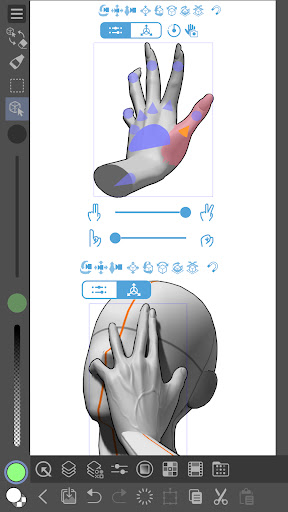
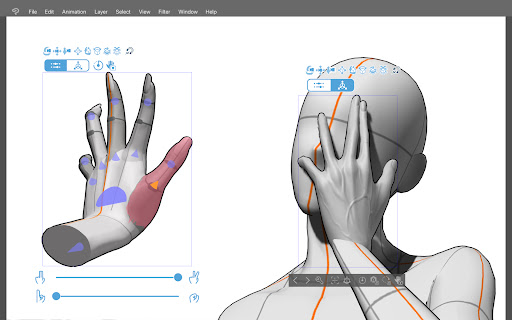
Of course! This software provides many professional-level painting tools, such as super delicate brush customization, vector layers, 3D model integration, etc., to meet the needs of professionals and the experience is great!
Many users use it to draw high-quality illustrations, comics and even animations. It has stable performance and multiple functions. It is definitely the first choice for pursuing perfect works. Its power and flexibility allow you to easily create professional-level works on your mobile phone. Don't be too awesome!
Customer Reviews
Users widely praise Clip Studio Paint for its intuitive interface, powerful brush engine, seamless layer management, and excellent 3D models that make digital art creation natural and professional. Many consider it superior to Procreate and highly recommend it for serious artists. However, key concerns emerge: "Performance & Features" – Some users report lag, crashes, or the app suddenly refusing to draw; others find the free version smooth and enjoyable. "Pricing & Subscriptions" – While many acknowledge the value and are willing to pay, others criticize the expensive upfront cost, forced in-app purchases, and a frustrating update system that feels greedy, with issues accessing lifetime licenses. "Compatibility & Updates" – The app works well across devices (PC, Wacom, mobile) but some users face incompatibility with specific tablets and cannot update. "Ads & Login" – A few point out excessive ads or forced Google login. Overall, it's a robust tool praised for its precision and features, yet hampered by monetization and occasional technical flaws.
Write a Review
Share your experience with Clip Studio Paint. Submissions are reviewed before publishing.
You Might Also Like
More apps you may want to try next.




