Apps for Chromecast & TV
Advertisement
Screenshots
Advertisement
About Apps for Chromecast & TV
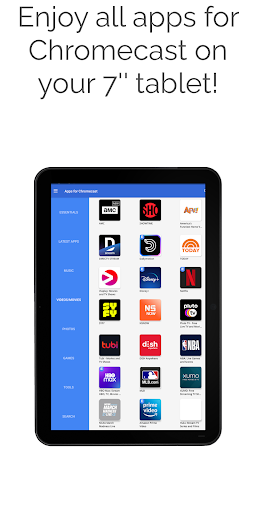
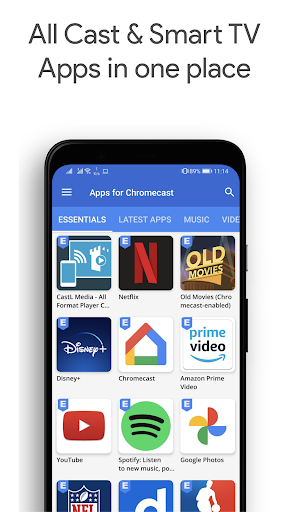
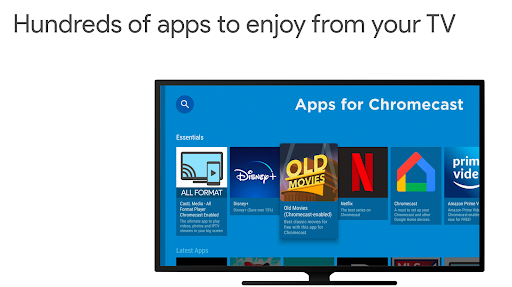
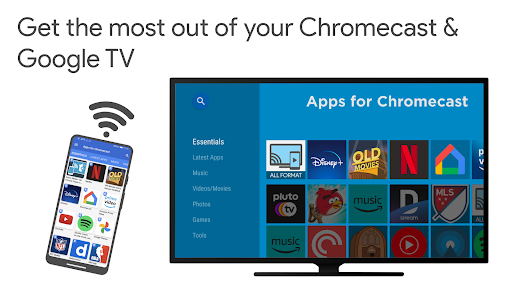
Chromecast Android TV Apps is actually a multi-functional mobile app specifically designed to make your media streaming smoother. Suitable for Android phones. It allows you to easily post content on Chromecast and Android TV. To be honest, it is quite practical. It is basically a quick launcher that allows you to quickly find your favorite programs and news. This software is simple and convenient, and is particularly intuitive to use. It is very worry-free to handle media sharing and organizing.
Overview
core feature
- This app can seamlessly project content from your phone to Android TV or Chromecast-supporting devices, making sharing content particularly easy and enjoyable.
- The interface is very intuitive to use, and you can quickly find your favorite news and magazine content on the front page without having to touch it, which is super convenient.
- The real-time synchronization function ensures that your preferences and content are updated at any time, and you can enjoy a consistent experience no matter which device you are on. It's quite considerate.
- Supports offline download function, so you can store content in advance if you want to watch it, and you don't have to worry about enjoying it when you don't have the Internet. It is extremely practical.
- Rich in functions, such as remote control operation, simple operation, and considerate content recommendations, enhancing the overall user stickiness.
- Never disturb advertising, focus on high-quality content, and the user experience is great, making you have fun and peace of mind.
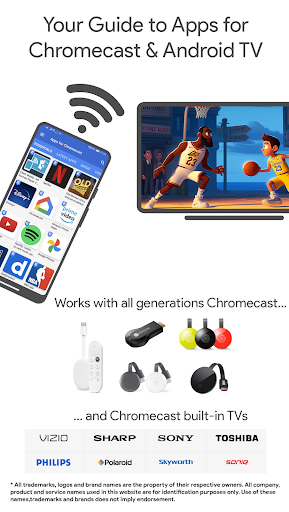
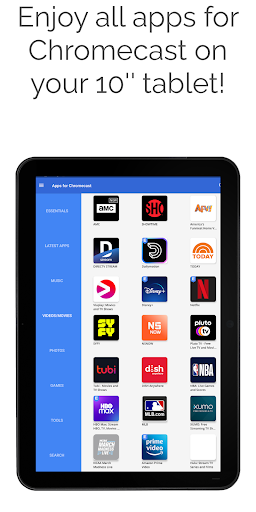
- Compatible with various devices, it is reliable and multifunctional. It is both a news aggregator and a treasure of entertainment. It is super practical.
Who is this App suitable for?
This mobile app is especially suitable for people who like to read news or magazines and like to access content anytime and anywhere on Android TV or mobile phones. Users over the age of 15 can easily get started. If you want it to be easy to use, get information or entertainment while reading, this is it!
Whether relaxing at home or away from home, as long as you want a convenient launcher to concentrate news and media content on your fingertips, this app will definitely meet your needs and make the overall experience smoother and more intimate.
Why choose this App
The advantages of this Android application can be seen at a glance. The user interface is super friendly and various functions are comprehensive, simplifying the process of obtaining content. It's a reliable choice to help you achieve a smooth, personalized multimedia experience.
It combines real-time synchronization, offline downloading and a dedicated launcher environment to effectively solve the worries of media sharing and content organization. It is so good on the market that it is certainly worth a try!
Top Recommended Alternative
Pros & Cons
Pros
-
Seamless screen projection experience
-
Intuitive and friendly interface
-
Wide range of support
-
Fast connection speed
-
frequently updated
Cons
-
There is no matching App, Chromecast has limited functions
-
Occasionally the connection will be disconnected
-
Screen mirror response is slow
-
There are a little few advanced settings
-
The application is large and takes up space
Advertisement
Download Apps for Chromecast & TV
FAQ
Is the Chromecast & Android TV Apps safe to use? +
Don't worry, there is no big problem with downloading Chromecast & Android TV Apps from official channels such as the Google Play Store. It has gone through security testing to ensure your safety and privacy.
Rememberto keep the software updated. The latest version always includes fixes and new features, which makes it more reliable to use and better protect your personal information.
How do I install the Chromecast & Android TV Apps on my device? +
It's quite easy to install this Android application. You just need to open the Google Play Store and search for the app name to find the official version. The advantage of this app is that it is easy to install and connects smoothly to your Chromecast or Android TV.
If you use a mobile phone, remember to make your device meet the minimum requirements so that the experience will be better.This launcher is designed to adapt to various Android versions and is easy to use.
What are the main app features of Chromecast & Android TV Apps? +
This app is quite feature-rich and can greatly enhance your media streaming experience. You can directly use your mobile phone to cast content on Chromecast or Android TV, making it super convenient to swipe a drama, listen to songs, and watch beautiful photos.
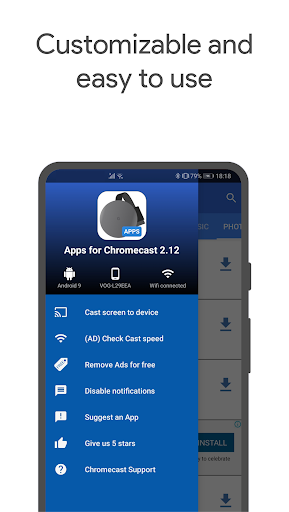
Theinterface is intuitive and allows you to manage connected devices and customize your streaming preferences. As a popular starter, it is easier to operate, the controls are much more convenient, and it is easy to use.
Does the Chromecast & Android TV Apps support multiple devices? +
Of course, this app supports multiple device connections, allowing you to easily switch between different Chromecast or Android TV devices, making it especially suitable for situations where you have several streaming devices at home or in the office.
Itsfunctions include managing multiple connections, ensuring streaming stability and improving the overall experience. It is compatible with various device types and makes its role as an initiator more flexible and practical.
Can I use the Chromecast & Android TV Apps on different operating systems? +
This app is mainly designed for Android devices. It has particularly good connectivity to Chromecast and Android TV hardware, runs smoothly and has stable performance. However, there is no iOS version yet, but you can experience similar features on different systems with other supported apps. Remember to keep the equipment system up to date, so that not only the performance is good, but also the security is guaranteed.
Customer Reviews
Users generally praise Apps for Chromecast & TV for its beautiful design, ease of installation, and reliable performance. Many describe it as excellent, working perfectly, and meeting expectations. However, some critical issues emerge: while the app is straightforward, some users find it cannot be adjusted easily and lacks a screen mirroring feature. Advertising is a common complaint—though the app is useful, it contains quite a lot of ads. Language support is another pain point, as it is only available in English. Pricing confusion also appears: one user questions why a supposedly free account requires a €33.50 payment every 14 days. Additionally, casting functionality has reportedly been removed without warning for some users. Overall, the app offers a solid experience for many but has notable drawbacks in features and monetization.
Write a Review
Share your experience with Apps for Chromecast & TV. Submissions are reviewed before publishing.
You Might Also Like
More apps you may want to try next.