
Cast to TV, Chromecast & Roku
Advertisement
Screenshots
Advertisement
About Cast to TV, Chromecast & Roku
Putting mobile content on your TV, Chromecast or Roku is an artifact that can instantly upgrade your entertainment experience! This Android app is particularly easy to use. It can easily realize screen mirroring and media delivery, and the connection is as smooth as a plug-in. Its interface is super intuitive and stress-free. Whether you are a casual player or a technology addict, you can quickly meet your screen projection needs. This APP is also very powerful, ensuring that you can use it smoothly and not get stuck. Come and try it!
Overview
core functions
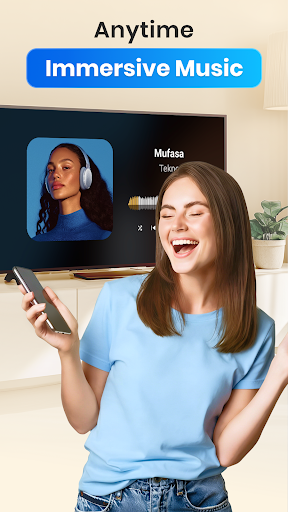
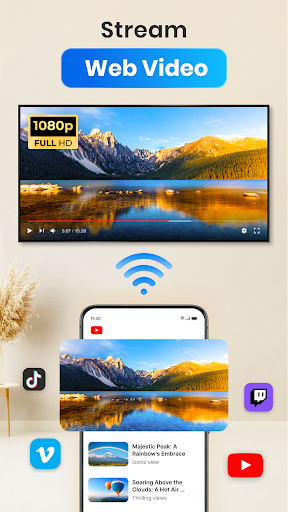
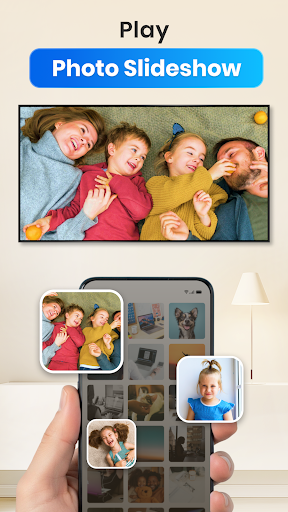
- You can easily project videos, photos and music from your phone to your TV seamlessly, and the picture quality is excellent.
- It also brings a simple launcher to connect to an Android device and has no pressure on the external screen.
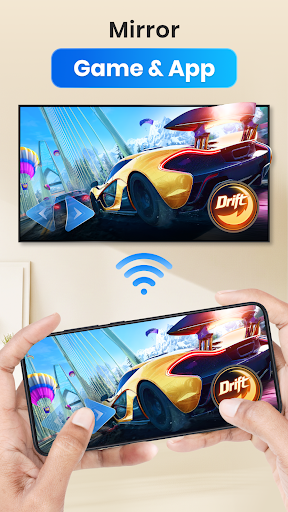
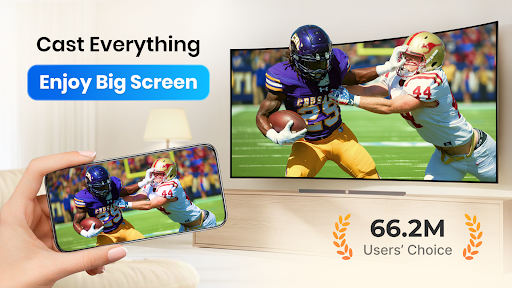
- Support real-time screen mirroring, the picture is particularly smooth, and it is very smooth to make presentations, play games or watch dramas.
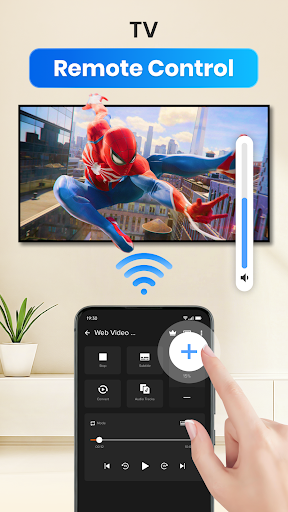
- It has rich functions, such as automatic device discovery and automatic connection, which is really convenient to operate.
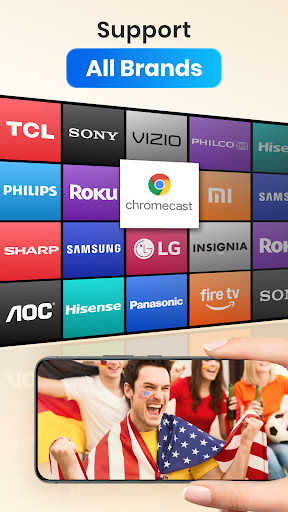
- Supports multiple streaming media platforms like Chromecast and Roku, and has strong device compatibility.
- You can also use offline mode, so you can still watch it when the network is disconnected. What a thoughtful little design.
- The settings can also adjust the video quality, adapt to different TV and screen sizes, and optimize the experience.
Who is suitable for?
This mobile app is especially suitable for those who are technology-savvy, home users or friends in various offices who want to easily put content on the big screen. No matter your age, you can try a reliable screen projection software if you want.
Whether you are a student sharing a PPT or a family chasing a drama at home, this APP-based solution is quite reliable, with fast connections and no trouble. Supports the use of Android and smart TV together, and is a small helper in daily life and work.
Why choose this?
The highlight of this Android app is its intuitive interface and powerful features, allowing you to easily connect devices without trouble. Its operating experience is particularly smooth and screen projection becomes super simple.
Combining the support of popular streaming media platforms with attention to user needs can solve many minor troubles encountered during the screening process. Careful design and stable performance make this starter the artifact of choice to enhance the home entertainment experience.
Top Recommended Alternative
Pros & Cons
Pros
-
Super friendly interface
-
Wide equipment support range
-
Smooth streaming experience
-
All multimedia types are supported
-
completely free
Cons
-
There are few customization options
-
Occasionally the connection will be disconnected
-
Old equipment responds slowly
-
Official documents are not detailed enough
-
Poor compatibility among individual applications
Advertisement
Download Cast to TV, Chromecast & Roku
FAQ
Are Cast to TV, Chromecast and Roku safe on my devices? +
Of course, Cast to TV, Chromecast and Roku are quite reliable mobile apps that many people use and are quite trustworthy. Just like all apps, remember to download them from official channels, such as the Google Play Store, to be assured.
Itfollows security standards and has privacy policies to ensure that there are no major issues with your data security. Don't forget to keep the software updated so that you can use the latest security features and fixed bugs, and the experience will be more secure.
How do I install Cast to TV, Chromecast and Roku on Android devices? +
It's quite simple. Just search for "Cast to TV, Chromecast and Roku" on the Google Play store, and then follow the prompts, and it will be done in a few steps. The process is very fast and not complicated.
Thisapp is actually a screen-casting launcher that allows you to easily cast content on your TV. The interface is very friendly, the installation is smooth, and it is easy to care how to cast media.
Are Cast to TV, Chromecast and Roku suitable for all smart TVs? +
Most smart TVs that support Chromecast or Roku can use this APP, which is quite convenient. However, some older models may have limited functions or require additional settings.
Tohave fun, remember to upgrade the TV firmware. This APP provides a simple way to project screens, and no matter what brand or model of TV you have, you can use it quite easily.
Can I still use Cast to TV, Chromecast and Roku without Internet access? +
It can be done on many occasions! As long as the device and the TV are on the same Wi-Fi network, this app can cast video and audio from the phone to the TV without requiring a connection.
Butif you want to watch something directly online, you need to have a network. This software is cleverly designed to ensure that the experience is as smooth as possible whether online or offline.
Can Cast to TV, Chromecast and Roku be used on mobile phones and tablets? +
Of course! This app supports Android phones and Android tablets. The interface is very suitable for various screen sizes and is easy to use.
Whetheryou use a small mobile phone or a large tablet, this software is designed to be very intuitive, making it simple and convenient for you to screen projection, and the user experience is great.
What are the main features of Cast to TV, Chromecast and Roku? +
It has many functions, such as screen mirroring, media streaming, and the ability to cast videos from your mobile phone on TV. Supports a variety of screen projection devices, such as Chromecast and Roku, which is a practical launcher application.
Theinterface is simple and the connection is stable. Whether it is watching videos, listening to music or displaying photos, it is smooth. It's really a practical tool for home entertainment and it's worth a try.
Are Cast to TV, Chromecast and Roku free? +
Yes, it's free and has no payment options. It's quite practical. Many core functions are easy to use, and you don't have to worry about spending money.
Ofcourse, some advanced features or ad-free versions may need to be purchased in-app, but the main features are free to use and are cost-effective, suitable for friends who want to use screen projection.
How to deal with common problems? +
If you can't connect or get stuck, make sure your phone and TV are on the same Wi-Fi first. Rebooting the device can usually solve most problems.
Youcan also check in the store to see if your app has an updated version, which will fix bugs and improve performance. Or check the user guide and online forums, and sometimes you can find good solutions to help you solve your problems.
Customer Reviews
Users widely praise Cast to TV for its ease of use, smooth interface, and reliable performance—especially on Roku TVs, with many reporting automatic connection and flawless operation. However, opinions diverge on key areas: "Functionality & Reliability": While most find it works as intended and love the free experience, others encounter persistent connection failures, device detection issues, or are forced to uninstall the app to stop a stream. "Ad Experience": Although some appreciate the free model, a significant number criticize overwhelming, intrusive ads that hinder usability, especially after updates—leading some to warn against upgrading. "Device Compatibility": It works well with Roku, but some users report it fails on non-Roku TVs (e.g., RCA) or only displays in small landscape format. Overall, the app delivers strong basic features, but ad frequency and sporadic compatibility issues draw mixed reactions.
Write a Review
Share your experience with Cast to TV, Chromecast & Roku. Submissions are reviewed before publishing.
You Might Also Like
More apps you may want to try next.




