CarLink - Car Play Connect
Advertisement
Screenshots
Advertisement
About CarLink - Car Play Connect
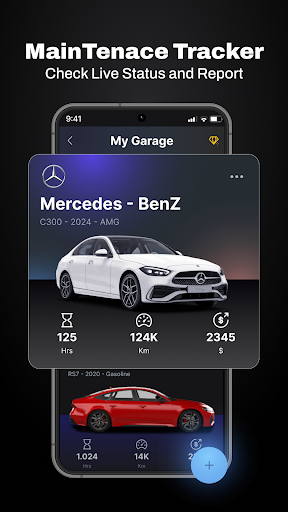
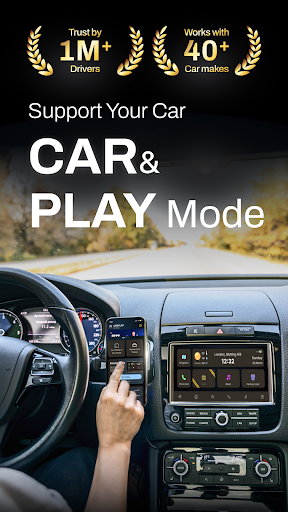
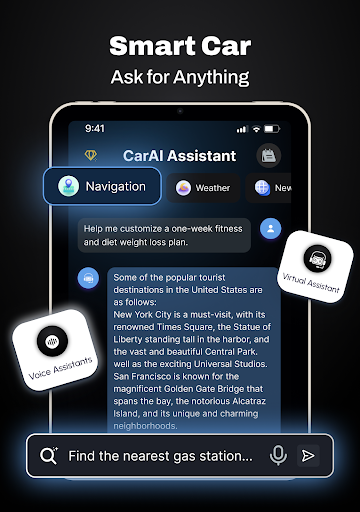
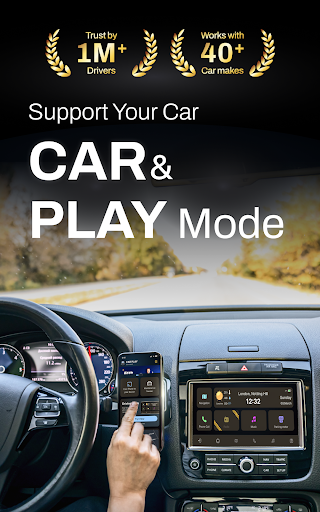
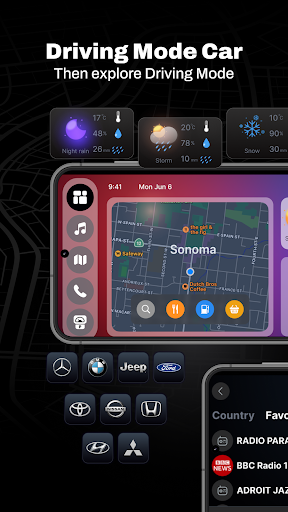
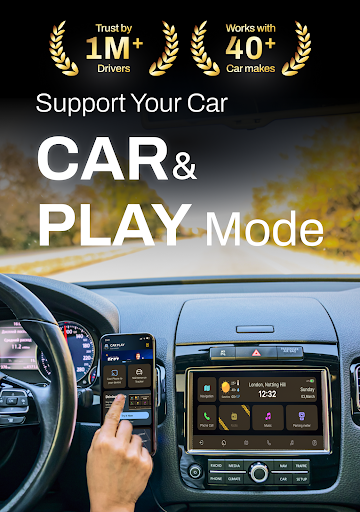
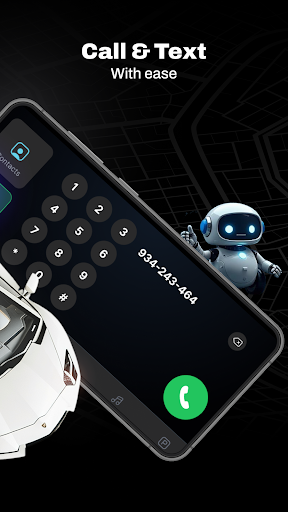
CarLink: MirrorLink Car Play is really a powerful Android app designed to enhance your entertainment experience and connection in the car.& This application-based solution is really convenient. It can be projected from the mobile phone screen to the car display. Driving is no longer so troublesome, and it is safer and more worry-free. Its interface is quite friendly, easy to use, and reliable functions. It turns your car into a smart and tightly connected space, and allows friends who like to seamlessly integrate mobile phones and cars to enjoy a better application experience. It feels very intimate.
Overview
core feature
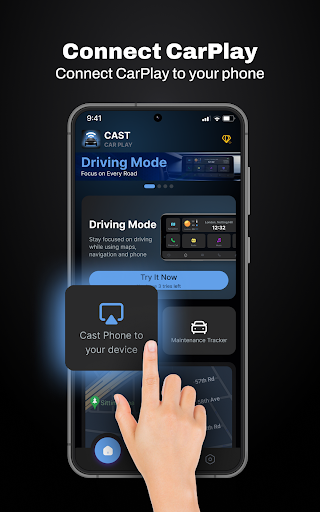
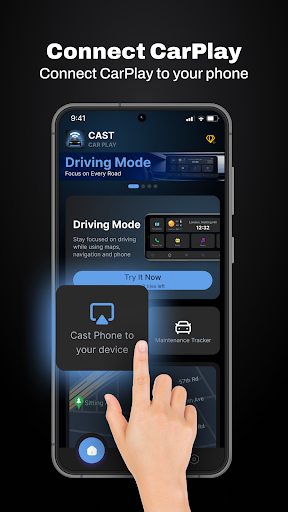
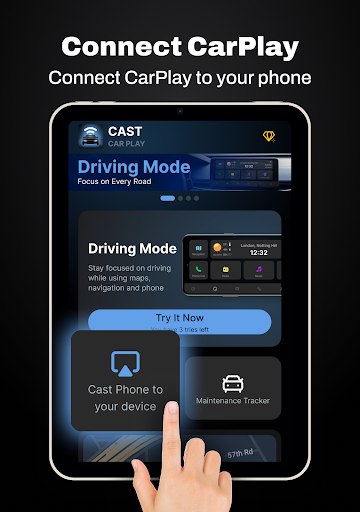
- This app can seamlessly connect MirrorLink and CarPlay, and can instantly connect to supported cars. It's so exciting!
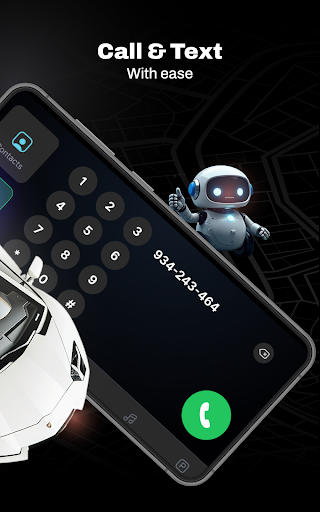
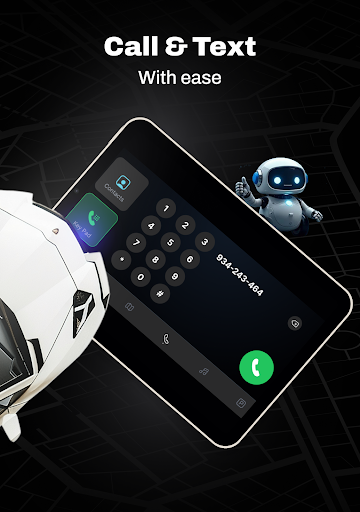
- Support real-time synchronization of notifications, phone and media controls, making it extremely comfortable to use while driving, and the experience is much improved!
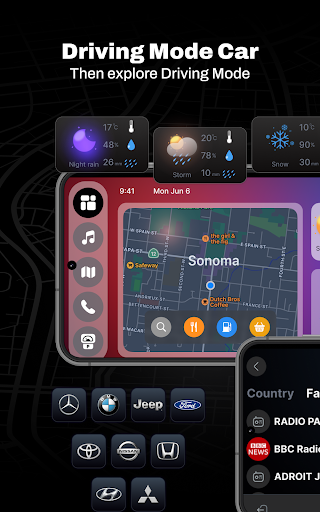
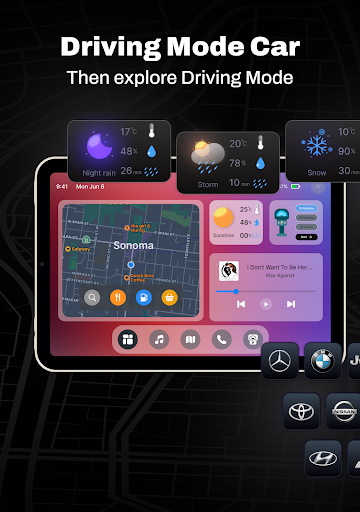
- The launcher with an intuitive interface is very convenient and you can easily find your favorite apps and various functions. It is so considerate!
- You can also adjust the settings yourself, personalize the display effect, make navigation and entertainment control easier, and use it without pressure!
- Support offline mode, you can still use it without the Internet, and the functions are not discounted, so you can have a worry-free journey!
- It is very convenient to quickly switch connected devices, and multiple vehicles and multiple devices are handled in an orderly manner during driving!
- Pay special attention to safety design, the interface operation is simple, and it will not distract you. It is a smart solution specially designed for driving safety!
Who is suitable for?
This mobile app is especially suitable for those who like to drive and love cars. They want a smart and reliable way to bring the wonderful experience of their mobile phones to the car. Especially friends who use Android devices will find it particularly convenient and efficient!
Whether you are commuting frequently, driving long distances, or users who prefer hands-free operations, this app can make your driving safer and more convenient, easily control various apps and media in your hands, and enjoy a better journey!
Why choose this app
This Android app provides a trustworthy experience, with various vehicle-connected functions that are reliable. The interface design is very friendly, and real-time synchronization is a highlight, making it stand out among launcher apps. The experience is really great!
It solves many in-car connection troubles and provides a simple and reliable solution that not only improves the sense of security, but also makes the operation more comfortable and easier to use. I believe this app will make you smooth and connected every time you travel!
Top Recommended Alternative

Pros & Cons
Pros
- Seamless MirrorLink and CarPlay integration
- Ultra-wide device compatibility
- The operating interface is super intuitive
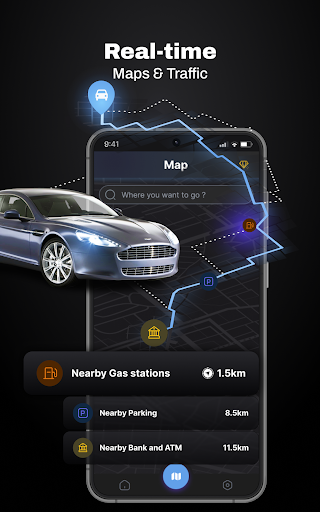
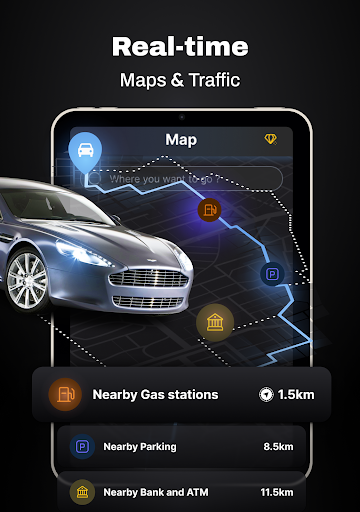
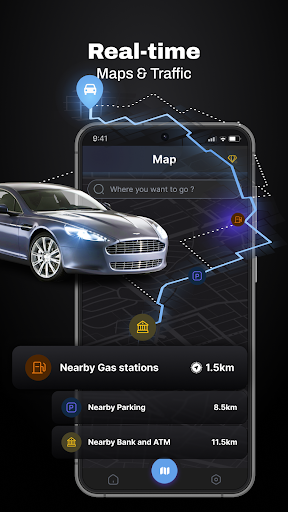
- Real-time navigation will show
- Custom settings are very considerate
Cons
- It's a little annoying to get disconnected occasionally
- Some APP support is not very good
- Newbies are a little slow to get started
- Some functions require a stable network
- Beta version is not stable enough
Advertisement
Download CarLink - Car Play Connect

FAQ
Is CarLink: MirrorLink & Car Play safe to use on my Android device?+
Of course, CarLink: MirrorLink Car Play itself is designed for safety reasons. It is a very reliable application. It uses standard protocols to connect to your car's system, and data and everything are quite guaranteed. Remember to download apps from official stores and avoid unsafe channels to feel more at ease.
As an experienced developer, I know that this software uses encrypted connections and will push updates regularly to patch those vulnerabilities. This solution is to make it safe and stable when you put the Android screen into the car, so it will be more practical to use it.
How do I install CarLink: MirrorLink & Car Play on my Android phone?+
It's really not difficult to install this app on an Android phone. Open the Google Play store, search for CarLink: MirrorLink Car Play, and then click on install. It communicates with the system in the car via Bluetooth or Wi-Fi, depending on your settings.
If you plan to use it as a main starter or as a mirroring solution, also make sure your car supports mirroring link technology. This APP has a detailed setting guide, which is fast and easy to use. You don't have to worry about anything going wrong. It's quite worry-free.
Is CarLink: MirrorLink & Car Play compatible with all car models?+
Most of this software supports the latest Android-supporting MirrorLink or CarPlay cars, but whether it can be used depends on your car logo and model. It's best to check your car specifications in advance. It supports a variety of devices and is easy to use. It is a quite versatile mirroring connection solution.
For older cars, some functions may not be available. After all, software updates are also being continuously optimized. If you are not sure, check the official compatibility list or ask your car factory to help you determine whether it matches.
Can I use CarLink: MirrorLink & Car Play without an internet connection?+
Yes, as long as you install and set up this app, you can use it offline. If you want to project screens or use some of the applications inside, you can basically not use the Internet, which is especially suitable for use in places with poor Internet.
This solution mainly relies on local Bluetooth or Wi-Fi Direct connection, and basically works normally without networking. Of course, if you want to update apps or back up cloud content, you may have to connect briefly. In short, there is no problem in completing basic functions offline.
What are the main app features of CarLink: MirrorLink & Car Play?+
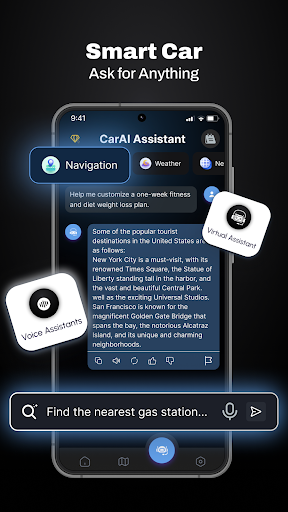
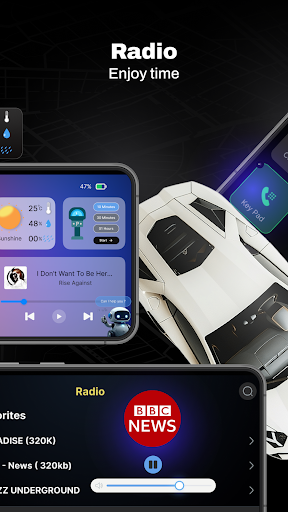
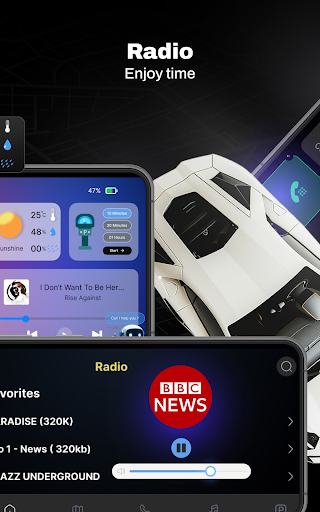
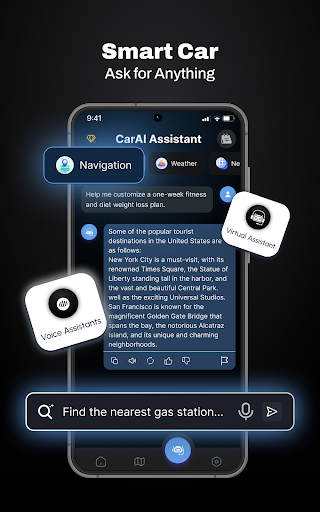
This Android app can help you directly project your phone screen to the in-car system, making it easy to operate. It supports hands-free control, is easy to connect and set up, and is compatible with various models. The exciting thing is that it can also be used to play music, navigate, etc., and the experience while driving is greatly improved.
The design is quite intuitive. As a launcher application, you can easily and quickly find your favorite apps and content. These features combine to make CarLink: MirrorLink Car Play a reliable in-car entertainment and convenience solution that is worth a try.
You Might Also Like
More apps you may want to try next.