
Canvas By Instructure
Advertisement
Screenshots
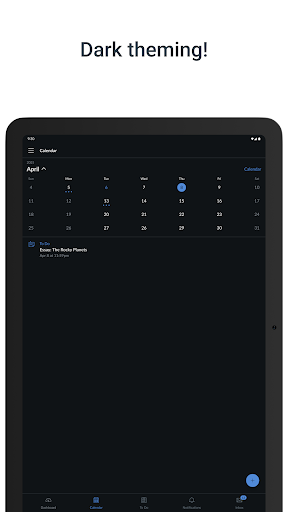
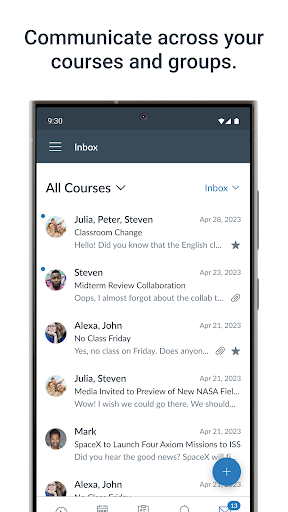
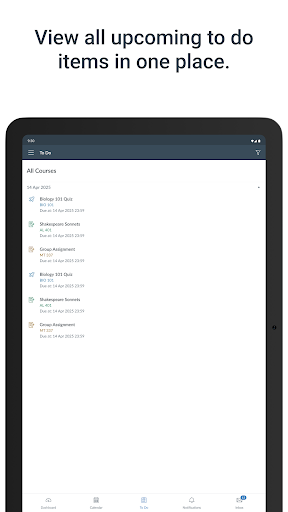
Advertisement
About Canvas By Instructure
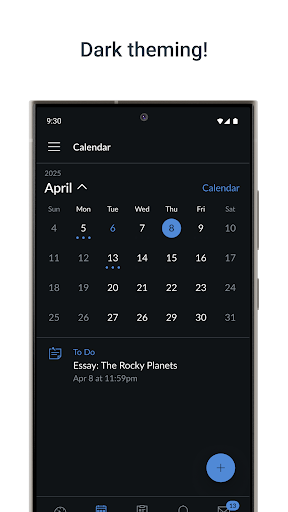
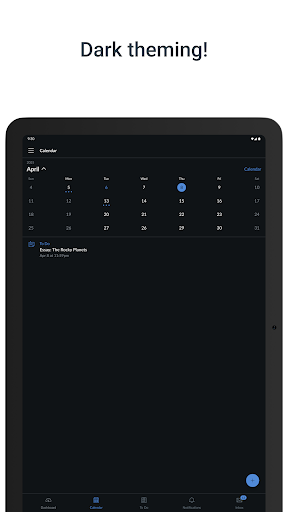
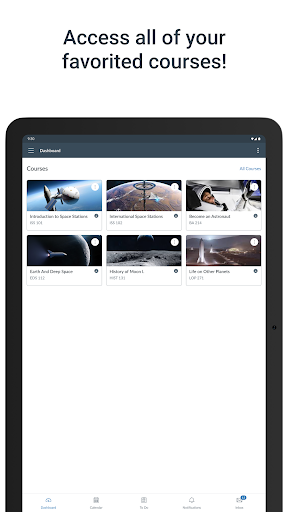
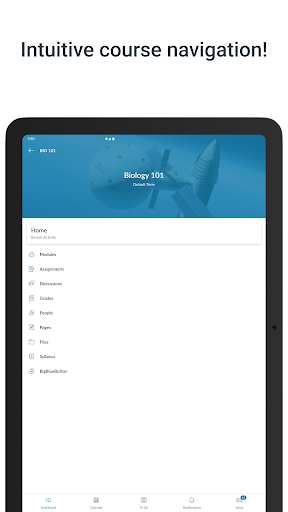
Canvas By Instructure is a powerful educational application. It is designed to be very user-friendly to make learning and teaching smoother. It allows students and teachers to easily find course materials, homework and grades. It is easy to operate and can manage academic content anytime and anywhere. As an application that everyone trusts, it hopes to make communication smoother and improve teaching effectiveness. It is suitable for various schools and training institutions, and it feels quite reliable.
Overview
core functions
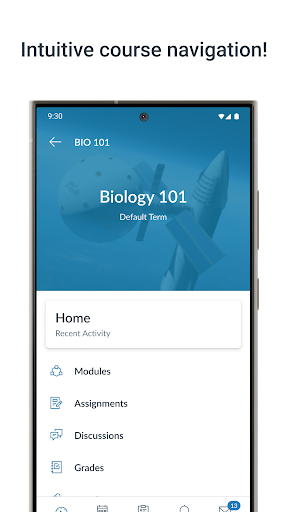
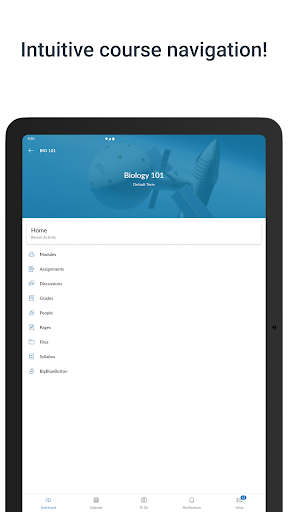
- The interface is super intuitive, and students and teachers feel comfortable using it, and the entire operating experience has become much easier and more enjoyable.
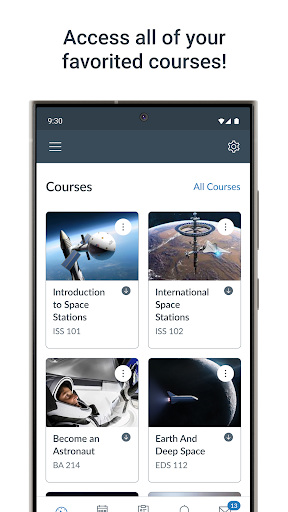
- Course content, grades, homework, etc. can be synchronized in real time, and the information is always kept up to date to avoid falling off the chain.
- Support offline mode, so that even if there is no Internet, you can still flip through data and hand in homework, which is so convenient that you don't need it.
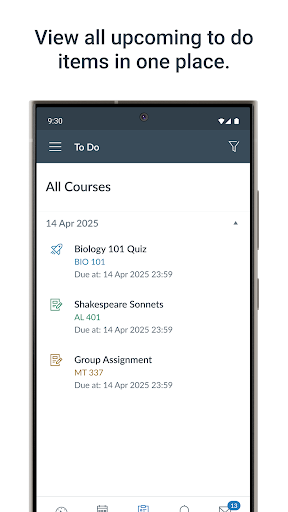
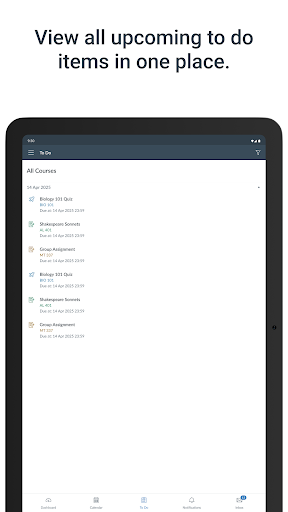
- It has quite comprehensive functions, such as reminding of upcoming tasks and class announcements, so that everyone can know important things in time.
- Seamless connection with other teaching tools to create a complete learning management system. To put it bluntly, it is a one-stop service.
- The course layout and content can be freely deployed, and teachers can customize it according to the actual situation of their own class, making the use more considerate.
- We also take into account the needs of different students and add some barrier-free designs, which are reliable, inclusive and quite humane.
Who is this app suitable for?
This mobile app is especially suitable for students, teachers and various educational institutions. Anyone who wants to find an easy-to-use and reliable learning management tool can try it. No matter how old you are, as long as you need a stable Android digital classroom helper, this model can help you get it.
Whether it's managing course content, grading homework, or really communicating with students, this application can be done properly. It is quite suitable for teachers who have a busy schedule and students who love using technology. It will save you a lot of trouble.
Why choose this app?
This Android app is quite functional and aims to improve the teaching process and increase efficiency. Its easy-to-use interface and stable performance make it stand out among many similar products, and it is worth a try.
Providing real-time updates, offline access and seamless integration has truly solved some long-standing problems in teaching. If you want to find a good helper who can really support teaching and student learning, this one is definitely right!
Top Recommended Alternative

Pros & Cons
Pros
- user-friendly interface
- Comprehensive course management
- Mobile compatibility
- Support third-party tool integration
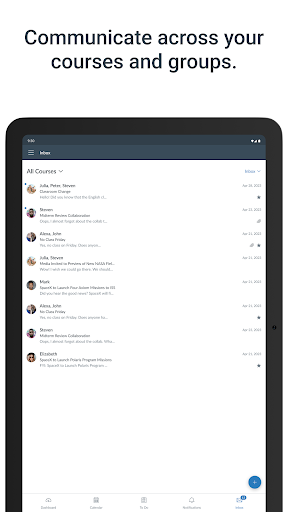
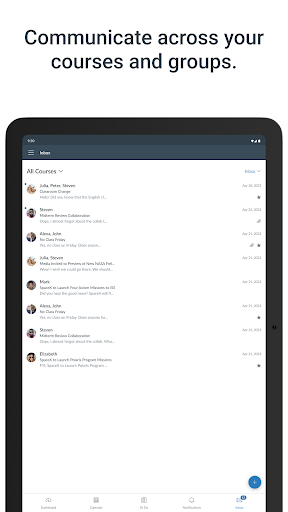
- Powerful communication functions
Cons
- Occasional synchronization delay
- Limited customization capabilities
- Restricted offline access
- Newbies need time to adapt
- Occasionally break down
Advertisement
Download Canvas By Instructure


FAQ
How do I log in to Instructure's Canvas on my mobile phone?+
Getting started with Instructure's Canvas mobile app is actually easy. Just click open, click login, and then enter your school account number. Don't forget to connect to a stable network so it will be smoother to use.
ThisAndroid application supports multiple login methods, such as single sign-on, if this feature is enabled in your school. As soon as you log in, you can see your courses, homework and notices, all in one place, which is so convenient.
Will Canvas using Instructure reveal my personal information?+
Absolutely not! Canvas is provided by Instructure. It is a well-known application that is used by many schools and is quite reliable. It adopts strict security measures to protect your data, ensure your privacy, and is safe to use.
Andit will be updated regularly to enhance security and ensure that your information is not leaked. This allows students and teachers to use it with peace of mind and feel that this App is quite worth relying on and feels full of security.
After I install this App, can I access content on Canvas offline?+
Yes, this app supports some offline operations. For example, you can download course materials and homework in advance and view them online anytime when not in use. This is especially convenient when you are away from home or where the signal is not very good.
Youcan synchronize the course content in advance and download relevant documents, so that you can use it smoothly whether online or offline. It's designed quite thoughtfully, just to make it work smoothly, regardless of whether you have the Internet or not.
What are the main functions of Canvas By Instructure?+
This mobile App for learning is quite functional. You can check your grades, submit homework, participate in discussions, receive notifications, etc., and you can do it on it.
Theinterface is very friendly and easy to operate. You can easily switch courses and find the required information. Overall, this is an all-round educational App that meets various learning and teaching needs.
Does this Canvas Android version support all devices? How do I install it?+
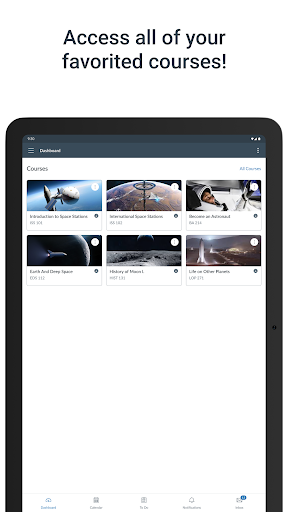
Basically, the Android version of Canvas works on most phones and tablets. You can go to the Google Play store to search and download. The steps are also very simple. Just follow the prompts and click.
Thislauncher app has no special settings. You can use it just log in to your school account. As long as the equipment is compatible, you can basically enjoy all its functions smoothly, which is quite convenient.
Are Canvas apps updated frequently? How do I know if the version I use is the latest?+
The app will be updated from time to time to improve security, add new features, or fix vulnerabilities to ensure your experience is safe and efficient. You can check for updates in your phone's app store and you will be alerted for updates.
Keepingthe app updated will allow you to use the latest features and have a smoother experience. It is definitely a safe choice, making daily learning more convenient and more secure.
Can I adjust my notification settings in the Canvas mobile App?+
Of course! You can customize the notifications according to the way you like and choose the reminders you want to receive, such as new grades, discussion responses, upcoming homework, etc.
Thisfeature keeps you from being upset by a bunch of notices, and keeps you informed of the important developments of all courses in time, ensuring that you are up-to-date with the latest situation as soon as possible and the experience will be more intimate.
Is Canvas By Instructure suitable for students and teachers?+
Absolutely suitable! This App is designed to be both convenient for students and good for teachers. Students can easily view courseware and submit homework, and teachers can easily manage homework and communicate.
Theinterface is intuitive and the functions are comprehensive. Both students and teachers feel that this is a trustworthy all-in-one education platform that is easy to operate and practical.
Customer Reviews
Users praise Canvas by Instructure for its smooth user experience, intuitive design, and reliable performance, making it a favorite for organizing coursework and staying updated on assignments. Many highlight its convenience for daily tasks and appreciate the centralized storage for classes and materials. However, opinions diverge on functionality: some enjoy full access to features, while others find the mobile app lacks about 90% of website capabilities, missing grade reports, room booking, and reliable submission tools. Performance is another mixed area—several users report fast loading and bug-free operation, yet others experience excessive delays (over 30 seconds), repeated login prompts, and a cycle of Okta verification that renders the app unusable on certain devices. Login issues are frequently cited, with some unable to access their accounts at all. Despite these drawbacks, many still consider it a top educational platform, though a vocal minority argue it's no better than using a browser.
Write a Review
Share your experience with Canvas By Instructure. Submissions are reviewed before publishing.
You Might Also Like
More apps you may want to try next.