
Calendar Planner - Agenda App
Advertisement
Screenshots
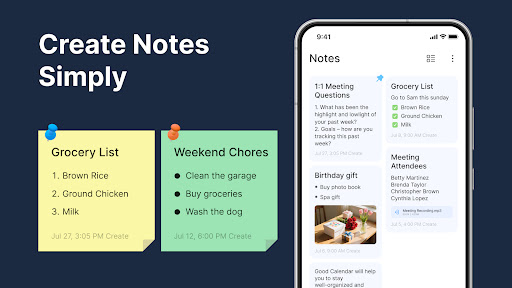
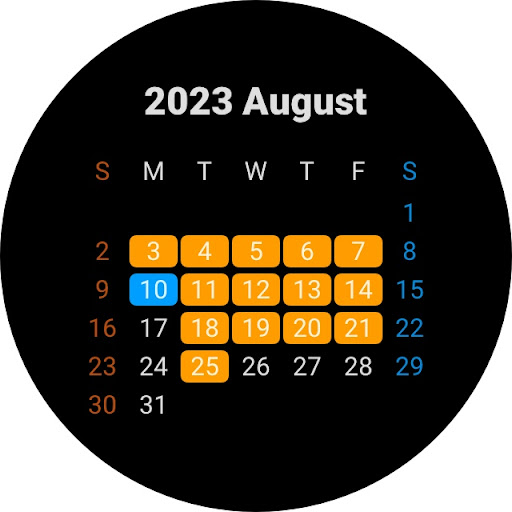
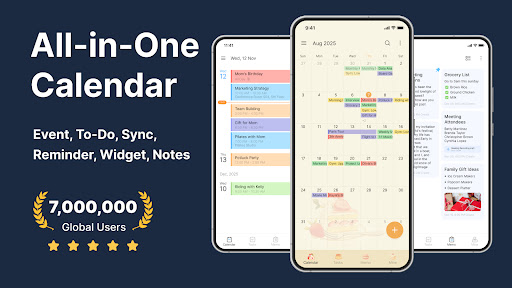
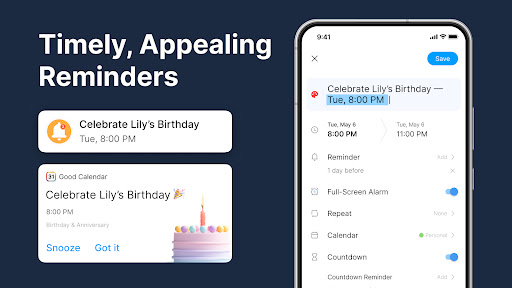

Advertisement
About Calendar Planner - Agenda App
Overview
core functions
- The calendar with a very intuitive interface allows you to easily arrange schedules and quickly complete events with a click. It takes just a few operations to complete it.
- Synchronization is super fast, ensuring that your appointments are synchronized on all devices immediately, without worrying about falling behind information, and the experience is super smooth.
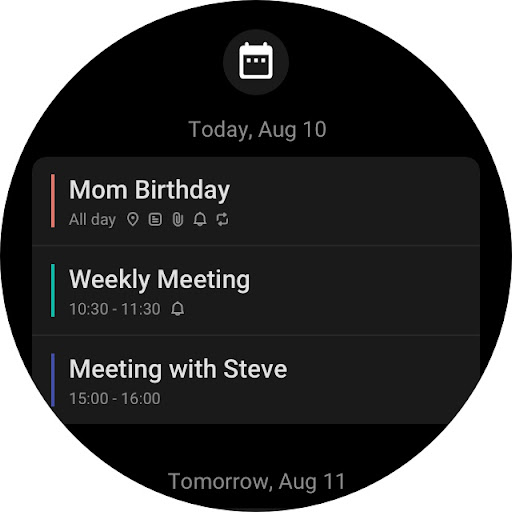
- Reminders and notices can be customized to help you keep track of deadlines at any time and never miss important things.
- After offline mode is turned on, you can still browse and edit calendars without having to connect to the Internet. It is a very reliable application solution.
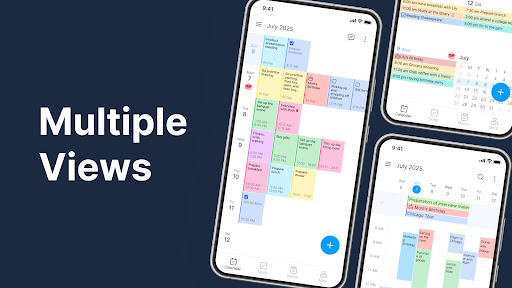
- Support multiple views, such as day, week, and month, flexibly arrange and plan your life the way you like.
- Powerful search function, you can find the event or appointment you want with just one search keyword, no longer having to search for a long time.
- The Android version is designed to be light and runs smoothly without causing your device to get stuck. It saves resources and is practical.
Who is this App suitable for?
This mobile app is especially suitable for busy professionals, students, and anyone who wants to organize their schedules efficiently. If you like apps that are simple to operate and reliable to use, it is just what you want.
Especially for those who have to cope with complex daily schedules or manage multiple calendars every day, providing an application that can help you control your plans anytime, anywhere can be a huge help!
Why choose this App
This Android app is user-friendly and powerful to help you make your schedule easy. Its stable performance and offline access capabilities will make you love it, making it the first choice for finding a reliable calendar tool.
Choosing it means choosing a good helper that improves efficiency and reduces scheduling troubles. The functional design is close to real use scenarios and is a trustworthy practical tool in daily life and work.
Top Recommended Alternative

Pros & Cons
Pros
-
intuitive user interface
-
Powerful synchronization function
-
Customizable reminders
-
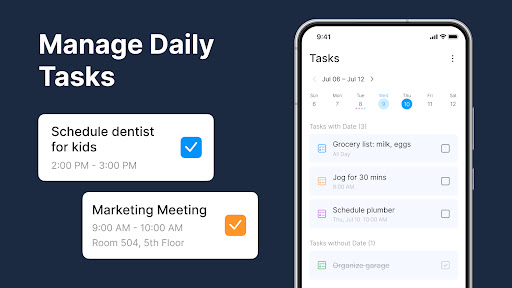
Integrated task management
-
Smart scheduling advice
Cons
-
Limited export formats
-
Occasionally synchronization will be a little delayed
-
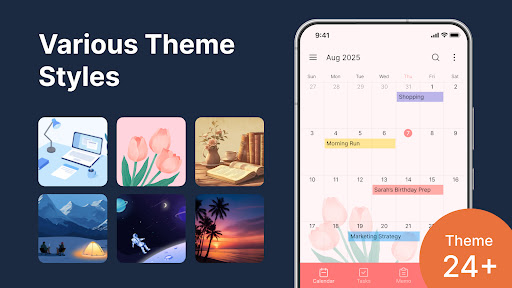
Less theme customization
-
Free version has ads
-
Advanced features have learning costs
Advertisement
Download Calendar Planner - Agenda App
FAQ
Calendar Planner-Is the Agenda App safe to use on my device? +
Of course, this calendar planner-agenda App was designed with user security and privacy issues in mind. It will be updated regularly to ensure that safety standards are not dropped, so you can use it with peace of mind. It is a very reliable productivity tool.
Andit can be found on official platforms, so you can completely trust its security. As long as you download from official channels and don't use unreliable third-party stores, you can avoid any security risks and enjoy a safe experience.
How do I log in to this App and manage my schedule? +
It's actually quite easy to start using this calendar planner-Agenda App. As long as you register an account inside or log in with an existing account, the operation will be smooth and cross-device synchronization is also supported. The whole experience is particularly smooth and you don't have to worry about the cumbersome operation.
Itsmain features include easily synchronizing your calendar content, giving you the convenience of viewing and editing events anytime, anywhere on your Android phone. The interface design is also quite intuitive and user-friendly, making it easy to get your schedule done at all.
Can this app be used offline? Or is it synchronized with multiple devices? +
Of course, this Calendar Planner-Agenda App supports offline use. You can view and edit your calendar without using the Internet, but once you're back online, it automatically syncs all your changes to ensure that your data is always up to date.
Thissolution is especially suitable for users who frequently change locations or whose networks are unstable. The reliable synchronization function makes you feel very secure. And it's easy to use, so it's really a good productivity assistant choice.
What are its special features that can make it different from others? +
Its highlights are its clean interface, easy to operate, the ability to customize various views, and it has task management tools to help you arrange your schedule reasonably. Reminders and notification functions are also good, helping you keep track of the day's schedule at all times.
Everyonethinks it is easy to use, especially when it combines calendar plans and task lists well, and it is very comprehensive to use. These features make this Calendar Planner - Agenda App a reliable helper for managing daily and work tasks.
Is this app suitable for personal and work scenarios? +
Absolutely no problem! This Calendar Planner-Agenda App is designed to be quite flexible and more than enough to handle personal schedules, appointments, activities, or meetings and deadlines at work. Rich features are combined into a multi-purpose tool suitable for all types of users.
Ifyou're looking for an Android App that can help you organize your daily plans, this will definitely allow you to experience a stable and reliable sense of use. No matter how many your needs are, you can see that it is powerful enough to help you stay organized and clear.
Can I customize this App to make it more suitable for my specific arrangements? +
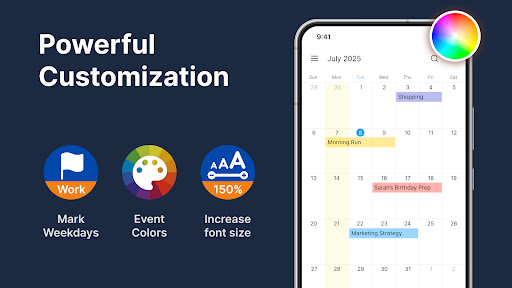
Of course! Customization is a big advantage of this calendar planner-Agenda App. You can define your own views, set colors, and organize events, and adjust them completely according to your habits. It is particularly convenient and considerate to use.
Thisflexibility makes it a tool that is friendly to users who want more control. The interface design is very user-friendly and non-difficult, and it can easily help you create a personalized scheduling system.
What should I do if I encounter problems or need technical support? +
If you encounter problems, I suggest you go to the help center in the app first, or check the FAQ on the support page of the official store. Many common problems can be solved here or by updating software.
If it doesn't work, contact the developer directly and get professional help.The service team of this app on the platform is quite reliable, all to make users feel comfortable, so don't worry if you have any problems, someone will help you solve them.
Customer Reviews
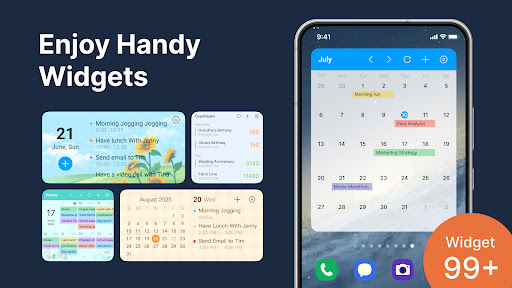
Calendar Planner - Agenda App is generally praised for its clean, intuitive layout, color coding, and useful widgets that help users stay organized. Many appreciate its powerful scheduling features, customizable reminders, and seamless synchronization across devices. However, there are notable concerns: the app heavily promotes a paid subscription, with intrusive upgrade ads and a pop-up that appears after phone calls, which some find irritating. While some users find the free version usable after dismissing the subscription page, others report that key features like readable agenda widgets are locked behind payment, making the free experience frustrating. Additionally, a few users experienced iCloud sync issues post-update, though a subsequent fix resolved this. Notifications also have a bug where a 6 AM reminder switches to 6 PM. Despite these drawbacks, many still consider it an excellent and highly recommended productivity tool.
Write a Review
Share your experience with Calendar Planner - Agenda App. Submissions are reviewed before publishing.
You Might Also Like
More apps you may want to try next.



