FamiliarApps logo
Bookshelf

Bookshelf

Advertisement

Screenshots
22 images
Bookshelf screenshot 1 Bookshelf screenshot 2 Bookshelf screenshot 3 Bookshelf screenshot 4 Bookshelf screenshot 5 Bookshelf screenshot 6 Bookshelf screenshot 7 Bookshelf screenshot 8 Bookshelf screenshot 9 Bookshelf screenshot 10 Bookshelf screenshot 11 Bookshelf screenshot 12 Bookshelf screenshot 13 Bookshelf screenshot 14 Bookshelf screenshot 15 Bookshelf screenshot 16 Bookshelf screenshot 17 Bookshelf screenshot 18 Bookshelf screenshot 19 Bookshelf screenshot 20 Bookshelf screenshot 21 Bookshelf screenshot 22

Advertisement

About Bookshelf

Bookshelf is a multi-functional application. It is a mobile phone app focused on education. It aims to allow everyone to have access to various digital books and learning materials anytime and anywhere. As an Android app, it's easy to use, easy to read and learn. With it, the interface is simple and easy to use, and various functions are complete. It has really become the favorite of students and bookworms. In short, it is a very practical App that allows you to easily manage and appreciate books at any time and use them anywhere.

Overview

core feature

  • This application interface is super friendly and easy to use, making browsing and managing books simple and interesting.
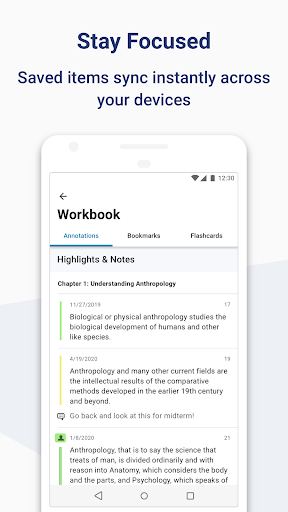
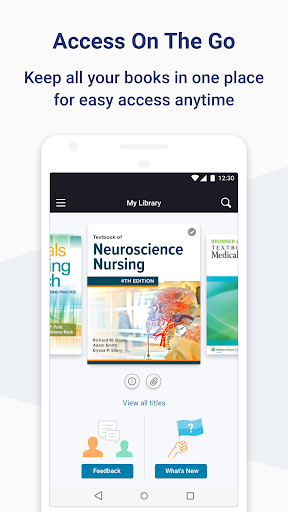
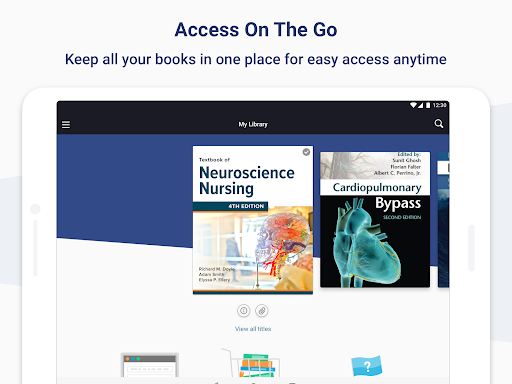
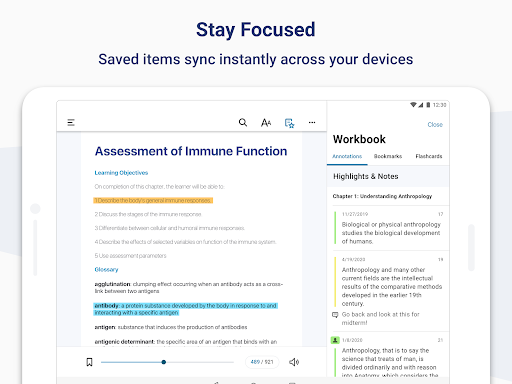
  • Support real-time synchronization to various devices, allowing smooth access to your library anytime and anywhere, whether it is Android or other platforms.
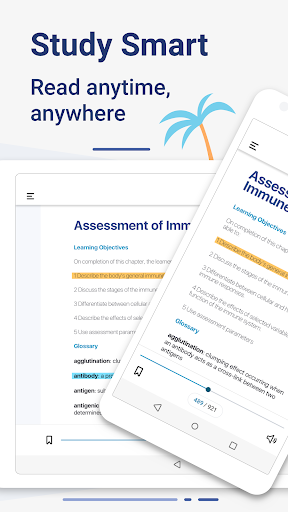
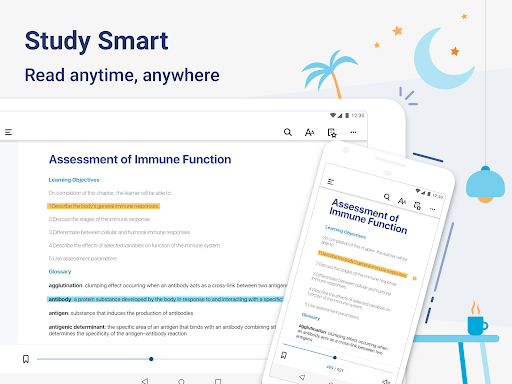
  • Offline mode allows you to read books and take notes without having to connect to the Internet. The flexibility is greatly enhanced and it is quite convenient.
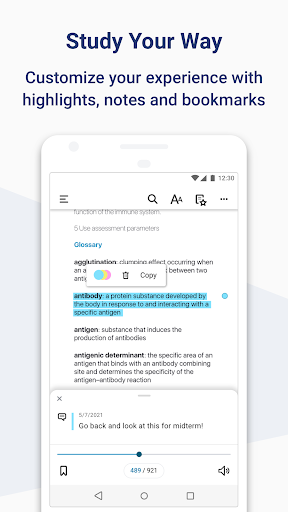
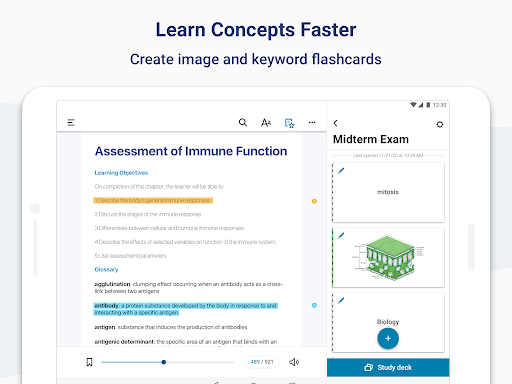
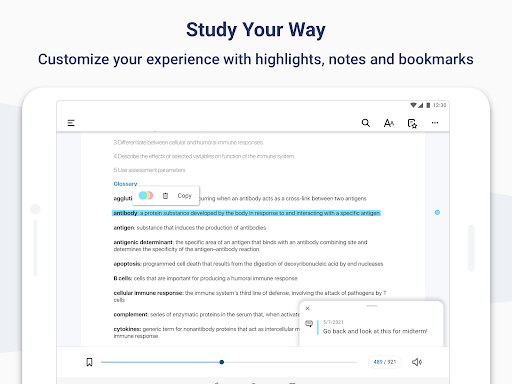
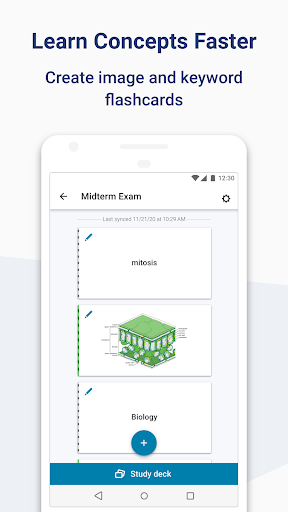
  • It can also be customized as you like, such as highlighting, taking notes, and making bookmarks, all of which you like.
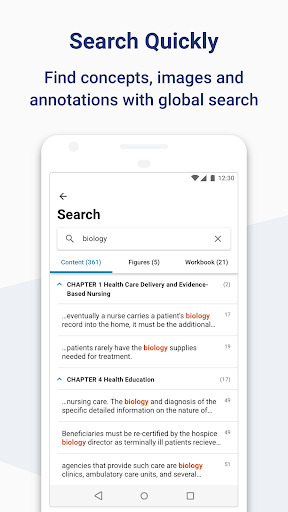
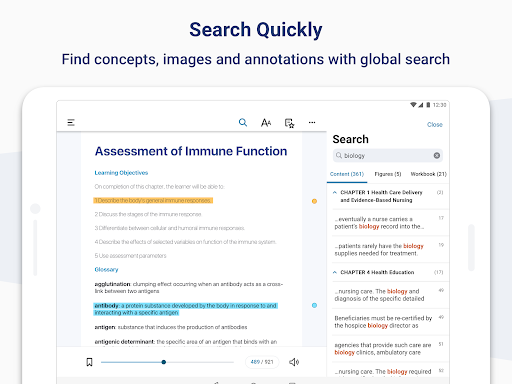
  • The search function is also very powerful, helping you quickly find the book or content you are looking for, saving time and effort.
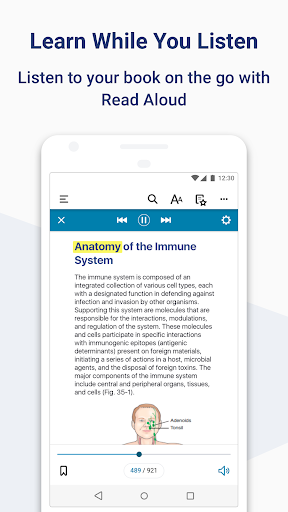
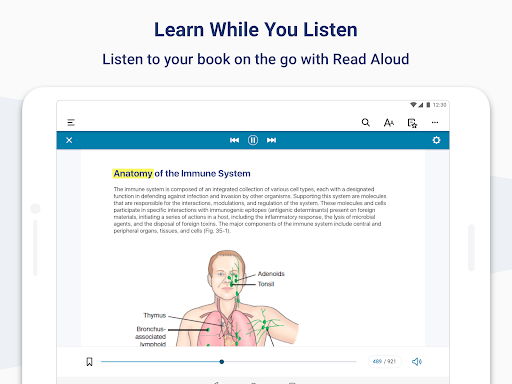
  • There are also built-in dictionaries and text-to-speech, making the reading experience more interactive and interesting.
  • As an application solution, it provides a smooth, distraction-free learning environment and is specifically designed for learning and research.
  • The security measures are well taken, personal data and reading progress are well protected, and users can use them with confidence.

Who is this app suitable for?

This mobile app is especially suitable for students, teachers, and those who are willing to keep learning and pursue convenience. It is a reliable reading and learning platform that can be used on Android devices at any time.

Whether you're preparing for exams or simply like to read books anytime, anywhere, this app-based solution can help you organize your digital library, improve your experience, and support various learning scenarios. It's really thoughtful.

Why choose this app

This Android app is particularly outstanding because it is rich in functions and brings a great learning experience. The interface is intuitive and stable to use, making learning fast and fun.

As a specialized app solution, it meets users 'needs for convenient access, offline reading and data security. It is definitely a smart choice among similar software and is worth a try.

Top Recommended Alternative

Pros & Cons

Pros

  • Simple and clear interface to operate
  • Massive library resources
  • Offline reading function
  • personalized recommendation system
  • multi-device synchronization

Cons

  • There are a little less customization settings
  • Occasionally break down
  • Slow content updates
  • Classification is not detailed enough
  • Slow customer service response

Advertisement

Download Bookshelf

You are going to be redirected to the official website to finish the download when you click these buttons above.

FAQ

Is the Bookshelf app safe to use on my device? +
Well, Bookshelf is a very reliable app, the kind of regular software you can find in the Google App Store. It adheres to safety standards and is updated regularly to ensure that your data and devices are safe and secure. Remember to always download apps from official channels, such as Google Play, and don't mess around yourself. That's safer. This app attaches great importance to user privacy and takes security measures to protect your information.
How do I log into the Bookshelf app and access my content? +
It was actually quite simple at first. You can register with your email address or sync with your existing account. Once you log in, your experience will be smooth and you can directly access the books you buy and the annotated content. This app also has a cloud synchronization function that allows your reading progress and notes to be synchronized on different devices. It feels quite reliable and suitable for your study.
Does the Bookshelf app work offline, and is it compatible with Android devices? +
Of course, Bookshelf supports offline reading! You can flip through your books at any time without having to connect to the Internet, which is especially suitable for studying on the road. Even if there is no signal, there will be no problem. It is an Android application that runs smoothly on all kinds of devices, whether it is a tablet or a mobile phone, it is optimized. The design is quite considerate and is mainly a good helper for your study.
What are the main features of the Bookshelf app? +
Its main functions are that it is convenient to manage the library, adjust your reading settings yourself, and take notes. These functions combine to give you a rich experience, which both students and teachers like. You can highlight text, add bookmarks, and sync your data between different devices. Overall, it is a quite comprehensive reading and learning tool.
Can I use the Bookshelf app on multiple devices? +
Yes, this app supports synchronization among multiple devices, whether it is on mobile phones, tablets or other Android devices. Your content and progress will be updated automatically, saving you the need to manually move when you get on a new device. This synchronization mechanism makes your experience more consistent and convenient, and it will be smooth no matter which device you continue on.
Is the Bookshelf app free, or are there in-app purchases? +
This app is free to download, and the basic functions are no problem to use. It is quite affordable. However, some advanced content or additional features may require payment.
How frequently is the Bookshelf app updated, and does it support the latest Android versions? +
Developers are very diligent and often push new versions to ensure that they are compatible with the latest Android systems, and constantly optimize functions. This makes the application always reliable and will not fall behind.
Can I customize the appearance or reading settings in the Bookshelf app? +
Of course! You can adjust the font size, background color, and choose different reading modes. These settings will make you more comfortable to use, enjoy reading time more, and protect your eyes.

Customer Reviews

AI
AI Generated Summary
Based on real user feedback
★ 2.5

Bookshelf is praised for centralized book access, stable performance, and helpful read-aloud features that aid multitasking and learning. However, users report frequent crashes, failed book loading, and poor offline functionality. Some find the app intuitive and efficient, while others experience severe bugs like infinite loading screens and inaccessible purchases. The read-aloud feature works well for some but is completely broken for others. Compatibility issues with e-readers and stylus support are noted. Account setup and QR code scanning cause confusion, with unresponsive customer support. Overall, the app offers convenience but suffers from critical stability and feature limitations.

Alberto Lopez · 2026-06-15
★ 1
I just installed it, but it doesn't add a book when I scan the QR code. It keeps loading endlessly, and has been like this for days. I've reinstalled it several times, but it never loads. It doesn't work at all.
Roberto Rojas · 2026-06-14
★ 1
It never functions, it's a mess.
Ivette Padilla Ramirez · 2026-06-14
★ 5
It greatly facilitates my study and makes learning much easier for me.
Jorge Ulises Quiterio · 2026-06-13
★ 5
I listen to readings while driving.
Kieran Morris · 2026-06-11
★ 1
The app's account setup is flawed: scanning a QR code links it to an account inaccessible elsewhere. After creating an account, you can't scan QR codes. Contacting support was useless due to a bot with irrelevant multiple-choice questions.

Write a Review

Share your experience with Bookshelf. Submissions are reviewed before publishing.

Rating *
0 / 2000

You Might Also Like

More apps you may want to try next.

Advertisement
5
Please wait...