
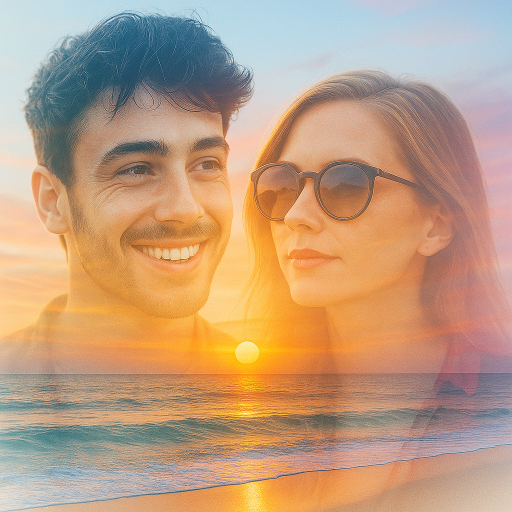
Blend Photos - Photo Blender
Advertisement
Screenshots
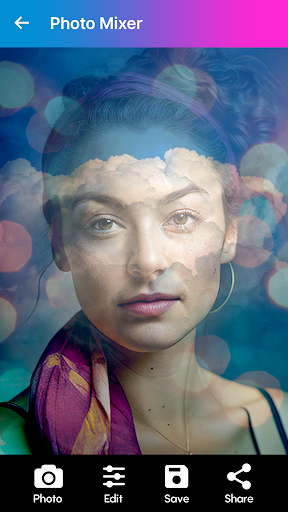
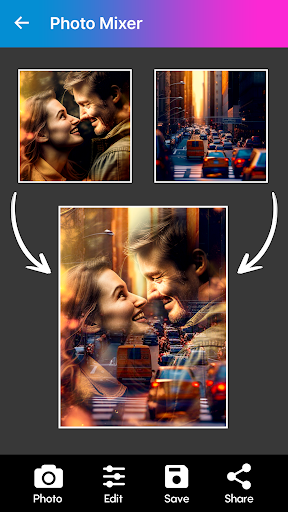
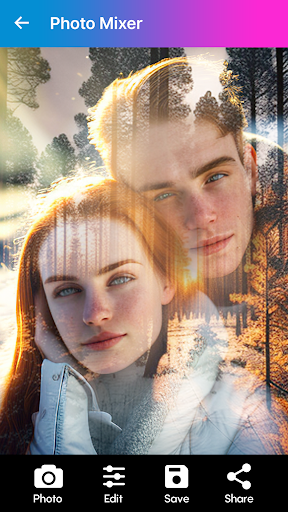
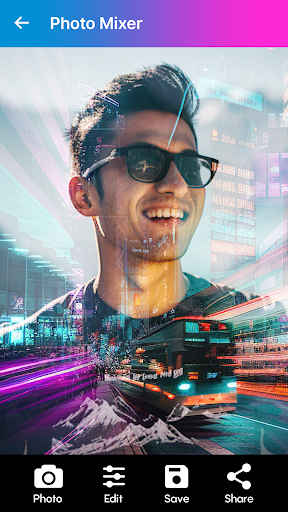
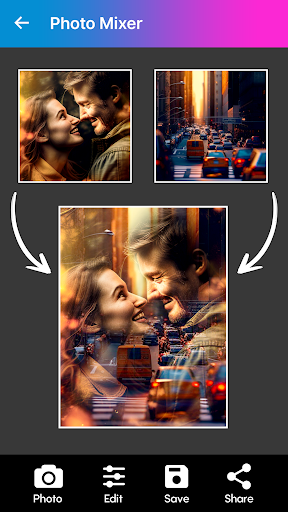
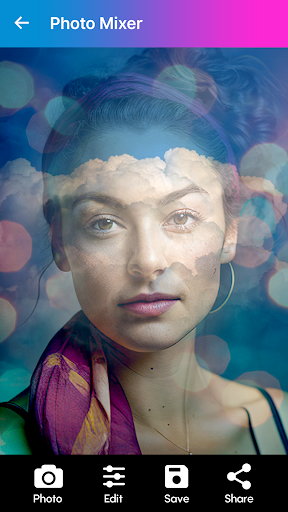
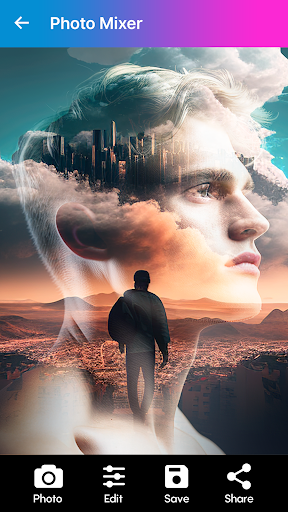
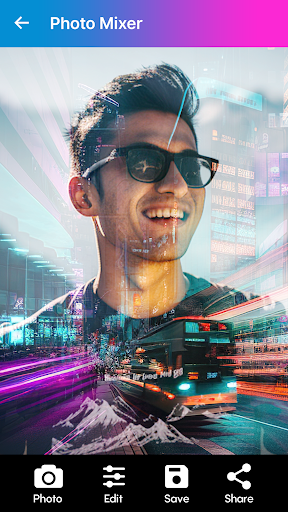
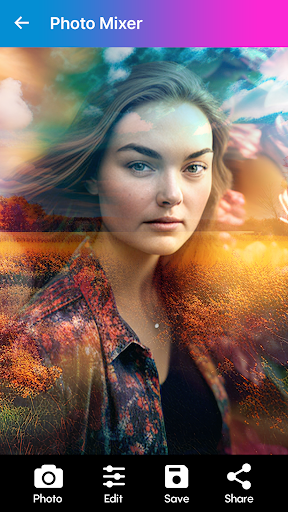
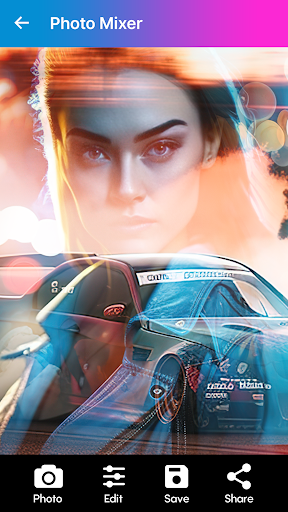
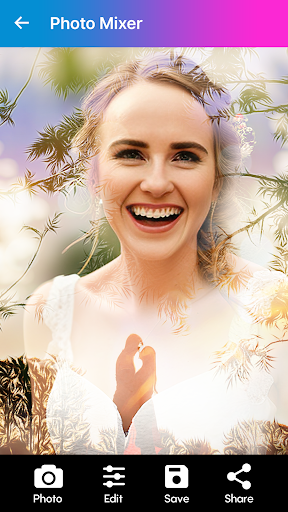
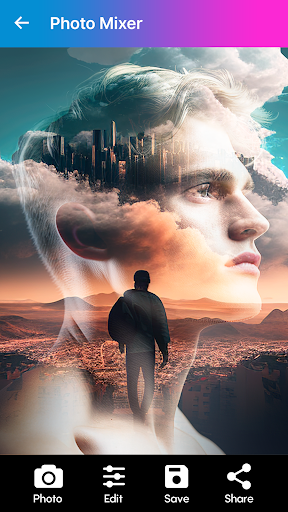
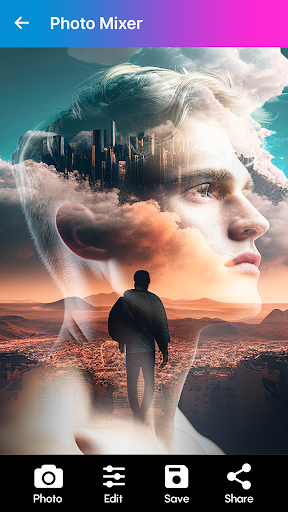
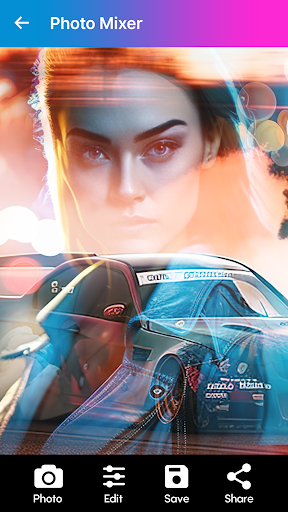
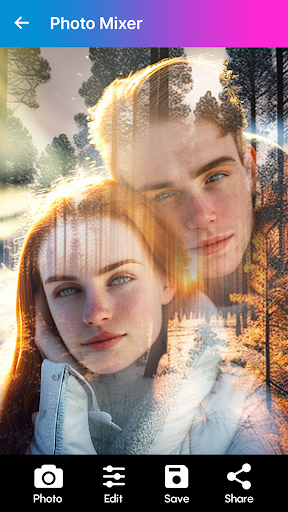
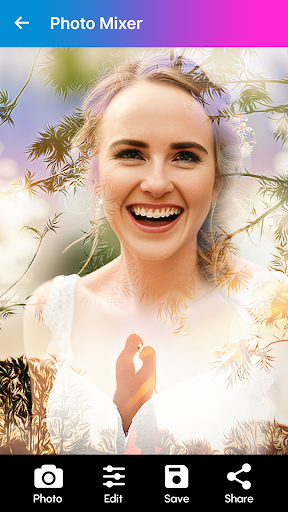
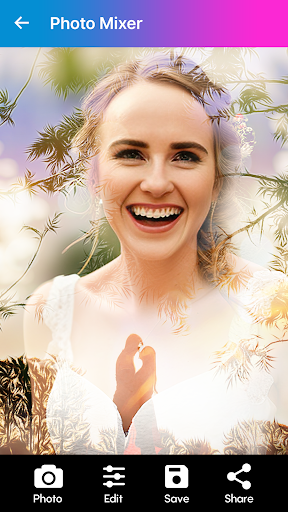
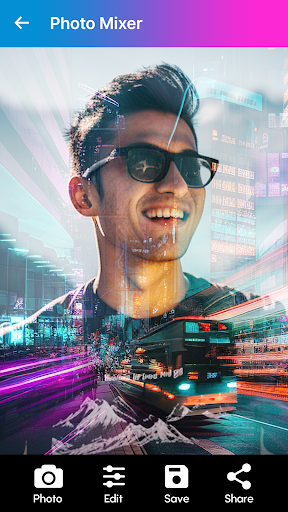
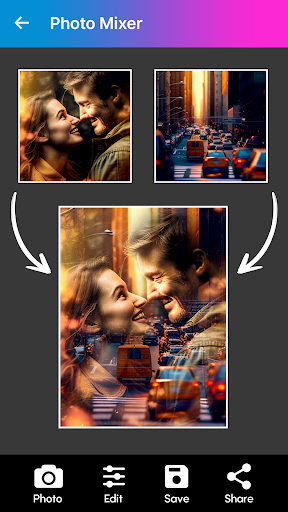
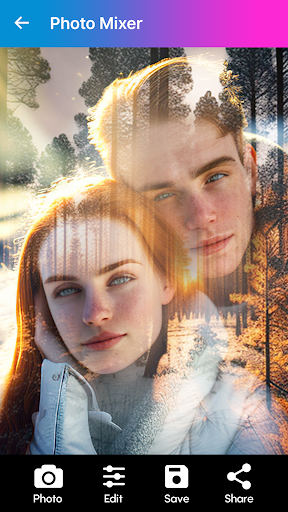
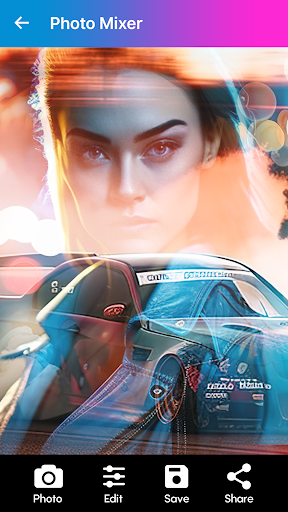
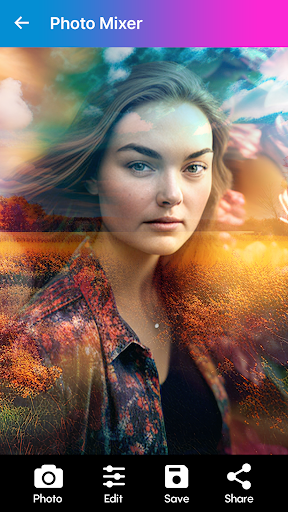
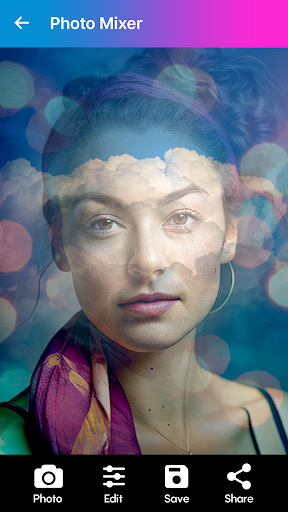
Advertisement
About Blend Photos - Photo Blender
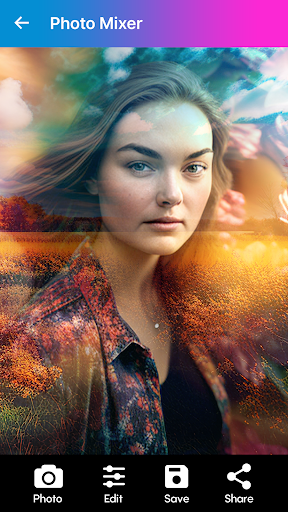
Blend Photos - Photo Blender is a multi-functional mobile app, especially suitable for those who love taking photos and want to easily create cool collages and mixed photos. As an intuitive Android application, it brings a smooth experience. Its rich functions allow you to mix and blend photos at will. It is particularly convenient to operate. It is a great tool for creative photo editing when you go out!
Overview
core features
- It allows users to easily put together several photos to create a super interesting collage, and the operation is quite intuitive.
- Rich in functions, such as background removal, slider adjustment, and mixing mode, professional effects can be easily done.
- Support high-resolution editing. After adjustment, the picture is still clear and delicate, and the picture quality is guaranteed.
- You can easily save and share edited photos and do it directly in the App, which is worry-free and fast.
- An editing tool with a simple and easy-to-understand interface is suitable for both novices and old drivers to use easily.
- It is very responsive and has a smooth interface on Android devices. It is a reliable assistant for taking photos and retouching pictures.
- It also supports offline mode, so you can edit photos anytime and anywhere when you are away without worrying about network problems at all. The experience is great.
- There are tutorials and tips to help you quickly master various functions and make your creation twice the result with half the effort.
Who is this App suitable for?
This mobile app is particularly suitable for photography enthusiasts, photo editing enthusiasts, and users who like to show off their work on social media. Whether you are an ordinary user who takes pictures at will or a professional photographer, you can find its value. This App provides Android users with a reliable photo editing solution that does not require high-end equipment or complex software.
If you want to try various picture splicing for amateur fun, or fast-paced content creation, it will help you quickly complete picture coloring, splicing, and special effects. This software is friendly and powerful, making it ideal for those who want high-quality puzzles and editing that are both simple and professional.
Why choose this App
This Android app combines easy-to-use operations with advanced editing functions, making it a real advantage compared to other similar software on the market. It not only ensures a reliable experience, but also provides many special features tailored for photo splicing and retouching.
Unlike many fancy alternatives, this App provides a complete solution that allows you to edit all kinds of creative photos on your mobile phone, with feedback from real users and continuous updates behind it, making it safe and reliable. Want an efficient, professional-level and easy-to-use photo editing tool? It is definitely worth a try!
Top Recommended Alternative

Pros & Cons
Pros
-
Intuitive interface, easy operation to mix and match photos
-
Choose from all kinds of weird mixing effects and filters
-
Processing speed is fast
-
Support high-resolution images
-
It can also be saved and shared directly on social platforms
Cons
-
There are fewer advanced editing functions
-
Occasionally strange flaws appear in complex synthesis
-
Free version with watermark
-
Limited batch processing capabilities
-
Some functions require networking
Advertisement
Download Blend Photos - Photo Blender
FAQ
Is Blend Photos - Photo Blender safe to use on my device? +
Yes, Blend Photos - Photo Blender is a very reliable mobile app that can be found on the Google Play Store. It has been rigorously tested to ensure user privacy and safety and follows basic security procedures.
Remember, you must download apps from official channels, such as the Google Play Store, and don't trust other places. Frequent updates and developer support also make this application safer, more reliable, and more secure to use. It is really worth a try.
How can I install the app Blend Photos - Photo Blender on my Android device? +
It's easy. Just open the Google Play Store and search for "Blend Photos - Photo Blender." The operation process is similar to installing other popular launchers or photo editing tools, and it is not difficult.
After finding it, click the Install button to automatically download and install it. This application interface is super intuitive and easy to use, especially suitable for friends who want to do photo synthesis and editing.
What are the main features of Blend Photos - Photo Blender app? +
This mobile app provides many functions for friends who like to take photos. You can easily merge multiple photos, add various creative effects, and adjust the transparency or overlay levels to create a particularly distinctive picture.
Its main features include real-time preview, easy-to-use editing tools, and the ability to directly save and share your work. As a multi-functional photo editing software, it can be used easily by both novice and experienced users, and the experience is great!
Can I use Blend Photos - Photo Blender offline? +
Yes, once you install it, most of the functions can be operated offline, and editing photos does not require the Internet at all. This is really convenient for friends who want to get small editors anytime and anywhere.
However, some features, such as direct sharing on social platforms or cloud access, may still require networking. In short, this application is very flexible and easy to use. It is a quick editing tool that can be used at any time.
Is this Blend Photos - Photo Blender available on iOS, or is it only available on Android? +
Currently, this app is only available on the Google Play Store for Android devices and there is no official iOS version yet. However, Apple users can go to the Apple App Store to find similar alternatives.
If you're using an Android phone, this app is quite reliable and features rich in photo mixing. For iPhone users, although there is no official version yet, you can try other similar applications. After all, this version of Android is really good to use and is suitable for various Android devices.
Does Blend Photos - Photo Blender need to be connected to the Internet to use it? +
This application can be used with and without a network. After installation, most functions can be operated offline, making it especially convenient to use when traveling.
Of course, functions such as sharing photos or updating software may also require networking. Overall, the experience it provides is very flexible and is especially suitable for friends who like to edit photos quickly and don't want to rely too much on the Internet.
Customer Reviews
Blend Photos - Photo Blender is widely praised for its intuitive interface, smooth performance, and effective photo blending with two-layer support and transparency effects. Users appreciate the logical controls and beautiful space-themed filters. However, opinions are divided on advertising: some find the few 5-second ads acceptable, while many others consider the ad frequency unbearable, leading to immediate uninstalls. The pricing model has also drawn criticism—though previously free with add-ons, the app now charges €10.99 per week, which several users call a rip-off. Additionally, while many filters are available, each must be downloaded individually with an ad, and users note a lack of variety. The text generator could also be improved. Overall, the app delivers excellent quality and performance when ads are tolerated, but intrusive ads and high subscription costs are significant drawbacks.
Write a Review
Share your experience with Blend Photos - Photo Blender. Submissions are reviewed before publishing.
You Might Also Like
More apps you may want to try next.




