

Blackmagic Camera
Advertisement
Screenshots
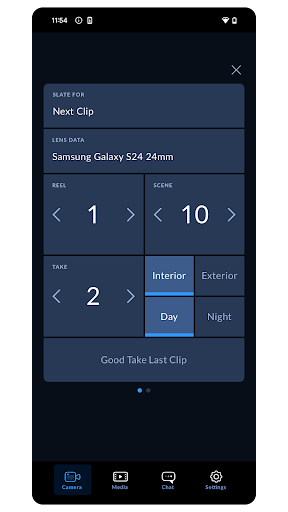
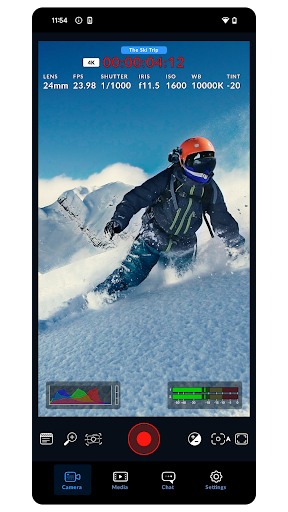
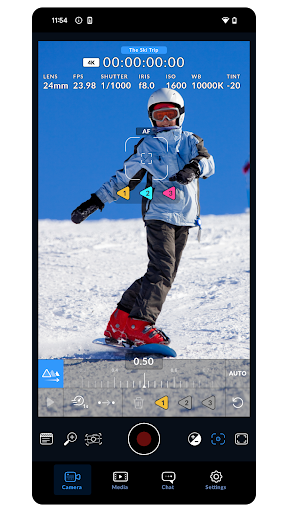
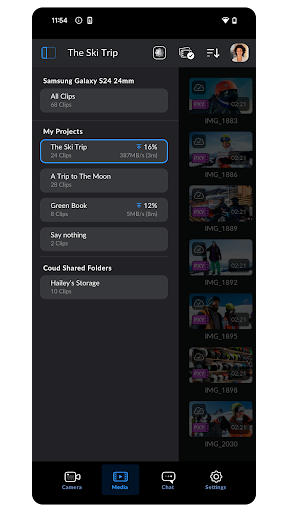
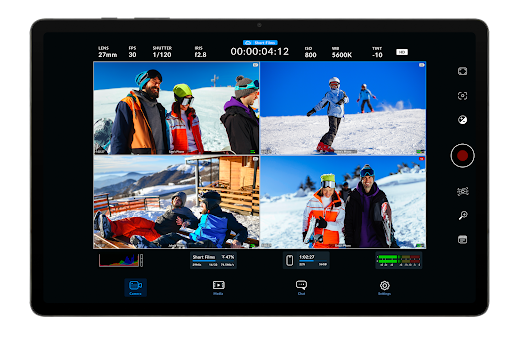
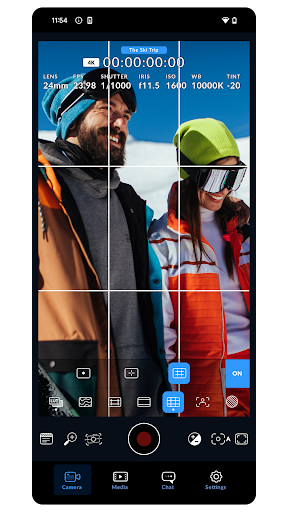
Advertisement
About Blackmagic Camera
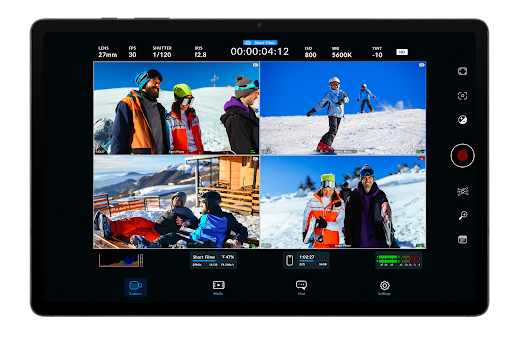
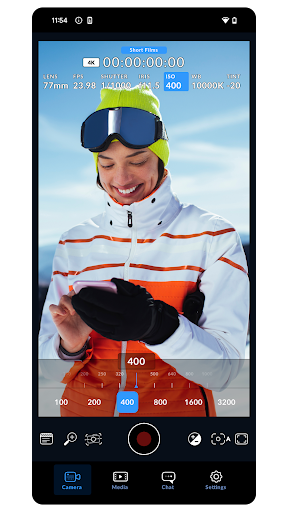
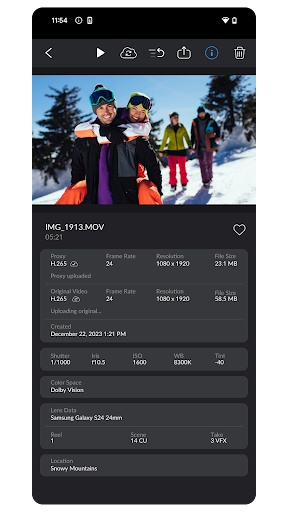
Blackmagic Camera is quite powerful. To be honest, it can really turn your mobile phone into a multi-functional shooting tool, especially for those who like to take photos or professionally photography. When using it to take videos or photos, the picture quality is quite good, and it has rich functions. The interface is designed quite intuitive. Basically, you don't have to worry about difficulty in operation. You can control, shoot, and manage content at any time directly with your mobile phone. It feels quite convenient.
Overview
core functions
- This software has a comprehensive manual control system that allows you to accurately adjust the focus, exposure and white balance, and the results are very professional.
- Advanced recording options include 4K video recording, which supports high bit rates, and can directly capture detailed, movie-like pictures on your mobile phone. It's quite powerful.
- The real-time monitoring function allows you to immediately see the video content on the device, without panic when shooting, and the experience increases sharply, which is especially suitable for filmmakers and photographers.
- Perfectly combined with various lenses and accessories, the creativity is infinitely expanded. This App has become a precious tool in the hands of serious people who take pictures.
- You can also customize settings files, which makes it very quick to switch scenarios or requirements, and the efficiency is improved a lot at once.
- Built-in filters and color matching tools allow you to adjust colors at any time. It is especially suitable for people who want to make one-stop production without having to run around looking for other software.
- Offline mode is very considerate and can be photographed in places where there is no Internet. It is especially suitable for outdoor or remote areas. No matter how remote the location is, you don't have to worry.
Who is this App suitable for?
This mobile phone software is especially suitable for amateur and professional photographers, video producers, and users who want to solve camera control problems on Android devices. Its advantages are that it is powerful, light and convenient, and easy to use.
Especially for content creators, filmmakers and social media celebrities, this app can handle a variety of shooting scenarios, from fast-handed snapshots to complex professional projects. The overall experience is great and very intimate.
Why choose this App?
This Android app is particularly powerful, powerful and intuitive to operate, allowing more people to use professional-grade shooting tools. It is easy to use without losing a sense of advanced quality, making it very suitable for users who want a higher level.
Designed for those who need a reliable camera starter, it solves the problems of less manual adjustments and uncomfortable disconnection. It is a trustworthy artifact that stimulates creativity.
Pros & Cons
Pros
-
Powerful recording capabilities
-
Super friendly interface
-
You can customize presets
-
Compatible with external equipment
-
Great color adjustment
Cons
-
Battery drains too fast
-
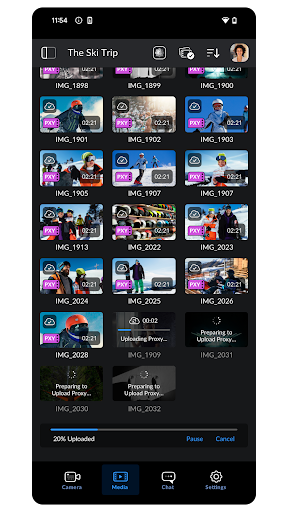
Limited storage management capabilities
-
Occasionally things go wrong
-
Advanced functions are a little difficult to get started
-
No built-in editing tools
Advertisement
Download Blackmagic Camera
FAQ
Is the Blackmagic camera app safe to use on my Android device? +
How do I install the Blackmagic camera app on my device? +
What are the main functions of Blackmagic cameras? +
Can I use the Blackmagic camera as a launcher app? +
Does Blackmagic camera support different shooting modes? +
Are there additional features for paid versions or in-app purchases? +
Are Blackmagic cameras updated frequently? +
Customer Reviews
Blackmagic Camera is widely praised as a top-tier video recording app for Android, offering unmatched manual control, professional color grading, and a free, intuitive interface. Users love its cinematic output and advanced features like LUT support. However, key issues persist: 1) Control & Features: While the app provides full manual control and is excellent for VFX pros, some users report the shutter angle reverts to auto every few minutes, and audio codec settings are missing (defaults to AAC, causing playback issues). 2) Device Compatibility & Stability: The app performs flawlessly on many devices, but numerous users face severe bugs on specific models (e.g., IQOO13 has lens selection issues and overheating; Xiaomi 14T Pro lacks 4K60fps; iQOO Neo 10R drops frames; Samsung S21 Ultra loses telephoto lenses; Realme 14 Pro+ misses 3x/0.5x lenses). Some experience green previews or black screens when switching lenses. 3) LUT & Color: LUTs work beautifully on some devices (S25 Ultra), but many encounter black viewfinders, unresponsive screens, or failure to apply LUTs—especially on Samsung S23 FE, S25, and Origin OS with Dimensity chipsets. 4) Cloud & Extra Features: Cloud backup is frustrating (can't select projects). Users desire live streaming to Facebook, gyro data logging, and safe zone guides. Despite these drawbacks, the app remains a favorite for serious videographers due to its powerful capabilities and being free.
Write a Review
Share your experience with Blackmagic Camera. Submissions are reviewed before publishing.
You Might Also Like
More apps you may want to try next.




