
Bitwarden Password Manager
Advertisement
Screenshots
Advertisement
About Bitwarden Password Manager
Overview
core functions
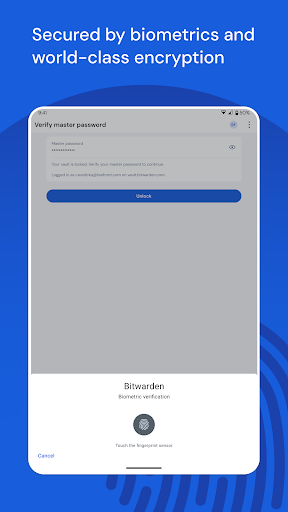
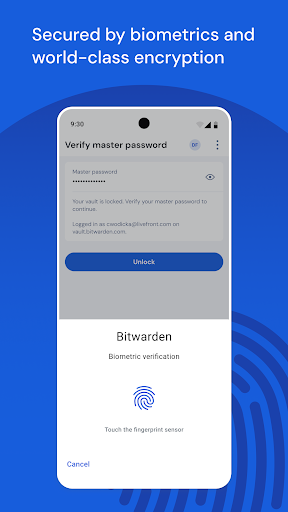
- This software comes with biometric verification, which is quite reliable. Use fingerprint or facial recognition to get the password, which is fast and safe.
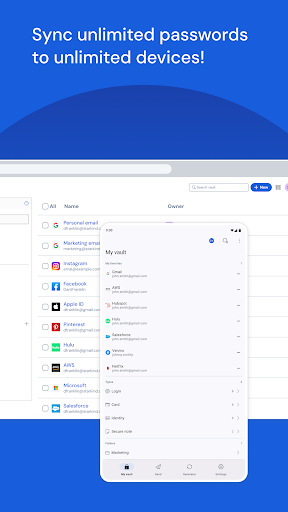
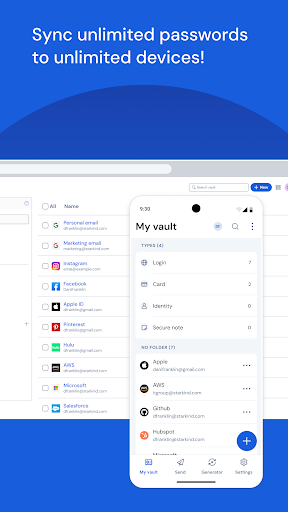
- Multi-device synchronization is great, you can use it almost whenever you want, and you can access your password library seamlessly whether it's an Android phone, tablet or other platform.
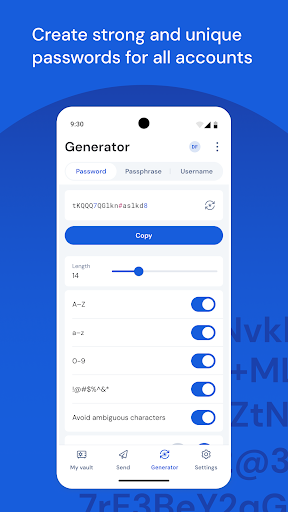
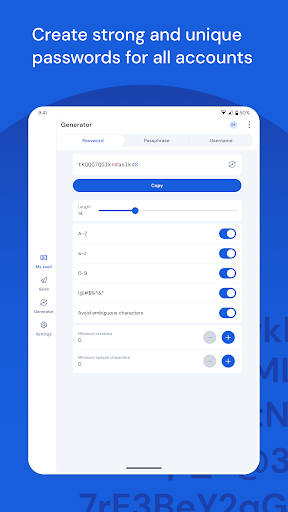
- Secure password storage helps you generate powerful and non-repetitive passwords, and the security performance is instantly improved.
- There is also offline mode, where you can check the password when there is no Internet connection, especially suitable for scenarios where you are away from home or have no Internet connection temporarily.
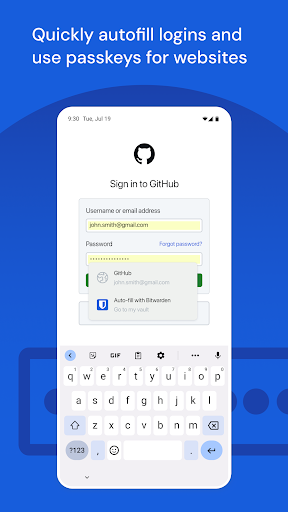
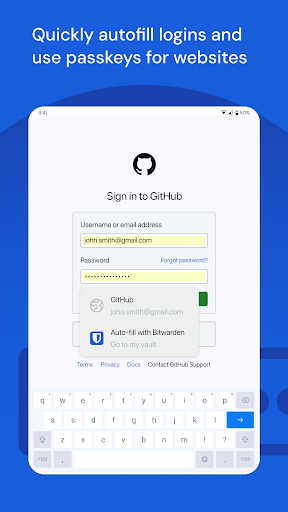
- The function of automatically filling in login information saves a lot of trouble, saves a lot of time, and makes the user experience smooth and natural.
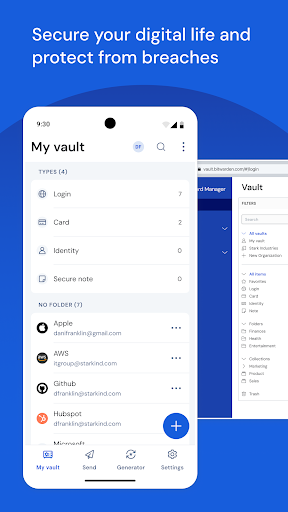
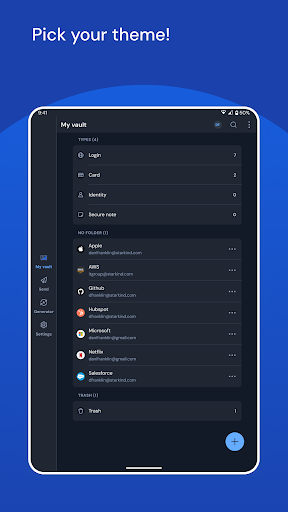
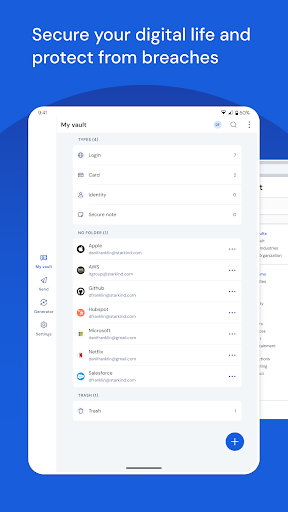
- As a launcher application, it is very fast to use, can classify and organize your passwords very intuitively, and is very convenient to use.
- End-to-end encryption ensures the absolute security of your sensitive information, which is quite reassuring and trustworthy.
Who is this app suitable for?
This mobile phone software is especially suitable for those who value security and need a reliable password manager. Whether you are a professional, a student, or anyone who wants to improve digital security, it's a good fit.
If you often switch between different devices or like to use simple and easy-to-use tools, this app makes password management easier and improves daily work efficiency.
Why choose this app
This Android app provides a trustworthy and secure way to store and manage passwords. It is powerful and easy to operate, which is quite attractive.
With real-time synchronization, offline access and strong encryption capabilities, it perfectly solves many security risks and stands out among many password managers.
Top Recommended Alternative

Pros & Cons
Pros
-
Encryption security is rugged
-
Open source is transparent and have a clear mind
-
Multi-platform support, carry around
-
Affordable premium solutions
-
Password generation and storage are excellent
Cons
-
Interface design can be more intuitive
-
Home and business management functions are not strong enough
-
Synchronization speed will occasionally be slower
-
Occasionally, the mobile version will have some minor problems
-
There are not many advanced biometric features on the desktop
Advertisement
Download Bitwarden Password Manager
FAQ
Is Bitwarden Password Manager safe to use? +
It's quite safe. Bitwarden, a password manager, has put a lot of effort into the design. It uses powerful encryption technology to protect your data, and only you can access passwords and sensitive information, so you can feel at ease.
Many users trust it. Whether it is on Android or other mobile platforms, it can handle it. It has become a reliable password management solution. It is really good!
How do I set up and log in to Bitwarden's mobile app? +
It's actually very simple to start using the Bitwarden mobile app. After installing it, just register an account directly or log in with your existing account. The interface is designed very intuitive, and you can complete the entire setup process by following the instructions.
After logging in, you can access your saved password at any time and synchronize data. Password management can be easily completed no matter where you are. The mobile experience is particularly good and convenient!
Can Bitwarden be used on both Android and iOS devices? +
Of course! Bitwarden works on both Android and iOS, and it's perfect. Whether you use an Apple or Android phone, you can experience the same stable and easy-to-use features to help you keep your password safe.
This application-based solution supports a variety of systems and maintains a consistent experience, allowing you to easily handle password protection no matter which device you use. It is a great cross-platform helper!
Can I use Bitwarden as a launcher for my Android device? +
In fact, Bitwarden is mainly a password management tool and cannot be used as a launcher, but it can be combined with your launcher, such as quick access to important passwords or encrypted notes. But don't get me wrong, it's not a starter.
Most people use it for core functions such as storing passwords, automatically filling passwords or generating passwords. It is quite convenient to do these without having to find a special initiator. It is practical enough!
What are the main functions of Bitwarden Password Manager? +
It is quite rich in functions, such as password generation, encrypted storage, automatic filling in forms, and also supports multi-device synchronization. Whether it is a mobile phone or a computer, the experience is very smooth.
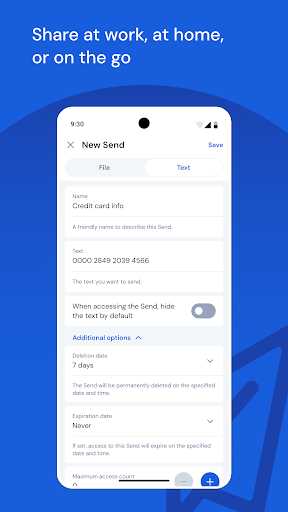
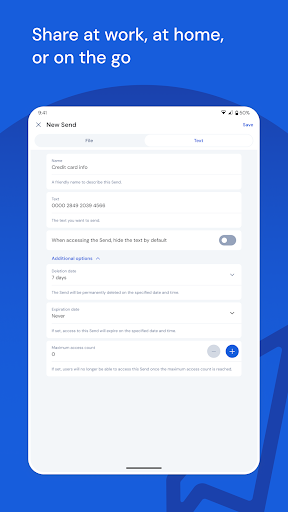
In addition, it also supports two-factor authentication, secure note taking, and even securely sharing passwords with trusted people. In short, it is quite reliable for personal use and work use, and it can be regarded as a reliable password management artifact!
Customer Reviews
Bitwarden is widely praised for its strong encryption, cross-platform compatibility, and user-friendly design, offering excellent value with both free and premium options. Key strengths include reliable password syncing, easy shared vaults, and robust security. However, performance is inconsistent: many users report smooth desktop operation and long-term stability, while others face frequent crashes on Android and login freezes. Auto-fill works well for most but sometimes fails to appear, and features like clipboard auto-delete and the username generator (Addy.io API) have reported bugs. The recent UI update has divided opinions—some appreciate the clean interface, but others criticize reduced functionality and inability to resize panels. A few users expressed frustration over forced scanning permissions and sync failures leading to lockouts. Overall, Bitwarden is a capable manager that suits most users, but recent updates have introduced notable issues.
Write a Review
Share your experience with Bitwarden Password Manager. Submissions are reviewed before publishing.
You Might Also Like
More apps you may want to try next.




