
Arvin® - AI Logo Maker
Advertisement
Screenshots
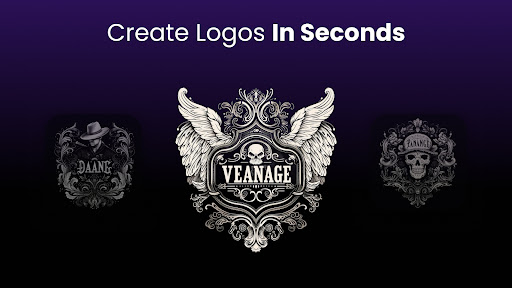
Advertisement
About Arvin® - AI Logo Maker
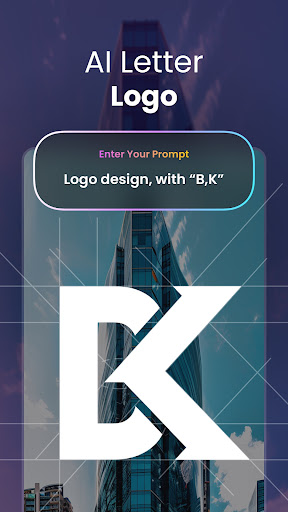
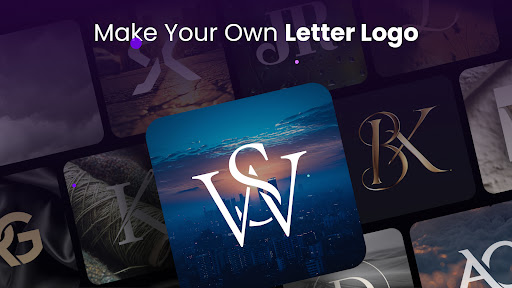
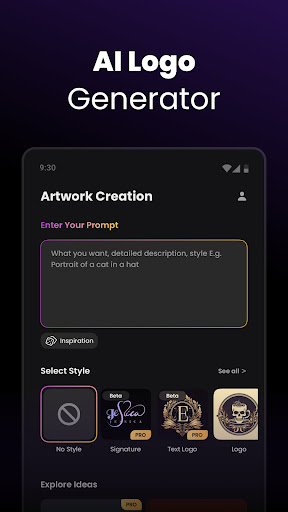
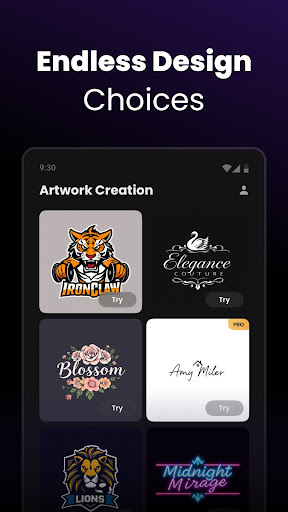
Arvin® - AI Logo Maker is a particularly convenient and easy-to-use mobile application specially designed to quickly get professional logos. Whether you are a business owner or a design enthusiast, this Android app provides a variety of smart tools and adjustable options to help you easily create unique visual identities. Its interface is very simple and intuitive, and it is very easy to use, allowing everyone to easily make a satisfactory LOGO without being too complicated.
Overview
core features
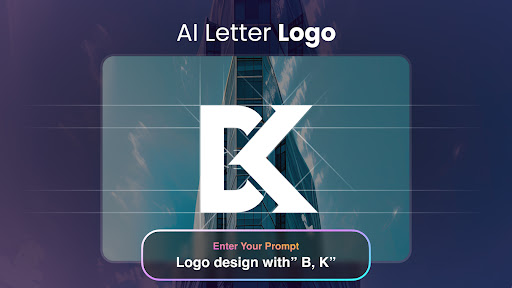
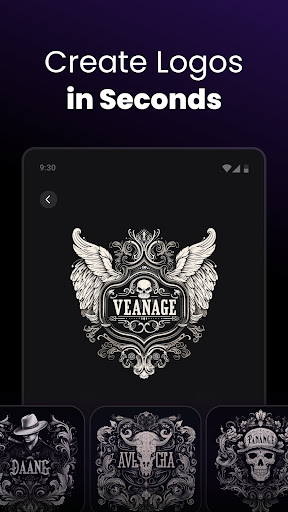
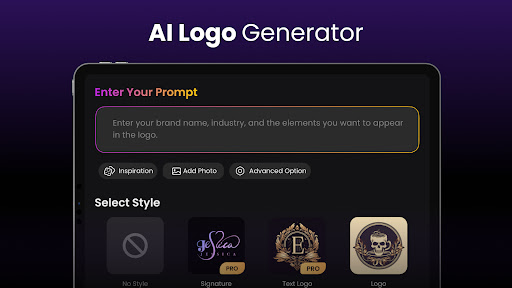
- This app has a super intuitive AI to help you get the logo. The design speed is surprisingly fast and professional.
- It also provides various customization options, so that you can adjust the LOGO as you want to make it completely fit your brand image. It is really considerate and practical.
- Real-time editing and preview features bring a great experience. When you see your changes, you will immediately reflect them. It's great!
- The offline mode is specially designed to operate even if there is no network. It is super convenient to use and you don't have to worry about being disconnected from the network and affecting your work.
- The huge library of templates and design elements makes logo making particularly easy and no longer makes it difficult for you.
- This launcher allows you to easily find your favorite design tools, making organization and launch super simple, and improving efficiency a lot.
- Export high-definition resolution to make your LOGO perfect whether it is used on the web or in printing, making it easy to meet various needs.
Who is this app suitable for?
This mobile app is especially suitable for small business owners, entrepreneurs, and freelance designers. Anyone can use it smoothly and reliably to help you quickly get your LOGO done.
It is also very suitable for those who want to use a convenient and fast App to make logos on Android or Apple phones. No matter what occasion, you can use this solution to get the brand logo. It is so considerate.
Why choose this APP
The reason why this app is so awesome is that it has advanced AI technology that can help you quickly create a professional LOGO without any effort.
The interface is very friendly and can be operated offline. The overall experience is particularly smooth. It is definitely the best choice to complete the logo design efficiently and use it with confidence.
Top Recommended Alternative

Pros & Cons
Pros
-
Super friendly interface
-
AI quickly generates diverse logos
-
Various custom functions
-
Processing speed is extremely fast
-
price is very affordable
Cons
-
A little lack of control
-
The uniqueness of the LOGO may be a little worried
-
Templates are too dependent
-
Occasionally repeated
-
Mobile apps are unstable
Advertisement
Download Arvin® - AI Logo Maker
FAQ
What is Arvin® - AI Logo Maker, and how does it work? +
Arvin® - AI Logo Maker is actually a creative mobile application that helps people easily design professional LOGO. It uses advanced AI technology, which can be used smoothly whether you are a novice or a veteran designer. There are many customizable templates, as well as various design tools, and the real-time preview function allows you to see the final effect at a glance, making LOGO very easy.
This software actually provides a particularly convenient solution to create a unique LOGO without having any design foundation. Whether you use it on an Android phone or try it on another platform, it runs smoothly and performs well, fast and stable.
Is Arvin® - AI Logo Maker safe to use on my device? +
Of course, Arvin® - AI Logo Maker was developed by a very reliable team that attaches great importance to user security and privacy. The app can be found on the Google Play Store and the Apple App Store, where those platforms regularly check security standards to make sure there are no malware or hidden permissions, so you can use it with peace of mind. It did not secretly request those extra permissions, nor did it have any viruses, so it was absolutely safe.
There are frequent updates and the privacy policy is also very transparent, which makes people feel quite trustworthy. As long as you download it from official channels during installation, you can ensure security and use the latest features. It is really a trustworthy choice.
What are the main features of Arvin® - AI Logo Maker? +
This software interface is particularly friendly and has many practical functions, such as the ability to customize LOGO templates, AI intelligent design suggestions, and various editing tools that can color colors, change fonts, and change icons, and change them any way you want. It can also export high-quality logos, which is great whether it is used on the web or printed out.
The overall experience is particularly smooth, and making logos becomes fast and fun. These functions make Arvin® not only a simple tool, but also a reliable helper to help you professionally fix LOGO, saving time and worry.
Can I use Arvin® - AI Logo Maker on both Android and iOS devices? +
Of course, this Arvin® - AI Logo Maker is very popular on the Android platform, and it also has a version on Apple's App Store, which can also be used by iPhone users. It has optimized both platforms and basically has the same experience without any difference.
Open it anytime and anywhere with your favorite device, and you can use all the functions, making it particularly suitable for entrepreneurs, small companies, and creative workers. The reliable LOGO assistant is it.
How do I get started with Arvin® - AI Logo Maker? +
Getting started is super easy. After downloading the app, you can start whether it is from Google Play or the Apple Store. You can upload your own ideas, or you can start directly from a blank canvas, and the software also comes with guided tutorials that let you quickly understand how to play the design tools.
This application-based solution is especially suitable for novices. The interface is intuitive and you can create a professional LOGO in a few steps. It saves time and effort, making it super easy to get the brand logo.
Does Arvin® - AI Logo Maker support export and sharing options? +
Of course, after designing the LOGO, you can export multiple formats, such as PNG, JPEG or SVG. You can also share on social media or send emails directly in the app, which is super convenient to operate and show your work quickly and steadily.
This flexibility is particularly high. Whether it is used on a digital platform or physical printing, it can ensure the effect of the LOGO, which is very face-saving. The combination of various functions allows you to easily handle full-platform and multi-media brand promotion.
Is there a free version of Arvin® - AI Logo Maker, and what are its limitations? +
Yes, this software is available in a free version, which includes some basic templates and editing functions, which is enough for friends who are just starting the game. To use more advanced templates or high-resolution exports, you may have to subscribe to a membership.
Overall, the free version experience is quite good and can help you make professional logos for free. Upgrading a membership will have more functions and it is also a good choice if you want to play more in-depth.
Can I customize logos made with Arvin® - AI Logo Maker for different branding purposes? +
Absolutely! There are various customization options in the software, such as fonts, colors, icons and typography, which can be adjusted to help you create a LOGO that fully meets the brand's needs. Whether it is used on websites, social media or printed materials, it can be flexibly adapted and easily transformed into a brand owner.
Such a high degree of customization allows your LOGO to perfectly match your brand image, truly achieving professionalism and individuality. Don't worry about handing it over to Arvin®, it can help you with various professional design projects.
Customer Reviews
Users generally praise Arvin® - AI Logo Maker for its intuitive interface, smooth performance, and ability to generate professional, creative logos from simple prompts, making it ideal for businesses and startups. The design quality is often described as stunning and premium. However, feedback is mixed on several key dimensions. While many find the interface seamless and user-friendly, some non-tech-savvy users report it is not intuitive. The app offers useful customization for colors, fonts, and layouts, yet critics note limited template options (e.g., food/drinks) and basic features found in free alternatives. Image generation speed is generally fast, but some users experienced long wait times. A recurring issue is the inability to adjust picture ratios to standard sizes like 3:2, problematic for social media. Additionally, a few users encountered loading issues with the pro version and slower performance after subscribing. Overall, the app delivers solid results for logo creation, though improvements in template diversity, size flexibility, and speed consistency are needed.
Write a Review
Share your experience with Arvin® - AI Logo Maker. Submissions are reviewed before publishing.
You Might Also Like
More apps you may want to try next.




