
All Document Tools
Advertisement
Screenshots
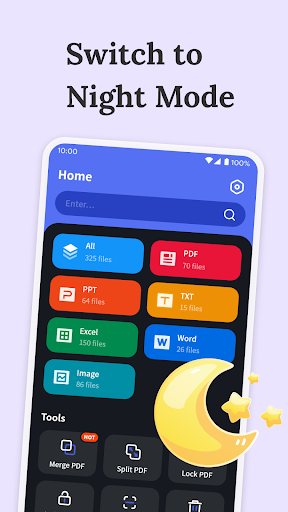
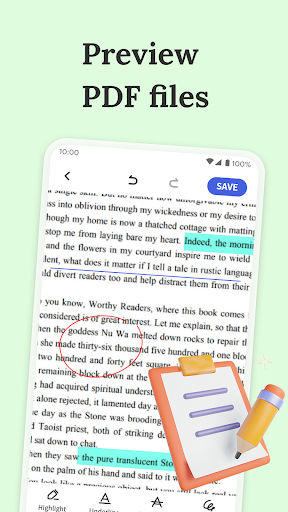
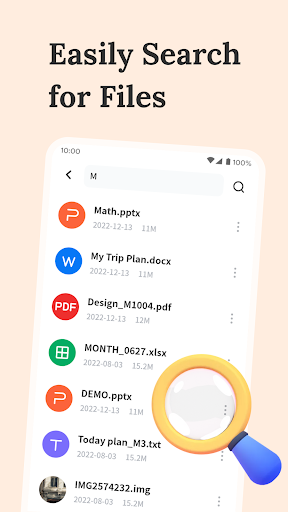
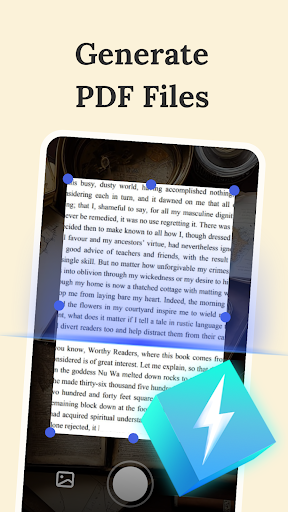
Advertisement
About All Document Tools
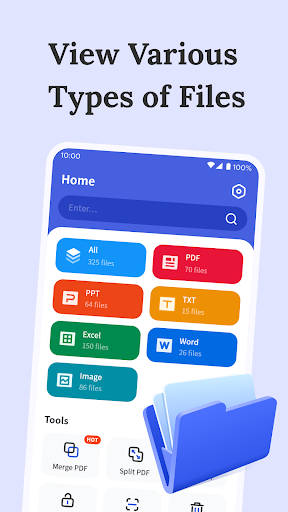
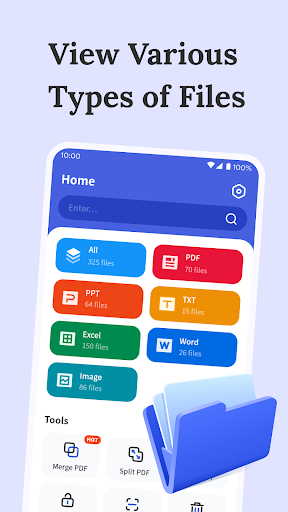
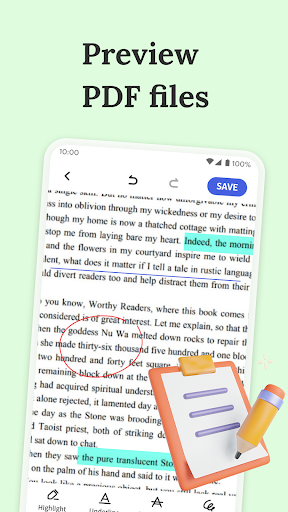
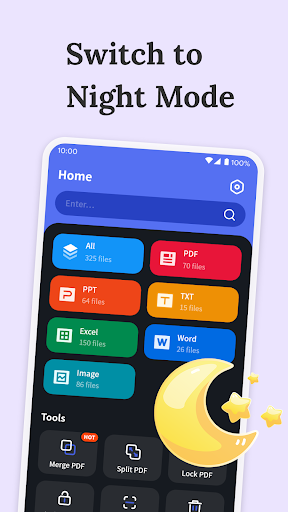
All Document Tools is really a multi-functional mobile application designed to help you easily manage, edit and organize various documents. As an efficient Android application, its interface is simple and clear, making users feel particularly comfortable in using it, and the overall experience is very good. From viewing, converting to sharing files, you can basically do it in a one-stop manner. This application is very practical whether it is used in daily life or work. It is really convenient!
Overview
core feature
- Providing comprehensive application functions to help you efficiently manage and edit various file formats, it does everything.
- Support offline mode, where you can use it wherever you go, regardless of whether you have a network or not, files can be processed at any time.
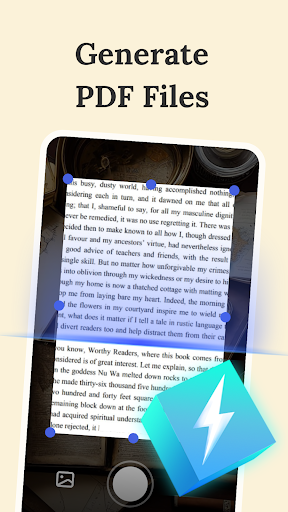
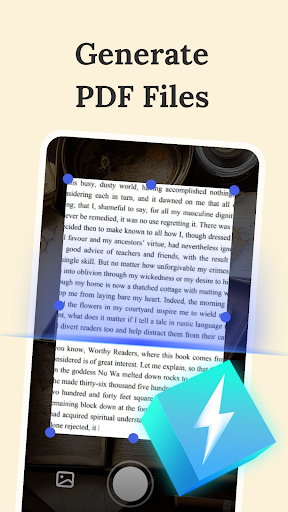
- Built-in file manager and scanner make it easy to organize files, complete local digitization, and no longer messy.
- Perfectly combined with cloud storage services, backup and sharing become faster and more convenient, and the sense of technology is bursting.
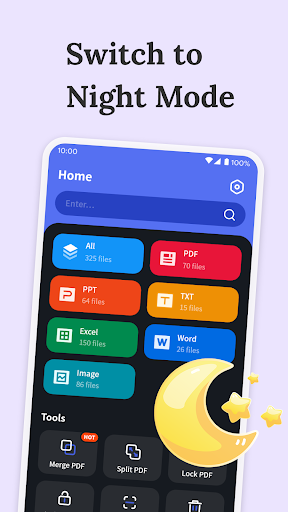
- The user interface is super intuitive, and the operation is as smooth as flying in the air, giving you the ultimate experience.
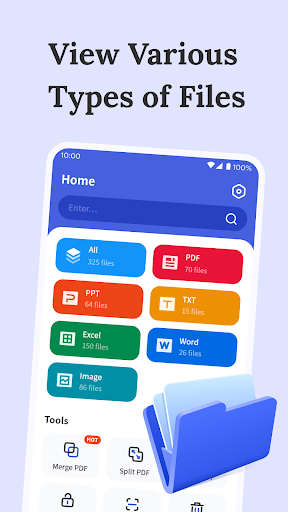
- Supports fast conversion of document formats, such as PDF, Word, Excel, etc., which is efficient.
- Free from advertising and focus on work, so that you can use this starter comfortably and at ease.
Who is this app suitable for?
This mobile app is a boon for professionals, student parties and those who often file on Android devices. If you need a reliable and convenient application to organize, edit, and share files, this software is definitely a good choice.
Whether you're processing work reports, personal documents or school homework, this app provides a one-stop solution for a great experience. It is especially suitable for those who pursue practicality, want to improve efficiency, and improve document management.
Why choose this app
What makes this Android app special is that it can accommodate the various needs of both casual users and professionals. Offline functions connect seamlessly with the cloud, allowing your files to be found anytime and anywhere, making it super safe and reliable.
The design is user-centered, simple to operate and stable in performance, providing you with an efficient and reliable file management solution. To meet your various daily needs, it is really smart and practical compared to ordinary alternatives, helping you get the best application experience!
Top Recommended Alternative

Pros & Cons
Pros
-
intuitive user interface
-
Supports multiple formats
-
Powerful editing functions
-
Cloud synchronization seamless connection
-
fast reaction speed
Cons
-
Limited offline functionality
-
Occasionally it crashes when encountering large files
-
Basic export functions
-
Advanced functions are a little difficult to get started
-
Limited personalization
Advertisement
Download All Document Tools
FAQ
Is All Document Tools safe to use on my device? +
Gee, I really care about this issue. All Document Tools is actually quite reliable. It is particularly concerned about user safety. This software is updated frequently to patch vulnerabilities and things like that to ensure the security of your data. Many people trust it because it is a reliable document management tool.
But I still have to remind you not to download it from informal channels. It's better to download it from the official Google Play Store or something to avoid encountering fakes. With secure mobile software, documents can be unsafe, easy to use, and make your Android device experience smoother.
How to install All Document Tools on Android devices? +
This is quite simple. You can find it by going to Google Play and searching for "All Document Tools". After finding it, click the install button, and you are done and install it easily.
It is specially designed for Android phones and tablets and is smooth to use and has a good experience. Remember to check if your equipment meets the minimum system requirements so that it can be used smoothly.
What are the main functions of All Document Tools? +
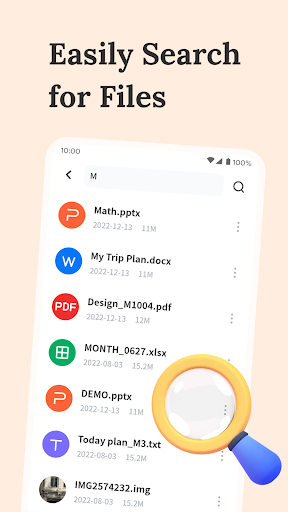
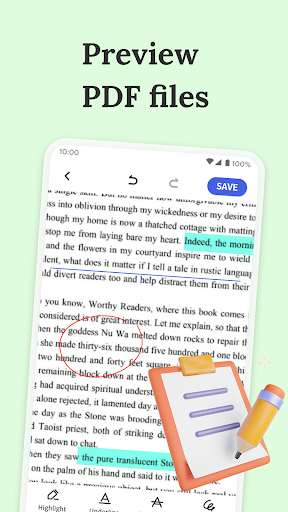
This software has many functions and is specially designed to help you handle various document processing. It has functions such as file conversion, editing, compression, and sharing, all of which are concentrated in one small application, which is really super convenient.
The interface is also quite friendly and efficient to use, making it easy to manage your documents whether you are at work or away. It's a good choice to find an all-in-one tool that can be perfectly integrated with Android devices.
Can this software be used offline or must it be connected to the Internet? +
Most of the functions can be operated offline, and you can complete your documents without having to connect to the Internet. It is quite practical, especially when working outside or in places with poor Internet access. But some functions, such as cloud sharing or email export, may require networking.
Overall, this software is quite flexible and can be used offline. Take out your toolbox at any time without wasting anything.
Are All Document Tools compatible with all Android versions? +
Well, it's basically compatible with most Android versions, and almost all users can use its features. Detailed minimum system requirements can be found in the application introduction on Google Play. There is no problem with any particularly new or particularly old devices.
With a suitable Android device, the experience will be smoother. Whether it is used as an initiator or to manage documents, it is quite reliable. Keeping system notifications updated can also make use smoother.
Can I trust All Document Tools to process sensitive files? +
Of course you can! It pays special attention to user safety and strictly adheres to data privacy standards. This is also a reason why many users trust it. After all, safe and reliable tools must be used to handle confidential documents.
Still, be careful not to share sensitive information on insecure networks. Using reliable apps, such as this one, can not only protect your data but also make it easier for you to use. It's worth it.
Does All Document Tools support multiple languages? +
Of course, it supports many different languages, and the goal is to make it accessible to users around the world. You can choose your favorite language in the settings, which will make it more considerate.
Multi-language support makes it easier for you to get started with various functions, whether you use it as a launcher or just to manage files, you can take full advantage of it.
What makes All Document Tools stand out among so many document applications? +
In fact, the most amazing thing is that it integrates many functions into one interface, which is simple and intuitive to use. It is an all-round application designed to give you a better user experience and make it easy to complete various document tasks in an instant.
And because it is compatible with Android devices and attaches great importance to user safety, whether you want to use it as a launcher or manage documents, you can enjoy a smooth and reliable operating experience. It's a good helper.
Customer Reviews
Most users praise All Document Tools for its effectiveness, ease of use, and high-quality output, describing it as an excellent application that works as intended with minimal ads. Key strengths include reliable performance, clear interface, and overall satisfaction. However, opinions are divided on ad frequency: while some find ads minimal and non-intrusive, others report excessive, annoying ads that disrupt the experience. Usability also draws mixed feedback—many find it straightforward, but a few consider it too complex or confusing. Functionality is generally strong, though a small number of users encounter issues like incomplete file listings. Privacy concerns and the lack of a one-time purchase option are noted by a few. Overall, the app delivers solid value with room for improvement in ad management and simplicity.
Write a Review
Share your experience with All Document Tools. Submissions are reviewed before publishing.
You Might Also Like
More apps you may want to try next.




