
All Document Reader & Editor
Advertisement
Screenshots
Advertisement
About All Document Reader & Editor
Overview
core functions
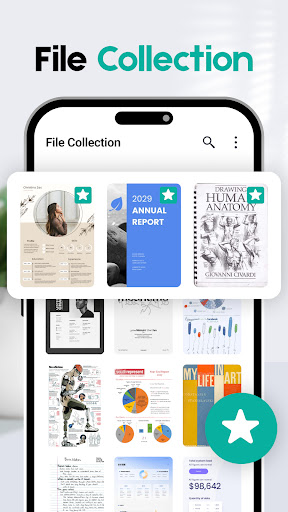
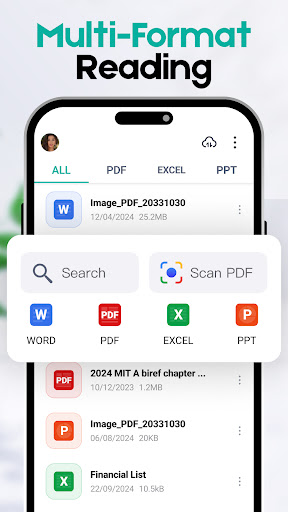
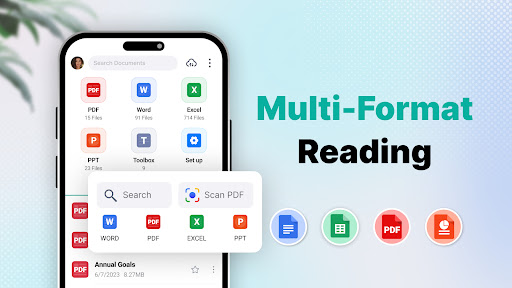
- It can open and view documents in various formats, such as PDF, Word, Excel, PowerPoint, etc. It is really a versatile tool and supports quite a variety of types of files.
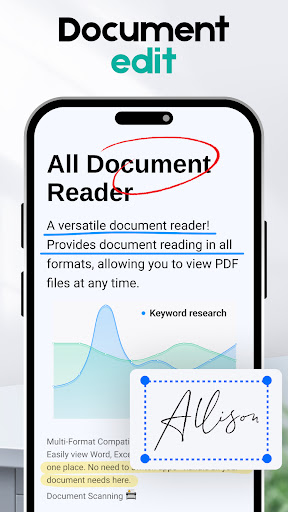
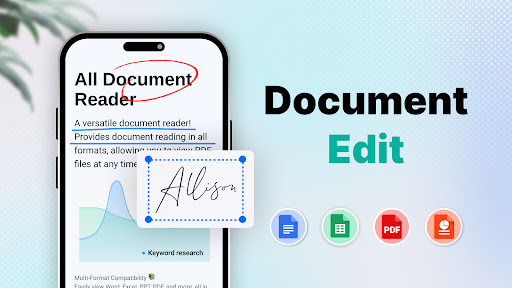
- Simple and easy-to-use editing tools, such as highlighting, commenting, inserting text, and typesetting, can make managing documents easier and more enjoyable.
- Support offline mode, you can open and change documents even without the network, and you won't be affected by network restrictions. It's really convenient.
- Document export and sharing are super smooth. You can quickly send emails, upload them to the cloud or share them on social media, making communication more convenient.
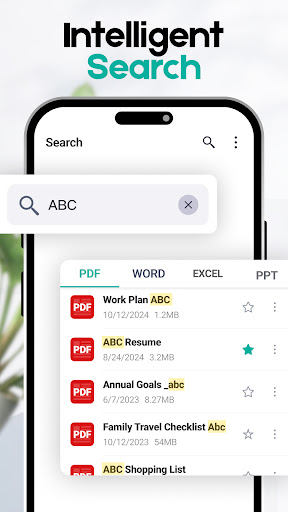
- Comes with a search function, which can help you quickly find the content in the document, improve efficiency, and save a lot of peace of mind when you work and study.
- Supporting multiple languages and taking care of different users makes this application more popular and trustworthy around the world.
applicable population
This mobile app is particularly suitable for students, professionals and those who often work on files on Android devices. If you want to find a reliable tool to view documents and change content anytime and anywhere, this is it!
Whether it's preparing reports, reviewing contracts, or organizing personal information, this software makes it easy for you to handle daily chores, allowing you to stay efficient at all times without delay.
Why choose this app
With its rich features and easy-to-use interface, this Android app makes the overall experience particularly smooth and meets all your document needs. This is a trustworthy helper, and the solution is comprehensive and reliable.
Focusing on the core functions of editing, browsing, and sharing, and solving common problems of users with practical actions, it is simply an efficient office artifact and a leader among efficiency software and document readers.
Top Recommended Alternative

Pros & Cons
Pros
-
Intuitive document editing interface
-
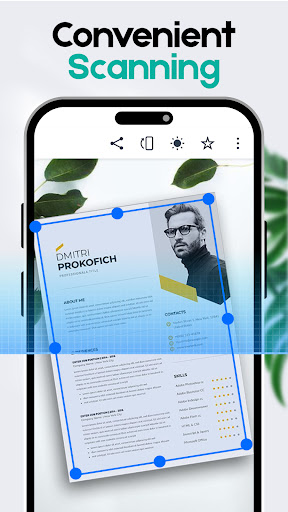
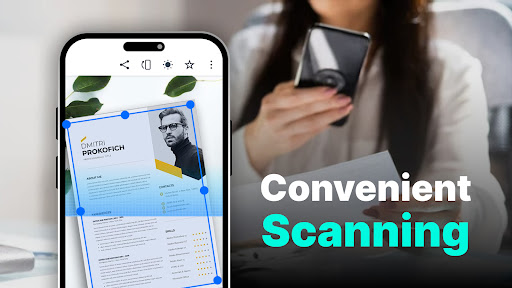
Powerful optical character recognition
-
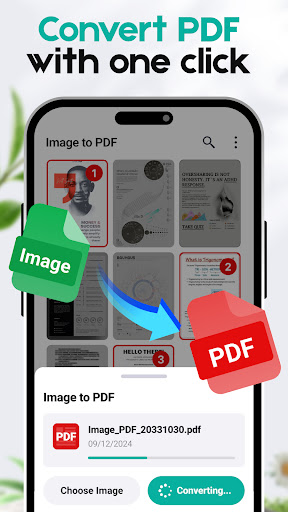
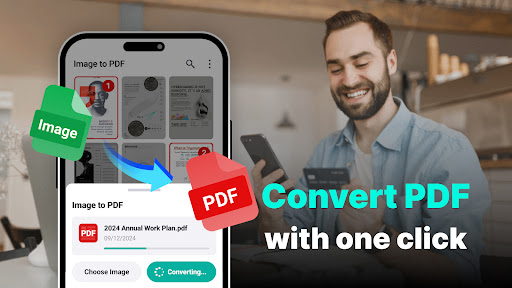
Support multiple formats for smooth conversion
-
The search function is amazing
-
Cloud synchronization and collaboration capabilities
Cons
-
Slightly insufficient advanced editing functions
-
Large files are sometimes stuck when loading
-
Export format is not stable enough
-
Mobile version performance needs to be improved
-
Limited interface customization options
Advertisement
Download All Document Reader & Editor
FAQ
Can All Document Reader & Editor be safely installed on my device? +
Well, basically, All Document Reader & Editor is a very reliable mobile application that can be found on Google Play and the Apple App Store. It has gone through some security testing and users feel more comfortable using it.
However, it is recommended that you download it from official channels, do not engage in unknown applications at will, and keep the security features of the device turned on, so as to ensure peace of mind and make the experience smoother.
How do I start using All Document Reader & Editor? +
To put it bluntly, this Android app is easy to get started. You just need to download it in your phone's app store, open it, follow the prompts, register an account or start browsing those files directly.
After installation, its interface is quite user-friendly and very convenient to use. There are no complex settings just to make you use it smoothly and happily.The whole experience was smooth and there were no obstacles.
What files can I view and edit with this software? +
It supports many formats, such as PDF, Word, Excel, PowerPoint, and basically all common document formats can be handled. This makes it a versatile file management tool that makes it convenient to process different types of files on your mobile phone anytime, anywhere.
Moreover, with its powerful functions, you can directly view, comment, and edit files without having to explore other applications like chatter. It is simply a versatile helper, making it easier to process documents when you go out.
Does this software perform well on both Android and iOS devices? +
Of course, All Document Reader & Editor can be used on both Android and Apple devices and is barrier-free across platforms. Whether you use an Android phone or an iPhone, you can experience similar smoothness, which is quite reliable.
Itis designed very intuitive and operates smoothly. It can easily manage your files no matter which platform you are on. It is simple and efficient. The functions have been optimized, there is no difference no matter which system is used, and the experience is very good.
Can I trust the security and privacy protection of this software? +
Relax, developers attach great importance to user privacy and security issues, so this application is quite trustworthy. It follows standard data protection measures to keep your files and personal information safe.
Withthis Android or iOS version of the app, you can basically rest assured that the privacy of files is guaranteed. It is recommended that you still have to download it from official channels and keep safety first to use it with peace of mind.
Customer Reviews
Users widely praise the app for its ease of use, smooth performance, and comprehensive features such as reading and printing documents. Many describe it as fantastic, excellent, and highly recommended for productivity. However, the app has significant drawbacks, primarily excessive advertisements that disrupt the reading experience. Some users understand the need for ads but find their frequency overwhelming, while others consider them unacceptable and distracting. Another concern involves privacy and security: a few users report that the app sends PDFs to a remote server before allowing viewing and requires internet access, raising worries about data privacy. Additionally, while many find the app functional and reliable, some experience slow loading times, occasional unresponsiveness, and intrusive pop-ups. Overall, the app offers good utility but is marred by ad-related and privacy issues.
Write a Review
Share your experience with All Document Reader & Editor. Submissions are reviewed before publishing.
You Might Also Like
More apps you may want to try next.



